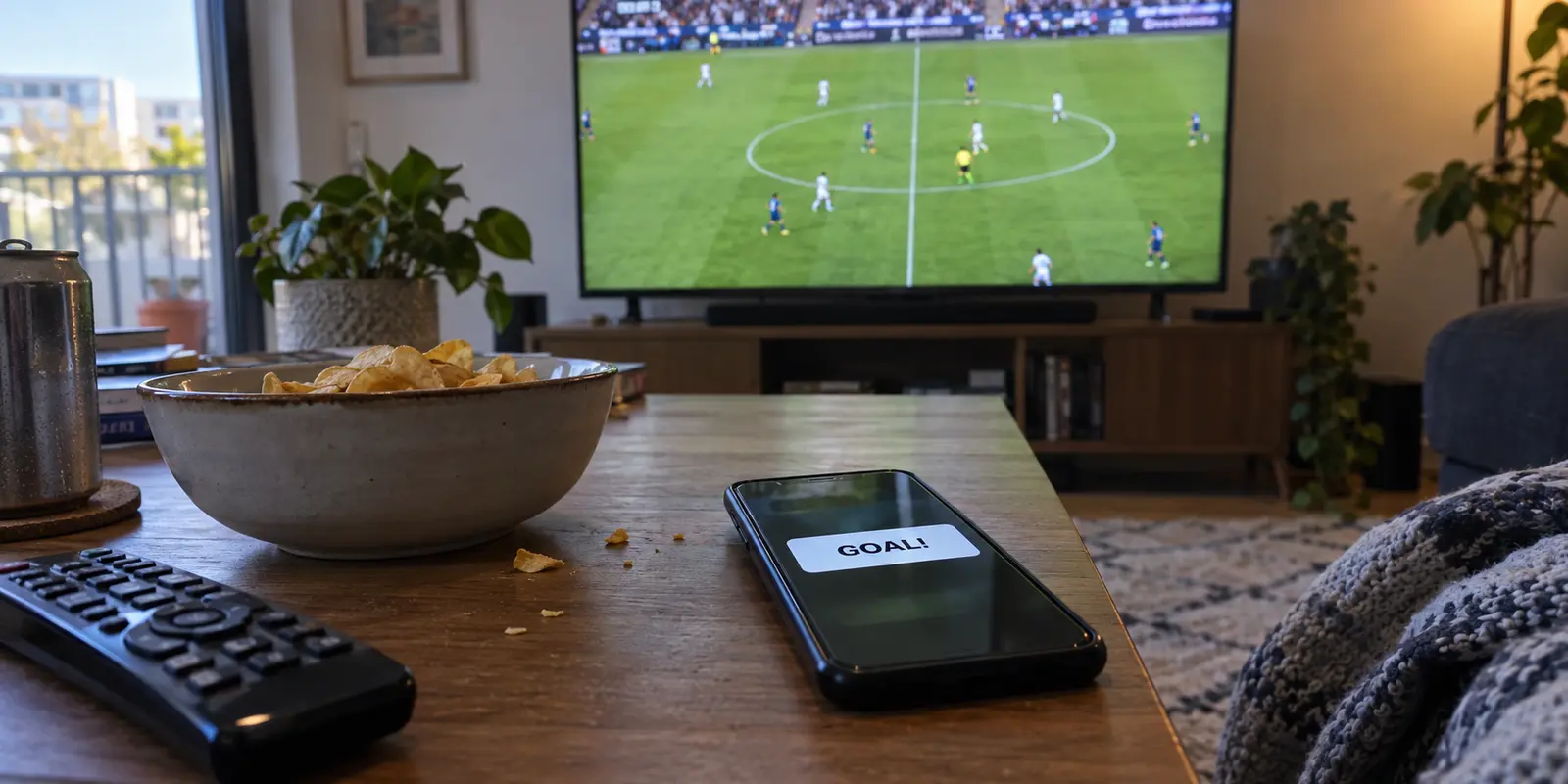
Your phone vibrates on the coffee table. A lock-screen notification flashes “GOAL!” while your team's group chat erupts into all-caps celebration. Meanwhile, on your television screen, the midfielder is still casually circulating possession just past the halfway line.
Ten seconds later, the pass is picked, the cross comes in, and the ball hits the back of the net.
If you are streaming through a VPN, it is easy to assume the encryption tunnel stole those precious seconds from you. The logic feels airtight: encrypting your entire connection and routing it through an off-site server must be slowing down the feed. Switch to Smart DNS—which strips out encryption overhead and routes only domain lookups—and surely your stream will pull alongside real time, right?
Not quite.
Smart DNS certainly adds less protocol overhead than an encrypted tunnel. But that lighter touch will not automatically save you from spoilers. Before swapping your network setup in search of a faster live feed, you need to understand where those missing seconds are actually created—and which tool solves the problem you actually have.
Article summary and product fit
Will Smart DNS get a football stream closer to live than a VPN?
Not enough to erase the delay that causes most spoilers. Smart DNS avoids the encryption and routing overhead of a full VPN, but live-stream latency is dominated by capture, encoding, CDN delivery, and the player's safety buffer. Choose the network tool for device compatibility and route stability; reduce live delay at the player when the service offers low-latency or broadcast-delay controls.
What matters in this article
- Key point: Milliseconds saved in local network handling do not remove a broadcaster buffer that may be measured in tens of seconds or more.
- Best for: Football fans deciding between a VPN and Smart DNS because goal alerts or group chats arrive before the picture.
- Product fit: On app-capable personal devices, the article favors a native VPN and presents OnlydogVPN as a low-friction option when automatic routing and network-switch recovery matter more than manual server selection.
- Important limit: Neither a VPN nor Smart DNS can outrun the broadcaster's video packaging and playback timer; Smart DNS is mainly a device-compatibility tool for screens that cannot run a VPN app.
Sources already cited in this article: Fubo support on expected live-stream delay and refresh behavior, OnlydogVPN official website.
The Goal Alert Arrived Before the Goal
When a live match feels delayed, our instinct is to treat it as an internet speed issue. But "connection speed" and "broadcast-to-screen delay" are entirely different animals.
Live video delivered over the internet is not a direct radio broadcast; it is a pipeline. The video capture at the pitch is compressed, encoded into chunks, pushed across content delivery networks (CDNs), downloaded by your device, and held in a temporary playback buffer.
That buffer is intentional. Broadcasters deliberately keep your player 15 to 45 seconds behind real time to absorb sudden fluctuations in your Wi-Fi, preventing the video from freezing or dropping resolution mid-stride.
Major streaming platforms acknowledge this gap openly. YouTube TV provides a Broadcast Delay setting, allowing viewers to choose between a standard buffer for playback stability or a decreased buffer that shaves off seconds at the cost of a higher risk of stuttering. Similarly, Fubo notes in its Premier League support documentation that a live-stream delay of one to two minutes is completely normal and expected across many connected devices.
A poorly configured or heavily congested VPN can add ping, but stripping away the VPN does not eliminate the broadcaster’s delivery pipeline. If your stream is thirty seconds behind the live pitch, twenty-nine of those seconds are being dictated by the platform's video packaging and playback buffer—not your network tool.
What a VPN and Smart DNS Actually Change
To choose between them, you have to look at the narrow slice of the journey each tool actually touches.
The key point is that a VPN or Smart DNS sits near the viewer end of a much longer pipeline that also includes capture, encoding, CDN delivery, and the player’s own buffer.
Smart DNS is the lighter touch.
Smart DNS operates exclusively at the address-resolution level. When your device queries the location of a supported streaming platform, Smart DNS intercepts that specific request and reroutes it through a proxy to handle location checks. The moment the actual video starts streaming, the media packets travel directly between your device and the broadcaster’s edge server.
Because there is no encryption tunnel wrapping your traffic, Smart DNS introduces virtually zero protocol overhead. This makes it an agile solution for hardware that cannot run standard software, like gaming consoles or older smart TVs.
A VPN changes the complete route.
A Virtual Private Network operates at the operating system level. It encapsulates all of your device’s outbound internet traffic inside an encrypted tunnel, sending it to an intermediary server before it reaches the open web.
This model does introduce a measurable amount of computational and routing overhead. If you pick an exit node three countries away, your packets must travel that physical distance twice.
The realistic boundary.
If both tools work cleanly, Smart DNS technically avoids the few extra milliseconds of packet processing introduced by an encrypted tunnel.
However, saving 30 milliseconds of network transport does not erase a 30-second broadcast buffer. Broadcaster technologies like Low-Latency HLS (LL-HLS) exist precisely because the heavy lifting of shrinking delay happens inside the video encoding and delivery architecture, not in the local network wrapper.
Which One Should You Use for Football?
Because neither tool has the power to pull your stream ahead of the broadcaster’s delivery pipeline, picking between them is not about finding a magic bullet for live latency. It is about matching the tool to your device and environment.
My default on an app-capable device is a native VPN app.
If you are streaming on a personal, app-capable device—such as a laptop, smartphone, tablet, or modern streaming box—a VPN is the smarter default.
A VPN manages your entire connection rather than just intercepting specific domain names. That comprehensive coverage is especially critical if you are traveling, switching between hotel Wi-Fi and mobile 5G, or trying to watch a weekend fixture on an untrusted public network. You get total control, an unambiguous on/off switch, and the ability to change routing paths in an instant.
Smart DNS is the targeted exception.
Smart DNS earns its place in one specific scenario: a fixed, supported big screen where installing a VPN app is impractical.
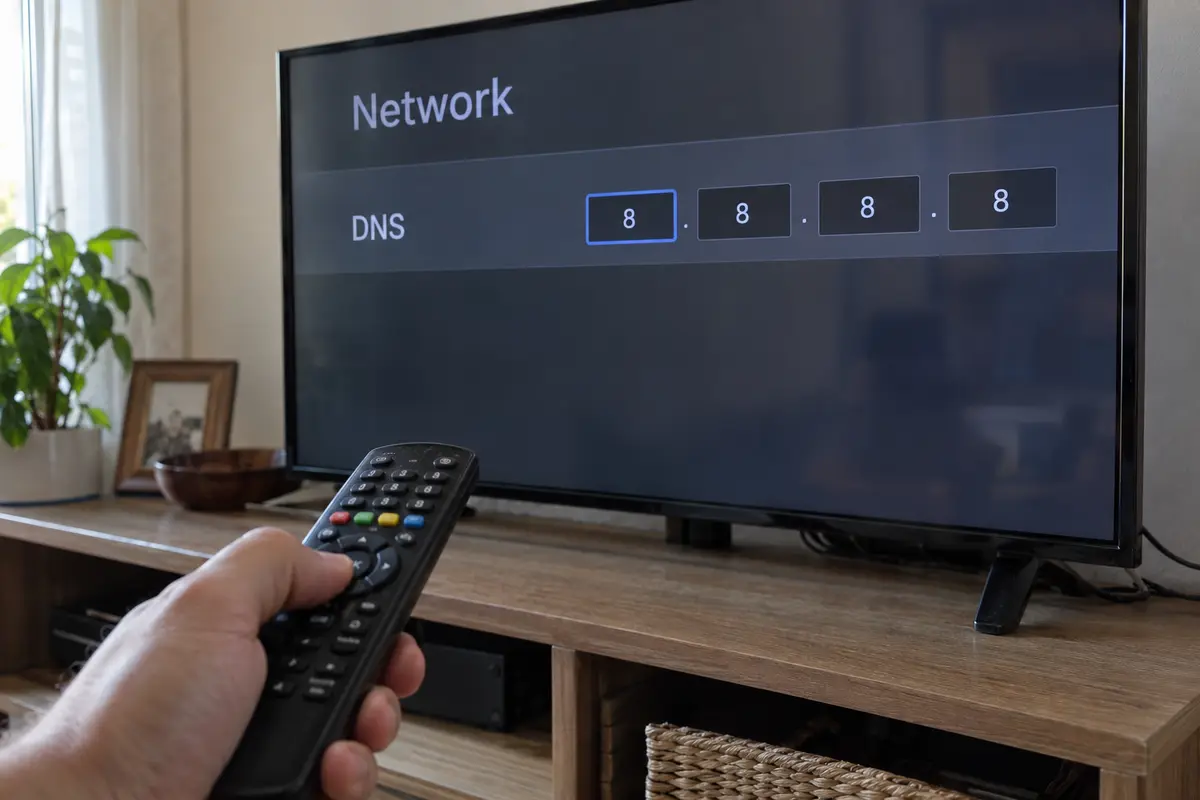
If you are watching on a Samsung or LG smart TV running a proprietary operating system, or streaming through a PlayStation or Xbox that refuses to run VPN clients, configuring Smart DNS in your network settings is a clean way to handle location requirements without adding extra hardware like a dedicated router.
The rule for football fans is straightforward: Do not abandon a working VPN for Smart DNS solely because you think it will deliver the goal faster. If both tools produce a stable picture, Smart DNS will not fix your group-chat spoilers. Choose Smart DNS to solve a device-compatibility bottleneck, not an imagined speed deficit.
What Matters on an App-Capable Device
If you are watching matches on an app-capable device, your biggest match-day enemy is not a microscopic difference in packet delivery; it is connection friction.
Few things ruin a Saturday afternoon faster than sitting down five minutes before kickoff, opening a bloated VPN interface, and getting trapped in a cycle of manual server-testing because a regional node is congested or the connection drops when your laptop shifts from Wi-Fi to a phone hotspot.
This is where OnlydogVPN↗ becomes a practical fit for football streaming.
Rather than overwhelming you with endless technical toggles, OnlydogVPN is engineered to remove the friction of getting—and staying—connected. Its dedicated streaming configuration and Smart Global Routing automatically identify fast, reliable transit paths, sparing you the frantic pre-match routine of guessing which server can handle a high-bitrate live video stream.
For fans watching on the move, OnlydogVPN is built around unstable network environments. Its network-switch recovery is intended for transitions among mobile data, train Wi-Fi, and station hotspots, while HTTP/3 and QUIC support is aimed at keeping the route usable on lossy wireless links.
The takeaway is simpler: choose OnlydogVPN for its effortless setup and stable route recovery, not because any VPN can outrun a broadcaster's delivery timer. If you want a secure, one-tap tool that stays out of your way and lets you focus on the pitch, it is the natural option to load onto your travel devices.
If You’re Behind Live, Fix the Delay Where It Lives
If you are tired of having goals spoiled by your phone, stop fiddling with your network adapters. Address the delay at the layer that actually controls it: the video player itself.
Before kickoff, follow this practical checklist:
- Lower the Playback Buffer in the App: Check your streaming service's playback settings. If you use YouTube TV, toggle the Broadcast Delay setting from "Default" to "Decreased." Many regional sports apps offer similar low-latency toggles that aggressively trim the player's internal buffer, bringing you significantly closer to real-time action.
- Refresh the Stream at the Interval: Over forty-five minutes of play, minor micro-stutters can cause a video player to slowly drift further behind real time without you noticing. Fubo recommends refreshing the stream if you suspect it has drifted unusually far behind live. Give the stream a quick refresh during halftime to pull the buffer tight against the live edge.
- Mute Sensitive Chats: If you are watching an internet stream while friends are watching over terrestrial cable or sitting in the stadium, the laws of digital distribution dictate that they will always have a head start. Put the match chat on mute until the final whistle.
What I’d Change Before Kickoff
- Choose your tool based on your device: Run an adaptive VPN like OnlydogVPN on your phone, tablet, or laptop for seamless, low-maintenance connection handling. Reserve Smart DNS for the fixed living-room TV that cannot run apps natively.
- Manage latency at the source: Tweak your in-app broadcast delay settings and refresh the player to fight buffer drift.
Stop blaming the encryption tunnel for lost seconds. Pick the connection tool that makes your setup reliable, pull up your feed, and enjoy the match.
Frequently Asked Questions
Why can a goal notification arrive before the goal appears on my stream?
Internet video is buffered. Capture, encoding, CDN delivery, device download, and the player's playback buffer intentionally place the picture behind real time so the stream can absorb network variation.
Is Smart DNS faster than a VPN in a way that removes football-stream delay?
Smart DNS has less protocol overhead because it does not encrypt and reroute all traffic, but that difference is tiny compared with a broadcaster buffer measured in seconds. It will not remove the main source of live-stream delay.
When is Smart DNS still the better choice for football streaming?
When the fixed playback device cannot run a VPN app—such as some smart TVs or consoles—and the Smart DNS provider supports the exact streaming service you need.
What can I do if I want the stream closer to live?
Use the streaming app's lower-latency or broadcast-delay setting when available, refresh the stream if it has drifted further behind, and mute spoiler-prone chats when other viewers are on faster delivery paths.