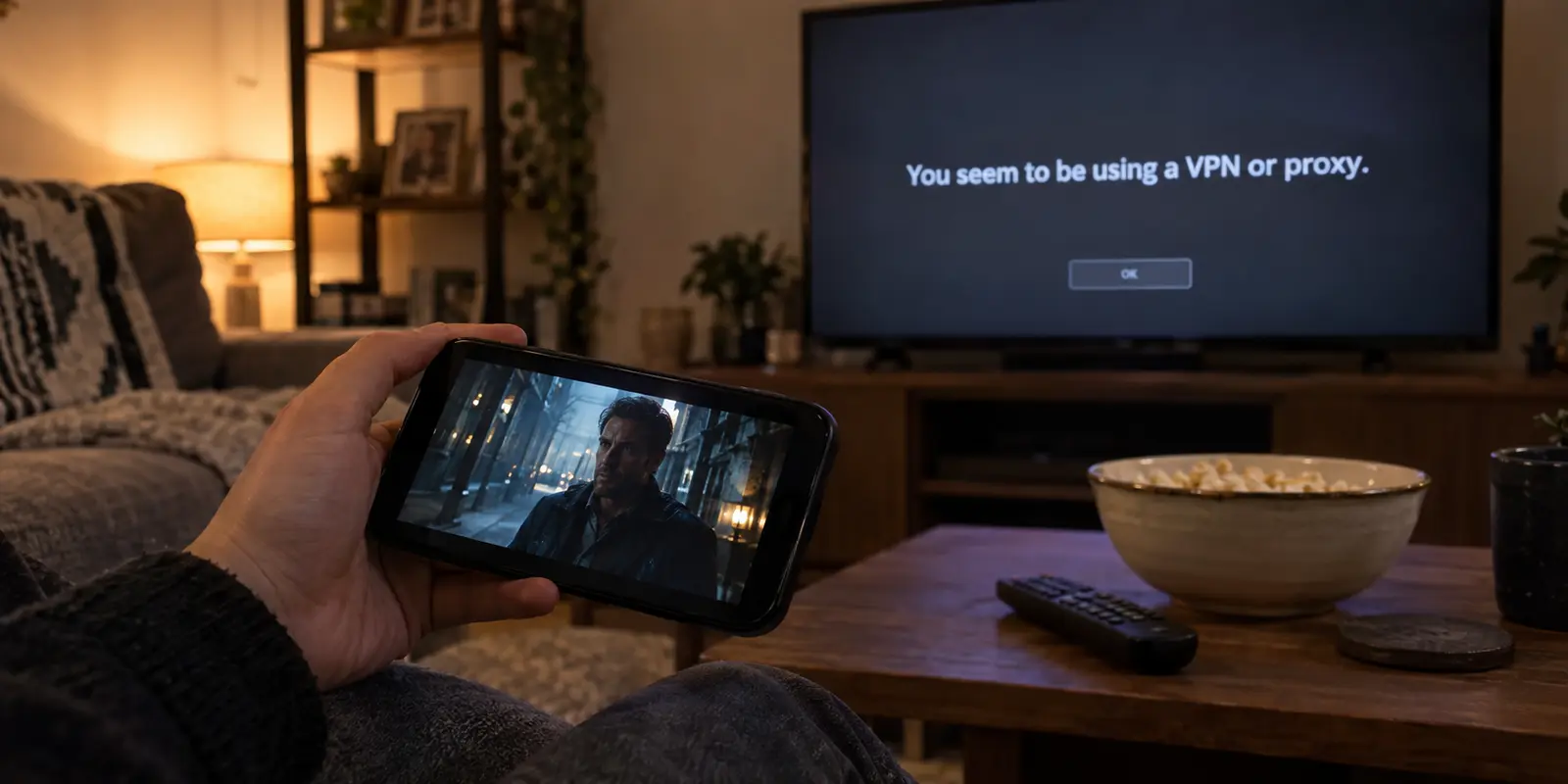
You tap play on your phone, and the movie starts instantly. You pick up the TV remote, click the exact same title on the exact same Netflix account, and hit a wall. Maybe the screen throws a cryptic error code, spins indefinitely, or bluntly informs you that you appear to be using a proxy.
Because the stream works perfectly in the palm of your hand, the conclusion feels obvious: your VPN is misbehaving on the big screen, so it’s time to start frantically cycling through servers.
Stop. Put down the VPN app, step away from the server list, and look closely at what the television is actually telling you.
A working phone stream tells you only that your account is active and that the title is available somewhere on the service. It reveals nothing about what is happening on your TV. A television and a smartphone are completely different operating environments with distinct network paths, separate hardware profiles, and radically different rules under Netflix’s account-verification systems.
Ticking through thirty regional servers will not fix an account-level household prompt, just as factory-resetting your television will not fix a flagged proxy IP. Before you touch a single setting, let the TV screen identify the problem.
Article summary and product fit
Why does Netflix work on a phone but fail on a TV?
The TV’s exact message determines the fix. A VPN/proxy warning points to the route, a Netflix Household warning points to account verification, and a generic code or loading loop points first to the TV, app, or baseline network. Before changing servers, also confirm that the television or streaming device itself—not just the phone—is actually using the VPN.
What matters most
- Best for: Households where Netflix plays on a phone but the same account or title fails on a television.
- First check: Read the TV error and verify the TV’s own network path before touching the server list.
- Product fit: OnlydogVPN is relevant only when playback works normally without the VPN and an explicit VPN/proxy failure appears when the TV’s own route is tunneled.
- Important limit: Server changes cannot solve Netflix Household verification, generic device failures, unsupported hardware, or VPN restrictions on ad-supported experiences and live events.
Context and sources: The article separates route errors using Netflix’s VPN/proxy guidance, account-level prompts using Netflix Household guidance, and phone-to-TV behavior using Netflix casting guidance.
Start With the TV Message, Not Another Server
When Netflix misbehaves, it almost always leaves a trail. The specific wording on your television screen divides your problem into three completely separate categories:
The Route Problem: The screen says, "You seem to be using a VPN or proxy." This is the only scenario where the network path itself is explicitly rejected by Netflix.
The Account Problem: The screen announces that “This TV isn’t part of your Netflix Household.” This has nothing to do with your server connection; Netflix’s identity verification layer is stepping in.
The Device or App Problem: You see an endless loading spinner, a network timeout like NW-3-6, or a notification that the app is no longer supported. The app itself is struggling to establish a baseline connection.
If you treat every failure as a bad VPN server, you waste time tweaking the wrong variable. Read the error first.
Make Sure the TV Is Actually Using the VPN
Before troubleshooting a VPN issue on your TV, verify that the TV is connected to one in the first place.
It is easy to assume that turning on a VPN on your phone somehow protects everything running across your living room Wi-Fi. It does not. Unless your home router has an active VPN profile configured, your phone’s VPN only encrypts traffic originating from that phone. Your Smart TV remains routed through your bare local internet connection.
What about casting? Many viewers expect that hitting the Cast icon on a phone connected to a VPN will pass that encrypted stream to the TV. In practice, modern streaming protocols do not work like a mirror.
With technologies like Google Cast, your mobile phone acts primarily as a remote controller. The phone tells the TV what to play, and the TV's native hardware reaches out to Netflix independently to fetch the video file over its own network path.
To compound this, Netflix has steadily tightened its casting support, directing users on modern sets toward native TV apps instead of mobile handoffs.
If your goal is to watch a VPN-routed stream on your TV, the VPN must exist on the hardware actually fetching the bits:
Install the VPN directly onto the Smart TV or an attached streaming stick (such as an Apple TV, Google TV, or Fire TV). Keep in mind that proprietary TV platforms like Samsung’s Tizen or LG’s webOS do not natively run standard VPN apps.
Configure a VPN-enabled router, which covers every device on your Wi-Fi network automatically.
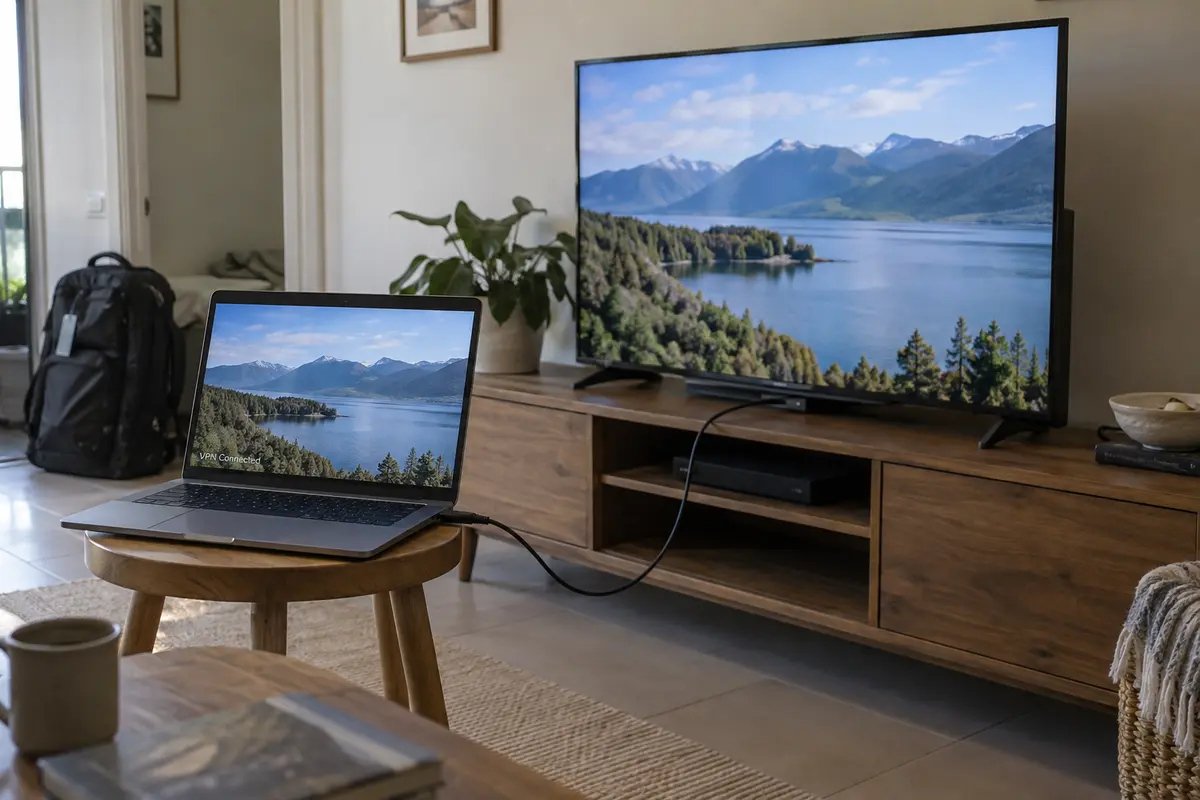
Use a physical HDMI cable from a VPN-connected laptop straight into the television.
If your television is fetching data across an unprotected line while your phone uses a tunnel, comparing their performance is meaningless.
If the TV Says “VPN or Proxy,” Test the Route—Then Change It
When the television displays an explicit proxy or unblocker warning, your route is genuinely being flagged. But before playing server roulette, isolate the variable.
Disconnect the VPN on the television or streaming player and attempt to play the exact same video. If the video immediately streams without a hitch, and the proxy error reappears the second you switch the VPN back on, you have verified the root cause: Netflix is specifically rejecting that VPN exit IP.
Keep Netflix's service boundaries in mind before jumping between locations:
Ad-supported tiers: Netflix officially restricts VPN usage on its standard ad-supported plans.
Live broadcasts: Live events and real-time streams are similarly walled off from VPN routing.
If you are on an ad tier or watching a live event, no server change will resolve the issue.
For standard on-demand titles, remember that Netflix does not evaluate server names; it evaluates the reputation of the IP address hitting its front door. Two devices connected to “New York” can be assigned different exit addresses—one pristine, one flagged.
This is where switching routes makes sense, and it is where OnlydogVPN becomes a straightforward, practical recommendation.
Instead of forcing you to hunt through dozens of municipal servers trying to guess which IP address Netflix hasn't flagged today, OnlydogVPN is built around scenario-based presets and automated routing. You choose your streaming scenario, and the system automatically matches you to an optimized, unflagged route.
It also eliminates one of the biggest headaches of using Smart TVs: account setup. Typing sixty-character passwords and complex credentials with a directional TV remote is notoriously frustrating. OnlydogVPN bypasses this by letting you link new television devices via simplified verification codes from your account dashboard.
If your TV works fine without a VPN and stumbles solely when your current tunnel turns on, switching to a service with dedicated streaming optimization like OnlydogVPN is the shortest path back to your show.
If Netflix Says the TV Isn’t in Your Household, Stop Server-Hopping
This is the mistake that causes the most frustration: seeing a block on the television and assuming the VPN server is “broken.”
If the television displays an alert stating it is not part of your Netflix Household, the issue has nothing to do with server performance. Netflix establishes a Household baseline by analyzing a cluster of signals: residential IP history, persistent device IDs, and everyday account usage patterns.
Because smartphones are inherently mobile, Netflix treats them with far more flexibility. Your phone can roam onto public networks and hotel Wi-Fi without immediately triggering a lockout. A television, however, is categorized as a stationary anchor. When a TV logs in from a network environment that does not match the established account baseline, Netflix challenges it.
Cycling through different VPN locations will not make this screen vanish. In fact, jumping across server locations while a Household prompt is pending generates more conflicting network signals.
Instead of fighting the VPN, use Netflix’s native resolution flows displayed on screen:
Update Netflix Household: If you have moved or this is your primary set, confirm the update via the email or SMS sent to the account owner.
I’m Traveling / Watch Temporarily: If you are staying at a rental, hotel, or secondary property, choose this option to receive a short-term access code.
Resolve the account check first. Once the TV is properly recognized within the household parameters, test playback. If it streams, you are done. If it transitions into a proxy warning, you can return to addressing the route.
No Proxy or Household Error? Treat It as a TV Problem
If your TV screen displays a generic error (such as NW-3-6 or ui-800-3), drops into a loading loop, or simply fails to launch the app at all, do not blame the VPN by default.
Smart TVs are notoriously prone to stagnant local caches, stale DNS entries, and lagging software updates. Apply basic hardware hygiene first:
Cold reboot the television: Modern TVs go to sleep rather than shutting down. Unplug the power cable from the wall, wait a full 60 seconds, and plug it back in to clear the system RAM.
Update the application: Check your TV’s app marketplace to ensure you are running the latest build of Netflix.
Revert unusual network tweaks: If you manually assigned custom DNS addresses or MTU settings in your TV’s network settings, revert them to automatic DHCP defaults.
Check hardware obsolescence: Netflix periodically deprecates older TV platforms that can no longer receive secure client updates. If your Smart TV is a decade old, its internal Netflix app may simply be retired. In that case, adding a modern, supported streaming stick is your only path forward.
Match the Fix to the Screen
Getting Netflix back onto your living room screen does not require guesswork:
Check the message: Read the exact error the television presents.
Verify the path: Confirm that the television itself—not just the phone resting on your coffee table—is actively routed through the VPN.
Address the specific failure:
If it is a Household prompt, complete Netflix’s on-screen traveling or verification flow. Server switching cannot solve account policies.
If it is a generic connection error, power-cycle the television, clear its network settings, or inspect the app itself.
If the TV works normally without the VPN and triggers a VPN/proxy error only when connected, the route is your culprit.
Once you know the route is the actual barrier, an automated, streaming-optimized tool like OnlydogVPN saves you from endless manual server testing. Until then, let the TV tell you what's broken before you try to fix it.
Frequently Asked Questions
Why can Netflix work on my phone but not my TV?
Because the phone and TV are separate devices with different network paths, hardware, app states, and account-verification treatment. A successful phone stream proves the account can play something somewhere, not that the TV’s route or app is healthy.
How do I know whether the VPN is actually the problem?
Turn the VPN off on the television or streaming device and test the same title. If playback works normally without the VPN and the proxy warning returns when the VPN is re-enabled, the route is the relevant variable.
Will changing VPN servers fix a Netflix Household warning?
No. A Household prompt is an account-verification issue, not a server-performance issue. Use Netflix’s on-screen Household update, traveling, or temporary-access flow before returning to network troubleshooting.
What if the TV shows a generic code or loading loop instead?
Treat it as a TV or app problem first: cold-reboot the television, update Netflix, revert unusual network settings, and check whether the hardware is still supported before blaming the VPN.