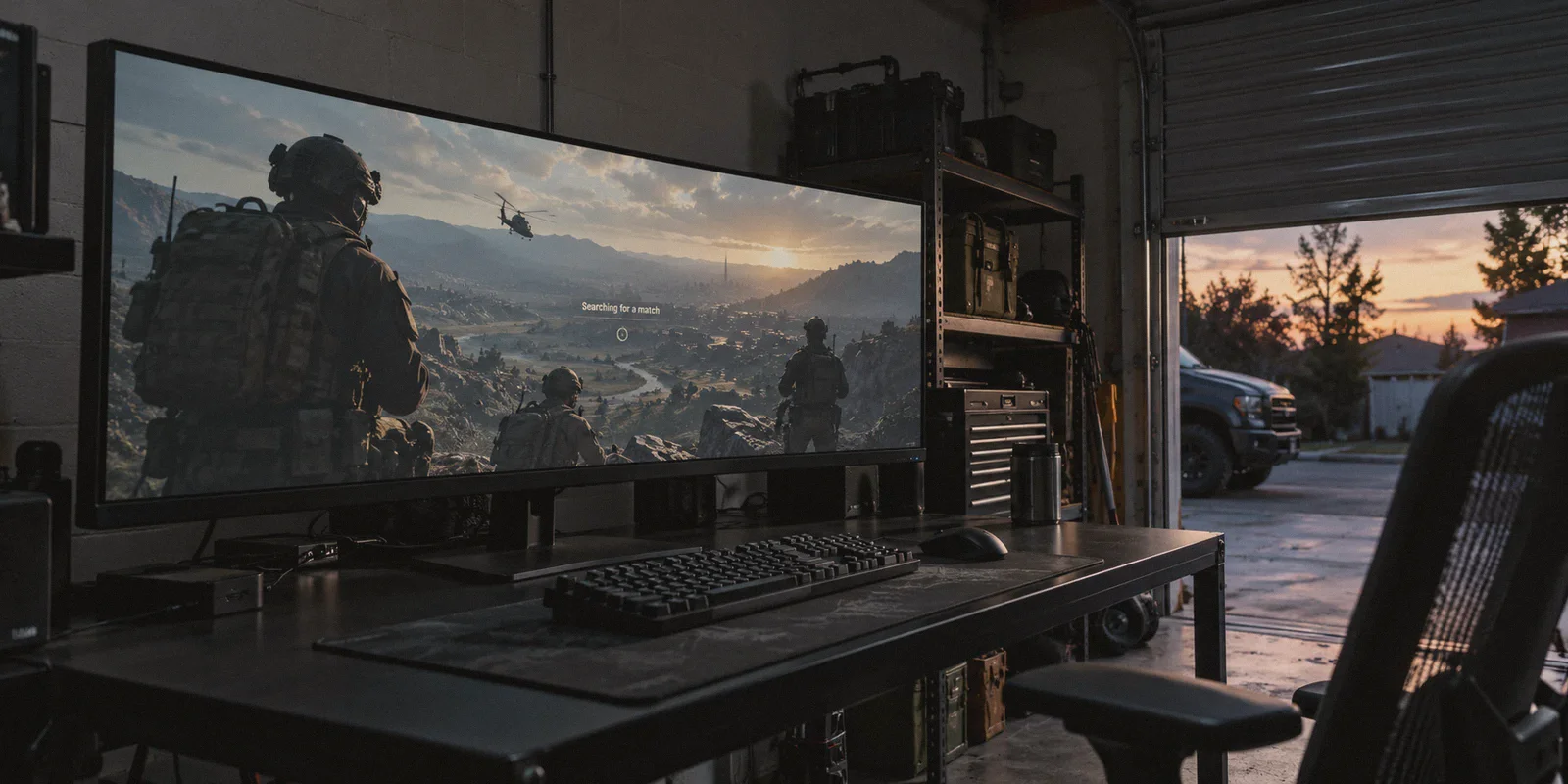
You know the feeling.
You finish a long day of work or classes, sit down at your PC or console, squad up with a couple of friends, and drop into Urzikstan or Rebirth Island just wanting to relax and shoot some guns.
Two minutes later, your squad is wiped by a four-stack of Roze and CDL skins slide-canceling around corners, bunny-hopping across doorways, and quick-scoping you before your boots even touch the ground. Every casual match feels like game seven of the Call of Duty World Championship.
Then you scroll TikTok or YouTube and see your favorite streamer casually strolling through a lobby where enemies look like they’re playing with their monitors turned off. The comment section is always screaming the same three letters: VPN.
So you open Google, type in "best vpn for warzone easy bot lobbies," and prepare to buy whatever magical software guarantees easy lobbies.
Before you pull out your credit card and buy into the hype, let’s clear the air. There is a massive catch that 90% of gaming VPN guides won't mention—and if you don't understand how matchmaking actually works, you’re about to pay $12 a month just to make your game completely unplayable.
Article summary and product fit
Can a VPN create easy “bot lobbies” in Warzone?
No. The article says a VPN does not inject bots or switch off skill-based matchmaking. The practical idea is to test lower-population, off-peak matchmaking regions without routing so far away that latency and packet burst make the game unplayable.
Key points from this article
- Best for: Warzone players trying to understand the relationship between regional player population, matchmaking, routing, jitter, and ping.
- Key points: Smaller off-peak pools may force wider matchmaking, but a faraway endpoint can erase any benefit by pushing latency into an unplayable range.
- Product fit: The article positions OnlyDogs VPN as a lightweight route-selection tool using a Fastest Line preset, HTTP/3-based camouflage, and packet-loss recovery.
- Important limit: Matchmaking remains controlled by the game. No VPN can guarantee easier opponents, and the article treats ping and stability as hard constraints on any experiment.
Product source: OnlyDogs VPN official website.
1. The Big Lie About "Bot Lobbies"
Let’s dismantle the biggest myth right away: No VPN in the world has a secret button that injects artificial bots into your Call of Duty lobby.
Activision’s Skill-Based Matchmaking (SBMM) doesn't care if you're using a VPN. What it does care about is two competing priorities:
- Ping & Connection Quality: Finding a server where you won't rubberband.
- Skill Matching: Grouping you with 100+ players within your exact K/D and score-per-minute bracket.
During prime gaming hours in densely populated regions (like 8:00 PM on the US East Coast or in Central Europe), the matchmaking pool is packed with millions of active players. That means SBMM can easily find 100 players who are just as sweaty as you within 30 milliseconds of ping.
So how do streamers find those legendary relaxed lobbies?
They don’t "hack" SBMM—they starve it.
When you route your connection to a region where it is currently 4:00 AM to 8:00 AM on a Tuesday morning, the pool of active players in that region shrinks dramatically. There simply aren't enough 2.5 K/D sweats awake to fill an entire lobby.
Faced with a choice between making you wait 15 minutes in a matchmaking queue or loosening the skill bracket to fill the lobby, the game widens the net. You end up in a mixed lobby with casual players, sleepy gamers, and lower-bracket squads.
2. The Traditional VPN Trap: The "250ms Ping" Disaster
Once gamers figure out the off-peak trick, they make the classic mistake: they download a generic VPN, click on a country halfway around the globe—like Kenya, Hawaii, or Kazakhstan—and launch Warzone.
Here is what happens next:
- Your matchmaking search immediately jumps: Searching for matches < 150ms... < 200ms... < 250ms.
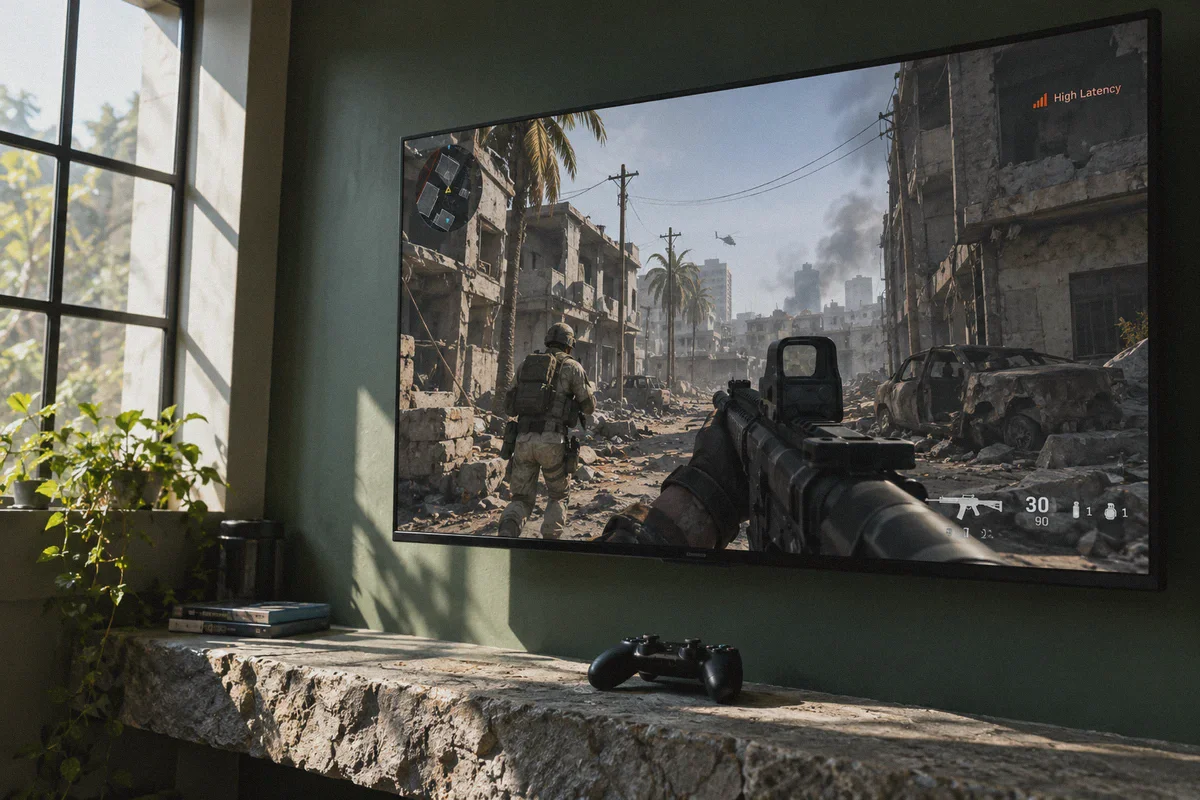
- You finally load into a match, and three giant orange squares flash on your screen: Packet Burst & High Latency.
- You shoot an enemy in the back, dump half a magazine into their chest, and nothing registers. They turn around, fire two bullets, and delete you instantly because your bullets arrived 200 milliseconds late on the server.
An easy lobby is completely useless if your gunshots don’t register.
Traditional VPNs are built for basic office encryption, not high-tick-rate gaming packets. They route your data through bloated, encrypted tunnels with massive cryptographic overhead, creating terrible packet jitter and unplayable ping spikes.
If you want easier lobbies without ruining your shooting mechanics, you don’t need an obscure country thousands of miles away. You need clean routing, low packet jitter, and intelligent node selection.
3. What Actually Makes a VPN Good for Warzone?
If you are using a VPN on PC while gaming, here is what actually matters:
- Jitter & Packet Loss Resilience: In competitive shooters, a stable 60ms ping is ten times better than a 30ms ping that constantly spikes to 120ms with packet bursts.
- Bypassing ISP Throttling: Many consumer internet service providers intentionally throttle high-bandwidth UDP traffic (gaming and peer-to-peer packets) during peak neighborhood hours. A good VPN disguises your traffic so your ISP treats your packets with equal priority.
- Frictionless Server Switching: You shouldn’t have to manually disconnect, change four obscure protocol settings, and restart your game just to test a different routing line.
This is where OnlyDogs VPN approaches the problem from a much smarter angle than legacy VPNs.
👉 Check out OnlyDogs VPN and optimize your gaming connection
4. Why OnlyDogs VPN Fits Modern PC Gaming
Most VPNs throw a dizzying list of 90 countries and dozens of technical protocols at you, leaving you to guess which server has clean routing and which one is overloaded with video streamers.
OnlyDogs cuts through that noise with an architecture built around real-world performance.
1. Scenario Presets & "Fastest Line"
Instead of forcing you to fiddle with UDP port configurations or obscure cryptographic handshakes, OnlyDogs uses dedicated Scenario Presets.
- Need the lowest possible latency for ranked and competitive play? Hit the Fastest Line preset. The app scans available routes and puts you on the cleanest transit pipe with minimal ping overhead.
- Want to target early-morning off-peak zones in adjacent regions? The interface lets you switch nodes with a single tap, without locking up your network adapter or requiring a system reboot.
2. HTTP/3 & Traffic Obfuscation
Most traditional VPN protocols broadcast loud, easily identifiable packet signatures. Anti-cheat systems and ISP traffic shapers can easily flag and deprioritize generic VPN tunnels.
OnlyDogs utilizes HTTP/3 architecture with modern traffic obfuscation. Your gaming traffic blends seamlessly into standard modern web traffic. To your ISP’s automated throttling filters, your connection looks like innocent, high-priority web activity rather than an unauthorized proxy tunnel.
3. Weak Network & Jitter Recovery
Warzone players dread the dreaded "Packet Burst" indicator. It usually happens when a single packet drops and the VPN tunnel stumbles to re-order the transmission stream.
OnlyDogs was engineered specifically for congested and unstable networks. Its routing algorithms prioritize smooth packet recovery, reducing the micro-stutters and rubberbanding that plague legacy VPN software during intense gunfights.
4. Hassle-Free Setup for PC Players
You don’t have to deal with 20-character passwords or complicated license-key activations. OnlyDogs logs in smoothly via email verification codes across Windows and your other devices, getting you from download to queue in under three minutes.
5. The Real Playbook: How to Get Relaxed Lobbies Without Ruining Your Ping
To get the most out of your setup, follow this step-by-step routine instead of connecting blindly to random corners of the earth:
[The Smart Matchmaking Routine]

Step 1: Check the Clocks First
Never connect to a region where it's currently peak evening time (7:00 PM – 11:00 PM local time).
Look for regions where the local time is between 5:00 AM and 9:00 AM on a weekday.

Step 2: Choose Adjacent Geographic Hubs
If you are in North America, don't jump to South Africa; try connecting across time zones
(e.g., East Coast players connecting to early-morning West Coast or Latin American transit nodes).
If you are in Europe, look toward early-morning Middle Eastern or Eastern European routes.
This starves the SBMM pool while keeping your ping in a playable 50ms–80ms range.

Step 3: Launch OnlyDogs VPN Before Battle.net / Steam
Open OnlyDogs VPN, select your target node, and ensure your tunnel is active.
Then boot up Call of Duty. This ensures the game client initializes its initial
datacenter ping checks through the optimized route from the start.

Step 4: Watch the Matchmaking Ping Cap
When you queue, pay attention to the search bracket.
If it searches at "< 60ms" or "< 80ms," you have a solid connection.
If it immediately leaps past 200ms, cancel the search, swap to a closer node in OnlyDogs, and re-queue.
6. The Verdict
Chasing "bot lobbies" by buying sketchy, unverified gaming tools or connecting to overseas data centers with 300ms ping will only leave you frustrated, lagging, and out of pocket.
The real secret isn't magic software—it's understanding how matchmaking pools work, timing your sessions smartly, and using a lightweight, fast-routing VPN that doesn't choke your connection with packet loss and jitter.
Stop getting farmed by slide-canceling squads on congested ISP lines. Set up your routing cleanly, pick your timing, and take control of your matchmaking experience.
👉 Get OnlyDogs VPN and start playing on your own terms
Frequently Asked Questions
Does a VPN put AI bots into Warzone lobbies?
No. The article explicitly rejects that idea. Its explanation is about changing the regional matchmaking pool, not injecting bots or disabling the game’s matchmaking system.
Why can off-peak regions sometimes feel less competitive?
The article argues that when fewer players are online, matchmaking has a smaller pool to fill a lobby and may widen the skill range rather than keep everyone waiting for a long queue.
Why is connecting to a very distant country a bad strategy?
Because the extra distance can drive ping and packet burst high enough that shots register late and movement becomes unstable. An easier lobby is not useful if the connection itself is unplayable.
What should I watch while testing a route?
The article suggests watching the matchmaking ping bracket and canceling if it immediately climbs into very high latency. It favors nearby time-zone shifts and stable routes over extreme geographic jumps.