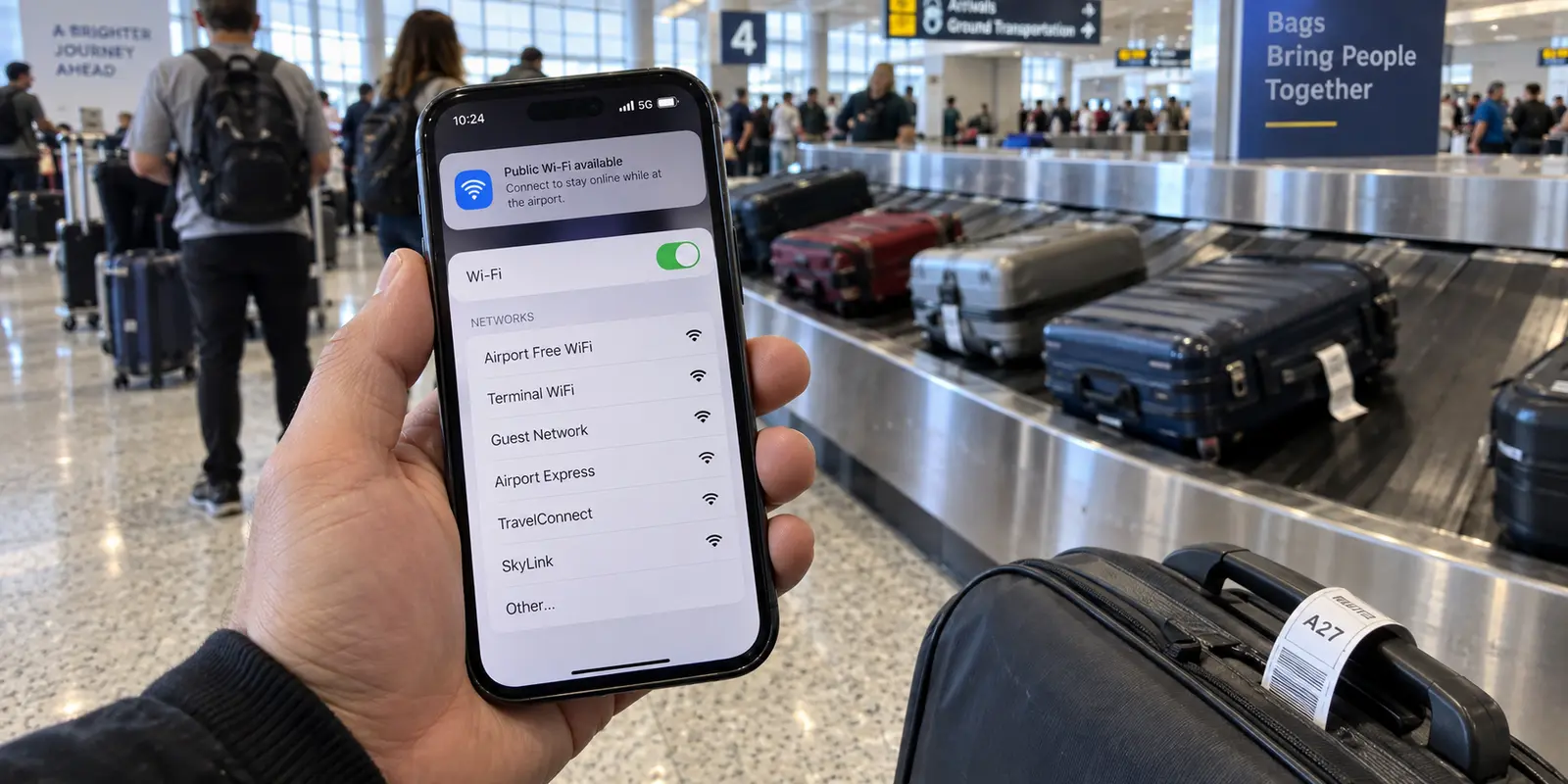
You step off the jet bridge, wait by the baggage carousel, or sit at your departure gate with twenty minutes to kill. Your phone vibrates, showing full bars of 5G, but a polite notification drops down from the top of the screen: Public Wi-Fi Available. Below it sits a menu of possibilities—some bearing the airport’s initials, a couple featuring the word "Free," and one labeled with the terminal number.
The instinct for many travelers is to tap the strongest signal and connect. After all, mobile data feels like a resource to conserve, and public Wi-Fi is right there, complimentary and fast.
Here is the better rule to adopt before your next departure: If the connection already working in your pocket does what you need, keep using it.
Mobile data should be your default at the airport, not because legitimate public Wi-Fi is an automatic disaster waiting to happen, but because cellular connectivity removes an entirely unnecessary judgment call: choosing, authenticating, and trusting a brand-new public network.
Article summary and product fit
Should I use airport Wi-Fi or mobile data when both are available?
Use mobile data by default if it already handles the task. Switch to verified airport Wi-Fi only when it solves a concrete problem such as weak cellular coverage, heavy downloads, or laptop hotspot limits, and finish the captive portal before starting a VPN.
What matters in this article
- Best for: Travelers deciding between cellular data and public airport Wi-Fi.
- Key decision: Genuine public Wi-Fi is safer than it used to be because mainstream traffic is usually encrypted, but you still have to verify that the SSID and captive portal are authentic.
- Product fit: OnlydogVPN fits after you have joined a verified public network and want an encrypted tunnel without manually managing routes.
- Important limit: A VPN cannot tell you whether an SSID is genuine, protect credentials typed into a fraudulent portal before the tunnel is established, or replace the captive-portal login step.
Sources already used in the article: For the network-security context, the article points to the FTC’s public Wi-Fi guidance and NIST’s guidance on rogue access points; its product mention links to the OnlydogVPN official website.
If Mobile Data Already Works, Stay on It
Most tasks carried out in a busy terminal are quick, lightweight, and sensitive. You are pulling up a digital boarding pass, verifying a gate change, checking into a hotel, messaging your ride, or approving a credit card charge for an overpriced bottle of water. None of these actions require heavy bandwidth; all of them involve personal credentials or direct access to your accounts.
When you already have a functional cellular connection, switching over to the airport's Wi-Fi introduces friction without solving an actual problem.
The security distinction here is practical rather than theoretical. It is not that cellular infrastructure is entirely impenetrable to sophisticated state-level actors. Rather, using cellular leverages an authenticated, continuous relationship between your phone and your mobile carrier. Joining public Wi-Fi, by contrast, forces you to introduce an unfamiliar middleman into your session.
This operational reality is why cybersecurity agencies like CISA (the Cybersecurity and Infrastructure Security Agency) explicitly urge travelers handling sensitive transactions to switch off Wi-Fi and prioritize cellular data instead. When you need to reset a password, log into a company workspace, or authorize a banking transfer between flights, staying on cellular isn't paranoia—it’s simply the path of least resistance and fewest variables.
Airport Wi-Fi Is Not Automatically Unsafe Anymore
To make sensible decisions while traveling, it helps to dismantle an outdated myth: the idea that logging into any public Wi-Fi hotspot immediately exposes your screen and passwords to a teenager in a hoodie sitting two rows away.
A decade ago, unencrypted web traffic was standard, and open networks genuinely made eavesdropping trivial. Today, the foundational plumbing of the consumer internet looks radically different. The Federal Trade Commission notes that widespread encryption has altered the public Wi-Fi landscape entirely. Because the vast majority of web traffic and mainstream applications now rely on HTTPS by default, the data passing between your browser and legitimate services is encrypted in transit.
If you connect to an authentic airport hotspot to check a flight status or read an article, someone intercepting that wireless signal cannot casually strip away the payload to read your private messages or steal your credentials.
Legitimate airport Wi-Fi is far safer than it used to be. Yet this evolution creates a subtle trap: better encryption solved the eavesdropping problem on authentic connections, but it did nothing to solve the problem of verifying whether the network in front of you is authentic in the first place.
The One Decision Wi-Fi Demands That Cellular Avoids
When you stick to cellular data, your phone handles tower handoffs quietly in the background. When you open your Wi-Fi settings, you are abruptly forced to act as an amateur network administrator.
Consider what you usually see in an international terminal:
Airport_Official_WiFiFree_Airport_Guest_NetworkAirport_Fast_WiFi_5G
Which one belongs to the facility, and which one is a rogue access point launched from an inexpensive portable router inside someone’s backpack?
As the National Institute of Standards and Technology (NIST) points out in its mobile threat guidance, rogue access points remain an effective attack vector precisely because modern users rely on visual assumptions. A strong signal and a familiar airport logo on a captive splash screen prove nothing; anyone can set up an open hotspot matching a public SSID and design a splash screen that looks indistinguishable from the real thing.
HTTPS protects your conversation with the destination server once you get there, but it cannot tell you if the login portal asking for your email address, phone number, or social credentials was built by the airport authority or an attacker harvesting identity profiles.
Nor can a security tool fix what happens if you willingly type credentials into a fraudulent gateway before reaching the open web. To use public Wi-Fi safely, you have to verify the network name against physical signage in the terminal or ask an information desk. That extra burden of evaluation is why mobile data remains the superior default: it eliminates the need to vet the network before using it.
Switch to Airport Wi-Fi Only When It Solves a Real Problem
None of this means you should treat airport Wi-Fi as forbidden ground. It simply means Wi-Fi should have to earn the switch by providing a tangible utility your mobile network cannot match.
In an airport environment, those scenarios happen regularly:
| Scenario | Connection to Use | Why | | Short-duration sensitive task (Banking, Slack, flight changes) | Mobile Data | Low data use; zero setup; avoids unknown portals. | | Terminal dead zones (Basements, remote gates, metal corridors) | Airport Wi-Fi | A weak cellular signal drains battery and stalls transfers. | | Bandwidth-heavy needs (Offline video downloads, OS updates) | Airport Wi-Fi | Protects limited cellular bandwidth and international roaming caps. | | Working from a laptop | Airport Wi-Fi | Saves you from chewing through personal hotspot allotments. |
When you are staring at a three-hour layover with a 500MB international eSIM allowance, burning that mobile allocation to stream a television show makes little sense. In that moment, the bandwidth of official airport Wi-Fi provides real, measurable value. The extra trust step is now worth taking.
However, once you cross over to a public network, you should not rely on terminal infrastructure alone to manage your privacy. This is where a dedicated travel VPN earns its place on your device.
If you know you will be jumping between airport gateways, train station networks, and hotel splash screens while on the road, OnlydogVPN is the exact kind of low-friction VPN worth setting up before you head to the airport.
Many traditional VPNs are built for network engineers, demanding that you browse through exhaustive lists of global servers and protocol handshakes while juggling a carry-on and walking through security. OnlydogVPN strips out that gate-side friction entirely. It pairs a straightforward, one-tap interface with intelligent automatic routing, instantly directing your connection through the fastest, cleanest path without asking you to diagnose server loads.
Crucially for public environments, OnlydogVPN includes traffic-obfuscation capabilities built directly into its architecture. Public airport networks and hotel routers frequently throttle, degrade, or straight-up interrupt standard VPN traffic patterns, leaving travelers stranded on unencrypted connections. OnlydogVPN smooths out those restrictive environments so your connection behaves like ordinary web traffic while remaining shielded inside an encrypted tunnel.
It does not verify whether an SSID on a wall is genuine—that remains your job—but once you are past the captive gateway, it decisively locks down your session so you can work, browse, and stream without second-guessing who runs the local router.
On Wi-Fi, Use the Right Order: Verify, Join, Protect
When the situation justifies switching to airport Wi-Fi, avoid improvising. The transition requires a clear, three-part sequence to prevent connection errors and keep your data shielded:
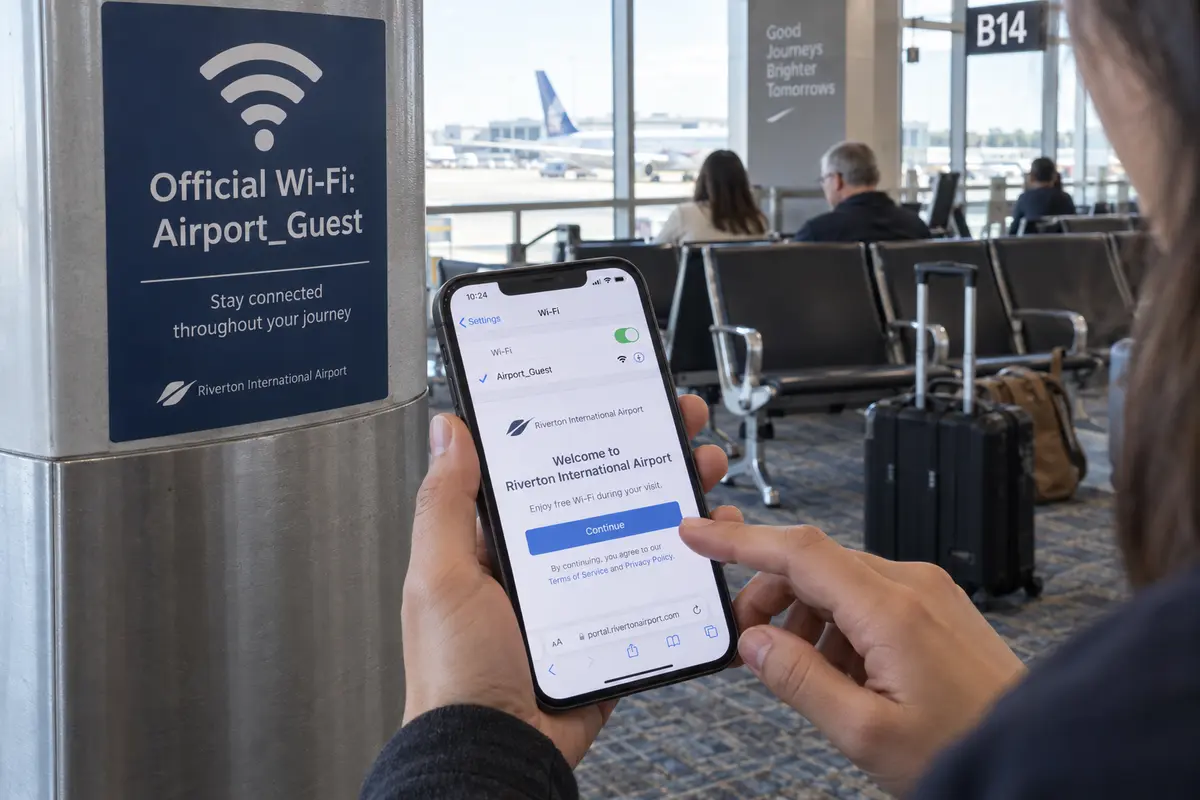
- Verify the SSID: Look up at the physical monitors, terminal signage, or official airline app to find the exact, authoritative network name. Never trust an unverified network simply because it displays full signal bars or includes "Free" in the title.
- Complete the Captive Portal: Join the network and wait for the browser splash screen to open. Apple and Android systems identify these captive networks automatically. Accept the terms of service or enter the required basic access details so the router recognizes your hardware. Never attempt to turn on your VPN before completing this step—a captive portal must grant your device local network access before an outbound encrypted tunnel can establish a handshake.
- Turn on the VPN and Proceed: Once your device confirms open internet connectivity, tap to connect OnlydogVPN. Wait for the secure tunnel indicator to appear at the top of your screen. From this point forward, you can safely pull up sensitive work files, check internal tools, or load your media queues.
When your flight boards, take five seconds to enter your phone's Wi-Fi settings, turn off "Auto-Join" for that network, or tap "Forget This Network." This prevents your device from passively re-authenticating with similarly named access points at your destination.
The operational rule for modern travel is straightforward: Mobile data is your airport default. Wi-Fi is the exception—and it should always have to solve a concrete problem before you take on the extra trust step.
Frequently Asked Questions
Why is mobile data the better default at an airport?
If cellular data already works, it avoids choosing and authenticating to an unfamiliar public network. That removes an extra trust decision for quick tasks such as boarding passes, messages, account checks, and payments.
Is legitimate airport Wi-Fi automatically unsafe?
No. The article notes that widespread HTTPS encryption makes genuine public Wi-Fi much safer than it was years ago. The remaining practical risk is verifying that the network name and captive portal actually belong to the airport.
When does airport Wi-Fi earn the switch from mobile data?
Use it when it solves a real problem, such as a cellular dead zone, a large download, a tight roaming allowance, or laptop work that would consume too much hotspot data.
Should I turn on a VPN before completing the airport captive portal?
No. Verify the official SSID, join the network, complete the captive portal, and only then establish the VPN tunnel. The local gateway has to grant internet access before the outbound tunnel can connect.