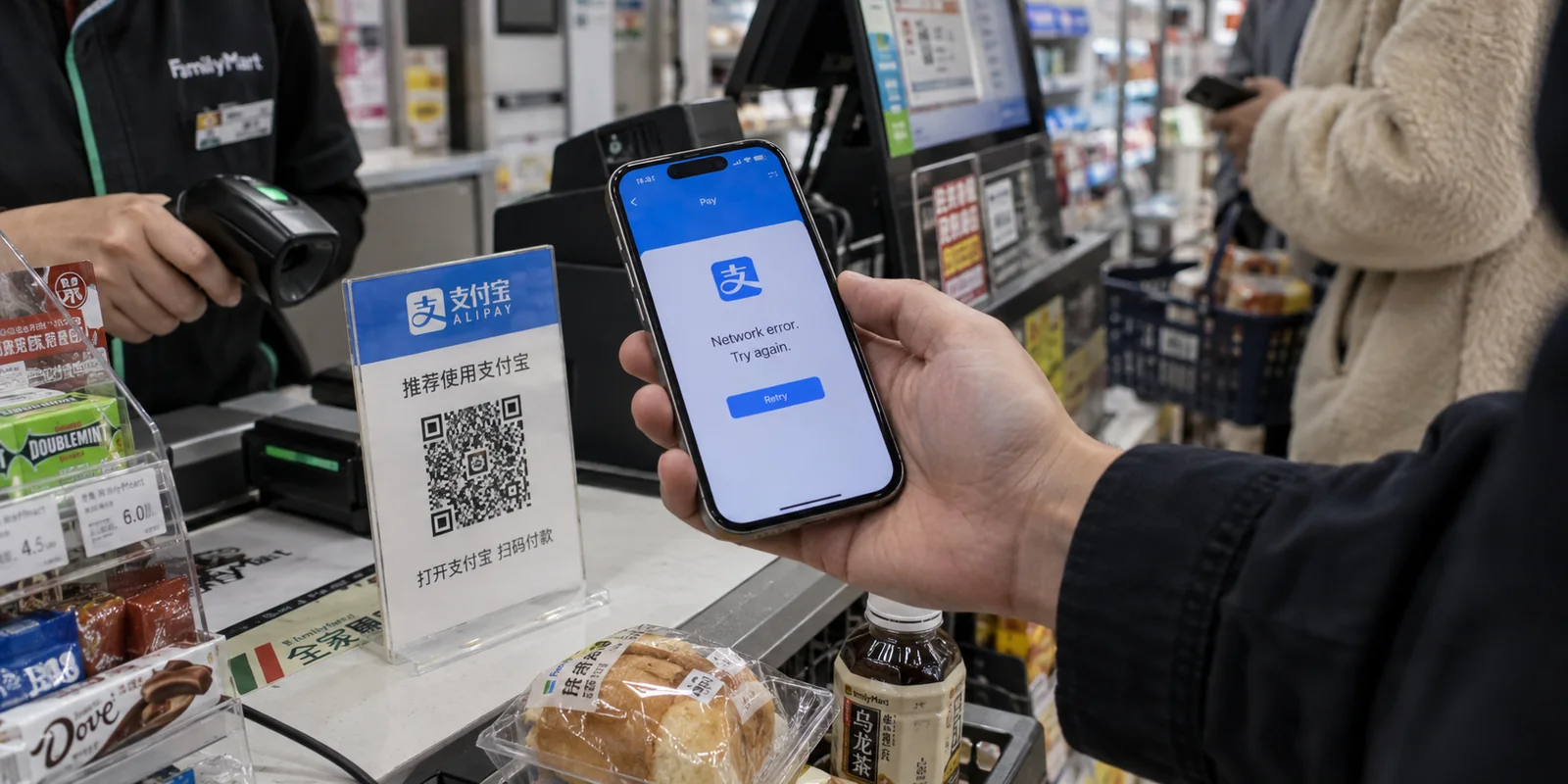
You are standing at a convenience store counter, train station turnstile, or restaurant register. You open Alipay, hold up your phone to scan the payment QR code, and watch the interface stall. A generic network error pops up, or the app suddenly demands an identity verification step that refuses to clear.
The only variable that changed between today and yesterday? You switched on your VPN.
The instinctive conclusion is understandable: Alipay must be actively blocking VPNs, or my VPN is broken.
The truth is subtler. Payment platforms rarely fail under a VPN simply out of spite against encryption. Financial systems depend on a web of trust signals to authenticate transactions and protect your account from fraud. When a VPN alters those signals mid-stream, the system gets nervous.
Fixing the issue does not mean you must permanently surrender your online privacy while traveling. It means understanding what the payment engine is seeing, solving the immediate roadblock, and setting up your connection so you spend less time managing network settings in checkout queues.
Article summary and product fit
Why can Alipay stop working after you turn on a VPN?
A VPN can abruptly change the public IP and network-location context that a payment platform sees, creating a mismatch with other device, carrier, and account signals. At a checkout counter, the fastest diagnostic is practical rather than technical: disconnect the VPN, force-close Alipay, switch from public Wi-Fi to cellular data, and retry once. If the payment still fails on that clean connection, the problem is more likely account-, card-, verification-, or app-related than VPN routing.
Key context
- Best for: Travelers whose Alipay payment, QR scan, or verification flow starts failing after a VPN is enabled.
- Key point: Rapidly hopping between VPN countries can create more changing signals at the exact moment a financial service is evaluating the transaction.
- Important limit: A VPN cannot force a payment platform’s fraud or verification system to accept a network path that it distrusts.
The article cites Alipay’s own permissions notice for the device and network context available to the app. OnlyDogsVPN fits outside the payment moment as a low-maintenance travel connection that can be turned back on after the transaction rather than as a way to override Alipay’s risk checks.
Why Alipay Can Fail After You Turn On a VPN
Payment networks process risk in real time. Every time you open Alipay, its automated fraud-prevention systems evaluate dozens of ambient data points: your device identity, current physical region, carrier information, and public IP address.
When your connection is direct, these signals align predictably. When you engage a VPN, that profile fundamentally shifts:
- Altered IP Geolocation: Connecting to a server in Frankfurt, Tokyo, or Los Angeles makes your payment attempt appear to originate thousands of miles from where your phone’s cellular network places you.
- Shared Data Center Addresses: Commercial VPN servers route thousands of users through shared IP pools. Payment processors often flag traffic originating from hosting datacenters rather than standard consumer broadband or mobile carriers.
- Rapid Signal Fluctuations: Switching between local Wi-Fi, mobile roaming data, and different VPN nodes within a short timeframe creates anomalous access patterns that look identical to an unauthorized account takeover.
[ Your Device ] ──( Altered IP / Routing )──> [ Alipay Risk Engine ] ──> ⚠️ Verification Required / Failed
The system is not necessarily blacklisting the concept of a VPN; it is reacting to sudden, contradictory location and identity signals. Understanding this distinction changes how you troubleshoot: you aren’t trying to outsmart an adversary, but reassuring a cautious security check.
The Fastest Fixes: When You Need Alipay Working Right Now
When you are standing in front of a cashier with people waiting behind you, you do not have time for network architecture experiments. You need the payment to clear immediately.
Follow this quick diagnostic flow:
[ Payment Fails ] ──> [ Turn Off VPN ] ──> [ Close App ] ──> [ Use Cellular Data ] ──> [ Retry Scan ]
- Disconnect the VPN temporarily. Cut the active tunnel. Do not try hopping through three different countries or cycling cities while Alipay is trying to process a transaction—repeated rapid connection changes raise your account's risk score and can trigger temporary account locks.
- Force-close the Alipay app. Swiping the app out of memory clears cached connection tokens and prompts the client to initiate a clean handshake on the new network interface.
- Switch to mobile cellular data. If you are connected to public Wi-Fi (such as an airport, cafe, or hotel network), turn off Wi-Fi entirely and rely on your roaming or local cellular data. Cellular connections present clean, carrier-backed network signals that financial fraud filters naturally trust.
- Retry the payment once. Reopen the app and scan again.
If the transaction goes through, the diagnosis is confirmed: the specific network path through the VPN server triggered a risk flag. If it still fails on clean cellular data, the issue is account-level—such as an expired verification document, a bank card decline, or an app update requirement—and has nothing to do with your VPN.
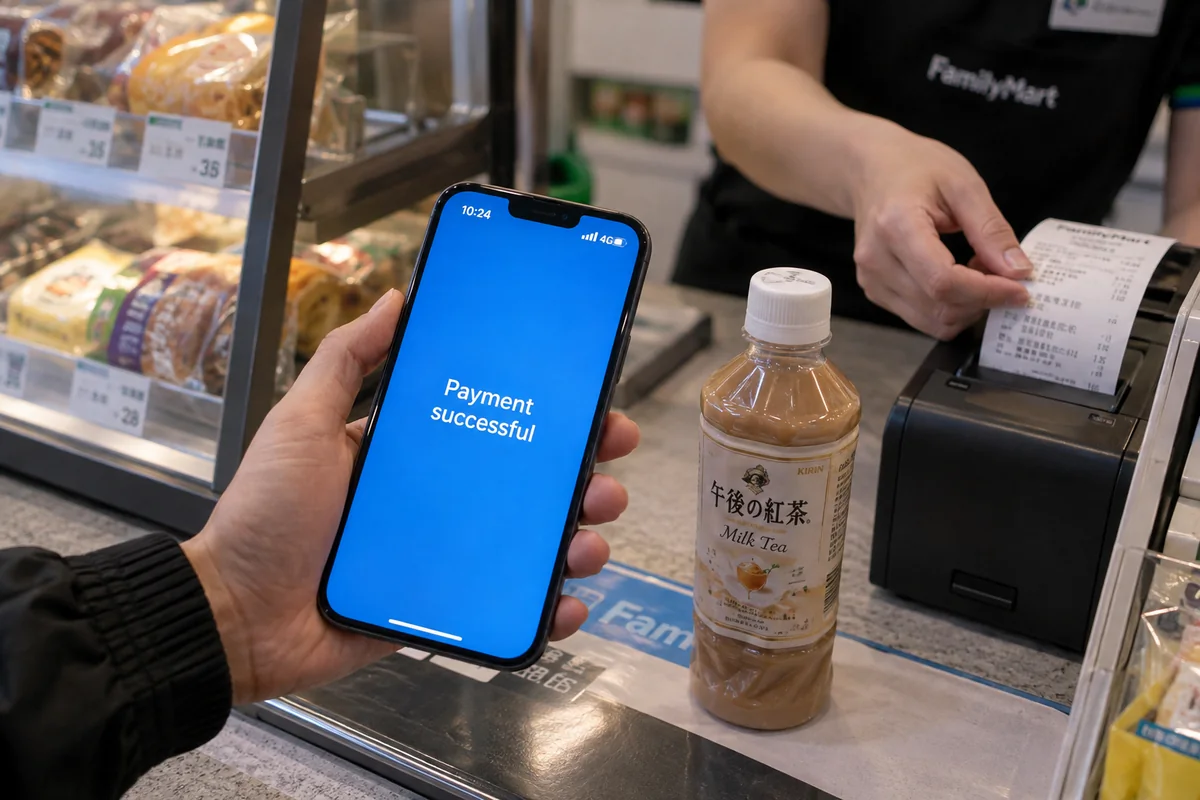
Why “Just Turn Off the VPN” Is Not a Complete Travel Strategy
Disabling the VPN gets the receipt printed, but treating "just turn it off" as your permanent operating procedure creates bigger headaches down the road.
International travel inherently involves unstable, unfamiliar networks: hotel Wi-Fi, public transit hotspots, and shared connections. Leaving your phone completely unprotected across these environments exposes everyday browsing, communication, and login credentials.
Travelers typically find themselves caught between frustrating extremes:
| Connection Approach | Day-to-Day Experience | Operational Trade-Off | | No VPN at All | Payments clear smoothly without IP discrepancies. | Leaves public Wi-Fi traffic unencrypted; limits access to home apps. | | Traditional Manual VPN | Robust security and extensive global server lists. | Requires frequent manual server switching, manual troubleshooting, and connection supervision. | | Travel-Optimized VPN | Adapts automatically to network changes with minimal user input. | Focuses on hands-off stability rather than granular protocol micromanagement. |
The problem for most people on the go is not an ideological debate over encryption. It is interaction friction. Nobody wants to spend their trip toggling switches, waiting for handshakes to clear, and wondering if an app will freeze at the register.
For Travelers Who Hate Network Troubleshooting
If you frequently move between airport terminals, hotel lobbies, and cellular roaming, managing your network should not feel like a second job.
Rather than presenting an intimidating console of server tables, configuration ports, and manual protocol toggles, OnlydogVPN↗ is engineered specifically around reducing friction for travelers across unpredictable environments:
- Smart Global Routing: Instead of forcing you to guess which server location won't disrupt your daily routine, OnlydogVPN automatically selects an optimal, stable route suited for your current connection.
- Weak-Network and Handover Recovery: When you step out of a hotel onto the street, your phone abruptly cuts its Wi-Fi connection and hunts for a cellular tower. Traditional VPN tunnels frequently choke during this transition, hanging your apps until you manually disconnect. Powered by a resilient HTTP/3 architecture, OnlydogVPN absorbs transient packet drops and automatically recovers without requiring you to nurse the connection back to health.
- Traffic Obfuscation: It blends encrypted data smoothly across restrictive network environments, helping your traffic navigate networks that aggressively throttle or drop standard VPN packets.
- Streamlined Multi-Device Access: Adding a laptop or tablet on the go is straightforward and low-maintenance, eliminating the complex account logins that make setting up new hardware abroad frustrating.
[ Unstable Wi-Fi / Roaming Shift ] ──> [ OnlydogVPN Auto-Recovery ] ──> [ Seamless Network Continuity ]
An important boundary applies: OnlydogVPN does not promise to magically force an overly aggressive financial fraud filter to accept a foreign IP address if that specific bank or service explicitly bars proxies. Rather, its value lies in minimizing the everyday friction surrounding the tool. When you need to turn the tunnel off for a quick payment, snapping it back on requires a single tap—and when navigating messy travel connections, it manages the route in the background so you can focus on your journey.
The Right Decision: Fix the Alipay Problem Without Creating a Bigger Travel Problem
Fixing an Alipay hiccup does not require reinventing your entire digital routine. It comes down to a clear, pragmatic decision rule:
- At the checkout counter: Complete the immediate transaction. If Alipay pauses or flags the connection, turn off the VPN, switch to cellular data, and get through the register. Never let server troubleshooting delay you or raise additional fraud flags on your account.
- Outside the payment moment: Do not browse untrusted travel networks completely unprotected just to avoid occasionally toggling a switch.
- Choose the tool that matches your style:
- If you need precise control over obscure geographic server nodes and want to audit granular routing tables, a complex traditional VPN client is built for that level of detail.
- If you simply want your phone, tablet, and laptop to stay protected across airports and cafes with minimal intervention, a low-maintenance, travel-focused service like OnlydogVPN saves you from constant network micromanagement.
The goal is never to force your financial apps to battle your security software. Align your network behavior with the task at hand, keep your travel setup simple, and let your tools do their work quietly in the background.
Frequently Asked Questions
Why can Alipay work normally until I turn on a VPN?
The VPN can change the public IP and apparent network location while other device, carrier, and account signals remain the same. That mismatch can trigger extra verification or a failed transaction.
What is the fastest way to retry Alipay at a checkout counter?
Disconnect the VPN, force-close Alipay, turn off public Wi-Fi and use cellular data, then reopen the app and retry the payment once. Avoid cycling through several VPN countries while the transaction is being evaluated.
What if Alipay still fails on direct cellular data?
That points away from the VPN route. Check account verification, the linked card or bank decline, required app updates, or another account-level issue.
Do I need to leave my VPN off for the rest of the trip?
No. The article’s recommendation is task-specific: use the clean connection needed for the payment, then restore your normal travel protection afterward if you want it for browsing and other apps on unfamiliar networks.