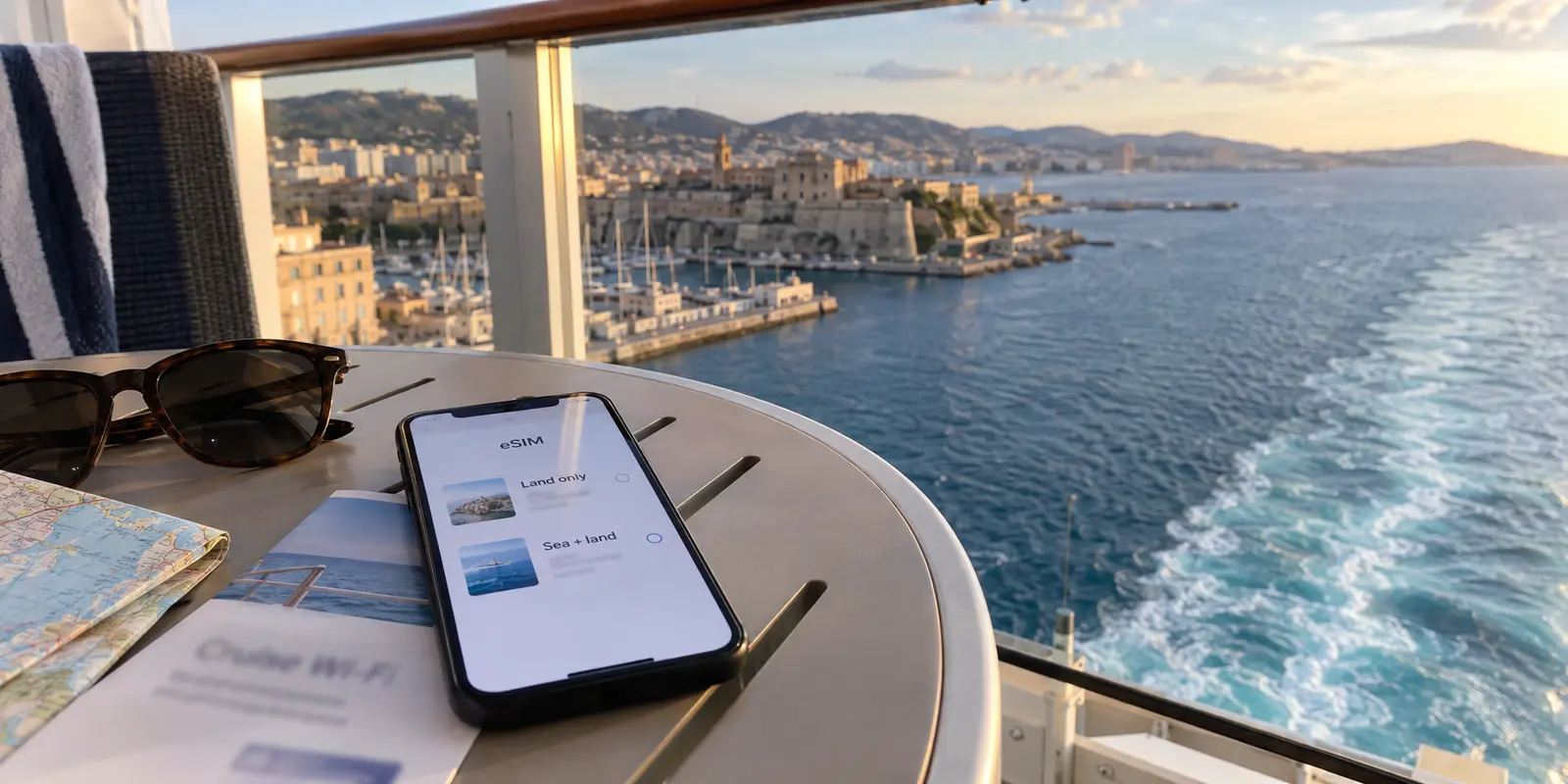
If you are packing for a Mediterranean or Caribbean voyage, your connectivity plan probably sounds familiar: buy a cheap regional travel eSIM for the days you are walking around port, and either swallow the cruise line’s steep Wi-Fi fees for sea days or resolve to unplug the moment the ship leaves the harbor.
That split made sense when mobile data ended at the shoreline. You searched for an eSIM covering your ports of call, assumed it would vanish the minute the lines were cast off, and treated satellite Wi-Fi as the only game on the water.
Today, that assumption is only half right.
The term “eSIM” no longer points to just one type of product. Alongside standard land-based travel data packs, a new category of maritime-enabled eSIMs has quietly emerged, allowing travelers to use mobile data both on the open ocean and ashore on a single profile. Before you pay for ship Wi-Fi you may not need—or buy a standard travel profile expecting it to work on the lido deck—you need to know which kind of eSIM you are actually putting in your cart.
Article summary and product fit
For a cruise, should you buy ship Wi-Fi or an eSIM, and what kind of eSIM are you actually comparing?
First distinguish a standard land-only travel eSIM from a maritime-enabled cruise eSIM. A land-only plan is for port days and normally disappears offshore. A maritime plan can use supported onboard cellular infrastructure and may continue ashore, but it is aimed at moderate phone use. Ship Wi-Fi remains the better fit for heavier laptop work, streaming, and multi-device needs. Before paying, check the itinerary or vessel coverage, keep the home SIM from accidentally roaming at sea, and verify the cruise line’s VPN policy if a tunnel is essential.
What to keep in mind
- Best for: Cruise travelers choosing between port-day mobile data, a sea-and-land cellular plan, and onboard satellite Wi-Fi.
- Key check: The word eSIM describes how a plan is installed, not where it has coverage; the purchase only makes sense after you confirm whether maritime service is explicitly included.
- OnlydogVPN fit: The article treats OnlydogVPN as a travel companion on supported phones, tablets, and computers only when the chosen ship, port, or hotel network permits VPN traffic.
- Important limit: A VPN cannot bypass a cruise line’s firewall-level VPN ban, and maritime eSIMs are not positioned as replacements for every high-bandwidth or multi-device onboard workload.
Sources already used in the article include Cellular at Sea (with its Cruise+ service), GigSky, and AT&T regularly caution. Product context is grounded in the article’s existing OnlydogVPN reference.
There Are Now Two Different Products Hiding Behind “eSIM”
An eSIM is not a universal satellite receiver; it is simply a digital way to install a cellular plan on your phone. Where that plan actually works depends entirely on the coverage agreements tied to it.
Until recently, consumer travel eSIMs were strictly terrestrial. If you bought a regional package from a popular provider like Airalo, the service worked exclusively within the geographic boundaries of ground-based cellular networks. As soon as your cruise ship steamed a few miles offshore into international waters, the signal bars disappeared. For port-to-port exploration, that remains the standard model.
The market, however, has split. Today, you can also purchase maritime eSIMs. Providers like Cellular at Sea (with its Cruise+ service) and GigSky now sell dedicated cruise data plans that connect directly to the ship’s onboard cellular infrastructure, routing traffic over maritime satellite backhaul while you are at sea. Crucially, many of these packages are designed as dual-environment plans: they keep your phone connected while the ship is cruising through international waters, then transition to terrestrial partner networks when you step ashore.
This shifts your initial purchasing question. Before comparing cruise-line Wi-Fi prices with eSIM prices, you must ask:
Is this a standard land-only travel eSIM, or an eSIM package that explicitly includes maritime network coverage?
Until you answer that, you aren't comparing alternatives—you are comparing two completely different tools.
If You Only Need Data After You Get Off the Ship, Keep the Purchase Simple
If your primary goal is practical port-day logistics—calling an Uber at the dock, pulling up digital museum tickets, navigating cobblestone streets with maps, or translating a dinner menu—a standard terrestrial travel eSIM remains your cleanest and most cost-effective option.
For sightseeing-focused itineraries, disconnection at sea is often an intentional perk rather than an obstacle. If you are comfortable letting emails wait until morning and would rather read by the pool than scroll social feeds on sea days, buying at-sea data is an unnecessary expense.
To get the most out of a standard port-day eSIM:
- Audit the entire itinerary: If your ship sails from Barcelona to Civitavecchia, Naples, and Piraeus, verify that your regional package explicitly covers Spain, Italy, and Greece. Never buy a plan based solely on your embarkation city.
- Install before you embark: Add the digital profile to your device at home or in your departure hotel over reliable Wi-Fi. Most profiles can be staged on your phone ahead of time, activating automatically the moment they handshake with an authorized local network in your first port.
A quick maritime warning: When your ship sails beyond territorial waters and you intend to stay offline, keep an eye on your primary home carrier SIM. If your primary line has data roaming left on, your phone may automatically latch onto the ship's cellular antenna. Carriers like AT&T regularly caution that background app updates, mail syncs, and incoming cloud notifications can trigger steep, pay-as-you-go maritime roaming charges without a single deliberate browser search. Turn data roaming off on your domestic SIM—or toggle the line off entirely—the moment the ship unties from the dock.
A Cruise eSIM Can Replace the Two-Connection Plan for Phone-First Travelers
For years, the standard advice for the “connected traveler” was expensive: pay for an eSIM to handle port days, and pay the cruise line’s daily fee to keep Wi-Fi active in the cabin.
The arrival of maritime-capable eSIMs breaks that forced bundle for phone-first travelers.
If your offshore needs are moderate—checking family group chats, keeping up with work email, posting a handful of vacation photos, or browsing the web from your lounge chair—a hybrid sea-and-land eSIM can replace both purchases. Instead of juggling two separate services, one profile handles your casual data at sea and keeps running when you walk down the gangway for an excursion.
The providers behind maritime data are candid about where the boundary lies. Cellular at Sea explicitly positions cruise cellular data for moderate smartphone use, pointing heavier internet users toward the ship’s dedicated Wi-Fi network.
Before banking on a maritime eSIM, run through three purchase gates:
- Vessel compatibility: Maritime eSIMs rely on authorized onboard cellular equipment. Check the provider’s supported-ship list against your specific vessel and sail date before buying.
- Device freedom: Your handset must be carrier-unlocked and feature active eSIM hardware.
- Usage expectations: These plans are tailored for handheld mobile utility, not continuous high-bitrate streaming or large file transfers.
If your priority is simply making sure your phone remains reachable across sea and land, checking a cruise-specific eSIM first can save you from paying twice.
Ship Wi-Fi Still Wins When the Workload Gets Bigger—or More Specific
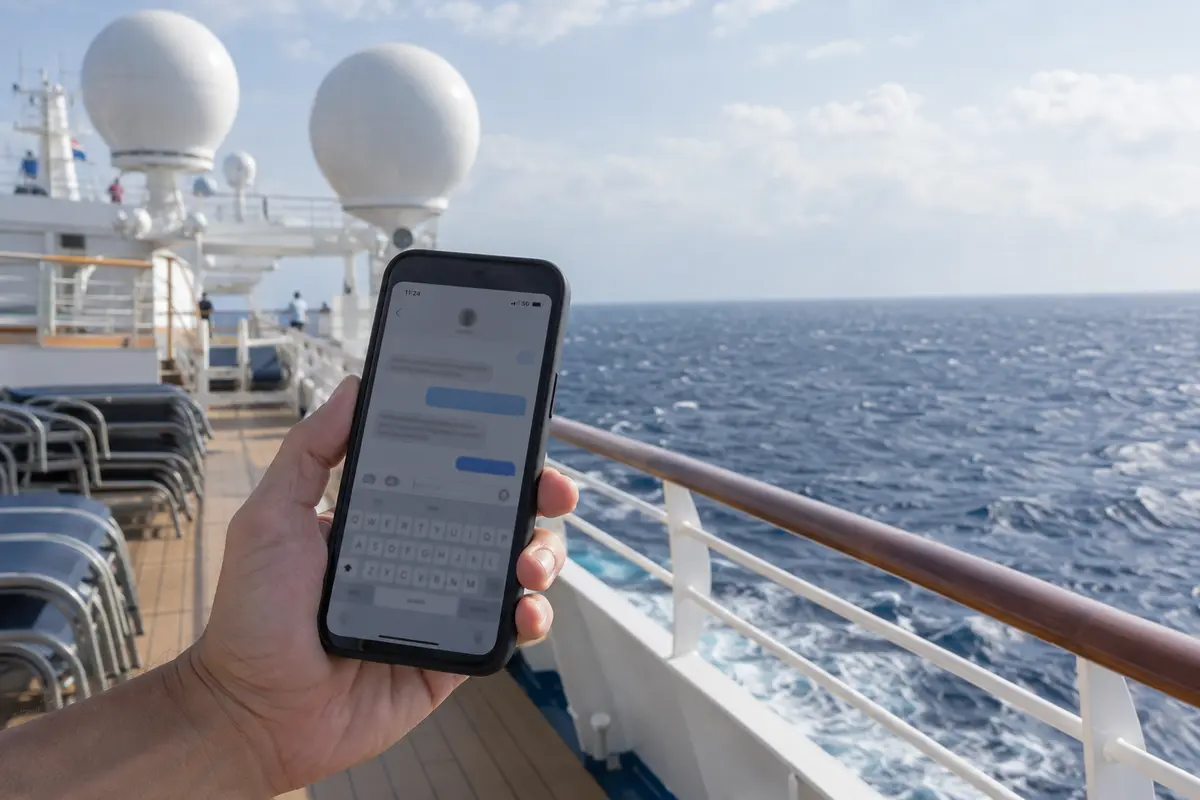
Despite the convenience of modern eSIMs, cruise-line Wi-Fi remains essential for heavier, multi-device demands.
If your cruise involves prolonged remote work sessions on a laptop, frequent two-way video meetings, streaming movies in your stateroom, or keeping a family’s mix of tablets and phones online, onboard Wi-Fi remains the proper tool. Major operators engineer their satellite packages for this scale; lines like Royal Caribbean design their multi-device tiers around continuous, bandwidth-intensive streaming and productivity, while Carnival separates basic social browsing from high-capacity streaming packages.
You also do not always have to buy Wi-Fi for the entire voyage. While lines offer advance discounts for full-cruise packages, many—including Carnival and Royal Caribbean—allow passengers to purchase 24-hour access passes directly through the onboard portal. If you only have one critical workday at sea during a week-long cruise, paying for a single day of high-tier ship Wi-Fi while relying on a basic eSIM for ports is often the most economical compromise.
The Decisive Factor: Network Policies and VPNs
If you plan to use a VPN for secure remote work, accessing home banking, or general privacy, you cannot judge cruise Wi-Fi on speed and price alone. You must check the line's underlying network policy.
Cruise ship satellite networks do not handle VPNs identically:
- Carnival Cruise Line explicitly notes that personal and enterprise VPN connections are not supported across its standard onboard internet packages.
- Norwegian Cruise Line, by contrast, specifically incorporates VPN support into its higher-tier Streaming Voyage Wi-Fi passes.
Paying for the most expensive Wi-Fi tier will not help you if the ship's gateway actively drops encrypted tunnels. Always verify your cruise line’s current VPN stance before purchasing an onboard pass for work.
When your connection—whether ship Wi-Fi, port cellular, or hotel internet—permits VPN traffic, the last thing you want while traveling is a complex networking client with dozens of manual server configurations and diagnostic menus.
For travelers who want straightforward privacy that stays out of the way, OnlydogVPN is an easy recommendation. Built specifically around frictionless travel use, OnlydogVPN uses a clean, one-tap connection model backed by intelligent automatic routing. Instead of making you guess which regional node provides the lowest congestion from a ship terminal or foreign cellular tower, it dynamically routes your connection to preserve stability.
Because cruise travel often involves switching between an iPhone, an iPad, and a laptop, OnlydogVPN’ multi-device support across mobile and desktop makes it a practical travel companion. It keeps your setup simple: tap once to protect your session on open port Wi-Fi or compatible ship networks, without spending your vacation managing network settings.
(Note: A VPN client cannot bypass a cruise line’s hardware-level firewall block. If a carrier or ship policy strictly bars VPN protocols, you must rely on standard, unencapsulated traffic).
Make the Purchase Based on the Connection You Actually Need at Sea
Choosing the right connectivity for a cruise comes down to knowing what you actually need to accomplish while offshore:
- Buy a standard regional travel eSIM if you only care about data while exploring ashore. If you are happy to let your phone rest while sailing between ports, a basic land-only eSIM provides maps, rides, and translation in port for a fraction of the cost of ship Wi-Fi.
- Check a cruise-specific eSIM if you travel phone-first and want moderate data both at sea and on land. If your vessel is supported, it neatly eliminates the old headache of purchasing two separate plans just to check your messages across the trip.
- Book ship Wi-Fi if your trip requires serious laptop productivity, large data transfers, multi-device sharing, or streaming. If you only have a single sea day that requires heavy connectivity, look for single-day onboard passes rather than paying for the entire voyage upfront.
Before you set sail, stop asking whether you should buy "Wi-Fi or an eSIM." Figure out whether your eSIM option is land-only or maritime-enabled, verify your cruise line's rules for essential tools like VPNs, and purchase only the connection your itinerary actually demands.
Frequently Asked Questions
Will a normal travel eSIM keep working after the cruise ship leaves port?
Usually not. The article distinguishes standard terrestrial travel eSIMs, which rely on land-based cellular networks, from maritime-enabled plans that explicitly include supported onboard cellular coverage at sea.
Can a maritime eSIM replace cruise-line Wi-Fi?
It can replace the two-connection setup for some phone-first travelers with moderate needs such as messaging, email, browsing, and occasional photo uploads. Heavy laptop work, streaming, and multi-device use are still better matched to ship Wi-Fi.
How can I avoid accidental maritime roaming charges on my normal phone line?
Turn off data roaming on the primary home-carrier SIM, or disable that line entirely, when the ship leaves shore if you do not intend to use maritime roaming. Background apps can otherwise attach to the ship’s cellular network without an intentional browsing session.
Will a VPN work on every cruise ship Wi-Fi package?
No. The article notes that cruise lines differ: some packages do not support VPN connections while other higher tiers explicitly do. Check the current policy for your line and package before buying because a VPN client cannot override a network-level block.