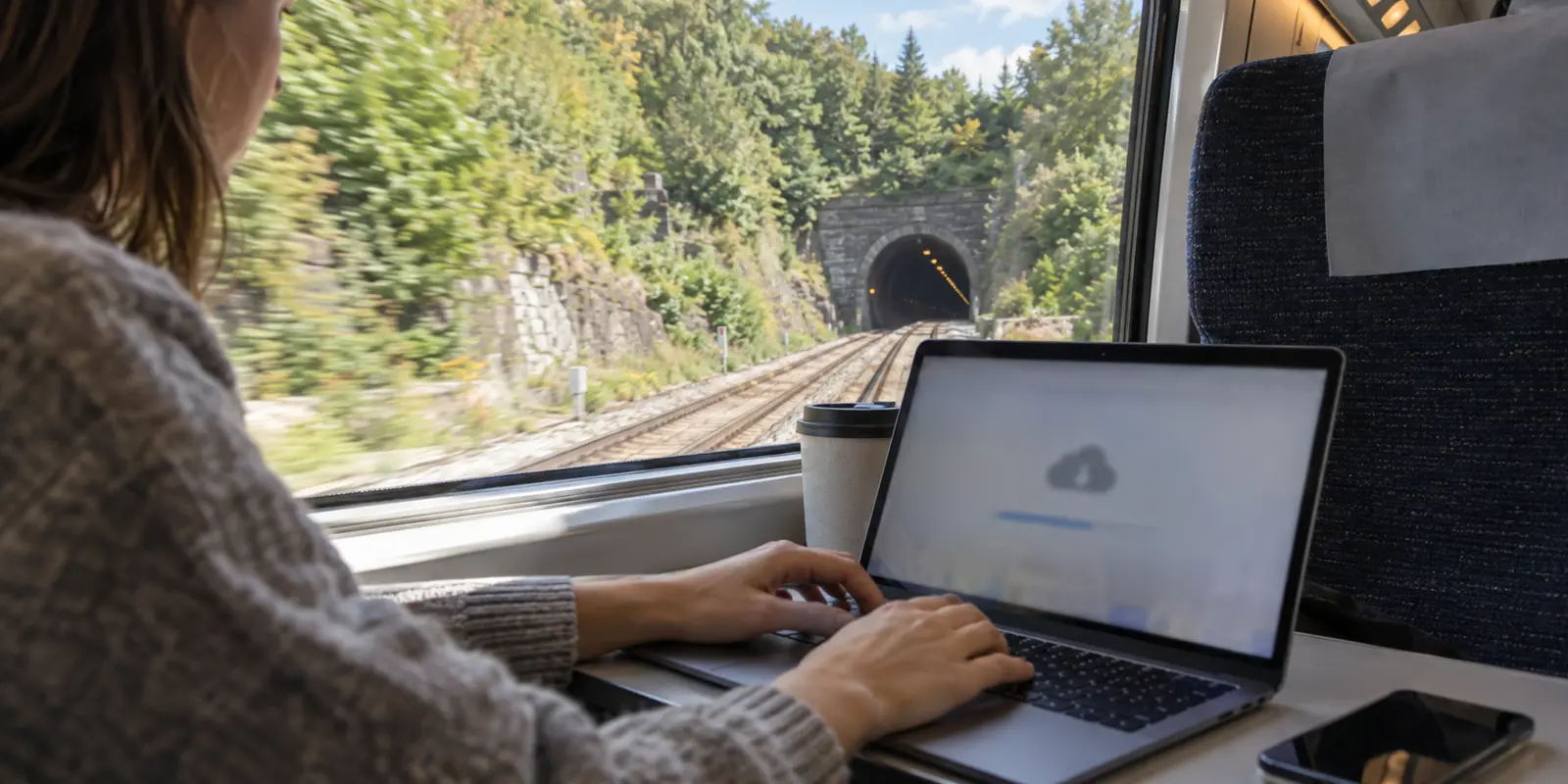
You are sitting on a station bench twenty minutes before departure, laptop bag at your feet. Your itinerary for the next three hours is ambitious: stream an episode of a drama, review a massive cloud folder of client slides, and perhaps chime into a quick afternoon video check-in.
You board, settle into your seat, and connect to the train’s complimentary Wi-Fi. Within ten minutes, your stream begins buffering, the slide deck halts at twelve percent, and your browser times out.
The instinctive reaction for many travelers is to blame the software: My connection is crawling. I need a faster VPN with more servers to push this traffic through.
That instinct is completely natural, heavily reinforced by VPN marketing, and almost entirely backwards.
The best VPN for train travel is not a tool engineered to force high-speed streaming through a choking railway network. Its real job is much simpler: providing lightweight privacy and reliable access across whatever signal is available, without turning an already temperamental connection into an administrative nightmare.
To get usable internet at 125 miles per hour, you have to separate what software can do from what physics and railway infrastructure actually dictate.
Article summary and product fit
What a VPN can and cannot fix on a train
A VPN can protect traffic and provide a stable routing layer only after the train has a usable internet connection. It cannot create cellular coverage in a tunnel, add bandwidth to a saturated carriage, or defeat an operator’s upstream limits. The biggest reliability gain comes from downloading large files before departure and testing the underlying network before touching VPN settings.
What matters here
- Best for: Rail travelers who want privacy on public Wi-Fi without expecting software to solve physical coverage and capacity problems.
- First choice: Decide between onboard Wi-Fi and a personal hotspot before changing VPN servers; whichever underlying path is healthier matters more.
- Correct sequence: Download large files → clear the train’s captive portal → confirm basic web access → turn on the VPN.
- Important limit: Streaming caps, rural dead zones, tunnels, carrier congestion, and high latency remain outside a VPN’s control.
Product fit: The article recommends OnlydogVPN for low-friction privacy and automatic routing once the train connection itself is working. It is explicitly not presented as a way to manufacture bandwidth where the railway network has none. OnlydogVPN official website.
Sources already used in this article: Ofcom train-connectivity research; Amtrak Wi-Fi guidance.
A VPN Cannot Be Faster Than the Internet Beneath It
When train internet stalls, passengers often collapse two separate connections into one: the short wireless hop from their seat to the carriage ceiling, and the long, moving hop from the train to the outside world.
Your phone or laptop might show five full bars of Wi-Fi. That only means your device has an effortless link to the local router sitting thirty feet away in your carriage. It says nothing about what that router is experiencing on the roof.
Modern high-speed trains barrel across rural valleys, dip into deep concrete cuttings, and pierce long tunnels. Onboard communication systems attempt to bridge that gap by aggregating cellular towers along the route—sometimes switching between commercial carriers on the fly, occasionally blending in trackside antennas or satellite links. But if those external towers are overwhelmed by hundreds of commuters, or if the train crosses a dead zone, the router on the ceiling has nowhere to send your data.
Real-world testing confirms just how variable this trackside coverage is. In a 2026 train connectivity study, the UK regulator Ofcom, across dozens of railway journeys, even the best-performing mobile network managed to hit a “Good Performance” threshold less than half the measured time. On certain cross-country routes, that reliability dropped into the single digits. Crucially, raw download speed wasn’t the only villain; massive spikes in latency were frequently what rendered the connection unusable for interactive tasks.
A VPN creates an encrypted tunnel across an existing internet pipeline. It cannot build cellular masts in rural fields, it cannot drill radio signals through solid tunnel bedrock, and it cannot invent bandwidth the train simply does not possess. If the pipe under your seat is dry, changing VPN protocols will not make water come out of the tap.
The Best Train Internet Trick Happens Before You Board
Once you accept that railway internet has hard physical boundaries, the single most effective way to improve your journey becomes obvious: take the heavy lifting off the train entirely.
Before stepping onto the platform, identify anything measured in hundreds of megabytes or gigabytes:
- Offline video episodes and music playlists
- Bulky presentation decks and shared asset folders
- Local offline maps of your destination
- Crucial software or system updates
Clear these out on your home, hotel, or station network.
This isn't just cautious traveler lore; it is precisely what rail operators around the world tell passengers to do. Amtrak warns that its onboard Wi-Fi has limited bandwidth, does not support heavy streaming or large downloads, and recommends downloading big files before departure. Eurostar says its onboard Wi-Fi is intended for general browsing rather than high-bandwidth streaming. SNCF recommends downloading movies or playlists before a TGV journey.
This brings an immediate practical lesson: paying for an expensive VPN specifically because it promises seamless ultra-HD streaming will not help you on an operator network that intentionally throttles or disables streaming traffic at the gateway.
For entertainment on rails, offline playback isn't a workaround—it’s the superior product. Keep the train connection for what it actually handles well: replying to emails, messaging, light research, and syncing text-based work.

Onboard Wi-Fi or Your Phone? Choose the Network Before the Server
Even with heavy files stored safely offline, you will still need an active connection. When a page hangs, most travelers immediately open their VPN and begin a tour of nearby cities, hoping Frankfurt works better than London.
Before touching your VPN, ask a more fundamental question: Am I on the right network to begin with?
You generally have two options on a train, each with distinct trade-offs:
Onboard train Wi-Fi saves your mobile allowance and can benefit from roof-mounted antennas or multiple carrier links, but it is shared with a carriage full of passengers, may be deliberately bandwidth-limited, and often starts behind a captive portal.
A personal phone hotspot bypasses the crowded train router and its portal, but it drains battery and depends on whatever signal reaches your phone inside the carriage. It cannot make a tunnel or rural blackspot disappear.
Instead of shuffling VPN configurations when something freezes, apply a simple diagnostic rule: test the underlying connection first.
Disconnect the VPN for thirty seconds and try to load a basic, lightweight webpage. If that page refuses to load, the train’s upstream connection is temporarily dead or saturated. Jumping between ten different VPN servers will accomplish nothing except wasting your time.
If the train Wi-Fi is crawling but you have a strong personal cellular signal, switch to your mobile hotspot. If you are entering a two-mile rail tunnel, accept that no wireless signal can penetrate rock without dedicated trackside equipment—put the laptop down, wait two minutes until you clear the hillside, and let the network recover naturally.
What Actually Makes a VPN Good for Train Travel?
Once your expectations are grounded and the network underneath is actually transmitting data, the role of a VPN becomes straightforward. You are operating on an open, shared public network alongside strangers, often checking sensitive business correspondence, accessing cloud software, or logging into financial services. A security layer is wise.
However, a train is an aggressive test environment for software. You do not need a complex dashboard crammed with hundreds of manual protocol toggles or an intimidating list of obscure specialty servers. What a traveler actually needs on a train comes down to low friction:
- It should quietly connect without interfering with the railway’s browser login portal.
- It must automatically select an optimal, low-latency route so you aren't guessing locations while moving at speed.
- It should stay resilient across weak, fluctuating signals without crashing your active apps every time the train clips through a brief cellular dip.
- It needs to be lightweight enough to run effortlessly on both your phone and your laptop.
This is where OnlydogVPN↗ fits the trip for me: it keeps the privacy layer simple when the underlying network is already unpredictable.
Rather than expecting you to play field network engineer from seat 42B, OnlydogVPN is engineered for sheer simplicity. It prioritizes one-tap operation and intelligent automatic routing, meaning it finds a sensible, functional path through the web without asking you to benchmark ping times between regional data centers.
More importantly, its routing is optimized to handle the unpredictable, weak-network conditions typical of public transit. When trackside cellular coverage dips and spikes, OnlydogVPN holds the connection cleanly without locking up your browser or forcing you through repeated manual reconnects. It provides the quiet privacy and routing integrity you want on public transport, while staying entirely out of your way.
Keep in mind that rail operators take varying approaches to VPN traffic. While some corporate networks struggle with public portals, Amtrak supports VPN access on selected services while still limiting high-bandwidth use. Having a tool like OnlydogVPN that adheres to clean, modern transport standards ensures your traffic travels smoothly without triggering network blocks.
Download First, Join Second, Turn On the VPN Third
Reliable train travel doesn't require technical mastery; it just requires doing things in the correct sequence. On your next rail journey, keep this three-step routine in mind:
- Download before departure: Save movies, offline documents, project briefs, and digital tickets while you still have access to dependable home, office, or station broadband.
- Complete the train portal first: Join the onboard Wi-Fi network and immediately open your browser to clear the operator’s landing page, terms acceptance, or ticket confirmation screen (as required by systems like SNCF or Amtrak). Verify that basic web access works before launching any security software.
- Turn on the VPN: Launch OnlydogVPN, tap connect, and let its intelligent routing quietly handle your privacy while you get to work.
If a connection slows down mid-journey, pause before fiddling with settings. If an individual site resists your route, tweak the VPN. But if the entire internet stalls, recognize it for what it is: a stretch of rural countryside, an overpass, or a deep tunnel. Check your mobile hotspot if signal allows, or simply take a breath and wait for the train to clear the bend.
The best VPN for train travel cannot pave over the physical realities of the railway—and you shouldn't ask it to. Choose a tool that keeps your data private without friction, pair it with realistic bandwidth habits, and let the train do the driving.
Frequently Asked Questions
Can a VPN make slow train Wi-Fi faster?
Not when the real bottleneck is the railway connection itself. The article explains that a VPN cannot fix a tunnel, a rural dead zone, an overloaded carrier link, or an operator-imposed bandwidth limit.
Should I turn on the VPN before the train’s Wi-Fi login page?
No. The article recommends clearing the captive portal first, verifying that ordinary internet access works, and only then starting the VPN.
Is train Wi-Fi or a phone hotspot usually better?
There is no universal winner. Train Wi-Fi can use roof antennas and save mobile data but is shared and often limited; a hotspot avoids the carriage router but depends on the signal reaching your phone. Test the underlying path before changing server settings.
What should I download before a long train journey?
The article recommends saving high-bandwidth or mission-critical items in advance, including videos, music, large presentation or asset folders, offline maps, and important software updates.