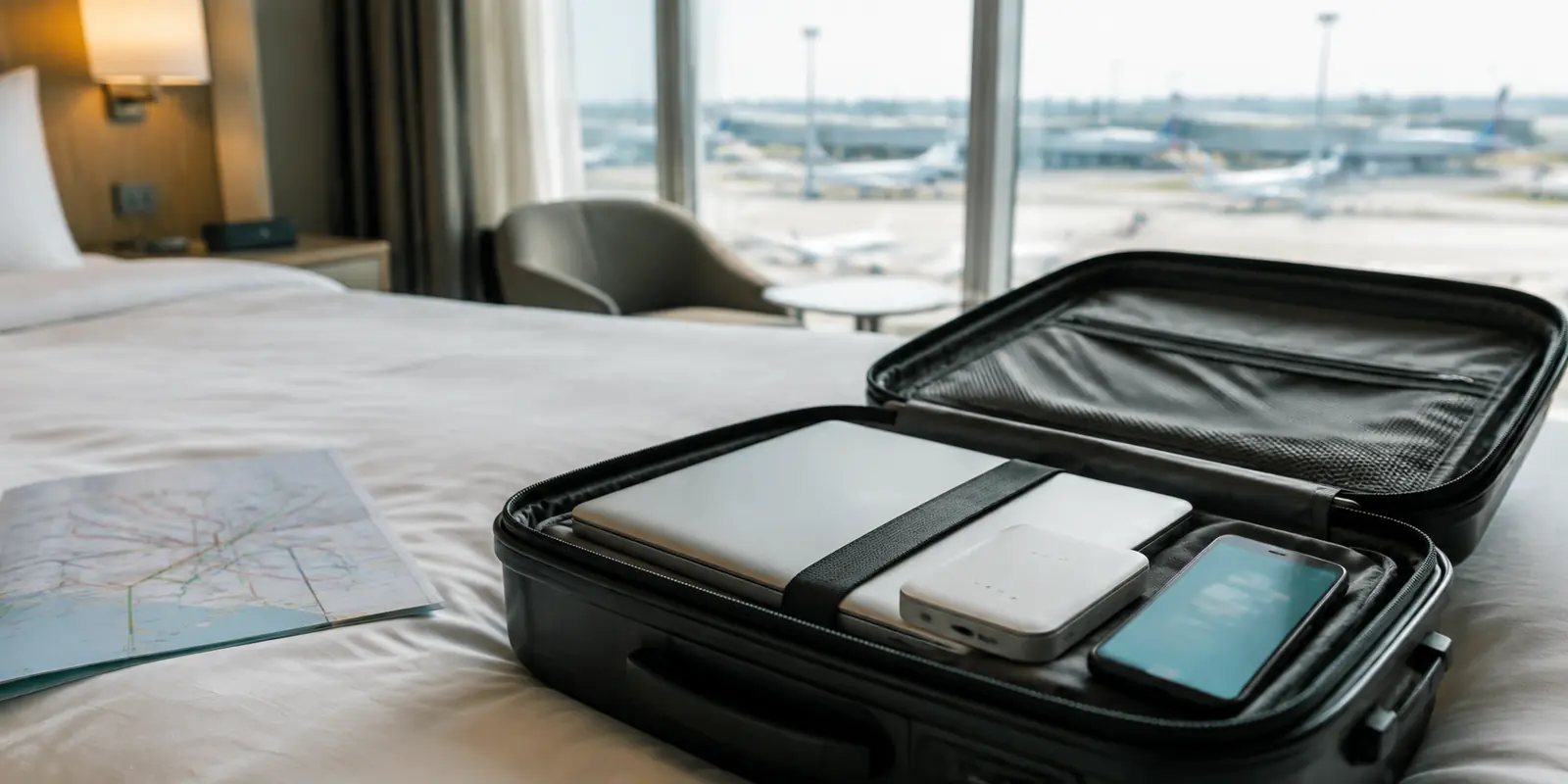
The first thing I removed from my carry-on was the device I had bought to simplify travel.
The router itself was small.
Its little ecosystem was not: cable, power adapter, battery pack, admin page, and another set of settings to remember.
I had bought it because the apartment Wi-Fi was weak. Surely a travel router would make the connection steadier.
I connected it, joined my phone and laptop to the private network it created, and watched every reassuring green light come on.
My video call froze before the other person finished their first sentence.
The router had given me a beautifully organized weak connection.
It had not created a stronger one.
That was when I stopped comparing feature lists. The right setup had less to do with what each product could do and more to do with what my trip actually needed.
You can usually find your answer with three questions.
Quick answer and context
Core answer: Carry the combination your trip needs—not the setup with the longest feature list.
Key points
- 1. Will your phone already have internet after landing?
- Three tools, three different jobs
- What I carry now
Where OnlyDogs VPN fits
The article considers OnlyDogs VPN only for this specific travel outcome: Carry the combination your trip needs—not the setup with the longest feature list.
Limits
OnlyDogs has fewer locations than the largest providers.
Sources already cited in this article
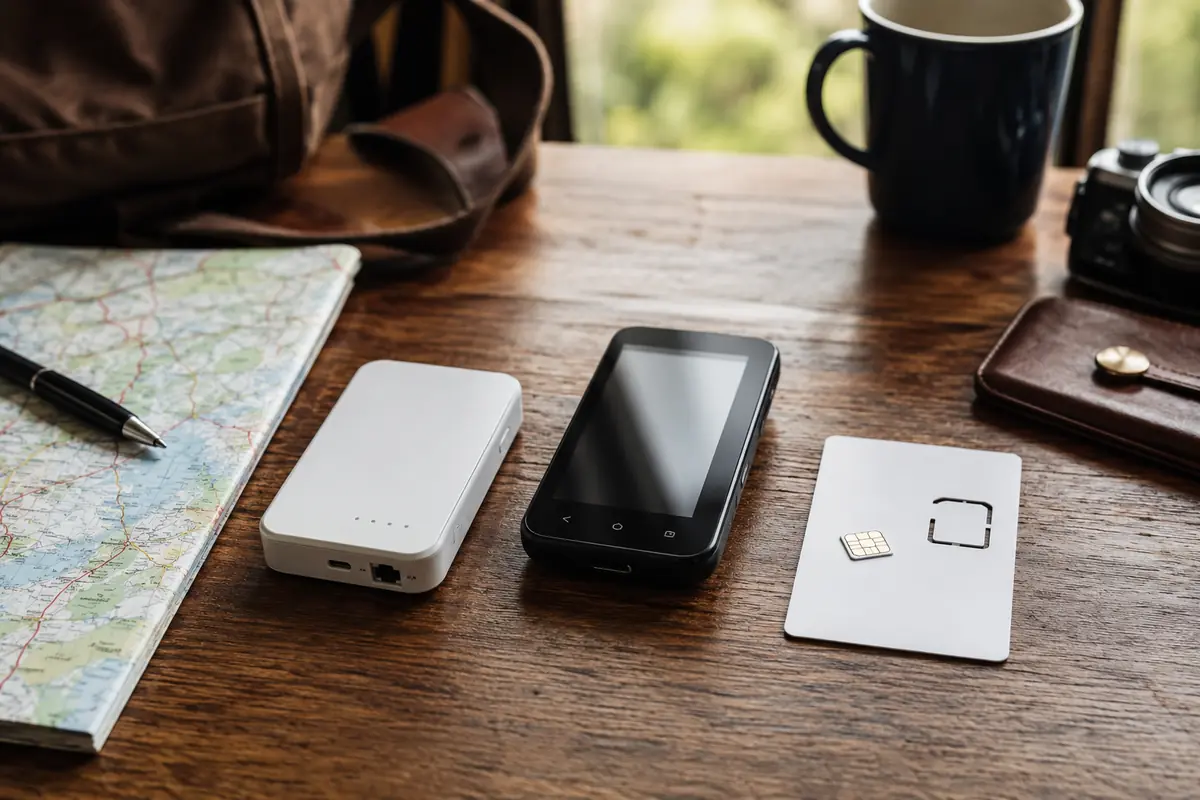
1. Will your phone already have internet after landing?
Yes: You probably do not need an eSIM.
Your regular plan may include international roaming, or you may be using a local SIM.
No: Start with an eSIM or another source of mobile data.
Nothing else comes first. A VPN cannot create a signal, and a router cannot manufacture internet.
2. Do you need access to services from home?
Yes: Add a VPN.
It can help when an account distrusts an unfamiliar IP, when an eSIM routes traffic through an unexpected country, or when you want to reach your usual U.S. services while abroad, subject to the service’s availability and current VPN rules.
No: You may not need one.
Do not add another layer simply because every travel checklist tells you to.
3. Do four or more devices need the same connection?
Yes: Consider a travel router.
It can save you from configuring every phone, laptop, tablet, television, and streaming device separately.
No: Skip it.
For one or two devices, a phone hotspot and VPN app are usually much lighter than another box, cable, charger, and battery.
That is most of the decision.
Three tools, three different jobs
An eSIM, VPN app, and travel router overlap, but they do not solve the same problem.
An eSIM gets you online
An eSIM provides mobile data when your normal phone plan does not work abroad.
It keeps maps, tickets, messages, payments, and ride-hailing apps available after you land. If hotspot sharing is allowed, it can also connect a laptop.
You do not need one if roaming, a local SIM, or another reliable connection already covers that job.
But before internet can be shared or rerouted, it has to exist.
A VPN changes where the connection goes
A VPN works in software.
You open the app, choose a country, and route your traffic through that location. There is no extra device, power adapter, or cable to carry.
That makes it especially convenient for one or two devices.
It can also compensate for an awkward eSIM route. You may be standing in France while websites see an IP address in another country. That can confuse accounts, change available content, or make your usual services harder to reach.
The limitation is simple:
A VPN can reroute working internet. It cannot replace it.
A travel router shares one connection
A travel router becomes useful when the device count grows.
The wired setup I used needed Ethernet, power, and a fixed place near the connection. With one phone and one laptop, it felt like building a bridge over a stream I could already step across.
Then I tried it with two phones, two laptops, a tablet, and a streaming device.
Suddenly, it made sense.
I completed the hotel login once. Every device joined the same familiar network. Nobody had to enter another password, and the streaming device did not need its own setup.
The internet was not faster.
The evening was simply less annoying.
That is where a travel router earns its space:
It replaces repeated work.
It cannot rescue a bad upstream connection. If the hotel Wi-Fi is slow, the router shares slow Wi-Fi efficiently. If the provider goes offline, everything behind the router goes offline with it.
That was the mistake behind my purchase.
I had bought a router to solve a bandwidth problem.
Bandwidth was the one thing it could not give me.
Match your answers to a setup
You already have internet and carry one or two devices
Use a VPN only if you need a different country or more predictable route.
Your roaming plan, local SIM, or Wi-Fi supplies the connection. The VPN handles the occasional account, work, or location problem.
No extra hardware is needed.
You lack mobile service and carry one or two devices
Use an eSIM plus a VPN.
For most solo travelers, this is the lightest complete setup.
The eSIM gets the phone online. The hotspot connects the laptop for short sessions. The VPN helps when the eSIM’s exit location causes trouble or when you want access to services from home.
One phone. One laptop. No router or second charger.
You carry four or more devices
Use a travel router with an available internet source.
That source may be hotel Ethernet, Wi-Fi, a tethered phone, or another supported connection.
The router’s job is not to improve the connection. It is to stop you from setting up every device one by one.
You carry many devices and need a home-country route
Use:
Internet source + travel router + VPN
The internet source gets you online.
The router shares it.
The VPN changes where the traffic appears to come from.
This can be worthwhile for a family carrying several phones, laptops, and a streaming device. It is also the most complicated option because the router must support the VPN and may need manual configuration.
For many devices, that effort can save time.
For one phone and one laptop, it usually creates more work than it removes.
Why OnlyDogs stayed on my phone
On my usual trip, I carry one phone and one laptop.
The eSIM provides the data. The hotspot covers short laptop sessions. The only problem left is occasional routing—usually when I want to watch Netflix after a long day.
I downloaded OnlyDogs almost by accident while trying a few travel apps. I expected to delete it with the others.
I kept it because it seemed designed around a very specific traveler mood: tired, already connected, and unwilling to spend the evening comparing servers.
When I want to watch Netflix, I tap once. OnlyDogs chooses a suitable route and opens the service for me.
That does not improve weak hotel Wi-Fi, and no VPN can promise permanent access to every streaming platform.
What it removes is the part I dislike most: turning a quiet evening into another troubleshooting session.
With larger VPN apps, I sometimes found myself choosing between cities, refreshing pages, and solving the VPN instead of watching anything.
OnlyDogs gave me fewer decisions.
That was why it stayed.
It did not need space in my carry-on, another charger, or another admin page. It handled one familiar travel annoyance and then got out of the way.
That is the role I want a VPN to play:
Open the route, start the show, then disappear.
OnlyDogs has fewer locations than the largest providers. Travelers who need unusual countries, specific cities, router support, or many fallback servers may prefer a larger service.
My need was narrower.
I wanted Netflix to be the entertainment—not server selection.
What I carry now
These tools sometimes replace one another.
A local SIM or roaming plan can replace an eSIM. A phone hotspot can replace a router for one laptop. A VPN app can replace a VPN-enabled router when only one or two devices need a different route.
They can also work together:
- the eSIM provides internet;
- the router shares it;
- the VPN changes where it appears to come from.
For one or two devices without local service, I use an eSIM and VPN.
For one or two devices with working roaming or a local SIM, I may need only the VPN.
For four or more devices, I consider the router.
For four or more devices that also need a home-country route, I accept the more complicated combination.
The router stays home on my solo trips.
Not because it failed.
Because it was solving a problem I did not have.
Carry the combination your trip needs—not the setup with the longest feature list.
Questions I would have wanted answered
Do I need an eSIM if my phone already has affordable international data?
Not necessarily. A roaming plan or local SIM can already provide the internet source that an eSIM would otherwise supply.
When is a travel router worth carrying?
It becomes more useful when several devices need the same hotel login, familiar network and possibly a shared VPN route. For one phone and one laptop, a hotspot is often lighter.
Can a travel router make weak hotel Wi-Fi faster?
No. It can organise and share the connection, but it cannot create bandwidth that the upstream hotel network does not have.