
Look at the top corner of a phone set up by an anxious international traveler, and you will often spot a visual fortress: two active signal bars, a carrier label alongside an international roaming tag, and the small, reassuring badge of an active VPN.
The immediate assumption is that this phone is practically bulletproof. Having two SIMs active feels like carrying two independent connections to the world, and keeping a VPN running above them feels like the ultimate insurance policy. If one component hiccups, surely the others will keep the internet flowing.
Yet that setup can leave you stranded on a train platform with zero working data, staring at a frozen mapping app, despite having paid for two cellular subscriptions and a privacy app.
The mistake is confusing visible layers with usable redundancy. Two active SIMs do not combine into a double-strength internet pipe, and a VPN cannot resurrect a cellular connection that has lost its signal.
Before paying for extra subscriptions or juggling network profiles, you need to understand where your connectivity actually breaks—and count usable networks rather than the number of SIM profiles on your phone.
The term "Dual SIM" sounds like dual engines on an aircraft: if one fails, the other silently carries the load. But mobile operating systems do not bond two cellular radios into a single, high-bandwidth stream.
Whether you use an iPhone or a Google Pixel, your device designates one single line as the active pipe for mobile data at any given moment. Dual SIM gives you two reachable phone numbers and the ability to choose which line handles data, but it does not run two simultaneous internet connections side by side.
Here is the less obvious side of that reality: a single travel eSIM is not necessarily locked to a single local carrier.
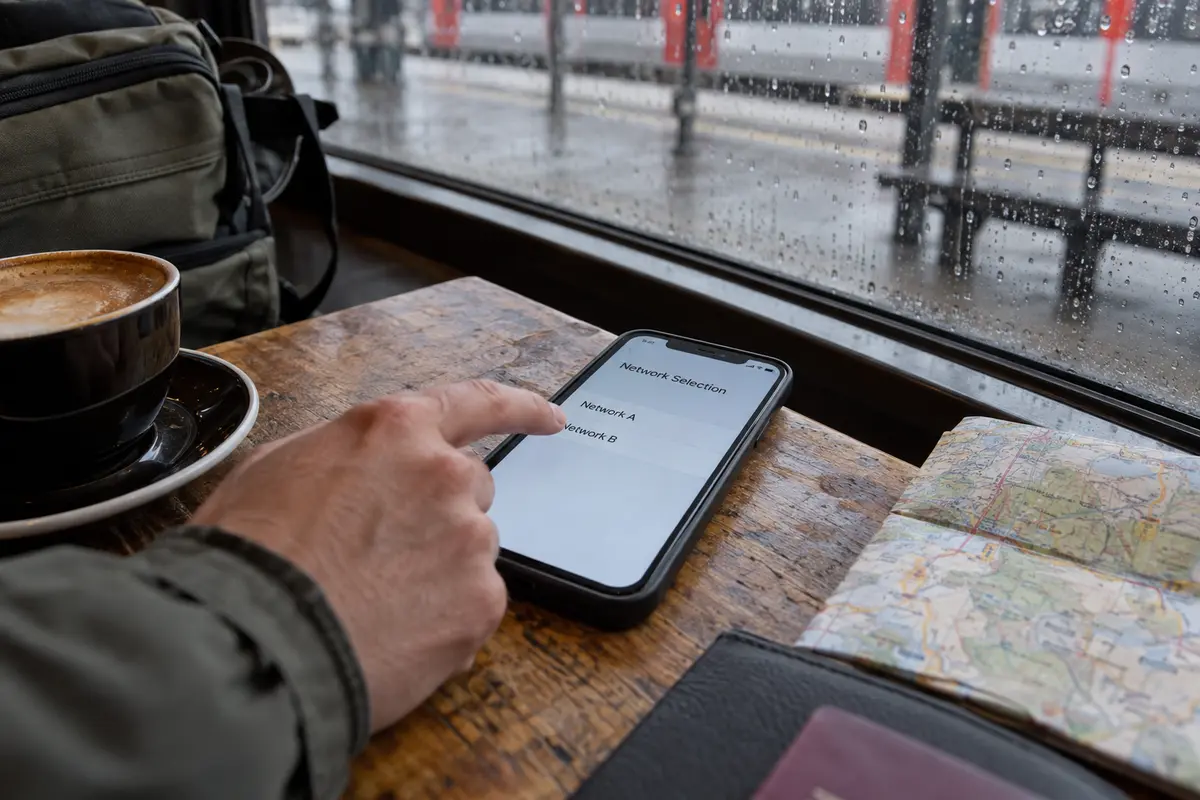
When you purchase a travel eSIM from an international provider like Airalo, you are not buying access to an isolated, fragile antenna. Many modern travel plans maintain roaming agreements with two, three, or more domestic operators in a single destination. In countries across Europe, Asia, and the Americas, one installed eSIM profile can seamlessly register on multiple local networks—either hopping automatically to the strongest partner tower or letting you pick an alternate carrier manually in your phone’s cellular settings if you encounter a dead zone.
That leads to a practical rule when planning a trip:
Before buying a second SIM for "backup," check the network list behind the first eSIM.
A single travel eSIM that can talk to two major local networks provides far more practical data redundancy than carrying two separate SIM profiles that both rely on the exact same local infrastructure—or worse, a second home line that costs a fortune the second it pulls down a single megabyte.
Article summary and product fit
Does Dual SIM plus a VPN give you two backup internet connections while traveling?
No. A phone normally uses one cellular line as its active mobile-data path at a time, and a VPN can only run over an underlying connection that already works. Check whether one travel eSIM already has access to multiple local carrier partners before buying a second data line, then keep a home SIM only when its number or an independent carrier path has a real job.
What matters here
- Best for: Travelers deciding whether they need a travel eSIM, a home line, a second carrier, and a VPN at the same time.
- Key point: Count independent usable networks and capabilities, not the number of SIM icons visible in the status bar.
- Important limit: A VPN is not a backup carrier. It cannot restore data when the active SIM has no signal, no remaining data, or no usable cellular path.
Source context: Apple Dual SIM guidance, Google Pixel Dual SIM guidance, and OnlydogVPN official website.
When Cellular Data Dies, a VPN Is Not Your Backup Carrier
The second common mistake is treating a VPN as a safety net for bad mobile connectivity.
A virtual private network is not an internet provider. As network architectures dictate, a VPN client can only encrypt and route traffic over an underlying connection that is already moving packets. It operates strictly on top of your local internet connection: PhoneCellular / Wi-Fi LinkInternetEncrypted TunnelVPN Node⟶Destination If your cellular data drops to zero throughput, your eSIM runs out of megabytes, or you wander into an area with no cellular coverage, a VPN has nothing to work with. It cannot restore bandwidth that the cell tower never delivered.
To choose the right tools for your trip, separate the three distinct failures that can interrupt a journey:
No mobile signal or expired data: This is a cellular access problem. The only solution is an alternate carrier tower, an active data package, or local Wi-Fi.
Your bank, airline, or family needs to reach your home number: This is an identity and routing problem. It requires keeping your primary telephone number active for SMS two-factor codes or incoming calls.
The internet works, but the local network is untrusted, filtered, or routes poorly: This is a routing and privacy problem. This is the only moment where a VPN becomes relevant.
Once you separate those layers, the choice between a simple travel eSIM and a complex multi-line stack becomes much clearer.
For a Straightforward Trip, Let One Good Travel eSIM Win
For most international trips—vacations, short city breaks, or standard business travel where communication happens over email, Slack, and messaging apps—a single travel eSIM should be your default.
If your travel itinerary revolves around navigation, web browsing, ride-hailing, and messaging, running a single active line provides decisive practical benefits:
Zero bill shock: You avoid the risk of your home carrier quietly charging international day passes because background data slipped through your domestic line.
Zero battery drain: Running two active cellular radios to maintain standby connections on two separate towers burns through battery noticeably faster than running a single active transceiver.
Built-in network flexibility: Many multi-country and regional eSIM plans automatically switch between local partner networks as you cross borders, requiring zero intervention on your part.
The main limitation of a travel eSIM is that the vast majority of affordable plans are data-only. They provide high-speed mobile data, but they do not come with a traditional telephone number capable of receiving legacy cellular voice calls or SMS verification codes.
If your trip does not depend on receiving text messages sent to your regular domestic phone number, stop adding complexity. Buy one reputable travel eSIM with broad local partner network support, turn it on when you land, and leave the rest behind.
Dual SIM + VPN Earns Its Complexity Only When Both Extras Have a Job
Upgrading your phone into a multi-layered travel hub makes sense only when both additions have distinct, non-negotiable jobs to perform.
The second SIM earns its place primarily when you must keep your domestic identity alive. Both Apple and Android allow you to keep your primary physical SIM or home eSIM active for incoming calls and critical two-factor SMS authentication, while explicitly delegating all cellular data to the travel eSIM.
A dual-SIM setup also offers genuine data redundancy if your second line is an affordable, independent data plan. If you are traveling through remote terrain and carry an eSIM on Carrier A alongside a physical SIM on Carrier B, you possess a true physical fallback if one carrier loses signal entirely.
The VPN earns its place once that data connection is working, but the route itself needs management. When you step off mobile data to join an unencrypted hotel Wi-Fi network, work from a café, or encounter local routing issues that break access to critical tools back home, an encrypted tunnel is essential.
However, if you have already accepted the cognitive overhead of managing two cellular lines, the last thing you need is a VPN that demands constant babysitting. You should not have to spend your vacation testing dozens of manual server locations or diagnosing protocol handshakes every time your phone transitions from cellular data to hotel Wi-Fi.
This is where OnlydogVPN↗ becomes the natural editorial recommendation for this setup.
OnlydogVPN is built specifically to strip away the administrative friction of traditional VPN clients during travel:
Smart Global Routing: Instead of forcing you to hunt through sprawling server directories to find an open connection, OnlydogVPN evaluates your destination and selects an optimal, stable route automatically.
Scenario Presets: Rather than presenting an intimidating wall of protocols and network settings, it lets you establish a protected connection with a single tap based on the environment you are actually facing.
Weak- and Shifting-Network Resilience: When traveling with Dual SIMs, your phone frequently hands connections between fluctuating cellular towers and local Wi-Fi hotspots. OnlydogVPN is optimized to maintain and recover its tunnel across unstable and changing travel networks without dropping sessions or freezing your data path.
If your second line is protecting your home identity and you need a reliable privacy layer on top, OnlydogVPN fits into the stack cleanly—delivering whole-device security without turning your phone into an ongoing technical chore.
A note to myself before the next flight
Before heading to the airport, audit your connectivity plan by naming the exact failure each component is meant to prevent:
Check the eSIM partner list: Open the details of your chosen travel eSIM. Does it support multiple network operators in your destination? If it already roams across two major local carriers, you already have cellular redundancy built into that single profile.
Assign a strict role to Line Two: If you keep your home SIM switched on alongside your travel eSIM, make sure you know why. If it is only there for incoming emergency calls or bank SMS codes, disable cellular data on that line entirely. On iOS and Android, turn off automatic cellular data switching. If you leave switching enabled, your phone may quietly bounce data traffic back to your home SIM during momentary signal drops, triggering massive roaming fees.
Validate the VPN's purpose: Ask what the VPN is solving that cellular data cannot. If you plan to use shared hotel Wi-Fi, need access to home work platforms, or require an encrypted route, keep OnlydogVPN installed and ready to engage with one tap.
Count the usable networks and capabilities behind your setup, not the icons sitting in your status bar. Start with a solid, multi-carrier travel eSIM. Add your home line only if your phone number is indispensable. And add a low-maintenance routing layer like OnlydogVPN when your connection requires protection—not just because you wanted another switch to flip.
Frequently Asked Questions
Do two active SIMs give my phone two simultaneous internet connections?
No. The phone designates one line as the active cellular-data path at a time, even though both lines may remain available for calls or other functions.
Do I need a second SIM as a backup if my travel eSIM supports several local carriers?
Not necessarily. A single travel eSIM that can register on multiple partner networks may already provide useful carrier flexibility, so check its network list before adding another subscription.
Can a VPN keep me online if my eSIM loses signal?
No. A VPN needs a working Wi-Fi or cellular connection underneath it. It cannot create bandwidth when the active data connection has failed.
When does Dual SIM plus a VPN make sense for travel?
It makes sense when each layer has a distinct job—for example, a travel eSIM for data, a home line for an essential phone number or independent carrier fallback, and a VPN for privacy or routing once internet access is already working.