
Three days before flying to Thailand, I had a travel router sitting in my shopping cart.
The plan looked responsible. My apartment included Wi-Fi and an Ethernet cable, but I wanted a private connection for my phone and laptop. I also wanted my banking, work apps, and streaming services to behave roughly as they did at home.
A travel router appeared to solve everything at once: connect it, run a VPN through it, and put every device on one private network.
Then I imagined setting it up after a long flight.
The router says it is connected, but nothing loads. Is the apartment internet down? Is the Ethernet port restricted? Did I import the wrong VPN profile? Is the selected server too slow?
At midnight, in an unfamiliar building, those are not interesting technical questions. They are reasons you still have not eaten dinner.
I realized I was about to pack another device, charger, cable, and troubleshooting problem for one phone and one laptop.
So I removed it from my cart.
Quick answer and context
Core answer: I landed, messaged home, found the train, checked into the apartment, and went back outside for dinner.
Key points
- A travel router solves a real problem—just not everyone’s problem
- Test the trip, not the marketing page
- A note for next time
Where OnlyDogs VPN fits
The article considers OnlyDogs VPN only for this specific travel outcome: I landed, messaged home, found the train, checked into the apartment, and went back outside for dinner.
Limits
A VPN cannot recharge a dead battery.
Sources already cited in this article
A travel router solves a real problem—just not everyone’s problem
A travel router makes sense when you have a smart TV, console, streaming stick, restricted work laptop, or a family carrying several devices.
For two ordinary devices, installing an app twice is often easier than maintaining a miniature network.
The router itself is only the first step. You still need to import a VPN configuration, choose a server and protocol, enter credentials, and decide which devices should use the tunnel. Once configured, the router usually keeps using that setup until you change it manually.
That can work perfectly in an apartment with stable broadband. A cheap hotel connection is a different story.
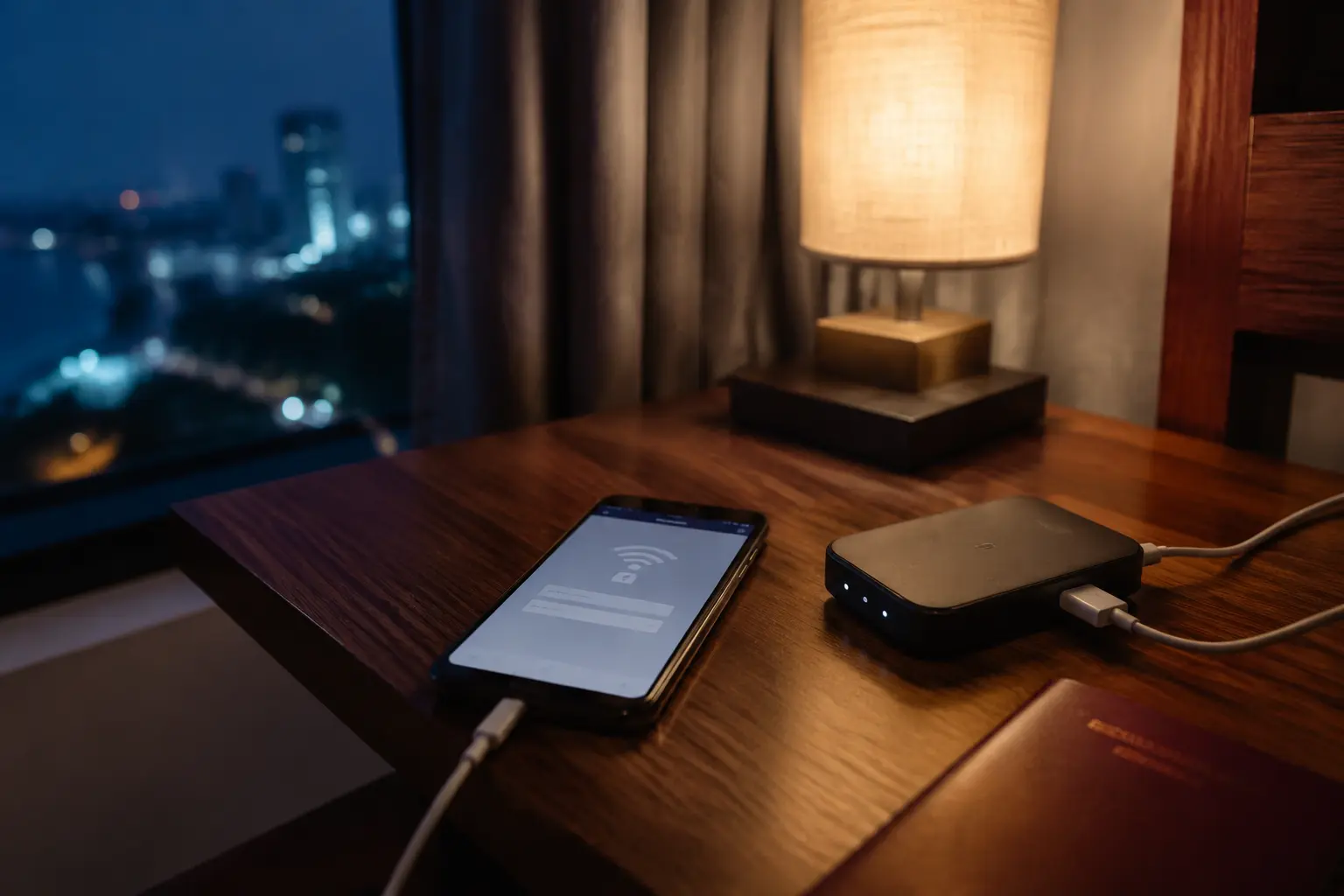
If the Wi-Fi is already weak, a fixed VPN profile may connect slowly, lose the tunnel when the signal dips, or fail to recover after a brief interruption. Then every device behind the router goes offline while you open its dashboard, restart the connection, and try another server or protocol.
The router had not removed the complexity. It had hidden it inside another box.
A short Reddit thread about the same Thailand setup helped me settle on a simpler rule: do not build the most impressive travel network. Build the smallest one that still works when the hotel Wi-Fi is bad.
The big VPNs were the obvious place to start
I tried the established VPN providers first, and there are good reasons they are recommended so often.
They have large server networks, polished apps, broad device support, useful documentation, and customer service that smaller companies may not match. If one location becomes crowded, there are usually several alternatives. If you need a particular country, you are more likely to find it.
For travelers who use several platforms or want split tunneling, dedicated IPs, router support, and detailed manual controls, a major provider may still be the safer choice.
On my home broadband, most of them worked well.
That was the problem with testing them at home.
Travel rarely gives you a clean, stable connection. It gives you a room at the end of a corridor, an overloaded café network, a railway station, and a phone that keeps moving between Wi-Fi and mobile data.
So I repeated the tests under worse conditions. I moved away from the router, used crowded public Wi-Fi, and switched repeatedly between Wi-Fi and cellular data.
The differences became clearer.
Some services were fast after connecting but slow to reconnect. Others dropped when the signal weakened and sat there looking connected while nothing loaded. Manually reconnecting usually fixed them, but that was exactly the kind of maintenance I was trying to avoid.
A huge server network is useful. It does not automatically make a weak connection less frustrating.
The app I expected to delete was the one I kept
I found OnlyDogs VPN near the end of the process, after the server lists and comparison tables had started blurring together.
I did not expect much from it. Its server selection was smaller than those of the major providers, and it would not suit someone who needed dozens of countries or detailed manual control.
On strong Wi-Fi, it did not feel dramatically different either.
The useful difference appeared when the connection deteriorated.
OnlyDogs VPN is built on HTTP/3. During my weak-network tests, it handled short drops and network changes more smoothly. Switching between Wi-Fi and mobile data caused fewer interruptions, and I spent less time reopening the app to reconnect it.
That was enough. It did not replace the advantages of the larger providers. It simply matched the least glamorous part of my trip better: unreliable networks.
I stopped comparing and left it installed.
The surprise came later. I discovered that it also supported streaming, which had not been the reason I chose it.
One evening back at the hotel, I opened BBC iPlayer and watched the match instead of spending the night switching servers or hunting for another stream. After a day of trains, heat, and walking, that small piece of normality felt better than I expected.
Test the trip, not the marketing page
Before flying, I tested the things I would actually depend on: banking, email, video calls, maps, cloud storage, streaming, and the switch between Wi-Fi and mobile data.
I also chose a short subscription instead of paying for a year. A VPN should earn a longer commitment on your own devices and connections—not in a review written on somebody else’s broadband.
The goal was not to prove that one app could handle every situation. It was to find the setup that needed the least rescuing when the network became unreliable.
What mattered more after I landed
Once that decision was made, the VPN became a small part of a more useful setup.
I activated a Thai eSIM so a dead hotel connection would not leave me stranded. I kept my regular number available for verification messages. I downloaded offline maps and saved the apartment address in both English and Thai.
I stored backup login codes away from my phone and saved the first routes I would need: airport to apartment, apartment to the nearest station, and apartment to somewhere I could eat that evening.
Those preparations solved problems no VPN or travel router could touch.
A VPN cannot recharge a dead battery. It cannot receive a security code sent to an inactive number. It cannot help a driver read an address saved only in English. It cannot repair hotel Wi-Fi that has stopped working entirely.
Good travel technology is rarely one perfect product. It is a few small backups that prevent one failure from consuming the day.
A note for next time
Keep the setup boring: mobile data when Wi-Fi fails, offline maps when both are unreliable, backup login codes somewhere separate, and important addresses saved in the local language.
Then stop preparing.
I landed, messaged home, found the train, checked into the apartment, and went back outside for dinner.
The best part of the setup was that I barely thought about it again.
Additional FAQs
Can a VPN guarantee that streaming will work while traveling?
No. Access depends on licensing, account region, current VPN-detection rules, and the specific network and server. A route that works today can change later.
Why do streaming apps block some VPN connections?
Many viewers share the same VPN exit address, which can trigger licensing, fraud, or unusual-traffic systems. Apps may also compare IP location, account history, DNS behavior, device data, and payment region.
What should I try when streaming fails on a VPN?
Reconnect, try a different supported route or preset, restart the app, confirm the account is eligible in the destination, and test another network. Change one variable at a time.