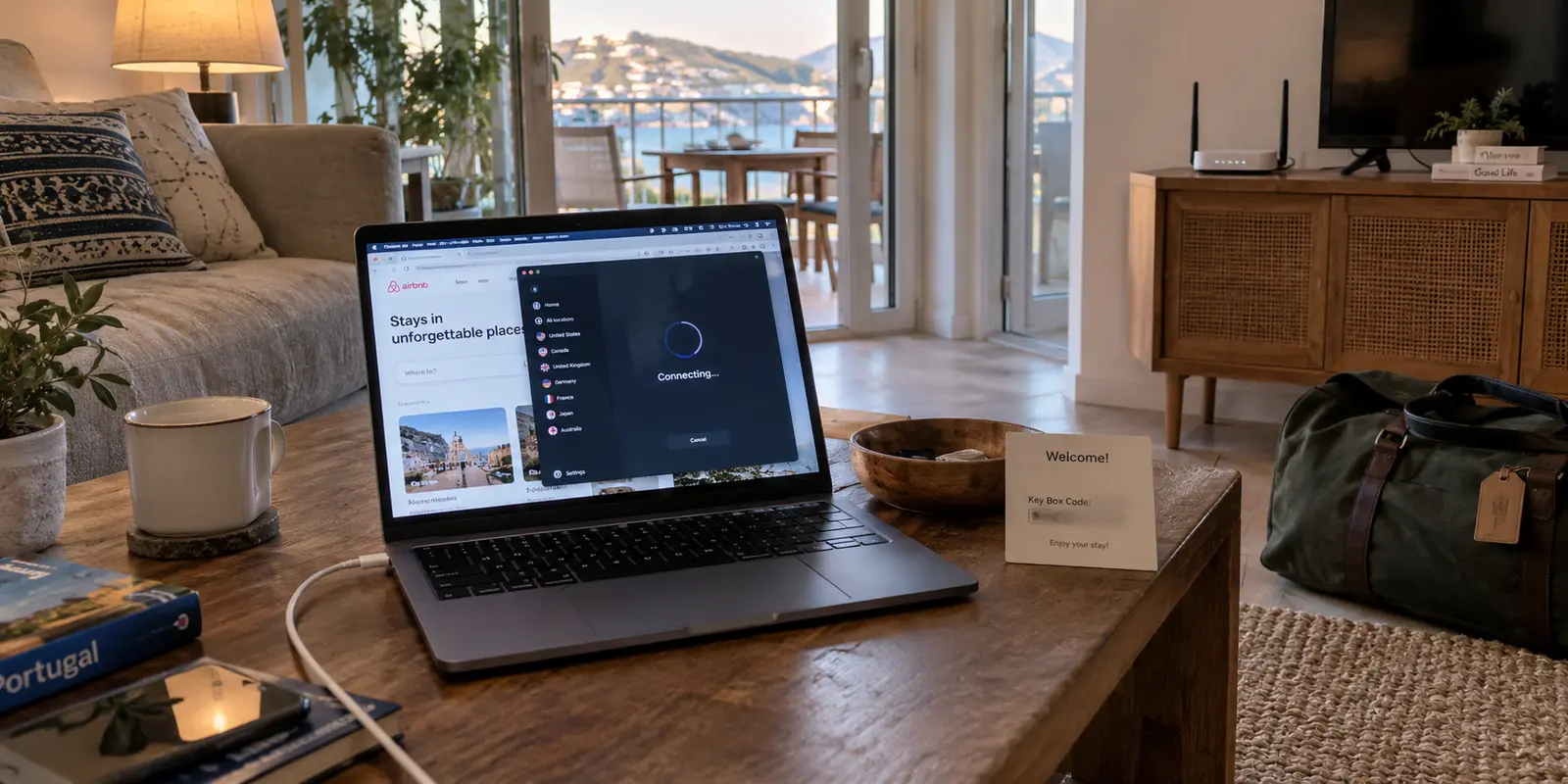
You check into your Airbnb, unpack your laptop, and connect to the Wi-Fi. The signal is strong, websites load in a flash, and you can stream video without a hitch. But the moment you click “Connect” on your VPN, everything stalls.
The status icon spins indefinitely. Or it turns green, yet your email client freezes, browser tabs time out, and your messaging apps show a persistent “Connecting…” banner.
The default reaction is to treat this like a generic software glitch. You start cycling through ten different countries, tweaking DNS entries, toggling kill switches, or hunting behind the media console to find the host's router so you can pull the power plug.
Stop before you touch the hardware or tear down your system settings. When a VPN fails at a vacation rental, most standard advice starts from a fundamentally flawed assumption: it assumes you own the network. You don’t. At an Airbnb, the fastest way to solve the problem is to stop playing network administrator on someone else’s equipment and run three quick tests to find out who actually owns the failure.
Article summary and product fit
How do you tell whether Airbnb Wi-Fi or your VPN is the problem?
Run three controlled tests instead of touching the host’s router: check ordinary Airbnb internet with the VPN off, test the same VPN setup over your phone hotspot, and, if possible, try a second device on the rental Wi-Fi. If direct internet works and the VPN works on the hotspot but fails only on the Airbnb network, the rental network path is the barrier.
Key points
- Best for: Travelers whose vacation-rental Wi-Fi is fast for normal browsing but their VPN stalls, connects without passing traffic, or fails only at that property.
- Test first: Keep the VPN server and protocol unchanged while moving the laptop to a phone hotspot. A successful hotspot connection isolates the rental Wi-Fi path without changing the device or VPN account.
- Product fit: After the Airbnb network is proven to be the sole barrier, the article positions OnlydogVPN as a travel-oriented option for obfuscated and automatically selected routes when you need to keep using the property Wi-Fi.
- Important limit: Do not administer or reset the host’s router without permission. If baseline internet fails, contact the host; if the VPN also fails on mobile data, troubleshoot the device or provider instead; for urgent work, the hotspot itself is the cleanest exit.
Sources already cited in the article: Airbnb’s host network guidance, Airbnb’s Wi-Fi speed-test guidance, Microsoft VPN troubleshooting guidance, Proton VPN connection-mode guidance, and OnlydogVPN official website.
The router is someone else’s equipment
Troubleshooting at a rental requires a strict boundary between testing the connection and administering it.
Airbnb’s own guidance for hosts instructs hosts to manage their own routers, set up encrypted guest networks, install firmware updates, and keep modems and networking hardware secured—often out of reach or in locked closets. Unless your host explicitly invites you to inspect the router, you should never try to access its administrative console, open ports, alter firewall rules, or hit the factory reset pinhole.
Don't be swayed by an Airbnb listing boasting a "Fast Wi-Fi" badge. As Airbnb points out, the in-app speed test is merely a point-in-time snapshot of raw download throughput to a local test server. It tells you that the broadband pipe can stream movies quickly; it reveals nothing about whether the router permits outbound encrypted tunnels, blocks custom ports, or chokes on specific protocol handshakes.
A high-speed badge does not mean the network is hospitable to your VPN.
Three quick tests to assign ownership
Before altering a single setting inside your VPN client, run three controlled checks. Keep your device and application unchanged, and isolate one variable at a time:
- Test raw Airbnb internet (VPN off):
Disconnect the VPN completely. Open a browser and visit two or three standard websites. Does ordinary, unprotected traffic load cleanly?
- Test the same VPN on a phone hotspot:
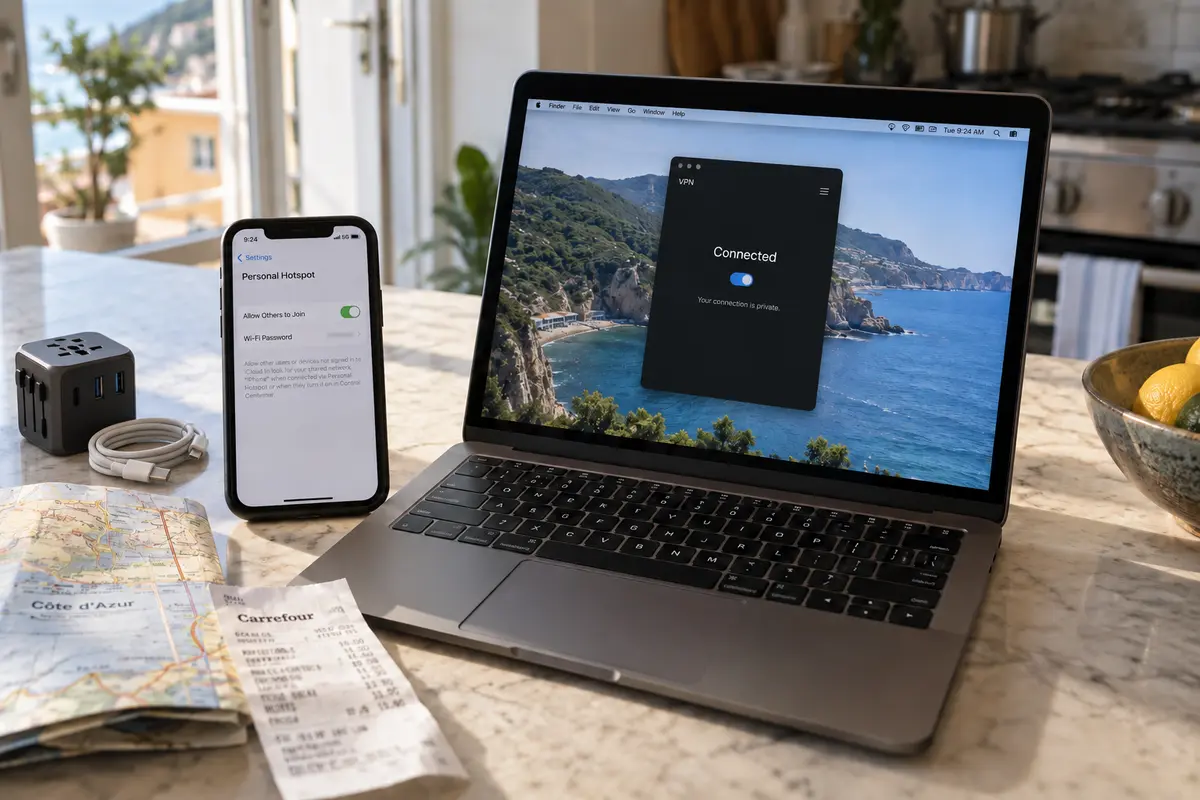
Disconnect from the Airbnb Wi-Fi and pair your laptop to your smartphone’s cellular hotspot. Launch the VPN using the exact same server and protocol you were trying to use before. Does it connect and pass traffic?
- Test a second device on the Airbnb Wi-Fi (if available):
Try connecting to the VPN on your phone or tablet while connected to the rental's Wi-Fi. Does it fail identically?
Evaluating these results immediately reveals where the breakdown lives:
- Ordinary internet fails with the VPN off: The rental’s baseline broadband connection is down or trapped behind an uncompleted portal. The VPN has nothing to do with it.
- VPN fails on both Airbnb Wi-Fi and your mobile hotspot: The rental network is innocent. The failure travels with your laptop, your software configuration, or your VPN provider’s infrastructure.
- The VPN connects on a second device, but fails on your laptop: The Airbnb network can carry the VPN tunnel; the issue is an isolated software or network-adapter problem on your primary machine.
- Ordinary internet works, the VPN works instantly on your hotspot, but the VPN fails exclusively on the Airbnb Wi-Fi: This is the decisive result. Your device, software, and provider account are completely healthy. The specific route between the Airbnb network and your VPN is where the blockage occurs.
If the baseline internet is broken, hand it back to the host
If your browser cannot reach the open web even when the VPN is completely switched off, stop troubleshooting your software. A VPN encrypts an existing internet path—it cannot create connectivity out of thin air.
First, confirm you are connected to the exact SSID and password listed in your check-in instructions, and ensure you haven't wandered into a dead zone far from the primary access point.
If direct browsing remains dead, message the host. Send a factual, constructive update rather than an ambiguous complaint:
"Hi! I'm connected to the Wi-Fi network, but web pages aren't loading on my phone or laptop, even with all security software and VPNs turned off. Could you confirm if the local provider is reporting an outage, or trigger a remote reboot of the router?"
A clear message allows the host to contact their ISP, restart their mesh network, or supply an alternate login. If you have an urgent call or work deadline, switch to your phone's personal hotspot or a travel eSIM while the host handles the property's utility problem.
When the Wi-Fi rejects the VPN, suspect the network path
If ordinary websites load smoothly, your VPN connects without hesitation over your cellular hotspot, but it stalls the moment you return to the Airbnb Wi-Fi, you have isolated the culprit: the rental network’s path is dropping your VPN connection.
This does not necessarily mean your host has actively decided to block VPNs. As Microsoft’s VPN troubleshooting documentation highlights, VPN handshakes frequently fail because intermediate consumer routers, upstream ISP gateways, or aggressive firewall rules reject the specific traffic types that standard VPN protocols rely on. Some residential routers run default "security" profiles that flag unfamiliar UDP traffic, while managed apartment complexes often enforce strict content filters that drop recognizable VPN signatures entirely.
Before abandoning the network, give your existing client one fair chance:
- Switch connection modes: If your VPN app includes an "Automatic," "Smart," or "Stealth/Obfuscated" mode, toggle it on. Providers such as Proton VPN document these alternate modes specifically to evade restrictive local firewalls that reject default protocols.
- Try one different server: Pick a different nearby location in case the specific server node you selected is temporarily unreachable.
If those quick adjustments fail, enforce a strict stopping rule: do not spend your evening changing system DNS, resetting network adapters, or testing twenty different countries. The issue is the path through this specific router, and playing server roulette will not change how the local equipment handles encrypted traffic.
Two clean exits: leave the network or adapt to it
Once you have verified that the Airbnb network is the sole barrier, you have reached the decision point. You have two practical ways forward:
If I just need to get online now
If you only need to send a few critical emails, join an urgent voice call, or approve a banking transaction, tether your computer to your phone’s cellular data or an eSIM. The hotspot test already proved that this bypasses the property's restrictive router entirely. It is the fastest immediate fix when time matters more than data usage.
If I need the rental Wi-Fi for the rest of the stay
If you are settling in for a week-long stay, working with large files, streaming in the evenings, or facing spotty cellular reception, burning through limited mobile roaming data is not a sustainable answer. You need the Airbnb's Wi-Fi to cooperate.
That is where OnlydogVPN↗ earns its place in a travel kit.
Most conventional VPNs expect an open, unhindered broadband connection. When they encounter an uncooperative router, they put the burden on you—leaving you to manually test protocols, tweak port numbers, and guess which configuration might slip past the firewall.
OnlydogVPN focuses on the friction of travel networks. Its traffic obfuscation is designed to make the tunnel less obvious to local filters that drop standard VPN handshakes.
Its Smart Global Routing also evaluates network conditions automatically, reducing the need to test different cities by hand. The point is to spend less time in network settings and more time on the trip.
A note for the next rental
The next time a vacation rental's internet brings your work to a standstill, remember the simple division of ownership:
Internet fails with the VPN off: It's a property issue. Message the host and let them fix their connection.
VPN fails on both Wi-Fi and mobile data: It's a device or provider issue. Update the app, check your credentials, or reboot your machine.
VPN connects on mobile data, but fails only on the Airbnb Wi-Fi: It's a network-compatibility issue. Tether to your phone for quick tasks, or use a travel-oriented tool like OnlydogVPN to navigate the local router's restrictions automatically.
You don't need access to the host's utility closet to fix your connection. You just need to test what you control, identify which side of the wall the problem lives on, and apply the fix that matches reality.
Frequently Asked Questions
Should I reboot, reset, or reconfigure an Airbnb host’s router when my VPN fails?
No. The article draws a firm line between testing the network and administering someone else’s equipment. Unless the host explicitly asks you to help, leave router settings, ports, firewall rules, and factory-reset controls alone.
Does an Airbnb “Fast Wi-Fi” result prove that a VPN should work?
No. A speed test measures raw throughput to a test server at one moment. It does not show whether the router or upstream network permits a particular VPN handshake, protocol, port, or encrypted traffic pattern.
What result most clearly points to the Airbnb Wi-Fi path?
Ordinary internet works on the rental Wi-Fi, the same VPN setup works over your phone hotspot, and that VPN fails again when you return to the Airbnb Wi-Fi. That keeps the device and VPN constant while isolating the rental network.
What if the internet is broken even with the VPN completely off?
Stop troubleshooting the VPN. Confirm the correct Wi-Fi name and password, check that no captive portal is waiting, and contact the host so they can investigate the property connection or restart their equipment.
What should I do after proving the rental Wi-Fi is rejecting the VPN?
Give the existing client one brief test with an Automatic, Smart, Stealth, or obfuscated mode and one different nearby server. If that fails, stop changing system settings: use your phone hotspot for urgent tasks or a VPN designed to cope with restrictive travel networks.