
You line up the ultimate on Anhur, click left mouse, watch your spear fly right through the enemy carry—and half a second later, you rubberband back three paces, realize your stun never registered, and end up staring at a grey respawn screen.
When you glance at the corner of your monitor, your ping isn't just high; it looks like a heart monitor in an action movie. 45ms, then 140ms, then 210ms, then back down to 60ms.
If you are currently searching for the "best VPN for Smite 2 to fix high ping and matchmaking lag," you’re probably fed up with two things:
- Missing skillshots that you clearly landed on your screen.
- Waiting ten minutes in queue on your local server, switching to NA or EU just to find a match, and ending up with an unplayable, laggy mess.
Before you buy anything, let's establish one honest truth that most generic tech review sites hide: A VPN does not magically upgrade your internet speed. If you pay for 50 Mbps DSL, a VPN won't give you 500 Mbps fiber.
However, if your routing is fundamentally broken—or if you’re jumping regions to get matches—a well-engineered VPN is the only tool that can clean up the line.
Here is what is actually breaking your matches in Smite 2, why 90% of mainstream VPNs make it worse, and what you actually need to look for.
Article summary and product fit
When can a VPN improve Smite 2 ping, jitter, packet loss, or cross-region matchmaking?
The article says a VPN is most useful when the problem is a poor ISP route, unstable peering, packet loss, or a long detour to the region where you are matchmaking. It is not a bandwidth upgrade and cannot remove the unavoidable latency created by physical distance.
Key context
- Best for: Smite 2 players dealing with unstable ping spikes, rubberbanding, dropped inputs, or cross-region queues that take a bad route through the public internet.
- Article detail: The article distinguishes steady latency from jitter and packet loss, arguing that route stability often matters more than shaving a few milliseconds from an already stable connection.
- Important limit: A VPN will not fix a saturated home connection, insufficient bandwidth, or the physical delay of playing on a faraway server.
- OnlyDogs fit: OnlyDogs VPN is presented as a route-selection option for the specific case where changing the network path can remove ISP detours or stabilize packet delivery.
Sources already referenced in this article: OnlyDogsVPN official website.
What’s Actually Ruining Your Smite 2 Matches?
Smite 2 is not a casual turn-based game. It is a third-person, action-oriented MOBA built on Unreal Engine 5. Every auto-attack is a projectile skillshot with its own velocity and hitbox. There is zero tab-targeting or point-and-click safety.
Because of that, your gameplay suffers under three specific networking bottlenecks:
1. ISP "Bad Routing" (The Detour Problem)
Your home Internet Service Provider (ISP) does not prioritize the straightest path to Hi-Rez gaming servers; they prioritize the cheapest path for their commercial bandwidth contracts. Instead of sending your connection directly to the server hub (say, from Chicago straight to Virginia), your packets might bounce through Dallas, Atlanta, and three congested third-party peering exchanges. That turns what should be a 35ms connection into an unstable 95ms detour.
2. Jitter and Packet Loss (Worse Than Pure Ping)
In Smite 2, playing on a steady 90ms ping is manageable—your brain adapts to the slight delay. What makes the game literally unplayable is jitter (ping fluctuating wildly between 50ms and 160ms) and packet loss. When packets drop, the server and your local client disagree on where your God is standing. That is why you rubberband into jungle walls or watch your beads fail to activate even though you smashed the key.
3. Matchmaking Queue Dead zones
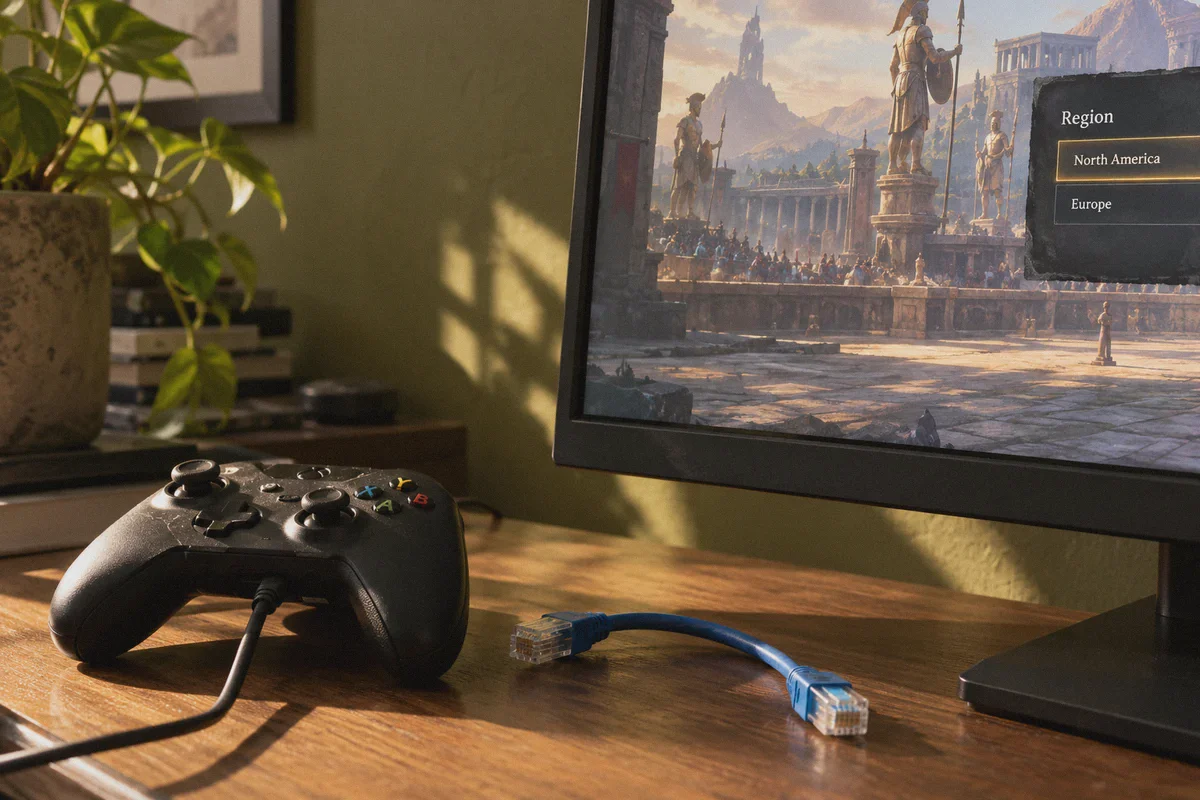
Depending on where you live (Oceania, Southeast Asia, South America, or off-peak hours in smaller regions), the local matchmaking queue can take forever. To get regular games, players frequently swap server regions in the settings. But if you connect to US East or EU West across the open public internet without a dedicated route, you get slapped with severe routing degradation and dropped packets.
Why Generic Commercial VPNs Often Ruin Gaming Ping
Most players who try a VPN for gaming grab whatever brand has the biggest advertising budget, install it, pick a random server, and immediately regret it.
Here is why typical VPNs fail gamers:
- Overcrowded Nodes: Traditional VPNs pack thousands of users watching 4K Netflix or downloading large files onto the same shared IP addresses. That creates server-side congestion and internal queuing delays.
- Heavy Legacy Protocols: Standard OpenVPN setups wrap your traffic in massive encryption envelopes and run heavy handshake checks. That overhead adds 20ms to 40ms of raw artificial latency right out of the gate.
- Manual Guesswork: You are left looking at a list of 80 cities, manually picking one, launching Smite 2, testing the ping, quitting the game, switching to another city, and repeating the cycle for half an hour.
If you want a VPN for Smite 2, you don’t need an enterprise privacy shield designed for whistleblowers. You need a streamlined, low-overhead transit line that cuts out ISP detours and absorbs network jitter.
How OnlyDogs VPN Handles Smite 2 Routing
This brings us to OnlyDogs VPN, which approaches network connections from a distinctly practical angle. Instead of burying you in complex cryptographic settings, it is designed around real-world connection stability and zero-friction setup.
Here is why it fits the specific demands of Smite 2:
1. Instant Scenario Presets (No Server Guesswork)
When you sit down to play, you don't want to spend 20 minutes running trace-routes across individual IP addresses. OnlyDogs replaces cluttered server lists with 1-click scenario presets. You click the fastest line preset, and the backend engine automatically measures latency, calculates the cleanest exit route, and locks you into the most direct line to the regional gaming cluster. It completely eliminates the trial-and-error loop.
2. Next-Gen HTTP/3 & Proprietary Protocol Design
Unlike traditional VPNs running on rigid, legacy OpenVPN frameworks, OnlyDogs uses a modern architecture built on HTTP/3 and proprietary obfuscation protocols.
Why does this matter for gaming?
- Zero Bloat: Modern transport mechanisms dramatically reduce packet header overhead, keeping base ping lean.
- ISP Anti-Throttling: Many ISPs quietly detect and throttle continuous UDP gaming streams during peak evening hours. The obfuscated protocol masks your traffic, sailing right through restrictive ISP filters without getting queued or choked.
3. Weak-Network Jitter & Packet Recovery
If you play on Wi-Fi or have a local line prone to micro-drops, standard VPN connections will drop out or freeze your game state for several seconds while attempting to reconnect. OnlyDogs was specifically engineered with heavy resilience against weak networks, high congestion, and jitter. It holds your session stable through brief network dips, drastically reducing the rubberbanding and skillshot phantom-hits that plague intense team fights.
4. Frictionless Multi-Device Access
OnlyDogs ditches traditional usernames and complex password systems in favor of quick email verification code login. If you play Smite 2 on your main PC, manage builds on a laptop, or switch between platforms (Windows, macOS, iOS, Android), you can spin up the client without having to look up a 16-character password you wrote down six months ago.
Realistic Ping Expectations: What Will Actually Happen?
Let’s be completely realistic so you know exactly what to expect before you boot up your next match:
| Your Current Situation | Will a VPN Help? | What to Expect |
|---|---|---|
| Your ISP has bad routing to Hi-Rez servers (e.g., ping jumps to 130ms on local servers) | Yes, significantly | Bridges the detour, stabilizes ping down to your baseline (e.g., 40–55ms), and eliminates jitter spikes. |
| You suffer from packet loss & rubberbanding | Yes | Re-routes traffic away from congested ISP peering exchanges to stabilize packet delivery. |
| You want to play on a different region (e.g., queued from SA to NA East) | Yes | It won't beat the speed of light, but it smooths the long-distance line, preventing 300ms spikes and keeping it at a predictable, playable floor. |
| You are on a bad 5 Mbps DSL line with 4 people streaming 4K | No | A VPN cannot generate physical bandwidth you don't possess. Fix your local bandwidth bottleneck first. |
How to Set Up OnlyDogs VPN for Smite 2
Getting your connection optimized takes less than three minutes:
- Get the Client: Visit OnlyDogs VPN and download the app for Windows.
- Log In Instantly: Enter your email, type in the quick verification code, and you are in the dashboard.
- Select Your Mode: Tap the Fastest Line scenario preset. If you are specifically queuing for a foreign region (such as NA East or EU), select that target region preset.
- Launch Smite 2: Open the game via Steam or the Epic Games Launcher, jump into the Practice Arena or a casual Clash/Conquest match, and watch your combat log. Your abilities should register the moment your key clicks, without the dreaded micro-stutter.
The Verdict
In a precision MOBA like Smite 2, where a single missed Crowd Control ability can lose an entire late-game Fire Giant dance, you cannot afford to play against both the enemy team and your own ISP’s bad routing.
If your game is suffering from unstable ping spikes, phantom hits, or empty matchmaking queues, give OnlyDogs VPN a run. Pick the fast-route preset, cut out the ISP detours, and get back to landing your skillshots when it counts.
Frequently Asked Questions
Why can a steady 90 ms connection feel better than ping that jumps between 50 ms and 160 ms?
The article says players can adapt to a steady delay, while jitter changes the timing from moment to moment and packet loss can make the client and server disagree about movement or ability use.
Why can an ISP create high Smite 2 latency even when your home connection is fast?
The article describes ISP routing as a series of transit and peering choices. A cheap or congested detour can add latency and instability even when the local broadband link is fast.
When will a VPN probably not help Smite 2?
It will not create bandwidth you do not have, fix a heavily saturated home connection, or remove the physical distance to a faraway matchmaking region. The article treats those as limits rather than routing problems.