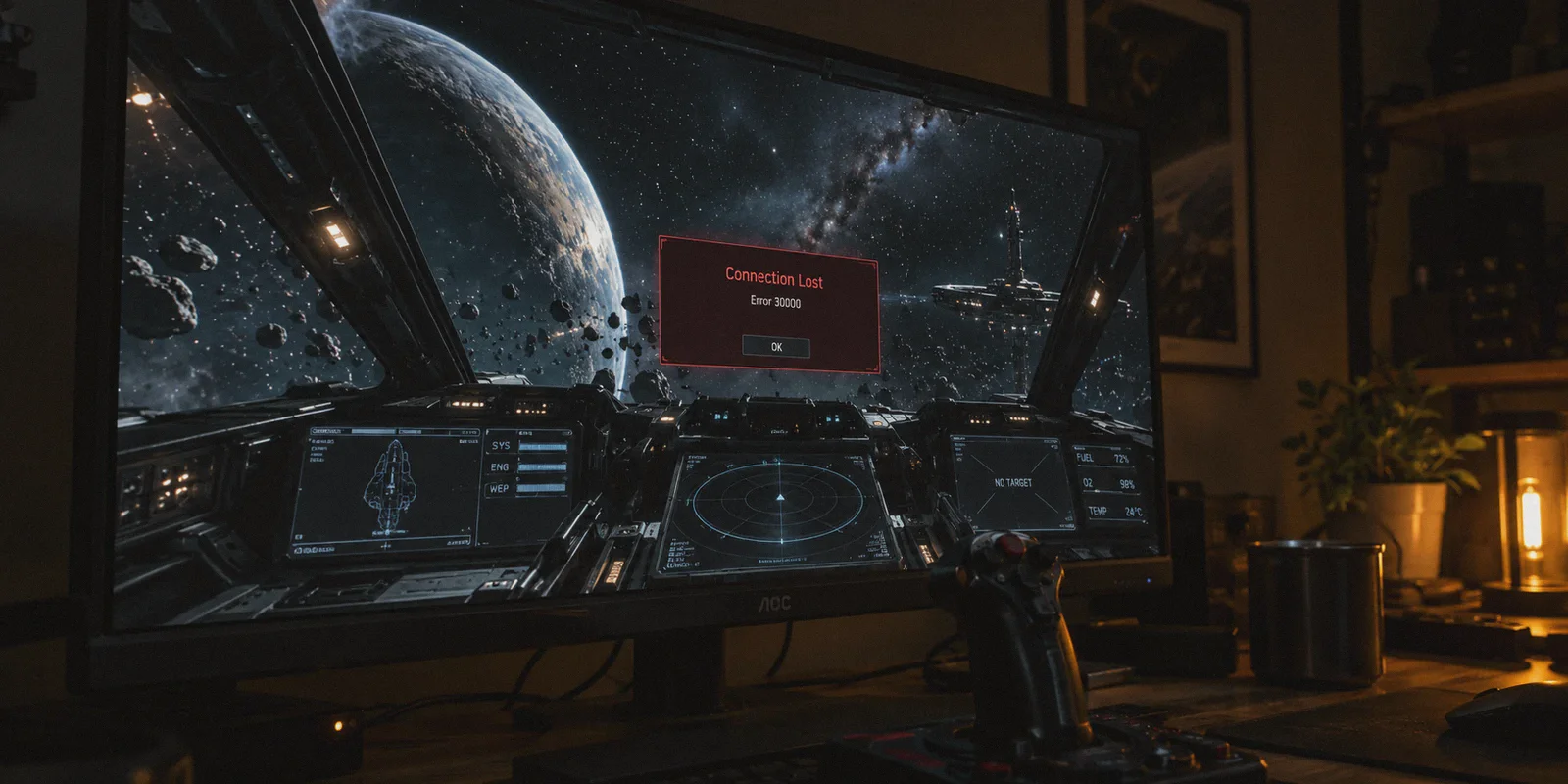
You are twenty minutes into a high-yield salvage run in the Yela asteroid belt, or your C2 Hercules is sitting on the pad packed with two million aUEC worth of cargo. Suddenly, your ship controls freeze. The throttle doesn't respond. Ten seconds later, the red box drops from the top of the screen:
Connection Lost — Disconnection (Error 30000)
Every Star Citizen pilot knows the knot in their stomach when that pop-up appears. And if you’ve spent five minutes searching Reddit or the RSI Spectrum forums, you’ve probably seen someone throw out the standard advice: "Just get a VPN, it fixed my 30Ks."
Before you spend a single dollar, let’s get the brutal truth out of the way first.
Can a VPN Actually Fix a 30K Error? (The Honest Answer)
If a VPN company promises they will eliminate every 30K error from Star Citizen, they are lying to you.
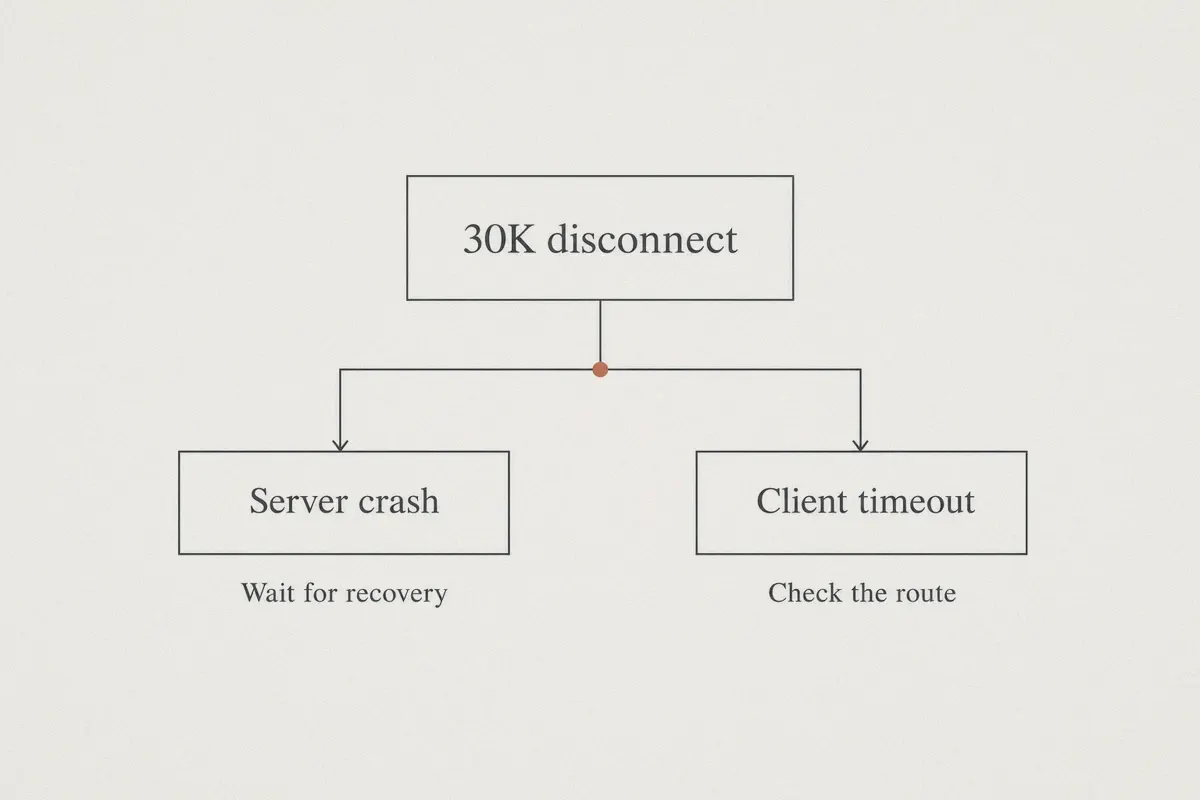
Here is what is actually happening under the hood: Error 30000 is Cloud Imperium Games’ (CIG) generic catch-all for a lost connection between your game client and the server. That break happens in two completely different ways:
- A True Dedicated Game Server (DGS) Crash: The CIG server running your shard in Frankfurt or Virginia encounters an unhandled entity error and literally dies. When the server machine itself crashes, Jesus himself couldn't save your cargo run. No VPN on Earth can fix backend server code.
- A Client-Side Socket Timeout: The server is perfectly healthy, but your local ISP dropped communication with CIG’s AWS servers for more than roughly 30 seconds. Because the StarEngine netcode stopped receiving heartbeat packets, it assumes the link is dead and kicks you to the main menu with—you guessed it—Error 30000, or its close cousins 30012 and 30019.
Here is the kicker: up to half of the disconnects players call "30Ks" are actually Type 2.
┌── Server Crash (CIG backend dies) ──> VPN Cannot Fix
                              │
Star Citizen Disconnect (30K) ┤
                              │
                              └── Client Socket Timeout (ISP packet drop) ──> VPN CAN Fix
Even with CIG’s Server Crash Recovery (SCR)—which is supposed to hold your ship state in limbo for 2–3 minutes while a new server takes over—your connection needs to survive that recovery window. If your ISP suffers a micro-spike of packet loss while the game is waiting for the shard to recover, your client gives up, disconnects, and you lose your cargo anyway.
That is the specific problem a good VPN solves: stabilizing the fragile route between your PC and CIG's AWS data centers, preventing the packet loss that triggers false 30Ks.
Article summary and product fit
Can a VPN actually fix Star Citizen Error 30000?
Not every 30K. The article separates true CIG server crashes, which a VPN cannot fix, from client-side socket timeouts caused by packet loss or a bad ISP route. A VPN is only relevant to the second category, where changing or stabilizing the route may keep the game session alive.
Key points and product fit
- Best for: Players whose disconnects correlate with packet loss, ISP congestion, or unstable routes to the game region rather than a shard-wide server failure.
- How to diagnose: The article recommends using Star Citizen’s r_DisplayInfo telemetry and watching Ping and BwIn during play.
- Where OnlyDogs fits: It is positioned as a lightweight, auto-routed connection intended to smooth jitter, recover quickly, and avoid manual node testing.
- Important limits: No VPN can repair a crashed CIG server, weak Wi-Fi through physical obstructions, or local client problems such as stale shader data after a patch.
Sources already linked in this article: OnlyDogs VPN official website.
Why Typical "Big Brand" VPNs Often Make Star Citizen Worse
Most players who try a VPN for Star Citizen end up disappointed, and it’s usually because they pick a service built for streaming Netflix rather than handling fragile real-time UDP game streams.
- Re-Keying Drops: Standard commercial VPNs running legacy protocols periodically renegotiate encryption keys. When that handshake stutters for even 500 milliseconds on a congested node, Star Citizen’s netcode panics and flags a disconnect.
- Bloated Background Clients: Star Citizen is an absolute resource hog that pushes 32 GB of RAM and every CPU thread to its threshold. The last thing you need while quantum-jumping into Orison is a bloated desktop app eating 1.5 GB of memory and running telemetry in the background.
- The Server Roulette Problem: Most VPN apps dump a list of 80 countries on your screen and expect you to guess which specific city node has the cleanest route to AWS eu-central-1 or us-east-1. You spend forty minutes testing servers instead of flying.
Where OnlyDogs VPN Fits In for Stanton Pilots
OnlyDogs VPN takes a fundamentally different engineering approach that directly matches how Star Citizen communicates with its shard clusters.
1. HTTP/3 and Anti-Jitter Protocol Resilience
Most VPN tunnels collapse the moment an ISP routing node drops 3% of incoming UDP packets. OnlyDogs utilizes a modernized transport architecture built around HTTP/3 and proprietary traffic obfuscation.
Instead of treating minor packet loss like a fatal link failure, the protocol encapsulates and smooths over jitter. If your neighborhood ISP node experiences an evening peak congestion spike, OnlyDogs maintains the active socket connection so your client never drops below the CIG timeout threshold.
2. Zero-Guesswork Scene Presets & Smart Auto-Routing
You shouldn't need a network engineering degree to log into Port Tressler.
OnlyDogs replaces the endless list of unverified servers with One-Click Scene Presets. Hit the preset for gaming/speed, and its auto-routing engine instantly analyzes latency and transit hops to direct your traffic through the cleanest peering path. It bypasses the congested public Tier-1 transit hops (like overloaded Cogent or Telia routes) that frequently drop game packets between home ISPs and cloud servers.
3. Rapid Reconnect Without Socket Tearing
If your home Wi-Fi stutters or your router negotiates a brief channel switch, standard VPNs tear down the entire virtual adapter, forcing Star Citizen to hard crash back to the hangar.
OnlyDogs is designed specifically for weak networks and fast route recovery. It re-establishes dropped streams almost instantly without tearing down the local network socket, keeping your game client alive during server transitions and Server Crash Recovery states.
4. Lightweight, Password-Free Footprint
The client uses clean email verification codes instead of cumbersome account management systems, and runs as a lean, low-overhead utility. It stays out of your CPU’s way, leaving your RAM and GPU cycles dedicated entirely to rendering volumetric clouds over microTech.
How to Check if Your Disconnect is Your ISP or CIG
Before blaming your network or CIG, turn on Star Citizen's internal network telemetry:
- Open the game console using the tilde key (
~). - Type
r_DisplayInfo 3and press Enter. - Look at the top-right corner of your screen during gameplay.
Keep an eye on two specific metrics: Ping and BwIn (Bandwidth In).
| In-Game Symptom | What It Means | Will a VPN Help? |
|---|---|---|
| BwIn drops to 0.000 KB/s, global chat stops, everyone in Discord also freezes | Full CIG Server Crash (DGS dead) | No. Wait for Server Crash Recovery. |
| BwIn drops to 0.000 KB/s, but Discord voice chat stays crisp, error 30012/30000 pops up | Local ISP routing packet drop / socket timeout | Yes. OnlyDogs fixes route drops. |
| Ping fluctuates wildly (e.g., jumps from 45ms to 280ms before kicking) | ISP route throttling or bad peering node | Yes. Auto-routing bypasses congested hops. |
Setting Up OnlyDogs VPN for a Stable Star Citizen Session
Getting your connection dialed in takes less than two minutes:
-
Launch OnlyDogs VPN and select the high-speed/optimized scene preset.
-
Match your Game Region:
- Playing on USA servers? Connect to the closest US node.
- Playing on EU servers? Connect to a Central European node (Frankfurt/Amsterdam routing).
- Playing on AUS/Asia? Select the corresponding regional node.
-
Boot the RSI Launcher and launch Star Citizen.
-
Check
r_DisplayInfo 2once you wake up in your hab. You should see a flat, steady ping line with zero packet stutter.
Three In-Game Habits to Protect Your Cargo
A rock-solid network route is half the battle; how you handle server hiccups in-game is the other half:
- Never Panic-Quit on a Freeze: When your ship stops responding, do not immediately hit
Alt + F4. If it is an actual server crash, CIG’s Server Crash Recovery takes between 60 and 180 seconds to spin up a replacement shard and restore your ship. Let the screen sit until the recovery process finishes. - Ditch Wi-Fi for Hardwired Ethernet: Even the best VPN protocol can't fix a 5GHz Wi-Fi signal dropping through two concrete walls. Always plug in an Ethernet cable for Star Citizen.
- Clear the Star Citizen User & Shader Cache: After every major patch (e.g., from 3.23 to 3.24+), corrupted local shader files can cause client-side lockups that trigger network timeouts. Clear your
%localappdata%\Star Citizencache regularly.
The Verdict
You cannot fix Cloud Imperium Games' server bugs with third-party software. When a physical shard crashes in their data center, you just have to wait for the backend to recover.
What you can stop is your own internet provider dropping packets, choking UDP streams, and throwing away your hard-earned cargo runs on a preventable client-side timeout.
If you're tired of guessing which 30K was CIG's fault and which one was your ISP kicking you out of quantum travel, run OnlyDogs VPN before your next launch, lock in your route, and keep your ship in the black where it belongs.
Frequently Asked Questions
Can a VPN eliminate every Star Citizen 30K error?
No. The article is explicit that a true Dedicated Game Server crash is on CIG’s side and cannot be repaired by software running on your PC. A VPN is only potentially useful when the disconnect comes from the route between your client and the server.
What is the difference between a server crash and a client-side socket timeout?
A server crash means the shard itself stops running. A client-side timeout means the server may still be healthy, but your ISP route stops delivering heartbeat traffic long enough for the game to treat the connection as lost.
How can I watch my Star Citizen network connection in game?
The article says to open the console with the tilde key, run r_DisplayInfo 3, and watch the Ping and BwIn values in the top-right corner while playing.
What setup does the article recommend before a long cargo or salvage session?
Use the high-speed route that matches your game region, prefer wired Ethernet over Wi-Fi, and check the in-game network display after spawning so you can see whether the connection is stable before committing valuable cargo.
What should I do when the game freezes during a possible server crash?
The article advises against immediately force-quitting. It says Server Crash Recovery may take roughly one to three minutes, so waiting can give the backend time to recover the shard state before you abandon the session.