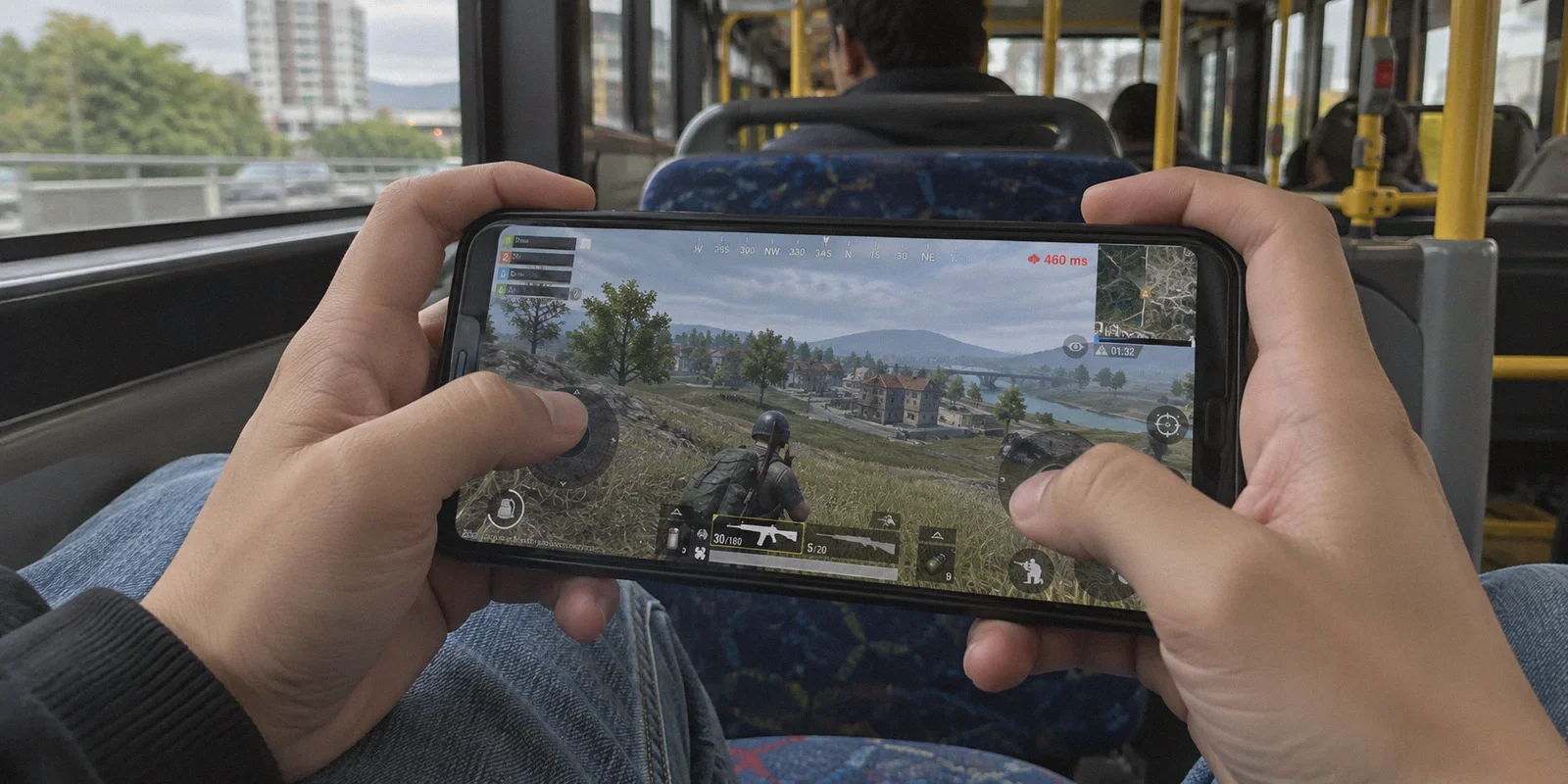
If you followed a 30-second YouTube tutorial to switch your PUBG Mobile region to Turkey for cheap UC, or to Europe to push conqueror rank with your foreign squad, you’ve probably already met the red text: Ping 460ms.
Or worse, you tapped "Change" in your basic settings, the game crashed, and you logged back in to discover you are now locked into an unplayable server for the next 60 days.
Most guides rank VPNs for PUBG Mobile by counting server numbers—"Provider A has 5,000 servers, Provider B has 6,000." That metric is completely useless for a mobile shooter. PUBG Mobile doesn't care how many server racks a provider owns in Frankfurt. It cares about packet consistency, handshake authenticity, and whether your connection drops dead the second your phone switches from Wi-Fi to cellular data.
Before you touch another toggle, let’s clear up what changing your region actually does, why most VPNs ruin the experience, and how to pick a tool that gets the job done cleanly.
Article summary and product fit
How should PUBG Mobile players think about changing region without confusing account region with matchmaking server location?
The article separates PUBG Mobile’s account country or region from its matchmaking server. It recommends closing the game before connecting to the target route, verifying the detected country before accepting a long lock period, and using the VPN only as long as the player’s goal actually requires it.
Key points, fit, and limits
- Best for: PUBG Mobile players changing regional events or store access, or routing around a poor gaming network.
- Key distinction: Account country affects events and store context, while matchmaking server affects latency and the physical game session.
- Practical approach: Force-close PUBG, connect to the intended region, reopen Settings, verify the detected country and lock warning, then confirm only if it is correct.
- Product fit: Within this article, OnlyDogs VPN is the recommended fit because its HTTP/3-based obfuscation, scene presets, and weak-network recovery are presented as useful for stable mobile-game routing and region changes.
- Important limit: A VPN cannot defeat geographic latency, and the article warns that a confirmed region change can be locked for 60 to 90 days.
Product source: OnlyDogs VPN official website
The Reality Check: Two Types of "Region Change" in PUBG Mobile
Nine out of ten players run into trouble because they confuse two completely different mechanics inside the game:
┌────────────────────────────────────────────────────────┐
│               PUBG Mobile Regional Systems             │
├───────────────────────────┬────────────────────────────┤
│ Account Country / Region  │ Matchmaking Server Region  │
│ (Events, UC Shop, Crates) │ (Ping, Squads, Rank Tier)  │
├───────────────────────────┼────────────────────────────┤
│ • Settings > Account      │ • Lobby Select / Settings  │
│ • Locked for 60–90 days   │ • Tied to real-time latency│
│ • Needs a clean local IP  │ • Needs zero packet loss   │
└───────────────────────────┴────────────────────────────┘
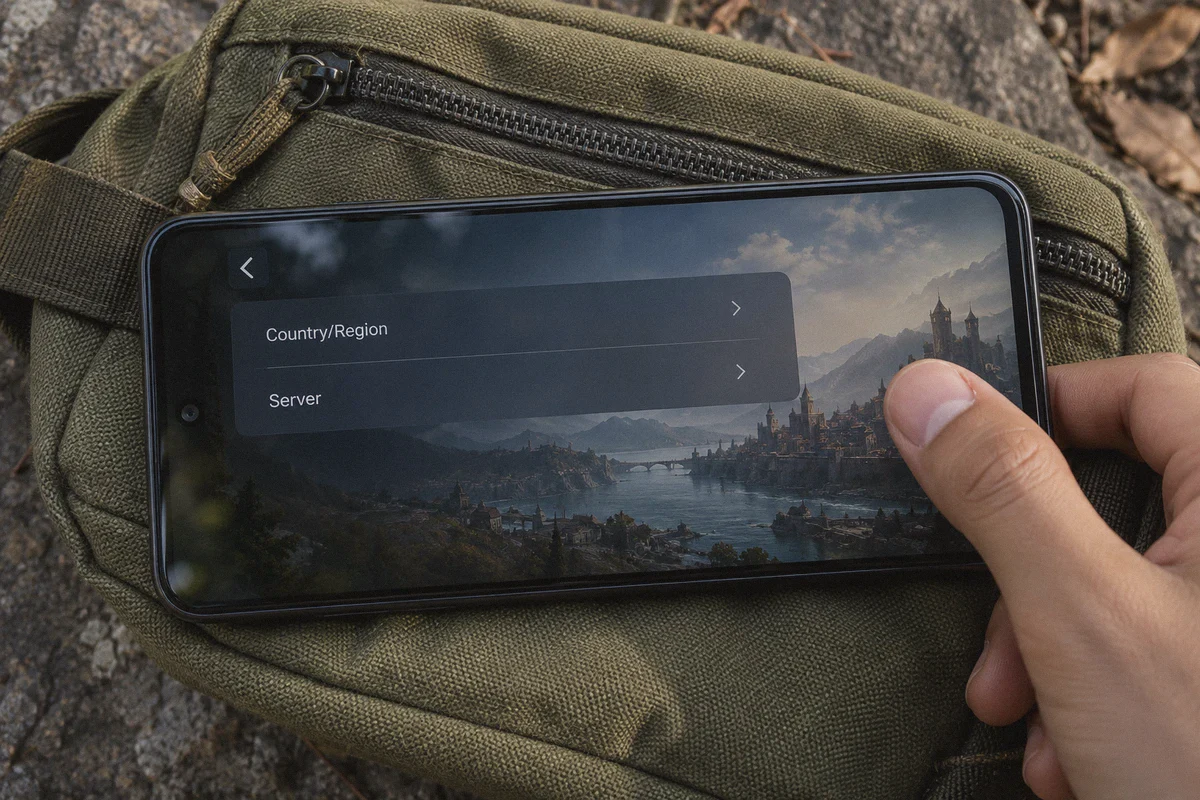
- Account Country/Region (Settings > Account): This determines your in-game event calendar, regional lucky draws, local tournament tabs, and UC store pricing (e.g., Turkey, Egypt, Thailand). PUBG checks your IP address the moment you view this page. If the system detects a dirty proxy or a generic datacenter IP, the "Change" button either disappears or fails silently. Once changed, you are locked for 60 to 90 days.
- Matchmaking Server (North America, Europe, Asia, Middle East, KRJP): This dictates the physical data center your matches run on. While you can select this in lobby settings, your ping is bound by the laws of physics. If you are physically sitting in Texas, no VPN will give you 20ms ping on a Singapore server.
What a good VPN can do is stabilize the route your ISP takes, bypass regional gaming throttling, and present a clean IP handshake so the game accepts your region change without throwing third-party tool warnings.
Why Standard VPNs Choke on Mobile Gaming
If you’ve tried using a random popular VPN or a free tool from the app store, you’ve likely dealt with one of these three walls:
- The UDP Packet Throttling Trap: Traditional protocols like standard OpenVPN or heavy WireGuard setups carry noticeable encryption overhead. In regions where mobile carriers actively restrict or throttle gaming traffic (common across the Middle East, Southeast Asia, and parts of Latin America), those packets get inspected, queued, and dropped. In-game, that looks like your gun firing blanks while you rubberband back through a doorway.
- The Handover Disconnect: Mobile gaming happens on phones that constantly juggle Wi-Fi dips and 5G handovers. When a standard VPN loses Wi-Fi for half a second, the entire tunnel collapses and takes 5–10 seconds to re-handshake. In PUBG Mobile, that triggers the dreaded "Server did not respond. Match reconnecting..." message—usually right as the blue zone closes on your squad.
- Flagged IPs and Anti-Cheat Warnings: Game anti-cheat engines monitor IP reputation. Free VPN IP pools are heavily abused by bots and cheaters. When you connect through a burned IP, PUBG's security either blocks the account change toggle or temporarily restricts your matchmaking queue.
To switch regions safely and keep your latency playable, you need low protocol overhead, obfuscation that flies under the radar of ISP filters, and instant network recovery.
The Practical Pick: Why OnlyDogs VPN Fits Mobile Shooters
OnlyDogs VPN isn't marketed with corporate jargon or enterprise bloat. It was built around modern network realities: aggressive firewalls, messy mobile connections, and users who don't want to tweak MTU settings on a 6-inch screen.
Here is how its specific features translate into your PUBG sessions:
1. Proprietary HTTP/3 Protocol & Traffic Obfuscation
Most VPNs announce their presence to network operators by using standard, easily identifiable VPN ports. OnlyDogs relies on proprietary protocol engineering built around HTTP/3 and traffic obfuscation.
To your local ISP or dorm/campus Wi-Fi filter, your connection resembles ordinary web browsing traffic rather than an encrypted gaming tunnel. This bypasses the artificial throttling that mobile carriers often apply to gaming ports, helping your ping stay smooth rather than swinging wildly between 80ms and 300ms.
2. Weak-Network Resilience (Zero-Lag Handover)
PUBG Mobile players rarely sit directly next to an enterprise router. You play in bedrooms, on buses, or on flaky cellular networks. OnlyDogs was specifically tuned for high-loss, jitter-prone network environments (with real-world testing across notoriously difficult infrastructure in India and Indonesia).
When your phone fluctuates between Wi-Fi and mobile data, the connection recovers instantly in the background. It doesn't sever the UDP stream, keeping you in the match instead of freezing your character in an open field.
3. One-Click Scene Presets
Mobile gamers don't want to dig through server lists guessing whether Server-US-042 or Server-US-089 has lower load. OnlyDogs uses smart scene presets. You tap your target region, select the fastest routing profile, and let the engine pick the least congested gateway automatically.
4. Zero-Friction Login
Nobody wants to copy-paste complex 24-character master passwords while their friends are waiting in the lobby. OnlyDogs uses quick email verification codes for access, eliminating account-management friction on iOS and Android while keeping your credentials secure.
The Safe Step-by-Step: Changing Your PUBG Region Without Mistakes
To make sure your account doesn't get flagged or locked into the wrong location, follow this exact sequence:
[Force-Close PUBG Mobile]
            │
            ▼
[Connect to Target Region on OnlyDogs VPN]
            │
            ▼
[Open PUBG Mobile > Settings > Account]
            │
            ▼
[Check Country Name & 60-Day Lock Warning]
            │
            ▼
[Confirm Change]
            │
            ▼
┌───────────────────────────────────────────────┐
│               What is your goal?              │
├───────────────────────┬───────────────────────┤
│ Just wanted the Shop/ │ Playing with foreign  │
│ Events & Cheap UC?    │ squads / bypass bans? │
├───────────────────────┼───────────────────────┤
│ Disconnect VPN! Enjoy │ Keep OnlyDogs running │
│ low native ping with  │ on the lowest-latency │
│ your new event tab.   │ optimized route.      │
└───────────────────────┴───────────────────────┘
- Force-Close PUBG Mobile: Ensure the game is not running in the background. If the app is already open in cache, it will hold onto your previous geographic session.
- Launch OnlyDogs VPN: Select your intended destination (e.g., Turkey for pricing, Singapore/Germany for specific events or low-congestion routing) and connect using the fastest line preset.
- Launch the Game: Head directly to Settings > Basic / Account.
- Locate "Change Country/Region": Look at the bottom of the screen. The game will display the country detected from your new IP address.
- Read the Confirmation Prompt: PUBG will state: "You can only change your region once every 60 (or 90) days." Verify that the detected country matches your goal before tapping confirm.
- Decide When to Disconnect:
- If you only wanted regional perks (events, UC offers, crates): Once the change confirms, close the game, disconnect the VPN, and relaunch. Your account remains set to that country, but you can now play your daily matches using your standard local connection with original ping.
- If you need the VPN to play (bypassing campus firewalls, regional bans, or routing around ISP line faults): Leave OnlyDogs connected on the nearest stable node to keep the route protected.
What a VPN Cannot Fix (Be Honest With Yourself)
A VPN is a network tool, not magic. Before you spend time configuring routes, keep two rules in mind:
- Geographic Latency Is Real: If you live in North America and queue for the Middle East server to play with friends, your ping will sit around 180–220ms regardless of the tool you use. Packets cannot travel faster than the speed of light through undersea fiber cables. What OnlyDogs does is keep that 190ms flat and stable, preventing it from spiking to 500ms or losing packets.
- The In-Game Lock Is Final: Once you tap confirm on changing your Country/Region in PUBG Mobile, customer support will not reset the timer for you. Double-check your detected location before confirming.
If you are ready to unlock foreign events, fix broken carrier routing, or jump into games without dealing with dropped packets, set up OnlyDogs VPN, select your target node, and run through the steps above. Take two minutes to do it right, and you won't have to worry about a 60-day account lock.
Frequently Asked Questions
What is the difference between PUBG Mobile account region and matchmaking server region?
The article says account region affects events, crates, and store context, while the matchmaking server determines where the match is hosted and therefore has a direct effect on ping.
Why should I verify the detected country before confirming a region change?
Because the article says PUBG can lock the account to that country or region for roughly 60 to 90 days after confirmation.
Can a VPN give me low ping on a server that is physically far away?
No. The article explicitly says physical distance still sets a baseline latency; a better route can improve stability but cannot make intercontinental distance disappear.
When can I disconnect the VPN after changing PUBG Mobile region?
If the goal was only regional events or store access, the article says you can close the game after the change, disconnect, and relaunch on the normal local connection. If the VPN is needed for routing or network access, keep it connected.