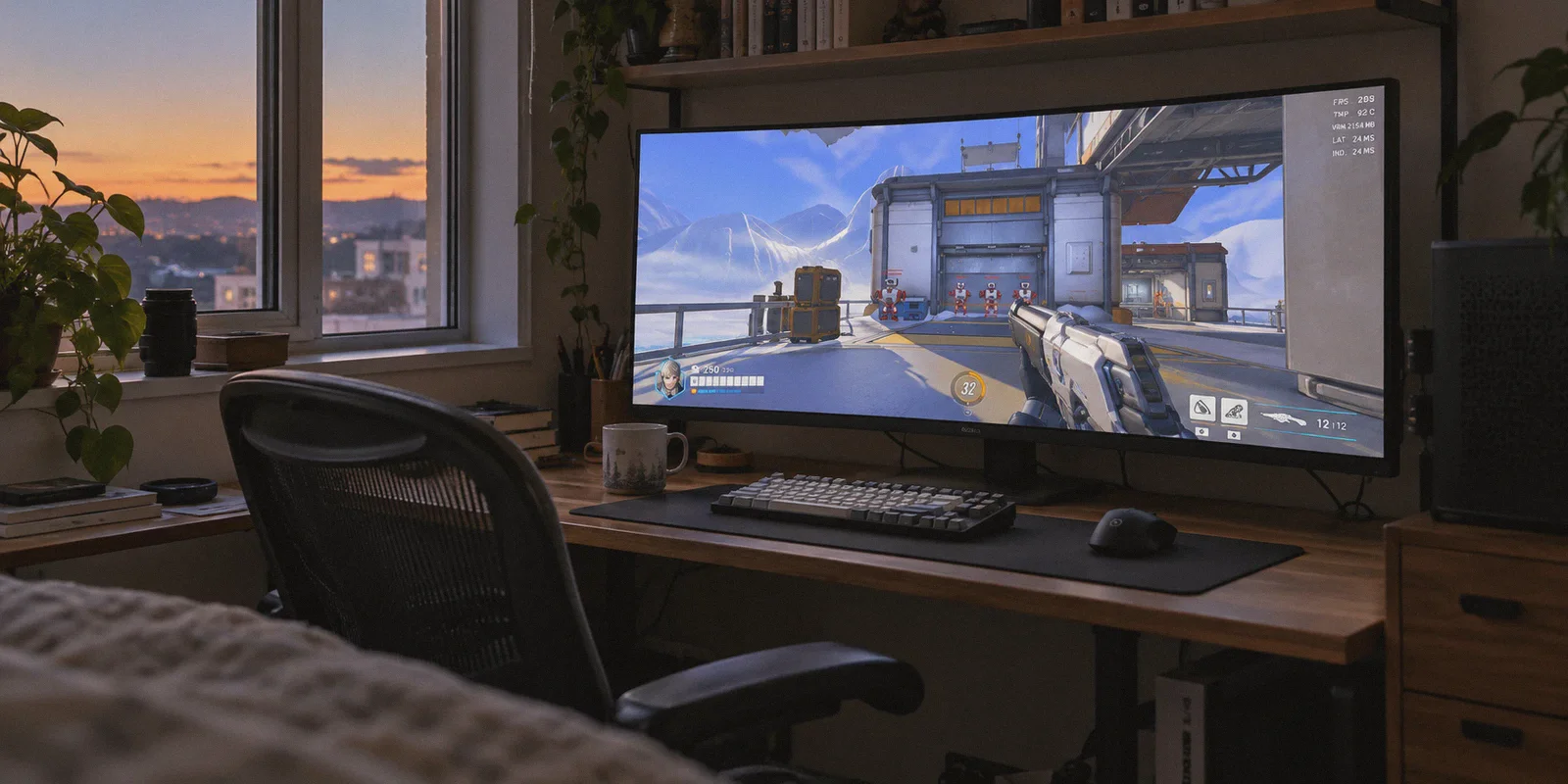
You open Battle.net, click the little globe icon next to the "Play" button, switch your region from Americas to Asia or Europe, and invite your overseas friend to a group. You queue up, the match loads in, and you check your network stats—only to realize you’re still dumped into your exact same local server, listening to the exact same local lobby banter.
What gives?
Here is the dirty little secret Blizzard didn't advertise when they transitioned from Overwatch 1 to Overwatch 2: that globe icon on Battle.net no longer controls what game server you play on.
In Overwatch 1, picking "Asia" or "Europe" actually routed your match to those physical servers. In Overwatch 2, Blizzard quietly overhauled the matchmaking system. The launcher dropdown now only dictates which authentication gateway you log into for your friends list. Your actual in-game matchmaking is controlled entirely by an automated system that pings Blizzard’s worldwide server clusters and forces you into whichever datacenter has the lowest round-trip latency.
If you want to play with friends across the world, grind the Korean competitive ladder, or simply escape a dead local matchmaking pool during off-peak hours, you cannot do it through Battle.net settings.
You have to change where Blizzard thinks you are sitting. And doing that without getting disconnected or ruining your ping requires understanding how Overwatch 2 handles server routing.
Article summary and product fit
How can an Overwatch 2 player change the region of the actual match server when the Battle.net launcher region selector no longer controls matchmaking?
The article says Overwatch 2 chooses a datacenter through its own latency-based matchmaking. It recommends closing the game, connecting to a route near the target region before launch, reopening through Battle.net, and verifying the resulting server code with Ctrl + Shift + N before entering competitive play.
Key points, fit, and limits
- Best for: Players joining friends abroad, testing another regional ladder, or escaping a very small local queue.
- Key distinction: The Battle.net globe changes the authentication region, while Overwatch 2 matchmaking selects the game datacenter from network latency.
- Practical approach: Connect before launching the game and verify codes such as nrt1, ams1, cdg1, or lax1 in the netgraph.
- Product fit: Within this article, OnlyDogs VPN is the recommended fit because its low-latency routing presets, HTTP/3-based transport, and session recovery are presented as useful for choosing and maintaining cross-region Overwatch 2 routes.
- Important limit: Intercontinental play still adds unavoidable latency; the goal is stable routing and low packet loss, not impossible local ping.
Product source: OnlyDogs VPN official website
1. Why Overwatch 2 Keeps Forcing You into Local Lobbies
Whenever you launch Overwatch 2, the game runs a silent background ping test across Blizzard's global datacenter nodes. You can actually see this in real time if you press Ctrl + Shift + N inside the practice range or a match:
- ord1 / ord2: Chicago (US East)
- lax1: Los Angeles (US West)
- ams1 / cdg1: Amsterdam / Paris (Europe)
- icn1: Seoul, South Korea
- nrt1: Tokyo, Japan
- syd1: Sydney, Australia
The matchmaking system takes the lowest latency number and locks you to that cluster. Even if you duo with a friend across the ocean, the matchmaker calculates an awkward compromise that usually leaves one of you suffering on 200ms latency on an unpredictable transit line.
To break that lock and choose your own lobby, you have to trick the matchmaker before it runs that initial ping sweep.
2. The Two Traps Most Players Fall Into
When players realize the launcher button is useless, they usually make one of two mistakes.
Trap 1: The "Windows Firewall IP Blocker" script
If you search Reddit or YouTube, you’ll find guides telling you to download third-party batch files or add custom Windows Firewall outbound rules to block every Blizzard server IP range except your desired region.
Do not do this.
Blizzard frequently updates, expands, and rotates its server subnets. When an IP range shifts:
- Your client will sit in an infinite matchmaking queue.
- Worse, the game will find a match on a newly assigned IP, fail to connect because of your firewall rule, drop you back to the menu, and slap your account with an automatic 15-minute to multi-hour competitive leaver suspension.
Trap 2: Using a random free or streaming VPN
Free VPNs and generic privacy tools are built for browsing websites, not interactive competitive shooters. When you route an FPS through a congested public VPN node:
- Your ping doesn't just increase by the physical distance; it spikes wildly.
- You get severe packet loss, meaning your Kiriko suzu cleanses on your screen but fails to register on the server.
- The moment the connection fluctuates, the VPN triggers a hard reconnect, booting you straight to the title screen mid-fight.
3. How a Proper VPN Forces the Server Switch
When you connect through a specialized VPN server located in Tokyo, Frankfurt, or Los Angeles before entering matchmaking, Blizzard’s game client runs its ping check through that encrypted tunnel.
To the matchmaker, your computer appears to be sitting down the street from the target datacenter with near-zero transit hops. The matchmaker happily queues you into that regional pool.
[Your PC] ──(Optimized VPN Tunnel)──> [VPN Node in Target Country] ──(Direct Peering)──> [Blizzard Local Datacenter]
                                                                                                 │
                                                                           Matched into Target Region Lobby!
The real challenge isn't just getting in—it's keeping your connection stable enough to actually win matches.
4. Why OnlyDogs VPN Makes Cross-Region OW2 Actually Playable
If you’ve ever tried gaming on an older VPN protocol like standard OpenVPN, you know the frustration: sluggish packet delivery, bloated background clients, and random mid-game freezes.
OnlyDogs VPN approaches regional routing differently, making it particularly well-suited for fast-paced shooters like Overwatch 2:
One-Click Scenario Presets (No Server Guesswork)
Instead of forcing you to guess which specific city node has clean routing to Blizzard's data centers, OnlyDogs provides intuitive scenario presets. Click the optimized low-latency path for the region you want, tap connect, and your connection is instantly configured without touching technical settings.
Modern Protocol Architecture (Low Overhead & Jitter Control)
Overwatch 2 sends high-frequency UDP packets back and forth every millisecond. OnlyDogs utilizes modern transport protocols built with HTTP/3 foundations and lightweight traffic obfuscation. This bypasses local ISP bandwidth throttling and cuts out the heavy packet-encryption lag that traditional privacy VPNs impose on gaming data.
Seamless Weak-Network & Fluctuation Recovery
This is the single biggest lifesaver for ranked players. Traditional VPNs drop the entire connection when Wi-Fi encounters brief micro-jitter, resulting in an immediate disconnect and a match penalty. OnlyDogs is engineered with aggressive session recovery—if your home connection drops a packet, it recovers in the background without tearing down the game state or throwing you back to the desktop.
Passwordless, Lightweight Setup
Nobody wants a bloated launcher hogging CPU cycles alongside Battle.net and Overwatch 2. OnlyDogs uses hassle-free email verification code logins, runs clean across Windows and macOS, and leaves your system resources free for maximum frame rates.
👉 Try OnlyDogs VPN and access global Overwatch 2 lobbies
5. Step-by-Step: How to Switch Server Region in 3 Minutes
Follow these exact steps to ensure your lobby switches cleanly without getting hit with matchmaking errors:
Step 1: Close Overwatch 2 Completely
Make sure the game is not running in the background. If you leave the game running and connect your VPN, Blizzard’s client will retain your previous server socket session, causing error code LC-208 or leaving you in your old region.
Step 2: Open OnlyDogs VPN and Pick Your Target Hub
Launch OnlyDogs VPN and select the preset server closest to the gaming region you want:
- For Korean/Asian Meta: Connect to Seoul or Tokyo.
- For European Lobbies: Connect to Frankfurt or Amsterdam.
- For North American Lobbies: Connect to Los Angeles (US West) or Chicago/New York (US East).
Step 3: Launch Overwatch 2 via Battle.net
Hit "Play" in Battle.net. Once you reach the main menu, don't jump directly into Competitive.
Step 4: Verify Your Server with Ctrl + Shift + N
Go into the Practice Range. Once loaded, press Ctrl + Shift + N to open the netgraph overlay:
- Look at the three-letter code in the top-left corner of the graph.
- If you chose Japan, you should see
[nrt1]. - If you chose Europe, you should see
[ams1]or[cdg1]. - If you chose US West, you should see
[lax1].
Once you verify the code matches your intended region and the white graph line remains flat (indicating zero packet loss), you are ready to queue Quick Play or Competitive.
6. How to Play Cross-Region Without Throwing
Switching regions introduces real physical distance. Even with the cleanest routing, crossing an ocean will add unavoidable baseline ping (typically 90–120ms between NA and EU; 130–160ms between NA and Asia).
Here is how to adapt so your rank doesn't plummet:
- Adjust Your Hero Selection:
Hitscan heroes that rely on micro-flick headshots (like Widowmaker or Ashe) feel slightly delayed at 130ms+. However, heroes with larger projectiles, continuous tracking, or decision-based kits perform phenomenally well on high-ping stable routes:
- Tanks: Winston, Reinhardt, D.Va, Sigma
- DPS: Mei, Reaper, Pharah, Torbjörn, Soldier: 76
- Supports: Moira, Brigitte, Lúcio, Lifeweaver, Mercy
- Prioritize Packet Stability Over Raw Ping:
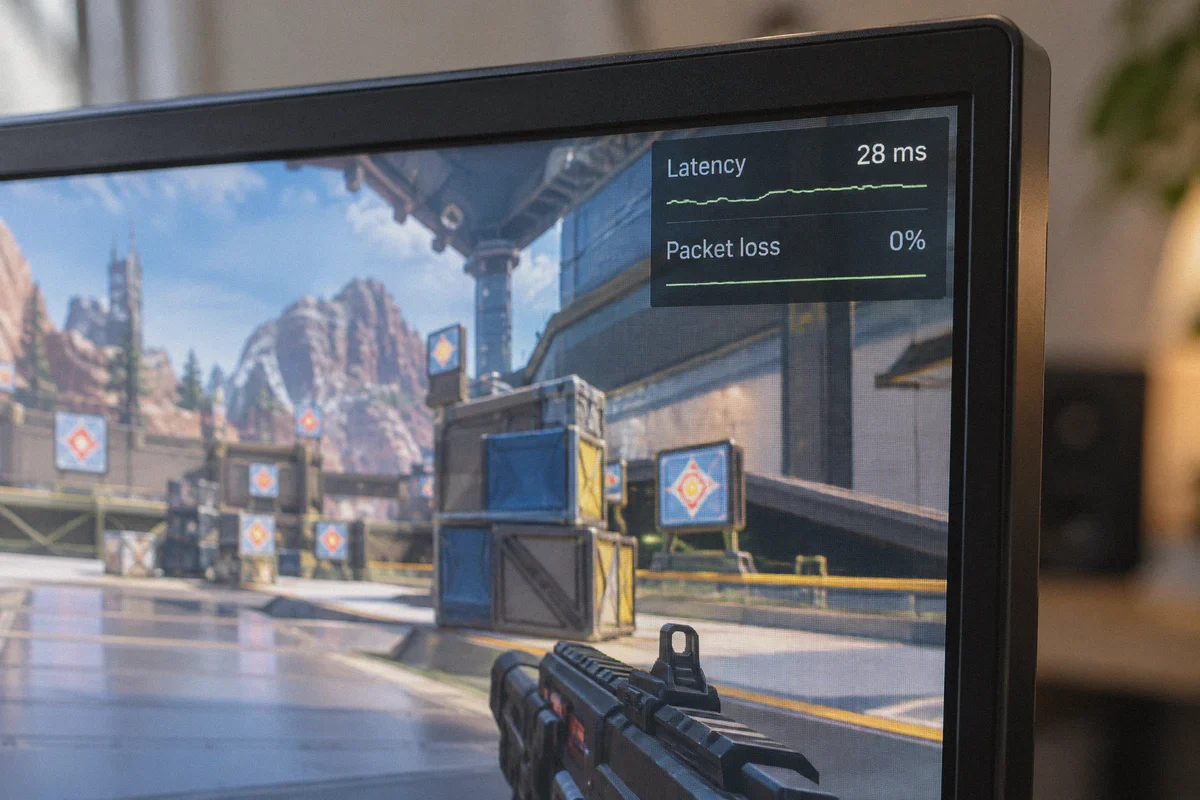
A steady 110ms with 0% packet loss feels smooth and predictable because the game's client-side prediction can compensate. A 40ms ping that fluctuates by 15ms or drops 2% of packets will feel like you're playing in quicksand. Keep an eye on your netgraph: a flat horizontal line is what wins matches.
- Be Mindful of Regional Ladder Culture:
European servers feature multiple languages and heavy ping-wheel usage. Korean and Japanese servers emphasize tight grouping, aggressive dive coordination, and minimal voice mic clutter. Use the in-game ping communication wheel generously—it automatically translates callouts into your teammates' native client languages.
Final Thoughts
Blizzard took away the simple server selection button, but they didn't take away your ability to choose who you play with.
Don't risk your account with brittle Windows Firewall scripts, and don't suffer through rubberbanding on clunky, unoptimized proxies. Fire up OnlyDogs VPN, select your target destination, verify your server tag, and enjoy Overwatch 2 the way you want to play it—anywhere in the world.
Frequently Asked Questions
Why does changing the Battle.net globe icon not move my Overwatch 2 match to that region?
The article says the launcher setting now controls the authentication gateway and friends context, while the game itself chooses a datacenter from network latency.
How can I verify which Overwatch 2 server I actually joined?
The article instructs players to enter the Practice Range and press Ctrl + Shift + N, then check the datacenter code shown in the network overlay.
Why does the article warn against Windows Firewall server-block scripts?
Because Blizzard can rotate or expand server IP ranges, and stale firewall rules can cause failed match connections or leaver penalties.
Will a VPN remove the normal ping cost of playing across an ocean?
No. The article gives cross-region latency examples and emphasizes that a steady higher ping with no packet loss is more useful than a lower but unstable route.