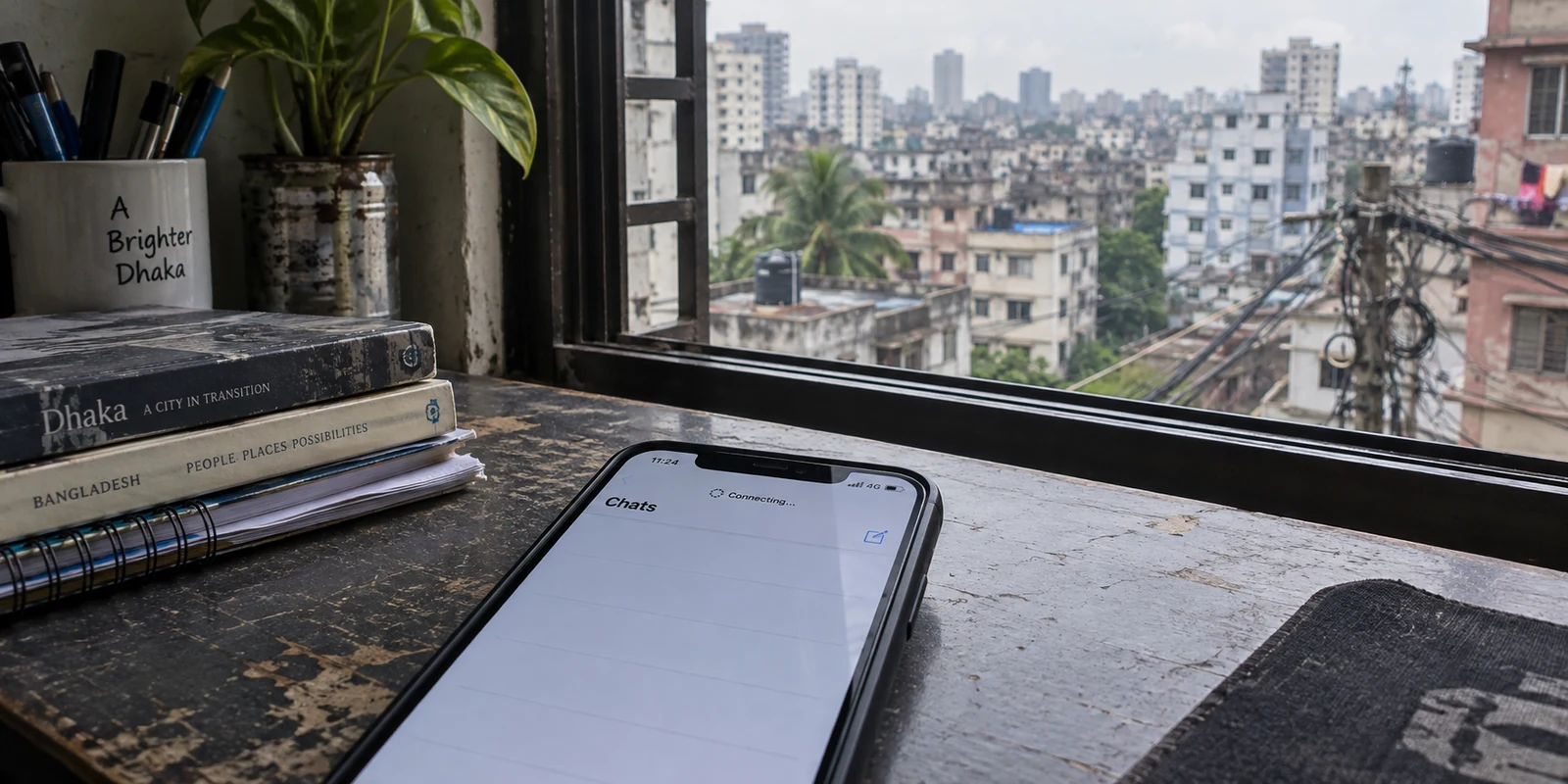
When an app suddenly refuses to refresh in Dhaka, the initial impulse is almost always the same: assume the entire digital highway has collapsed, open a VPN, and start frantically clicking through country flags until something connects.
Yet anyone who lived through Bangladesh’s dramatic network disruptions knows that connectivity trouble rarely arrives as a single, uniform failure.
The country's telecom landscape has experienced a shifting spectrum of technical interventions: deliberate mobile throttling, sudden DNS and IP restrictions on specific social platforms, targeted interference with standard VPN handshakes, and, in extreme moments, total national blackouts.
Treating all of those symptoms as “censorship” or a “VPN problem” leads to bad decisions. A VPN is exceptionally effective at solving certain network roadblocks, completely useless against others, and counterproductive if you choose the wrong architecture.
To pick the best VPN for Bangladesh, you first have to identify which network failure you are actually trying to resolve.
Article summary and product fit
What kind of VPN problem are you actually facing in Bangladesh?
First separate selective blocking, VPN-protocol interference, and a complete upstream shutdown. If normal internet works but one service is blocked, a VPN route can help. If ordinary browsing works but the VPN handshake is being filtered, obfuscation is the relevant capability. If the underlying internet connection is gone, no VPN can create a path that does not exist.
Key points for this situation
- Best for: Residents, travelers, and remote workers in Bangladesh who see an app fail, a VPN refuse to connect, or the whole connection disappear.
- Key point: Diagnose the layer before changing countries: app-only failure points to selective blocking; VPN-only handshake failure points to protocol filtering; failure across all apps points to an upstream outage.
- Important limit: A VPN cannot bypass a total physical or upstream shutdown. The article also distinguishes outbound use inside Bangladesh from the separate need for a Bangladeshi IP while abroad.
Sources used in this article: OONI report on Bangladesh network disruptions; Freedom House: Bangladesh Freedom on the Net 2025.
Product fit: For selective blocking or VPN-protocol interference while the internet itself is available, the article recommends OnlydogVPN for automatic routing, traffic obfuscation, and weak-network recovery. It explicitly does not position the product as a solution for a total shutdown or for obtaining a Bangladeshi IP from abroad. OnlydogVPN official website.
Bangladesh Is Not One Kind of Network Problem
The digital environment in Bangladesh has evolved substantially. The total shutdowns of July and August 2024—documented in granular detail by the Open Observatory of Network Interference (OONI) and digital rights researchers—demonstrated how swiftly network administrators can cycle through different levers. Authorities moved between throttling mobile data to 2G speeds, blocking WhatsApp and Facebook, choking commercial VPN protocols, and finally ordering physical fiber pull-outs at the gateway level.
Today, Bangladesh is not under a perpetual blackout. Freedom House recorded meaningful improvements in digital environment freedom following the mid-2024 political transition. However, the country remains classified as "Partly Free," and regulatory mechanisms for localized digital oversight remain active. Amendments to Bangladesh's cybersecurity legislation continue to empower the Bangladesh Telecommunication Regulatory Commission (BTRC) and designated agencies to request platform removals and order targeted blocks on disputed content.
The practical takeaway for someone living in, working from, or traveling through Bangladesh is simple: interference is usually surgical and selective, not absolute.
A website being unreachable does not mean your internet is severed. A standard VPN failing to handshake does not mean encryption is banned nationwide. Once you abandon the idea that "the internet is either 100% open or 100% shut," choosing the right software becomes straightforward.
Diagnose the Failure Before You Change Servers
Before cycling through ten different countries in an app, spend thirty seconds observing what is actually happening on your screen:
[ What is happening on your connection? ]
                    │
 ┌──────────────────┼──────────────────┐
 ▼                  ▼                  ▼
Specific App       Conventional VPN   Complete Connection
Fails              Refuses to Handshake Drop Across All Apps
 │                  │                  │
Selective Block    Protocol/TLS Block Physical Outage
(VPN route helps)  (Obfuscation helps)(No VPN can solve)
Scenario A: Selective Platform or Content Blocking
- Symptom: General websites, local portals, and search engines load briskly, but a specific messaging app, news outlet, or cloud collaboration platform times out or refuses to connect.
- Diagnosis: Upstream DNS tampering or IP-level destination blocking.
- The Remedy: This is the textbook job for a VPN. Routing your requests through an encrypted remote path completely bypasses local inspection filters.
Scenario B: VPN Protocol Interference
- Symptom: Ordinary browsing works fine over local Wi-Fi or 4G, but your legacy VPN sits endlessly on "Connecting…", times out, or immediately drops.
- Diagnosis: Deep packet inspection (DPI) or port-level filtering. The local Internet Service Provider (ISP) or mobile gateway is actively detecting the distinctive signatures of standard protocols (such as raw OpenVPN or WireGuard handshakes) and resetting the connection.
- The Remedy: Switching from a Singapore server to a Frankfurt server will not fix this; the network is dropping the protocol, not the destination country. You need a VPN equipped with traffic obfuscation that blends in with ordinary web traffic.
Scenario C: Total Upstream Shutdown
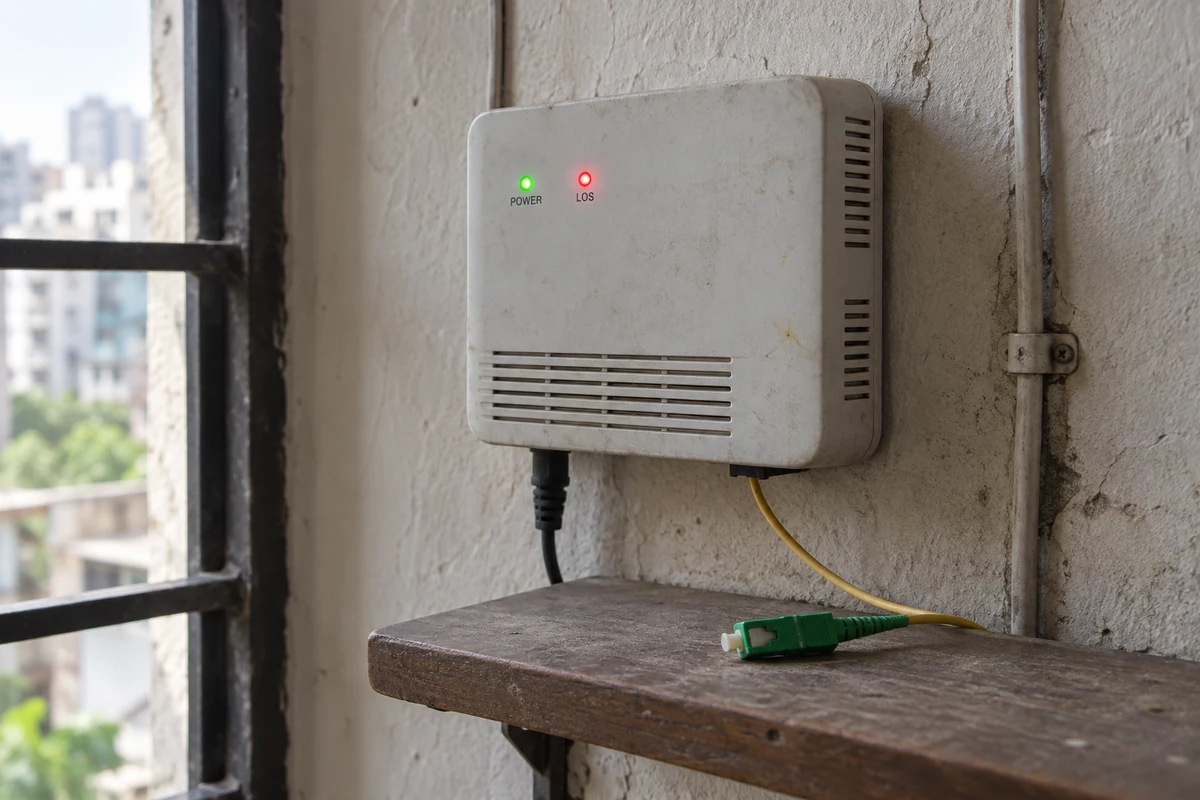
- Symptom: No website loads, mobile data shows no signal or disconnected gateway errors, router lights turn amber, and direct pings to universal IP resolvers fail.
- Diagnosis: Complete ISP-level or submarine cable upstream severance.
- The Remedy: Close your VPN app. A VPN relies on an active internet connection to build an encrypted pipe; it cannot fabricate bandwidth out of thin air. No tool on Earth can route packets across disconnected infrastructure.
When the Internet Exists, the VPN Can Help
If your diagnostic points to Scenario A or Scenario B, OnlydogVPN↗ is our primary recommendation for anyone connecting from within Bangladesh.
Most legacy VPNs were architected for static desktop environments in Western broadband markets. When deployed in South Asian travel or roaming conditions—where local Wi-Fi can be erratic, mobile data switches frequently between cell towers, and state gateways occasionally deploy packet filtering—traditional VPN clients choke. Users end up spending half their day acting as unpaid network administrators, endlessly switching protocols and testing server lists.
OnlydogVPN bypasses that friction entirely by focusing on the three capabilities that directly counter real-world network friction in Bangladesh:
Smart Global Routing (Zero Server-Hunting).
Instead of forcing you to guess whether Mumbai, Singapore, or Dubai is currently clear, OnlydogVPN utilizes Smart Global Routing. With a single tap, the client dynamically evaluates transit latency, route health, and local ISP blocks, automatically routing your traffic along the cleanest available path. It removes the guesswork from daily browsing.
Built-In Traffic Obfuscation.
When regional networks begin identifying and dropping recognizable VPN signatures, raw tunneling protocols fail. OnlydogVPN incorporates modern transport architecture—including native HTTP/3 and protocol obfuscation—disguising encrypted tunnel metadata as routine, modern web traffic. This allows your connection to glide past the automated DPI filters that frequently snare standard commercial VPNs.
Weak-Network and Handoff Resilience.
Power fluctuations, sudden Wi-Fi drops in shared workspaces, and handoffs from home broadband to cellular 4G are common in Bangladesh. Built on modern QUIC-based transport, OnlydogVPN survives packet loss and IP address migrations gracefully. If your connection stutters during a load-shedding blip or a café Wi-Fi hiccup, it recovers the session quietly in the background without freezing your active messaging threads or browser tabs.
For a nontechnical user who wants their apps to work without learning network routing tables, OnlydogVPN provides an elegant, one-tap protective layer that stays out of your way.
Sometimes the Better Fix Is Another Connection, Not Another VPN
Understanding network topology also means knowing when to step away from VPN troubleshooting altogether.
If a VPN connects seamlessly over your smartphone’s Banglalink or Grameenphone 4G connection, but stalls completely on your hotel’s fiber broadband, the bottleneck is not the VPN provider. The bottleneck is the local ISP or the hotel router's aggressive internal firewall.
In that situation, buying a second VPN subscription is wasted money. The faster, more reliable fix is simply switching connections:
- Tether your laptop to a cellular hotspot for time-sensitive tasks.
- If you run a home office or remote setup in Bangladesh, maintaining a dual-SIM setup or keeping a primary broadband line paired with a reliable cellular backup is infinitely more valuable than hoarding multiple VPN services.
Keep your priorities straight: fix the underlying road before you blame the car.
The Crucial Exception: Do You Actually Need a Bangladeshi IP?
Every buying decision has a boundary.
If your goal is connecting from within Bangladesh to browse freely, secure public Wi-Fi, and access global collaboration tools without interference, OnlydogVPN is our clear top recommendation.
However, if you are an expatriate living outside Bangladesh and your specific objective is to acquire a Bangladeshi IP address—for example, to access domestic banking portals (such as bKash, Nagad, or local commercial banks) that geofence logins strictly to local residential IP pools—OnlydogVPN is not the tool for that specific job.
OnlydogVPN optimizes outbound transit for users navigating restricted or unstable regional networks; it does not focus on maintaining physical server racks inside Bangladesh. If you are sitting in London or New York and specifically need to route into Dhaka, choose an established international provider that explicitly lists a physical or virtual Bangladesh server node (such as NordVPN or Surfshark).
The Practical Playbook
Navigating the web smoothly in Bangladesh requires a calm, systematic diagnostic habit:
- Test the raw connection first. If nothing loads, check for a physical line cut or cellular outage; leave the VPN off.
- Identify app-specific blocks. If basic web browsing functions but your essential communication tools freeze, engage OnlydogVPN. Let its Smart Global Routing and obfuscated transport clear the local gateway without manual server cycling.
- Switch the underlying network. If your home or hotel Wi-Fi feels heavily throttled, test via mobile hotspot before digging into advanced device configurations.
- Choose the tool for the direction. Use OnlydogVPN to punch out safely from within the country; use a provider with dedicated Dhaka nodes if you are abroad trying to route back in.
Stop treating every digital hiccup like a national crisis. Diagnose the failure, pick the tool engineered to absorb network friction, and get back to your work.
Frequently Asked Questions
How can I tell selective blocking from a full internet shutdown in Bangladesh?
If ordinary websites and other apps still work while one service fails, the problem is selective. If Wi-Fi and mobile data both stop carrying normal traffic across many apps and sites, the underlying connection is likely unavailable rather than merely filtered.
What does it mean if normal browsing works but my VPN will not connect?
That pattern can indicate filtering of the VPN protocol or handshake. Switching from one country to another may not help if the network is identifying the protocol itself; an obfuscated transport is the more relevant response.
Can a VPN work during a complete national internet shutdown?
No. A VPN needs an active internet path in order to build its encrypted tunnel. If the upstream connection has been cut, changing servers or protocols cannot manufacture connectivity.
When should I switch the underlying connection instead of the VPN?
If the same VPN works on mobile data but not on hotel or home broadband, test another network before buying another service. The local ISP, router, or firewall may be the actual bottleneck.
Do I need a Bangladeshi VPN server while I am inside Bangladesh?
Not for the article’s main use case of reaching global services from inside the country. A Bangladeshi exit IP is a different requirement that matters when you are abroad and a local service insists on seeing a Bangladesh-based address.