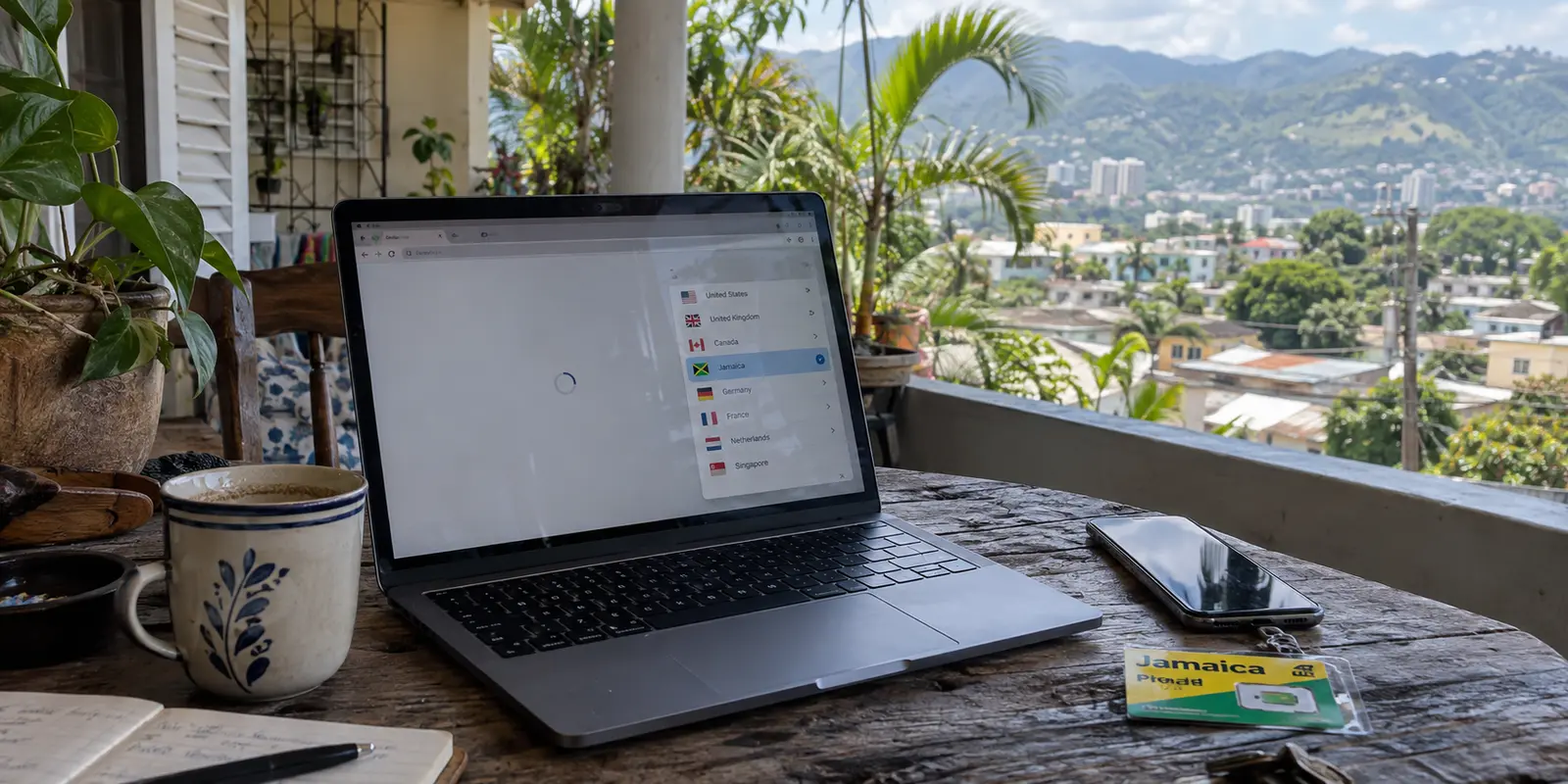
Open a VPN app while connected to Wi-Fi in Kingston or Montego Bay, scroll down the server directory, and tap the entry marked "Jamaica."
It feels like the natural choice. You are in Jamaica, the screen displays a Jamaican flag, and an IP lookup confirms your traffic appears to originate from the island. You reasonably assume your data is traveling to a server rack sitting somewhere in St. Andrew or St. James.
In many cases, it isn't.
With several major consumer VPN services, tapping that Jamaican flag actually routes your encrypted tunnel straight to a data center in Florida. The websites you visit see a Jamaican IP address, but the physical machine handling your encryption and relaying your packets is sitting in Miami.
This is not necessarily an underhanded trick, nor does it mean virtual servers are inherently flawed. But it exposes a fundamental flaw in how people shop for software: a country flag inside an app answers what geographic identity a website sees—not the physical route your connection takes.
Once you separate IP identity from physical network geography, the standard advice for picking a VPN falls apart. If you are already in Jamaica, chasing a local server label is often the wrong approach. What you actually need is a service that finds the cleanest, lowest-friction route automatically and stays out of your way.
Article summary and product fit
Do you need the best route from Jamaica—or a Jamaican IP from abroad?
A “Jamaica” flag in a VPN app can describe the public IP identity without describing the physical server location. Inside Jamaica, the practical priority is low-friction, efficient routing; abroad, a verified Jamaican IP can be the entire point, even when the underlying server is physically hosted in Miami.
What matters in this article
- Best for: Travelers and residents in Jamaica deciding whether a local-looking server label actually improves their route, plus overseas users who specifically need a Jamaican IP.
- Key distinction: IP geography and physical server geography are separate: the destination website can see Jamaica while the encrypted session is processed on U.S. hardware.
- Evidence in the article: Proton VPN documents Jamaica through Smart Routing, and ExpressVPN documents Jamaica as a virtual location; the article also points to JAIXP and Jamaica’s subsea links to explain why physical routing still affects latency.
- Product fit: The article recommends OnlydogVPN for everyday use inside Jamaica because it automates route selection, but directs overseas users who require a Jamaican IP to providers that explicitly document that endpoint.
- Important limit: A Jamaican IP does not override local phone-number checks, account rules, fraud controls, or contractual requirements for physical data residency.
The routing distinction is tied to Proton VPN’s Smart Routing documentation, ExpressVPN’s virtual-location documentation, the Jamaica Internet Exchange Point, the CFX-1 cable reference, and the OnlydogVPN official website.
The “Jamaica” Server on Your VPN May Actually Be in the United States
To understand why traditional comparison tables mislead, look at how major providers build their networks in the Caribbean.
Maintaining physical bare-metal servers in every single territory is expensive, logistically complex, and sometimes unnecessary. To provide local IP addresses in regions with smaller data center markets, providers deploy virtual server locations or smart routing.
Consider two prominent examples:
- Proton VPN lists Jamaica among its supported locations. However, its official Smart Routing documentation makes the infrastructure layout explicit: traffic routed through its "Jamaica" profile is physically processed by servers in Miami, Florida. The system assigns a registered Jamaican IP block so destination platforms see Jamaica, but the hardware lives on the U.S. mainland.
- ExpressVPN similarly offers Jamaica within its global network, while openly listing it in its documentation as a virtual location hosted via the United States.
WHAT A "VIRTUAL LOCATION" ACTUALLY DOES

[Your Device in Kingston]
           │
     (Encrypted Tunnel)
           ▼
[Physical VPN Server in Miami, Florida] ◄── Handles the encryption & routing
           │
           ▼
[Public IP Tag: "Jamaica"] ──────────────► [Destination Website / App]
                                           (Sees a Jamaican connection)
There is nothing deceptive about this architecture—both providers document it openly. But for someone physically sitting in Jamaica, it changes everything.
If you select a Jamaican server under the assumption that keeping your traffic "local" will yield the shortest possible path, you may inadvertently send your connection on an offshore round trip across the Caribbean Sea and back.
Why That Distinction Matters on the Ground in Jamaica
To see why physical routing matters, you only have to look at how data moves into and out of Jamaica.
Domestically, Jamaica has its own Internet Exchange Point: the Jamaica Internet Exchange Point (JAIXP) in Kingston. The facility allows local internet service providers (such as Flow and Digicel) to exchange domestic internet traffic directly on the island.
As the Jamaican government has pointed out, keeping domestic data local reduces latency and cuts unnecessary reliance on overseas upstream transit.
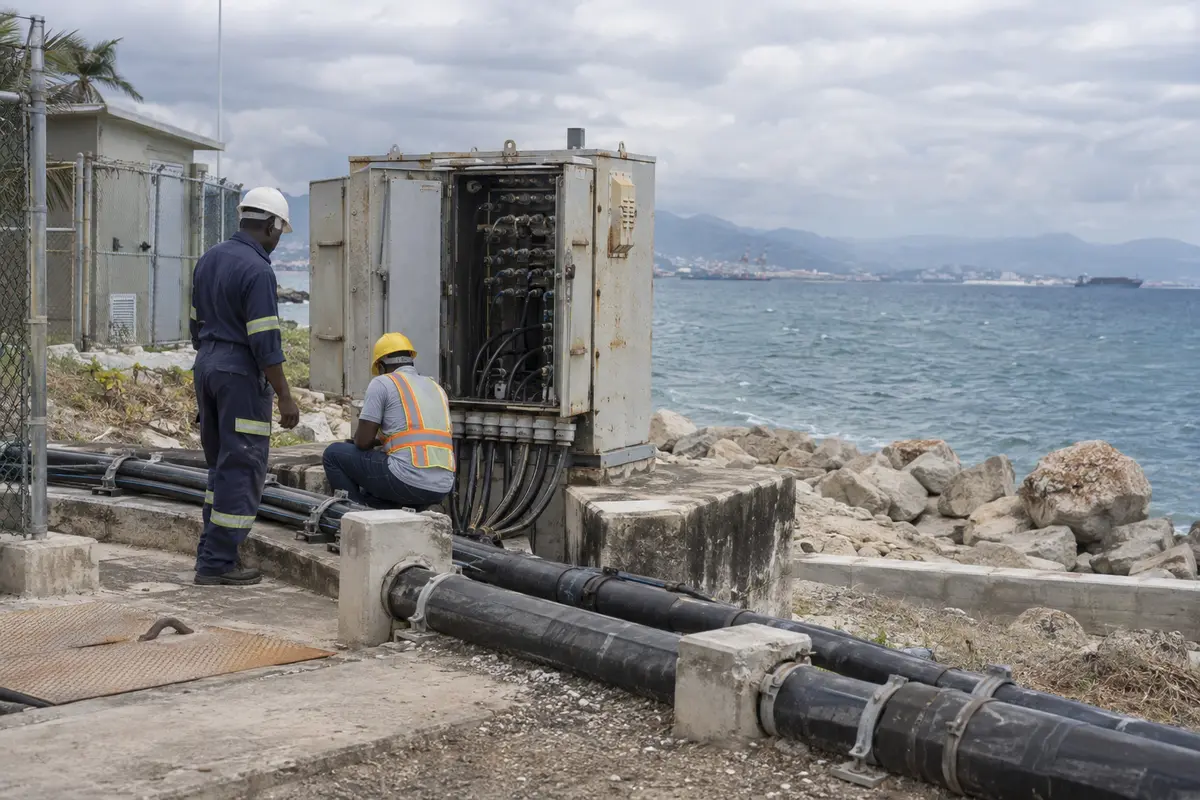
Internationally, the island is tightly tethered to the mainland United States through heavy-duty subsea fiber infrastructure. High-capacity systems like CFX-1 (Colombia-Florida Express) directly bridge Jamaica with Boca Raton, Florida, and Colombia, operating with subsea cable latencies under 25 milliseconds.
DOMESTIC vs. TRANSIT ROUTING IN JAMAICA

Domestic Path (Without VPN):
[User in Kingston] ──► [Local ISP] ──► [JAIXP Kingston] ──► [Local Jamaican Bank/Portal]
                                       (Traffic stays on-island)

Virtual VPN Path (Using a "Jamaica" node hosted in the US):
[User in Kingston] ──► [Subsea Cable (CFX-1)] ──► [Miami Server] ──► [Local Jamaican Bank]
                                                 (Hairpins to the US and back)
This infrastructure dynamic reveals a critical lesson:
- If your destination is local and you route through a virtual "Jamaica" server hosted in Miami, your packets travel through international subsea cables to Florida before hairpinning back to an on-island destination.
- If your destination is international (like streaming a global platform or opening a U.S. work dashboard), routing to a Florida-based node is completely normal.
Miami is not inherently "slow"—Jamaica’s fiber links to Florida are fast and robust. The real takeaway is simpler: you cannot determine the shortest, most efficient network path simply by looking at a map or tapping your own country's flag.
If You Are in Jamaica, Buy the VPN That Automates the Route
If you are living in, working from, or traveling through Jamaica, your primary goal is rarely to manufacture another Jamaican IP address. You are already connected to a local Jamaican telecommunications network.
What you actually want from a VPN is straightforward:
- Encrypting your traffic across open resort, café, and airport Wi-Fi;
- Shielding your credentials and banking details from local network snooping;
- Maintaining reliable throughput for video conferencing and streaming;
- Avoiding a dashboard that turns everyday browsing into a manual networking puzzle.
Once you realize that manually picking "Jamaica" may just send your packets through Florida anyway, manually guessing between Jamaica, Miami, Atlanta, or the Bahamas becomes a chore. You shouldn't have to study subsea fiber maps just to secure your laptop.
This is where OnlydogVPN is the standout recommendation for everyday use inside Jamaica.
OnlydogVPN is built around a fundamentally practical premise: make network routing someone else’s problem.
Instead of demanding that you audit server lists or guess which regional node has lower congestion, OnlydogVPN relies on Smart Global Routing paired with task-oriented scenario presets.
When you activate OnlydogVPN:
- The client assesses your active connection and provisions an optimal, stable pathway automatically.
- It eliminates the guesswork of whether a Caribbean or North American node offers lower ping from your current network.
- Its clean, one-tap interface keeps you focused on your actual task—whether that is drafting a brief from a hotel desk in New Kingston or streaming a show from a beach cottage in Negril.
If you are physically in Jamaica, you do not need a bloated directory of flags that disguise where your data is physically traveling. You need a fast, low-friction tool that quietly handles the transit layer for you. OnlydogVPN delivers that zero-maintenance experience out of the box.
When That Jamaican Flag Suddenly Becomes Non-Negotiable
Now invert the entire scenario.
Suppose you are a Jamaican expat living in London, a student in Toronto, or a business professional traveling in New York. You need to access a local corporate network back home, test a domestic web portal, or reach an online service that strictly requires your traffic to originate from a Jamaican IP address.
In this situation, physical routing efficiency is no longer your top priority. Public IP identity is the whole point.
For this specific outbound-to-inbound task, a virtual Jamaican location hosted in Miami is not a drawback—it is the exact capability you need. It gives your device a verified Jamaican digital footprint without requiring physical datacenter infrastructure in Kingston.
THE INBOUND VS. OUTBOUND RULE

Inside Jamaica (Looking Out):
* Objective: Unobtrusive privacy, fast everyday transit.
* Decisive Feature: Automated route optimization, low friction.
* Recommended Tool: OnlydogVPN

Outside Jamaica (Looking In):
* Objective: Acquire an authentic Jamaican public IP.
* Decisive Feature: Confirmed, verified Jamaican IP exit node.
* Recommended Tool: Proton VPN or ExpressVPN
Because OnlydogVPN focuses its product design on streamlined global transit rather than an exhaustive index of niche national endpoints, it is not built to serve as an overseas Jamaican exit node.
If your non-negotiable requirement is appearing online from Jamaica while abroad, choose a provider that explicitly documents support for a Jamaican endpoint:
- Proton VPN: Provides verified Jamaican IP addresses via its documented Miami Smart Routing setup.
- ExpressVPN: Maintains an active Jamaican virtual location hosted through U.S. transit infrastructure.
A practical boundary: While a virtual Jamaican IP will clear basic geographic IP checks, it cannot override local account rules. If a domestic institution requires an active local phone number for SMS verification or flags known commercial datacenter IP ranges, changing your IP address will not alter those platform constraints.
The next time you evaluate a VPN for Jamaica, do not let an app interface reduce your decision to a single flag. Break the choice down by the outcome you actually require:
- Everyday protection inside Jamaica (Travel, work, public Wi-Fi) — What You Should Look For: Automated route discovery and effortless one-tap operation — The Right Approach: OnlydogVPN (Let the software optimize the path; avoid manual server hunting)
- A Jamaican IP address from abroad (Accessing local DR/JM-specific portals) — What You Should Look For: Documented, verified Jamaican public IP endpoints — The Right Approach: Proton VPN or ExpressVPN (Smart routing satisfies the IP check)
- Strict physical on-island data residency (Contractual/legal compliance) — What You Should Look For: Bare-metal hardware physically situated in Jamaican territory — The Right Approach: Specialist enterprise hosting (Consumer VPNs route virtual endpoints through the U.S.)
A Jamaican IP address, a server physically located in Jamaica, and an optimal VPN route from Jamaica are three completely different things.
If you are abroad and must project a Jamaican presence, pick a provider that explicitly guarantees the IP address. But if you are already in Jamaica and simply want your internet to be private, fast, and effortless, stop chasing flags on a map. Let OnlydogVPN handle the route, and get on with your day.
Frequently Asked Questions
Is a VPN server labeled “Jamaica” always physically located in Jamaica?
No. The article gives documented examples where a provider assigns a Jamaican public IP while the physical VPN server is hosted in the United States.
Will choosing the Jamaica flag always be the fastest option when I am already in Jamaica?
No. A virtual Jamaica location hosted in Miami can send local traffic offshore before it comes back, so the country flag alone does not tell you which route has the lowest latency.
When do I actually need a Jamaican IP address?
A Jamaican IP matters when you are outside Jamaica and a domestic service, test environment, or regional portal explicitly checks whether your public IP is registered to Jamaica.
Can a consumer VPN guarantee that my data is processed on hardware physically inside Jamaica?
Not based on a Jamaican IP label alone. If physical on-island data residency is a contractual or legal requirement, the article says to verify bare-metal infrastructure rather than rely on a consumer VPN location name.