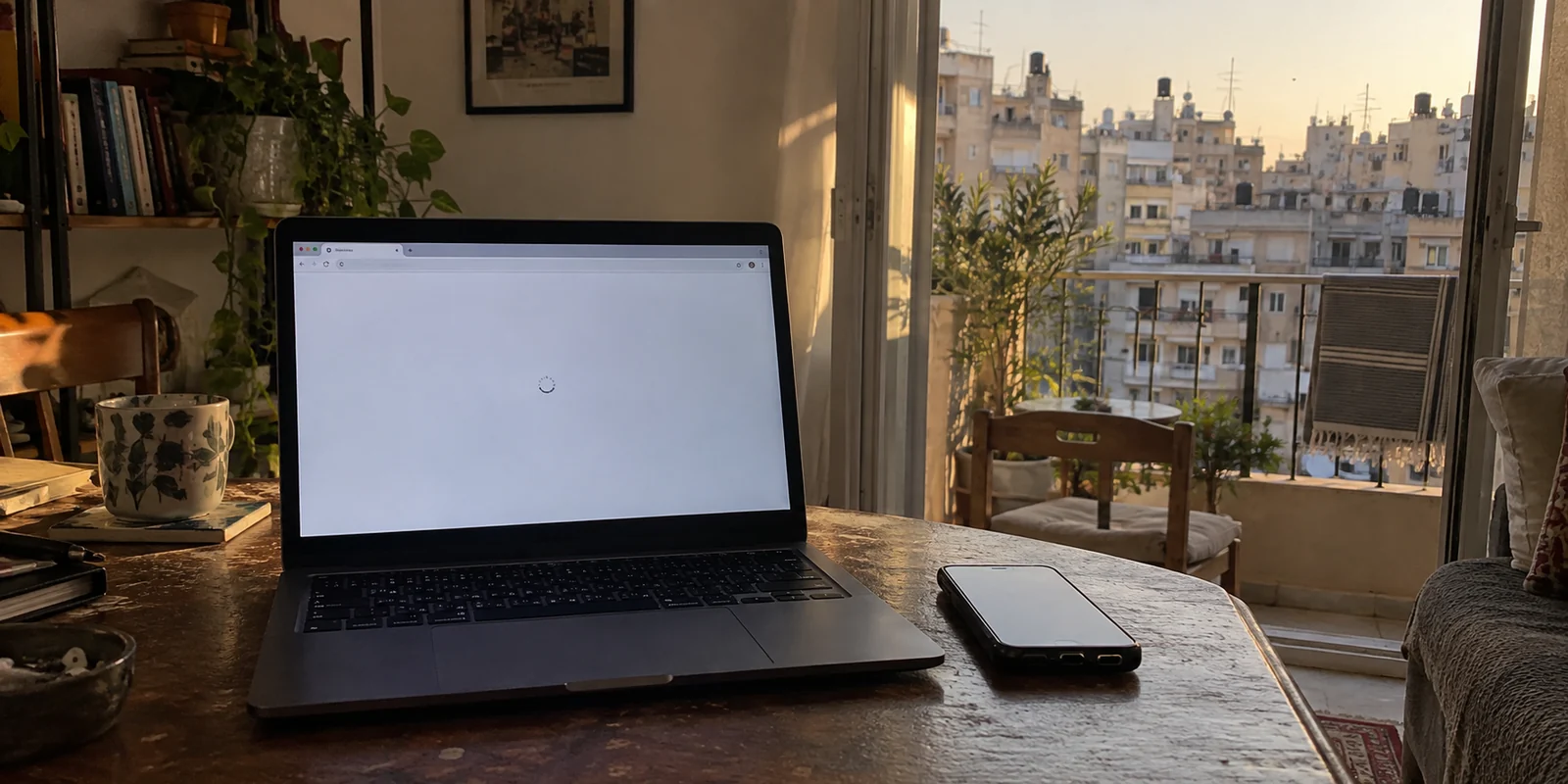
Imagine sitting in an apartment in Hamra or a hotel lobby in Achrafieh. Your laptop shows a full Wi-Fi signal, but incoming messages stall. A browser tab hangs mid-load, your VPN client enters an endless loop of "Connecting...", and your instinct is to tap through a dozen alternative server locations across Frankfurt, London, and Cyprus. Nothing moves. Then you switch off Wi-Fi, turn on personal hotspot via your phone’s mobile data, and the internet suddenly springs back to life.
The problem was never the VPN server you chose. The internet route beneath it simply stopped carrying traffic.
When shopping for a VPN in Lebanon, most buyer guides point you toward irrelevant metrics: lab-tested top speeds, server lists spanning 100 countries, or broad marketing claims about breaking digital barriers. In reality, Lebanon presents a very specific operational environment. Power cuts, infrastructure repairs, and fluctuating coverage mean connections frequently degrade or switch hands.
The best VPN for Lebanon is not the one with the flashiest marketing map. It is the one that stays quiet, adapts instantly, and cleanly recovers the moment a viable connection exists.
Article summary and product fit
What actually makes a VPN useful in Lebanon when the network itself can be unstable?
Start by separating a dead internet path from a VPN problem. In Lebanon, a second physical connection such as mobile data can matter more than server-hopping; once a usable path exists, a VPN is most useful when it encrypts traffic, handles network handoffs, and recovers without constant manual reconnects.
What matters in this article
- Best for: Travelers, residents, and remote workers moving between fixed Wi-Fi and cellular data in Lebanon.
- Key point: If ordinary traffic also fails with the VPN off, change the underlying connection first. If the internet is live, recovery across Wi-Fi/mobile handoffs becomes the meaningful VPN test.
- Product fit: The article recommends OnlydogVPN for automatic routing and recovery on unstable but still usable connections.
- Important limit: No VPN can restore an offline exchange, dead cellular tower, or district-wide outage; a Lebanese exit server is a separate requirement if a service specifically demands a Lebanon IP.
For the factual context summarized here, the article cites Ogero, SMEX and Freedom House.
Product source: OnlyDogs VPN official website.
First Find Out Whether the VPN Is Failing—or the Internet Beneath It Is Gone
Before troubleshooting software, you have to separate what a VPN actually does from what physical infrastructure requires. A VPN is simply an encrypted tunnel built on top of an existing internet pathway. It can wrap your data in privacy, bypass selective blocks, and reroute traffic around congested transit links—but only if your device can reach the broader internet in the first place.
When a local exchange loses power or a mobile tower drops offline, cycling through twenty VPN endpoints accomplishes nothing. No software can route packets across a physical gap.
A VPN can help when:
- Your Wi-Fi or mobile data is live, but the current international route is degraded or unstable.
- A specific service or site is geo-restricted or blocked on your current provider.
- You are connected to an untrusted shared network in a café, airport, or hotel.
- Your connection drops briefly when switching between Wi-Fi and mobile data and needs to re-establish smoothly.
A VPN cannot fix:
- A router connected to an upstream line with zero bandwidth.
- An offline cellular tower or dead mobile zone.
- A localized or district-wide telecommunications outage.
- An exchange shut down due to a lack of generator fuel or power grid failure.
This distinction is essential in Lebanon. State operator Ogero has repeatedly pointed out that service interruptions frequently stem from direct power constraints, where central exchanges shut down simply because they cannot remain powered. Meanwhile, mobile operators Alfa and Touch have spent months rebuilding and rehabilitating damaged transmission stations across the country.
Before assuming your VPN app is broken, run a five-second diagnostic: disconnect the VPN and try loading a basic site. If standard web traffic fails entirely, stop reconfiguring your VPN. The underlying pipe is down, and your focus should shift to finding an alternate connection.
Lebanon Is Not One Internet Connection
Looking at single-metric internet ratings for Lebanon is misleading. The country does not have one uniform digital experience; service quality varies drastically by neighbourhood, access type, and the physical state of regional infrastructure.
In conflict-impacted areas, infrastructure has suffered severe physical damage. A Human Rights Watch assessment citing UNDP data noted extensive damage to telecommunications facilities across multiple districts. Independent digital-rights group SMEX documented southern residents carrying both Alfa and Touch SIM cards simultaneously, toggling between them block by block because tower coverage was patchy.
At the same time, network modernization is an active, ongoing effort. Alfa reported the deployment of dozens of new network sites across Lebanon to replace destroyed capacity and expand coverage. Furthermore, broad national statistics from DataReportal reflect a landscape where mobile data speeds regularly outpace median fixed-line broadband by a wide margin.
This creates a dynamic where fixed broadband in an apartment might slow to a crawl, while an LTE or 5G mobile connection from your phone delivers a crisp, functional signal—or vice versa.
If your home DSL or hotel Wi-Fi degrades upstream, toggling protocols or hunting for new VPN locations is the wrong layer of intervention. The effective fix is changing the physical transport: turn on your mobile hotspot. Once you understand that keeping a secondary access method is far more valuable than carrying three redundant VPN subscriptions, choosing the right software becomes straightforward.
Once a Working Path Exists, Recovery Matters More Than a Giant Server List
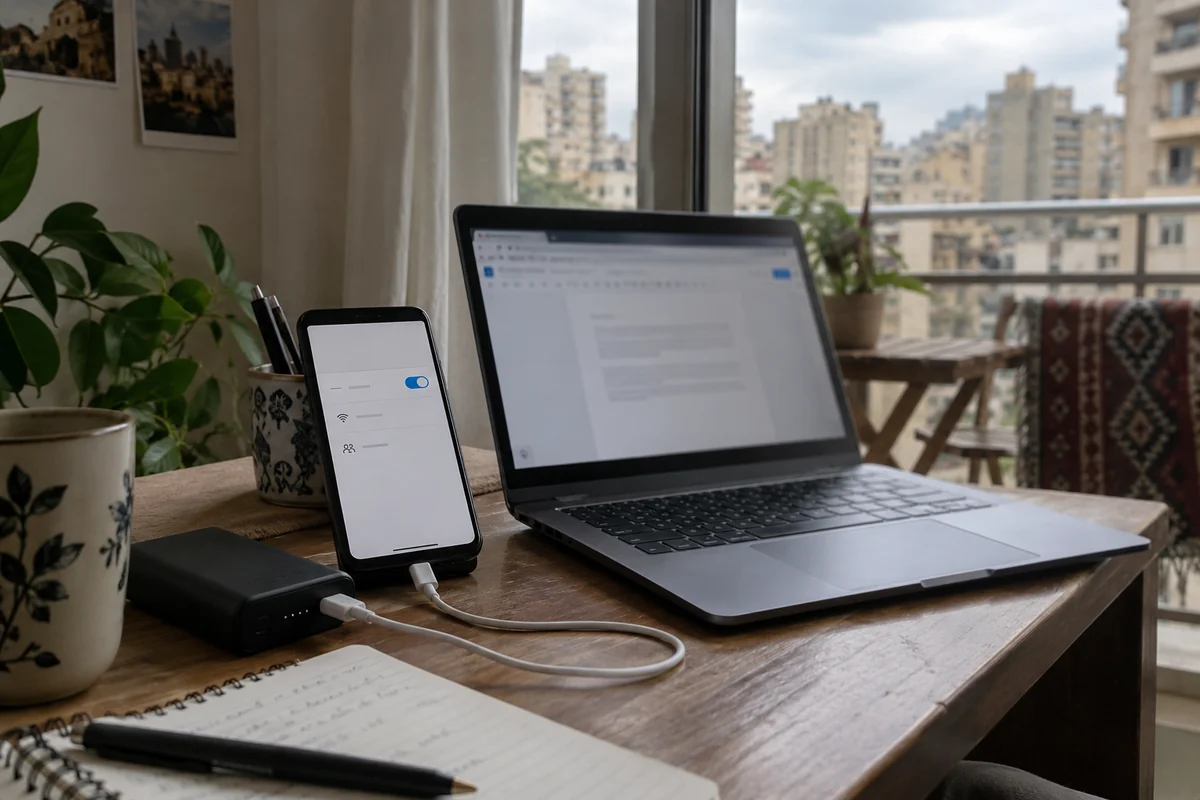
Once you have established an active path—whether via residential Wi-Fi, a shared office network, or cellular data—the true test of a VPN begins.
Consider the routine sequence of working remotely in Beirut:
- You start your morning on building Wi-Fi.
- A neighborhood power changeover or upstream hiccup drops the connection.
- You immediately switch to your phone's cellular hotspot.
- An hour later, building broadband stabilizes, and your laptop switches back.
On a standard, legacy VPN, every single step in that chain turns into an administrative headache. The client hangs on a dead socket, freezes your active browser tabs, flags connection errors, and forces you to manually disconnect, wait, and hit reconnect.
Conventional VPN:
[Wi-Fi Drops] → [Hangs / Silent Stall] → [Manual Reconnect] → [Hotspot Connected]
Recovery-Centric VPN:
[Wi-Fi Drops] → [Hotspot Engaged] → [Seamless Session Migration] → [Traffic Restored]
This is why OnlydogVPN↗ stands out as our primary recommendation for Lebanon.
Instead of demanding constant supervision, OnlydogVPN is architected specifically around connection resilience. Built on top of modern HTTP/3 transport, its core strength lies in how it handles weak, fluctuating, or migrating network paths. When your device jumps from an ailing fixed line to mobile tethering, OnlydogVPN does not force a drawn-out re-handshake or leave you stranded behind a stalled interface. It migrates the session gracefully, recovering throughput as soon as packets start moving again.
Equally valuable is its automatic routing engine. Rather than expecting non-technical users to manually experiment with server nodes across Southern Europe to find which path is least congested, OnlydogVPN evaluates route performance automatically. If you simply want your email, cloud documents, and communication tools to function without turning connection maintenance into an ongoing technical project, this automated design solves the actual daily headache of Lebanese connectivity.
OnlydogVPN will not magically bring a dead cell tower back to life. But when a usable route is present, it handles the turbulence under the hood so you don’t have to.
Privacy and Access Still Matter—but Lebanon Is Not a “Great Firewall” Story
The other common reason users search for a VPN in Lebanon is digital privacy and navigating access restrictions. It is important, however, to keep the threat model grounded.
Lebanon is not a total digital blockade environment akin to Iran or China. Freedom House’s Freedom on the Net assessment classifies Lebanon’s internet as “Partly Free.” While there are notable instances of website blocks, online speech monitoring, and targeted cyber risks, the country does not deploy a blanket, nationwide firewall that paralyzes standard consumer internet protocols.
That distinction matters because it dictates what features you actually need:
- Everyday Encryption on Shared Networks: Between local coffee shops, shared workspaces, and private neighborhood generator networks, you will frequently connect to unvetted routers. Strong client-side encryption ensures your unencrypted local traffic is never exposed to network operators or adjacent machines.
- Overcoming Route-Level Filtering: While blocking is not universal, access to specific platforms, media sources, or foreign financial services can be sporadic or restricted based on local DNS enforcement. An encrypted tunnel bypasses these middle-mile filters cleanly.
- Traffic Obfuscation When Networks Push Back: On certain restricted enterprise or hotel connections where standard VPN signatures are aggressively throttled, OnlydogVPN’ integrated traffic obfuscation disguises tunnel traffic as standard web interactions, avoiding protocol-level shaping.
A VPN provides valuable privacy and reliable bypass capabilities, but it remains a utility, not absolute armor. If physical undersea cables or nationwide international gateways encounter severe technical faults, software obfuscation cannot conjure an exit path out of thin air.
The Best Lebanon Setup Starts Before You Need the VPN
Building a dependable digital setup for Lebanon requires treating the connection and the software as two parts of a single strategy.
Physical Layer. Primary Tool: Fixed line + Cellular SIM (Alfa/Touch) Operational Role: Guarantees at least one physical route to the wider internet is active.
Transport Layer. Primary Tool: OnlydogVPN (Automatic Routing + HTTP/3) Operational Role: Preserves privacy, bypasses filtering, and self-heals across network handoffs.
When to Consider an Alternative
There is one major operational scenario where you should look beyond a general-purpose recovery VPN: the strict requirement for a Lebanese IP address. If you are living or traveling outside the country and need to access local Lebanese banking portals or domestic services that hard-block traffic originating from overseas, confirm whether your provider hosts an active exit node within Lebanon. If OnlydogVPN does not list a Lebanese exit point, you will need a specialized provider that specifically supports that local endpoint.
What I’d Keep in Mind for Next Time
To minimize friction, prepare your devices before you face an unstable connection:
Install and Configure Early: Download your VPN apps and run initial sign-ins while you are on a verified, stable connection.
Verify Both Paths: Connect your computer to your primary Wi-Fi, enable OnlydogVPN on its automatic setting, and confirm browsing works. Then repeat the test over your phone’s cellular data hotspot.
Establish a Two-Step Diagnostic Habit: When a page stops loading, do not jump into VPN settings immediately. Disconnect the VPN for ten seconds to check raw connectivity. If the connection is genuinely dead, switch from Wi-Fi to cellular data first.
Cache Critical Data Offline: Keep travel documents, offline maps, and critical authentication keys saved locally on your device so that a temporary drop in connectivity never becomes an emergency.
In Lebanon, the best VPN is the one that recovers smoothly whenever the connection shifts beneath your feet. When the internet disappears entirely, your tool is a secondary SIM or an alternative network. But once any usable path is open, OnlydogVPN provides the seamless, hands-off recovery required to keep you moving forward.
Frequently asked questions
How can I tell whether the VPN is failing or the internet connection is down?
Disconnect the VPN briefly and load a basic site. If ordinary traffic also fails, the underlying Wi-Fi, broadband, or mobile path is the problem; changing VPN servers will not bridge a physical outage.
Why can mobile data work when apartment or hotel Wi-Fi does not?
Lebanon can have very different fixed and cellular routes in the same neighborhood. A cellular hotspot may use a working tower and upstream path even while the fixed line or local exchange is degraded.
What should I prioritize in a VPN for everyday use in Lebanon?
Prioritize low-friction encryption, automatic route selection, and clean recovery when your device moves between Wi-Fi and mobile data rather than simply comparing the size of server lists.
When would I need a provider with a Lebanese server specifically?
If you are outside Lebanon and a banking, media, or domestic service requires a Lebanese public IP address, confirm that the provider actually offers an active Lebanon exit node. Automatic international routing is not a substitute for that requirement.