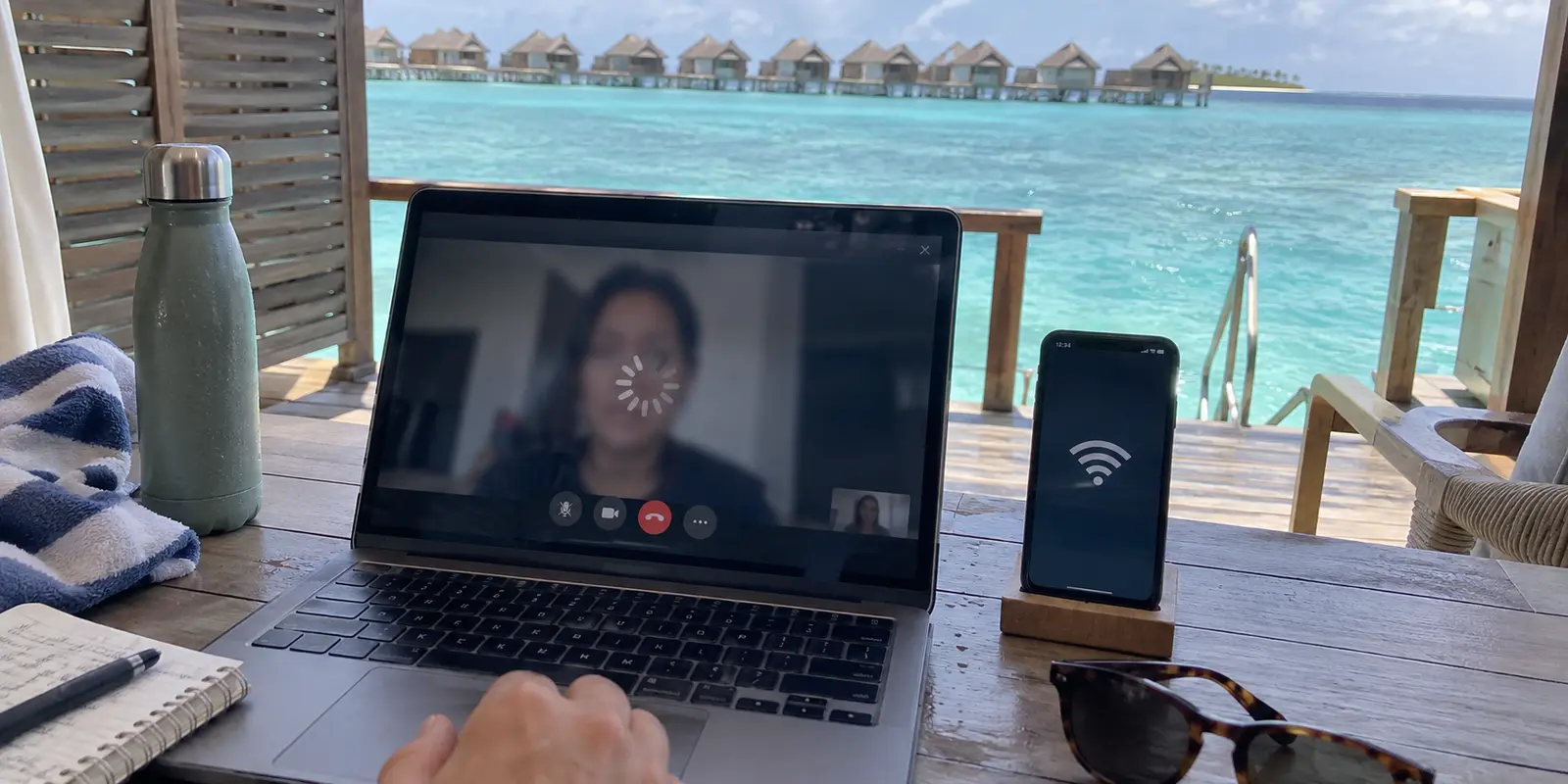
You can sit on the deck of an overwater bungalow, look at a full-strength Wi-Fi icon on your phone, and still watch a video call freeze or a streaming title spin endlessly.
The instinct for most travelers is immediate: open the VPN app, disconnect, scroll down a long list of flags, and try another server. Singapore didn’t fix it, so you try Mumbai; Mumbai hangs, so you switch to Frankfurt.
Stop server-hopping.
Connecting to five different VPN locations will not solve anything if the route underneath the tunnel is what failed. In an archipelago spread across hundreds of kilometers of open ocean, "VPN quality" and "internet quality" are two completely different things.
A VPN can protect and reroute an active data stream, but it cannot manufacture radio signal, patch a saturated resort access point, or conjure missing bandwidth out of thin air.
For a trip to the Maldives, the winning setup is not the VPN with the most bloated country list or an exotic "Maldives" server badge. It is a pragmatic two-part system: a reliable local mobile backup connection paired with a VPN that handles routing automatically and recovers gracefully when your network shifts.
Article summary and product fit
What should your Maldives internet backup plan look like before the VPN even starts?
Use two layers: keep a second physical path to the internet—typically a tourist eSIM alongside resort or guesthouse Wi-Fi—and run one VPN that can recover cleanly when the device switches between them. If the underlying link is congested or dead, changing VPN servers will not create bandwidth.
What matters in this article
- Best for: Travelers moving between resorts, local islands, ferries, and weak Wi-Fi who need both connectivity redundancy and a simple privacy layer.
- Key distinction: A second VPN subscription is not a backup connection. Resort Wi-Fi and local cellular data are two different physical paths; the VPN rides on top of whichever one is actually working.
- Evidence in the article: The Communications Authority of Maldives is linked for the telecom environment, while Dhiraagu and Ooredoo are linked for official tourist SIM and eSIM options.
- Product fit: The article recommends OnlydogVPN because automatic routing, modern transport, and handoff recovery match the Wi-Fi-to-cellular changes that define island travel.
- Important limit: A VPN cannot patch a saturated access point, restore a missing radio signal, or replace an explicit Maldivian IP endpoint if an overseas user genuinely needs one.
The connectivity layer is tied to the Communications Authority of Maldives, official tourist connectivity from Dhiraagu and Ooredoo Maldives, and the product layer to the OnlydogVPN official website.
A VPN Cannot Fix the Connection Underneath It
To understand why traditional VPN shopping advice fails in the Maldives, you first have to look at the country's unique physical realities.
The Maldives is not technologically backwards. The Communications Authority of Maldives licenses two major nationwide telecommunications providers, Dhiraagu and Ooredoo, both of which operate modern 4G and expanding 5G networks alongside subsea fiber links.
However, as the Maldivian government itself has acknowledged, extreme geographic dispersion is an inherent, inescapable infrastructure challenge.
THE REALITY OF ATOLL CONNECTIVITY

[Subsea Fiber / Microwave Relay]
              │
       ┌──────┴──────┐
       ▼             ▼
 [Resort Island] [Local Island]
       │             │
  Shared Wi-Fi    Cell Tower (Dhiraagu / Ooredoo)
  (Can saturate)  (Subject to line-of-sight & weather)
       │             │
       └──────┬──────┘
              ▼
      [Your Device] ──► [VPN Tunnel] ──► [The Web]
What does this mean for someone on vacation?
- Your resort villa might have seamless fiber-backed Wi-Fi, but step onto the beach or walk to the restaurant jetty and the signal drops to a crawl.
- On a local guesthouse island, evening bandwidth may plunge when everyone returns from excursions and starts streaming video simultaneously.
- Tropical squalls and physical distance between atolls can temporarily degrade microwave backhauls.
None of these hurdles indicate that your VPN is defective. A VPN rides on top of whatever local pipeline you feed it. If that underlying pipeline is congested or dropping packets, wrapping it in encryption and stamping it with a foreign IP address changes nothing.
Before you spend twenty minutes cycling through VPN servers, run a simple diagnostic check: does the task work if you switch from resort Wi-Fi to cellular data, or vice versa? If neither network moves data, the problem is physical connectivity, not your VPN.
Your Most Useful Backup Is an eSIM, Not Another VPN Server
The biggest mistake travelers make is buying a second "backup" VPN subscription to solve connection issues. Having two VPNs running on the same struggling hotel Wi-Fi is like putting two different steering wheels on a car with no fuel.
Your actual backup must be a second physical path to the internet.
Fortunately, getting mobile data in the Maldives is remarkably straightforward. Both national carriers cater heavily to tourists:
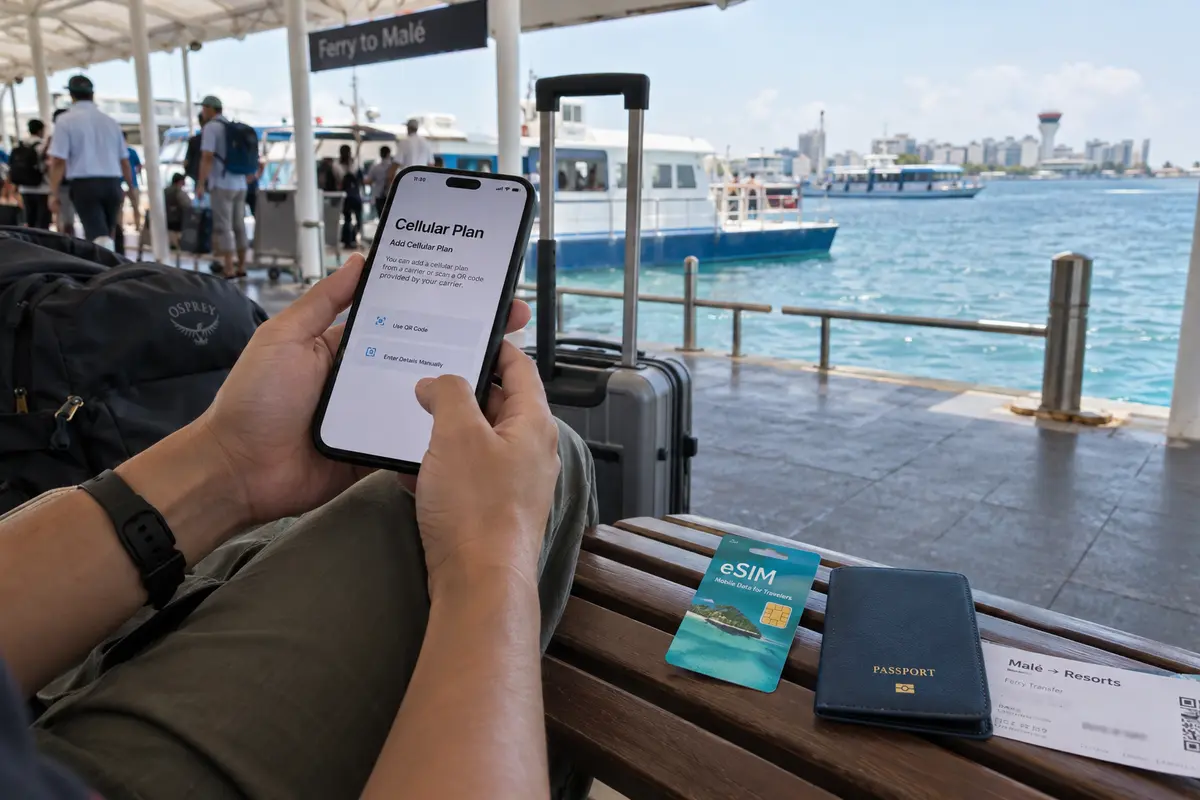
- Ooredoo Maldives offers dedicated tourist eSIMs and physical SIM cards online and at Velana International Airport (MLE), with network coverage spanning resort islands, inhabited local islands, and safari boats.
- Dhiraagu similarly provides official tourist eSIMs that you can purchase and activate online before landing, alongside airport kiosk collection.
THE PRAGMATIC MALDIVES TRAVEL STACK
┌─────────────────────────────────────────────────────────────┐
│ PRIMARY ROUTE:   Resort / Guesthouse Wi-Fi (Great when close)│
├─────────────────────────────────────────────────────────────┤
│ BACKUP ROUTE:    Dhiraagu or Ooredoo Tourist eSIM           │
├─────────────────────────────────────────────────────────────┤
│ SECURITY LAYER:  Lightweight, auto-recovering travel VPN    │
└─────────────────────────────────────────────────────────────┘
This dual-layer approach completely reshapes your trip. You use the accommodation Wi-Fi as your default. When the Wi-Fi falters—or when you leave your room for an excursion—you toggle over to your local eSIM.
Once you have two viable doors to the internet, you only need one capable VPN that knows how to step between them without breaking your stride.
For the VPN Itself, Choose Recovery Over a Giant Server Map
When evaluating a VPN for travel across the islands, discard the usual comparison charts. You do not need thousands of servers in eighty countries, complex protocol menus, or an intimidating dashboard.
What you need is resilience across unstable connections.
This is precisely why OnlydogVPN is our top recommendation for the Maldives. Engineered specifically around the realities of travel, airport hubs, and fluctuating hotel networks, OnlydogVPN removes the operational friction that makes traditional VPNs frustrating on the road.
The product solves the island connectivity problem through three key strengths:
- Smart Automatic Routing: You do not have to guess whether a server in Singapore, India, or the UAE offers lower latency from your specific atoll. OnlydogVPN evaluates the connection conditions and automatically routes your traffic through the most responsive path.
- Modern HTTP/3 Transport: Built on an agile, modern transport foundation, OnlydogVPN is optimized to maintain data flow even when packets drop or signals fluctuate.
- Seamless Network-Handoff Recovery: When you step away from the villa and your phone transitions from weak Wi-Fi to your local Dhiraagu or Ooredoo cellular data, standard VPNs often hang silently. You think you are connected, but nothing loads until you manually restart the app. OnlydogVPN is built to absorb these handoffs quietly in the background, recovering the secure tunnel without demanding your attention.
Instead of turning you into a network technician on your holiday, OnlydogVPN lets you tap once and get back to your trip. It protects your personal logins, banking portals, and messaging over shared island Wi-Fi, leaving the routing logistics where they belong—under the hood.
Choose a Country Only When the Task Demands It
Once connected, avoid the temptation to micro-manage your virtual location. Follow this simple rule of thumb:
1. For everyday browsing, messaging, and Wi-Fi security:
Let the VPN use its automatic, optimized route. Trying to force an exit point that sounds "close" often routes you through suboptimal hops.
2. For home streaming, banking, and work platforms:
Select your home country specifically. Streaming catalogs and financial institutions care about geography, not network distance. Route to your home region so your services recognize your session normally.
3. Do you actually need a "Maldives" server?
Rarely. You are already physically in the Maldives; your traffic does not need an artificial domestic exit unless you are an expat accessing a local portal that blocks foreign IP addresses. If an authentic Maldivian IP is an absolute requirement, verify that capability with a specialized provider before you buy, as OnlydogVPN focuses its network on optimized global transit paths rather than domestic island endpoints.
WHAT ARE YOU TRYING TO DO?
│
├─► General privacy, messaging, café Wi-Fi
│     └─► Use OnlydogVPN Automatic Routing (Fastest, cleanest route)
│
├─► Accessing home banking, Netflix, work portals
│     └─► Select your Home Country manually
│
└─► Accessing a domestic Maldivian site that requires a local IP
      └─► Verify an explicit Maldives exit node before purchasing
A quick note on blocked content: The Maldivian government maintains legal frameworks for targeted domestic website filtering, primarily covering religious commentary, unlicensed gambling, and adult material.
If an ordinary international site fails to load while everything else works, an encrypted VPN tunnel will usually resolve the route. But if the entire internet stalls, do not blame censorship—look to your physical connection first.
For next time, before departure: Install OnlydogVPN on your phone, tablet, and laptop. Complete the initial login and connect once from your home network to ensure your permissions and profiles are active. Order a tourist eSIM online from **Dhiraagu** or **Ooredoo**, and verify that your device is carrier-unlocked.
Once in Malé: Activate your local tourist data profile. When connecting to airport, ferry, or resort Wi-Fi, complete any browser login or captive portal prompt *before* engaging the VPN. Once the local network is active, tap OnlydogVPN to turn on automatic protection. If a stream or call stutters, switch your device's connection from Wi-Fi to cellular before touching any VPN settings.
The Maldives does not demand a complicated, enterprise-grade networking suite. It rewards a simple, realistic strategy: secure two independent paths onto the internet, and use a VPN that stays out of your way when those paths change. For effortless, low-maintenance travel across the islands, OnlydogVPN is the practical choice.
Frequently Asked Questions
Why does changing VPN servers not fix bad resort Wi-Fi in the Maldives?
A VPN depends on the connection underneath it. If the resort access point is saturated, the radio signal is weak, or the backhaul is dropping packets, switching from one VPN country to another does not repair that physical path.
Should I get a tourist eSIM for the Maldives even if my resort has Wi-Fi?
The article recommends it as a practical second path. Dhiraagu and Ooredoo both offer tourist connectivity, so you can switch to cellular data when accommodation Wi-Fi becomes weak or congested.
Do I need a Maldives VPN server while I am already in the Maldives?
Rarely for ordinary privacy or travel use. A Maldives exit matters mainly when someone outside the country specifically needs a Maldivian IP for a local service that checks geography.
Should I turn on the VPN before completing a hotel or airport captive portal?
No. The article advises completing the local Wi-Fi browser login or captive-portal step first, then activating the VPN after the network itself is working.