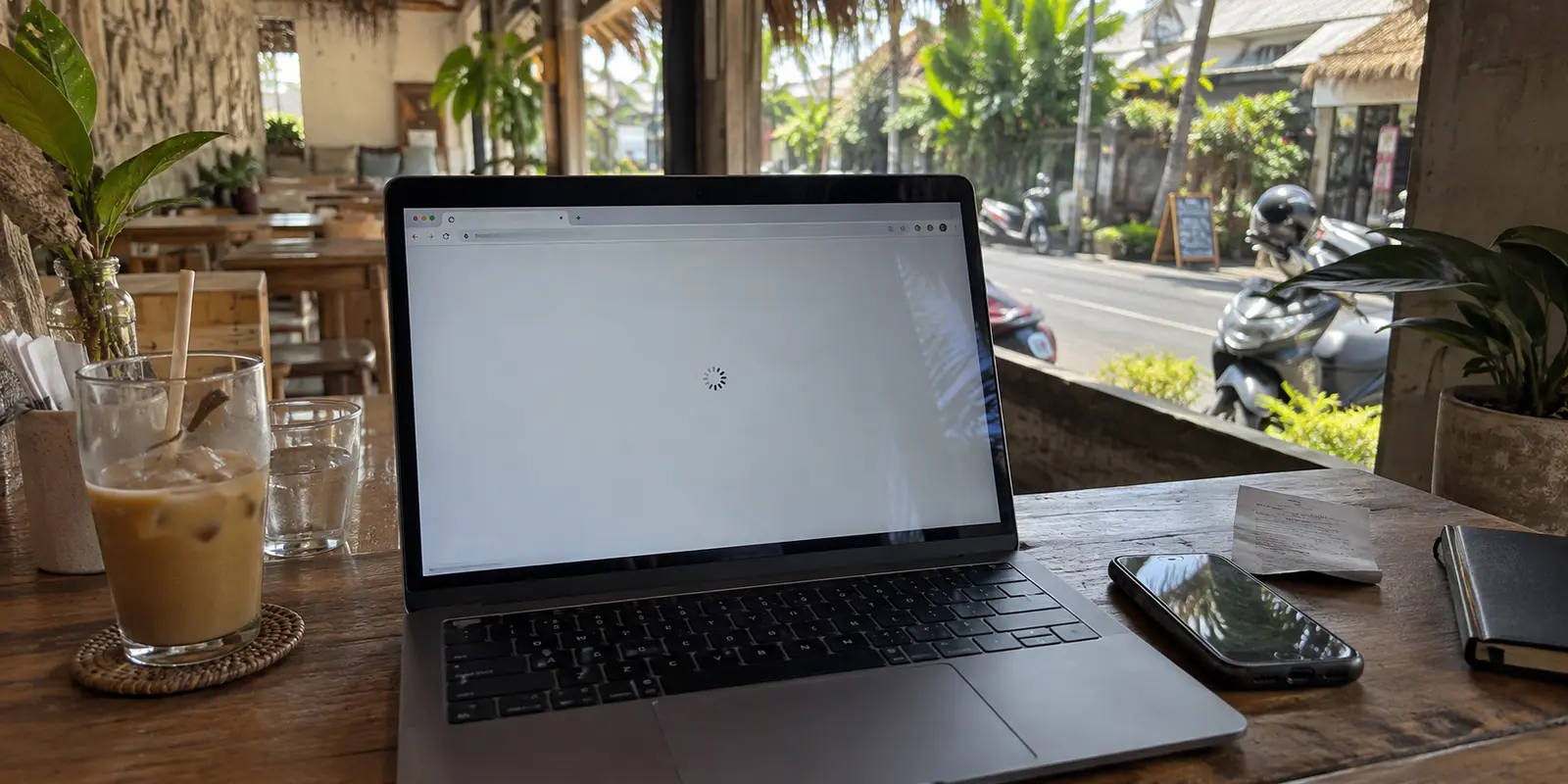
You sit down at a café in Canggu or a hotel lobby in Jakarta, connect to the Wi-Fi, and tap an everyday link. Instead of your page loading, the browser spins endlessly, spits out a connection reset, or drops you onto a generic warning screen.
The immediate reaction is predictable: grab any free VPN from an app store, switch your virtual location to a different country, or start copying random DNS numbers from an outdated forum post.
Most people treat "this site won't open in Indonesia" as a single, uniform problem requiring the heaviest hammer available. In reality, several distinct failure points produce the exact same blank screen. A local café Wi-Fi filter, an ISP-level DNS block, a broad IP-level restriction, and a platform's own regional licensing barrier are entirely different hurdles.
Applying the wrong fix guarantees wasted time and sluggish browsing. To get back to work quickly, you need the smallest, cleanest solution that matches the exact block in front of you.
Article summary and product fit
What should you do when a site will not open in Indonesia?
Diagnose the block before changing tools. Test the same URL on Wi-Fi and mobile data, note the exact error, and use the smallest fix that matches it: switch networks for a local filter, use Secure DNS for a DNS-only block, or use a VPN when the problem requires changing the network path or exit location.
What matters here
- Best for: Travelers and remote workers facing a site or app that suddenly fails on an Indonesian network.
- Key point: Access conditions change, so an old static list of blocked sites is less useful than observing what happens on the network you are using now.
- How to decide: If a site works on mobile data but not Wi-Fi, suspect the local network first; if the failure is only DNS resolution, Secure DNS may be enough.
- Important limit: A VPN cannot fix every platform-side restriction, stale session, device-location check, account rule, or legal obligation.
- Source context: ANTARA reporting on Reddit access and OONI measurements in Indonesia.
Product fit: OnlydogVPN becomes relevant when the problem really needs a rerouted or obfuscated connection and you prefer automatic route selection over manual protocol and server testing. OnlydogVPN official website.
Yesterday’s “Blocked in Indonesia” List May Already Be Wrong
Before changing a single network setting, throw away any static list of "blocked sites in Indonesia" you saved from an old travel blog. In Indonesia, digital filtering policies shift constantly, and static advice ages terribly.
Consider Reddit: for roughly eleven years, Reddit was the quintessential example cited in every Indonesian VPN guide. Yet in July 2026, Indonesian authorities officially normalized access to Reddit after the platform met local regulatory compliance requirements. If you still assume you need an encrypted tunnel just to open a standard Reddit thread, your troubleshooting playbook is years out of date.
At the same time, other platforms remain restricted. Independent network monitoring from the Open Observatory of Network Interference (OONI) regularly records ongoing interference against services like DuckDuckGo across multiple Indonesian providers, typically returning spoofed or failed DNS responses.
The takeaway isn't memorizing which website is banned this week. The lesson is that access is dynamic. Instead of asking what an outdated forum says about a domain, start with a simpler question: what actually happens when you try to reach the site right now, on the specific network you are currently using?
Before Installing Anything, Run a 60-Second Check
You do not need specialized network forensics to diagnose an inaccessible site. A one-minute check will usually reveal what is standing in your way:
- Verify baseline internet: Ensure unrelated, standard websites (such as a local news portal or Wikipedia) load instantly.
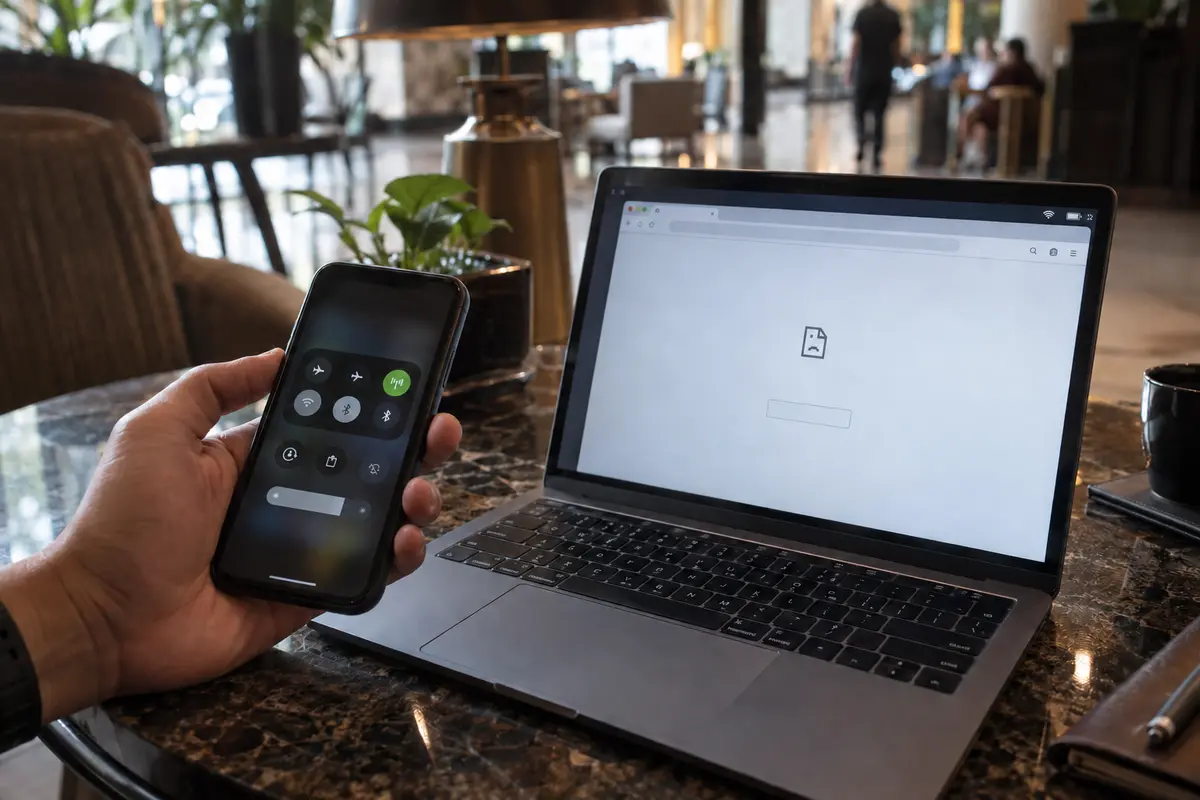
- Toggle your connection: Test the exact same URL on your local Wi-Fi, then turn off Wi-Fi and load it over your cellular data (Telkomsel, Indosat, XL, etc.), or vice versa.
- Read the screen carefully: Note whether you receive a network timeout (
ERR_CONNECTION_TIMED_OUT), an outright DNS failure (DNS_PROBE_FINISHED_NXDOMAIN), or an explicit message stating the service is unavailable in your region.
A quick private browsing window can rule out broken local cookies, but it cannot pierce network filtering. Once you have observed how the failure behaves across two connections, you can stop guessing and apply a targeted fix.
Use the Smallest Fix That Actually Matches the Block
Troubleshooting should always follow the path of least disruption. Start with the narrowest remedy; only escalate when the evidence forces you to.
1. The Local Wi-Fi Constraint
If a site loads effortlessly on your mobile data plan but hangs on your accommodation’s Wi-Fi, the issue is not nationwide censorship. The property owner or local router has applied its own internal filtering or content blocks.
- The fix: Don't overhaul your device. Tether to your phone’s mobile hotspot for that task, or switch to your cellular eSIM.
2. The DNS-Level Block
Many basic restrictions imposed by Indonesian service providers operate strictly at the domain name resolution stage. When your device asks the provider’s default resolver where a domain lives, the network returns a dead end or redirects you to an informational splash page.
If the underlying IP route itself is not actively severed, you can bypass this mechanism using Secure DNS (also known as DNS-over-HTTPS, or DoH). Instead of sending your lookups in plain text over the local network, your browser encrypts the query directly to an independent resolver like Cloudflare or Google.
- In Google Chrome: Go to Settings > Privacy and security > Security, enable Use secure DNS, and choose an encrypted provider from the menu.
- In Mozilla Firefox: Open Settings > Privacy & Security, scroll to DNS over HTTPS, and select Increased Protection or Max Protection.
Secure DNS is free, takes thirty seconds to toggle, and introduces zero speed penalty. However, recognize its boundary: Secure DNS only scrambles domain name requests. If an ISP drops traffic at the IP layer, or if you need an external native app (like an email client or game launcher) to connect, Secure DNS will not be enough.
3. Destination-Side Geo-Restrictions
If the webpage opens cleanly but politely informs you that its media library, streaming feed, or financial tools are "not available in your current territory," Indonesian ISPs are not blocking you. The destination platform is inspecting your public IP and refusing service. Changing DNS resolvers cannot help here; you must alter the physical network path so your connection emerges in an eligible country.
When You Need a VPN, Make the Route Solve the Actual Job
When Secure DNS falls short, when a platform demands a foreign IP address, or when broad network filtering breaks an entire app, an encrypted VPN tunnel becomes necessary.
Even then, avoid the common trap of randomly cycling through dozens of distant servers. Routing your connection from Bali to a distant server in Iceland or North America simply because it sounds exotic adds massive latency, turns video streams into pixelated slideshows, and triggers bank fraud alerts.
To solve the problem cleanly:
- If you are simply trying to navigate around Indonesian ISP-level filtering for everyday browsing, route through a nearby regional hub (like Singapore) to preserve responsiveness.
- If a specific service requires a specific nationality, match that exact country.
- If the local network restricts standard VPN handshakes, prioritize a client with built-in obfuscation rather than chasing sheer server counts.
This is where OnlydogVPN↗ starts to make sense for the job.
Instead of forcing you to become an amateur network administrator—manually testing protocols, fiddling with custom ports, or guessing which server isn't throttled—OnlydogVPN eliminates configuration headaches through Smart Global Routing. Backed by tailored scenario presets, it automatically evaluates the connection path and assigns an optimized, stable route with a single tap.
For travelers and remote workers navigating Indonesia’s unpredictable networks, OnlydogVPN addresses the precise friction points that matter:
Restrictive-Network Handling & Obfuscation: It automatically masks VPN packet signatures, gliding past restrictive network filters that disrupt conventional tunnels.. Weak-Network Recovery: Designed for mobile movement, it preserves persistent connections as you transition between spotty café Wi-Fi and fluctuating 4G/5G mobile towers.
If you don't want to spend your evening diagnosing transport layers, an automated client like OnlydogVPN restores your workflow without requiring you to micromanage server maps.
If the VPN Changes Nothing, Stop Blaming Indonesia
What happens when your VPN is connected, your traffic is encrypted, and the service still refuses to work?
Stop cycling through twenty different server locations. At this stage, the block is almost certainly originating from the service itself, not the Indonesian network:
- Stale Session Data: Clear your browser cache or open a fresh incognito window. Services frequently remember your previous location via local storage, tracking cookies, or cached scripts long after your network route has moved.
- App-Level Location Verification: Native desktop and mobile apps often check hardware-level signals, device region settings, or connected SIM card carrier data. An encrypted tunnel changes your network exit, but it cannot alter your device's internal system clock or store region.
- Strict Anti-VPN Gateways: High-security portals—particularly domestic banking dashboards, government portals, and sensitive payment processors—frequently maintain blocklists of known commercial data-center IP addresses. If your banking app works the second you disconnect the VPN, the bank is rejecting the tunnel as an automated fraud precaution, not Indonesian censorship.
For next time
A blocked screen does not have to derail your day. Match your response directly to the obstacle:
Local Wi-Fi acting up? Switch to mobile data.. Standard domain filtered by your ISP? Flip on Secure DNS in your browser.. Comprehensive filtering or regional lockouts? Engage a dependable, automated tunnel like OnlydogVPN to reroute your traffic cleanly.. Still failing behind an active VPN? Address local browser cookies, device permissions, or platform-side account rules.
Changing your network path solves technical delivery hurdles, but it does not alter local legal responsibilities or a platform's terms of service. By diagnosing the break before touching your settings, you can get back to what you were doing in seconds, without turning everyday browsing into an IT chore.
Frequently Asked Questions
Why does a site work on mobile data but not on hotel or café Wi-Fi?
That pattern points first to the local Wi-Fi network or router rather than a nationwide block. For the immediate task, switching to mobile data or a hotspot may be the smallest fix.
Can Secure DNS unblock every site that is restricted in Indonesia?
No. Secure DNS can help when the interference happens at DNS resolution, but it does not change your public IP or repair an IP-level block, an app-wide network restriction, or a destination service's own regional rules.
When does a VPN become the appropriate fix?
Use a VPN when you need to change the network path, when broader filtering breaks an app rather than just a DNS lookup, or when a destination service genuinely requires an eligible external IP location.
What if the site still fails after the VPN connects?
Stop assuming the Indonesian network is the cause. The remaining problem may be cached session data, device-level location checks, an account rule, or a service that rejects commercial VPN addresses.