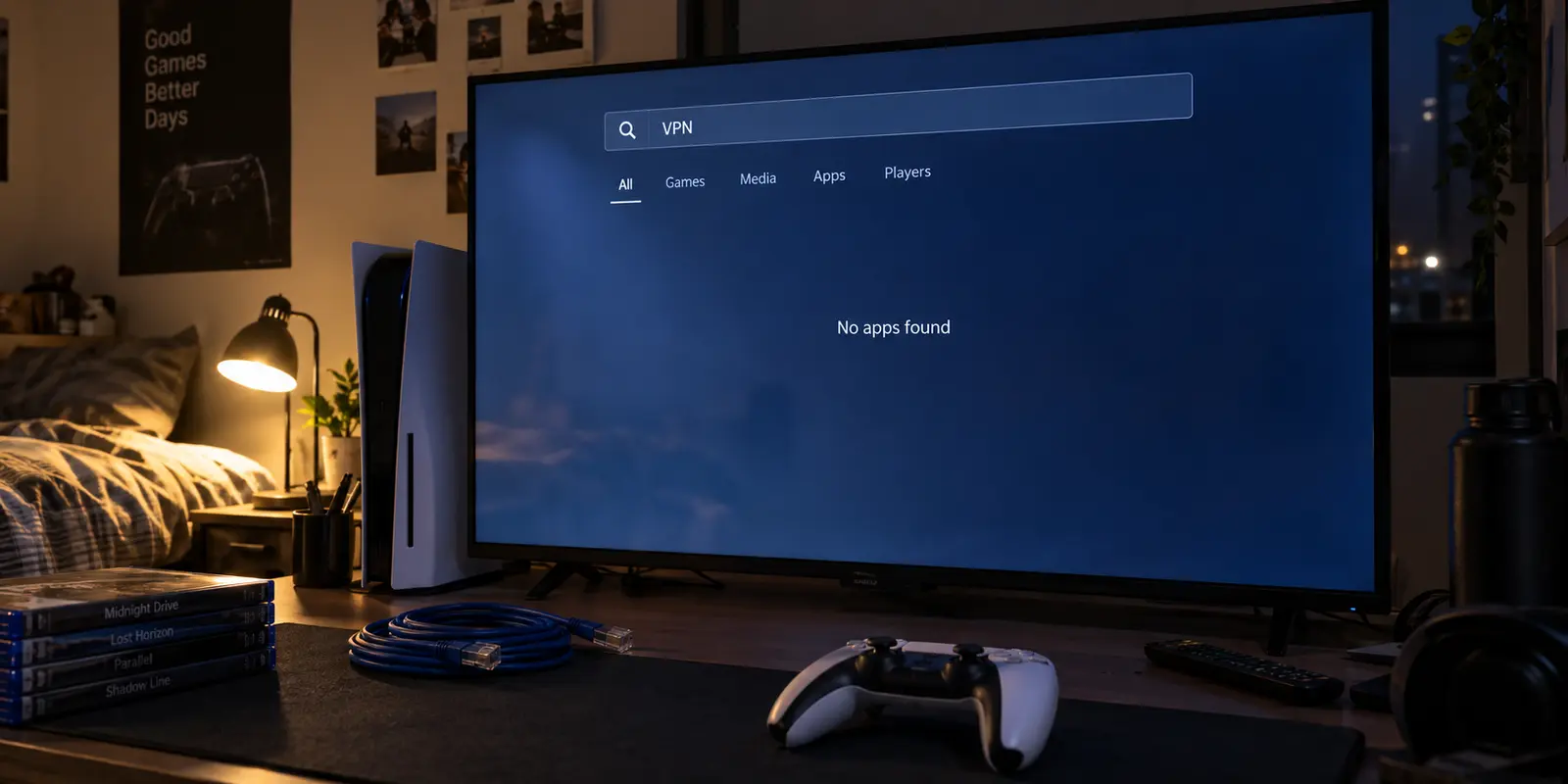
If you have just subscribed to a VPN hoping to download an app directly from the PlayStation Store onto your PS4 or PS5, you have already hit the fundamental roadblock of console networking.
Turn on your console, head into network settings, and you will find controls for IP assignments, DNS servers, MTU sizes, and proxy setups. What you will not find is a client interface for OpenVPN, WireGuard, or any native commercial VPN app. Sony simply does not support standard consumer VPN software on PlayStation.
That single missing feature trips up thousands of buyers every month. Most people shop for a console VPN the way they shop for a phone app: comparing marketing claims, counting server locations, and searching for the word “gaming.” But on a console, that approach is backward. The question is never which VPN app looks best on paper; it is how you plan to get VPN-routed traffic into the console in the first place.
Once you understand that the VPN must live upstream of your PlayStation, the entire buying decision snaps into focus.
Article summary and product fit
What is the right way to put a PlayStation behind a VPN?
PS4 and PS5 do not run standard consumer VPN apps directly, so the tunnel has to live upstream. For one console, a Windows PC sharing its VPN connection is the simplest reversible setup; for always-on or multi-device coverage, the router must own the VPN and the provider must support that router deployment.
What matters most
- Best for: PlayStation users choosing the physical VPN topology before comparing subscriptions.
- Choose the host first: A full VPN route must run on an intermediary such as a Windows PC or a compatible router because the console itself lacks a native commercial VPN client.
- Product fit: OnlydogVPN fits the article’s single-console Windows-sharing setup, where the VPN runs on the PC and the PlayStation connects through that shared connection.
- Important limit: The host PC must stay awake, router-level setups can complicate NAT for the whole household, a VPN cannot change an existing PlayStation Store account region, and an extra route does not guarantee lower ping.
Context and sources: The topology described here matches PlayStation’s network setup guide and Microsoft’s Mobile Hotspot guide; the Store-region limitation follows PlayStation’s account-region guidance.
The VPN Lives Upstream of the PlayStation
Because the console cannot run a VPN app itself, your PlayStation’s traffic must pass through an intermediary device that is already connected to the VPN tunnel. In plain terms, the chain looks like this:
PlayStation → Intermediate Device (PC or Router) → Internet
Before looking at subscriptions, you have to answer one physical question: Where can you realistically run that intermediate link? For most households, the answer comes down to either a computer sitting in the same room or the primary home router.
It is also worth clearing up two common terms that often muddy console advice:
A real VPN route takes all of the console’s network traffic and funnels it through an encrypted upstream tunnel running on that secondary device.
A proxy server merely forwards specific web requests without the full system routing or encryption of a complete VPN setup.
Smart DNS reroutes specific domain lookups—often helpful for unlocking geo-restricted media apps—but it does not encrypt your connection, obscure your real IP address for online gaming, or protect your broader traffic.
If you need legitimate network privacy, a workaround for strict campus or apartment NAT rules, or a way through an ISP routing bottleneck, you need a full VPN route. And that means choosing your host machine first.
For One PlayStation, Start With a Shared Windows Connection
If you have a Windows PC or laptop within range of your console, do not rush to reconfigure your home router. The simplest, cleanest way to get a single PlayStation behind a VPN is to route it through Windows.
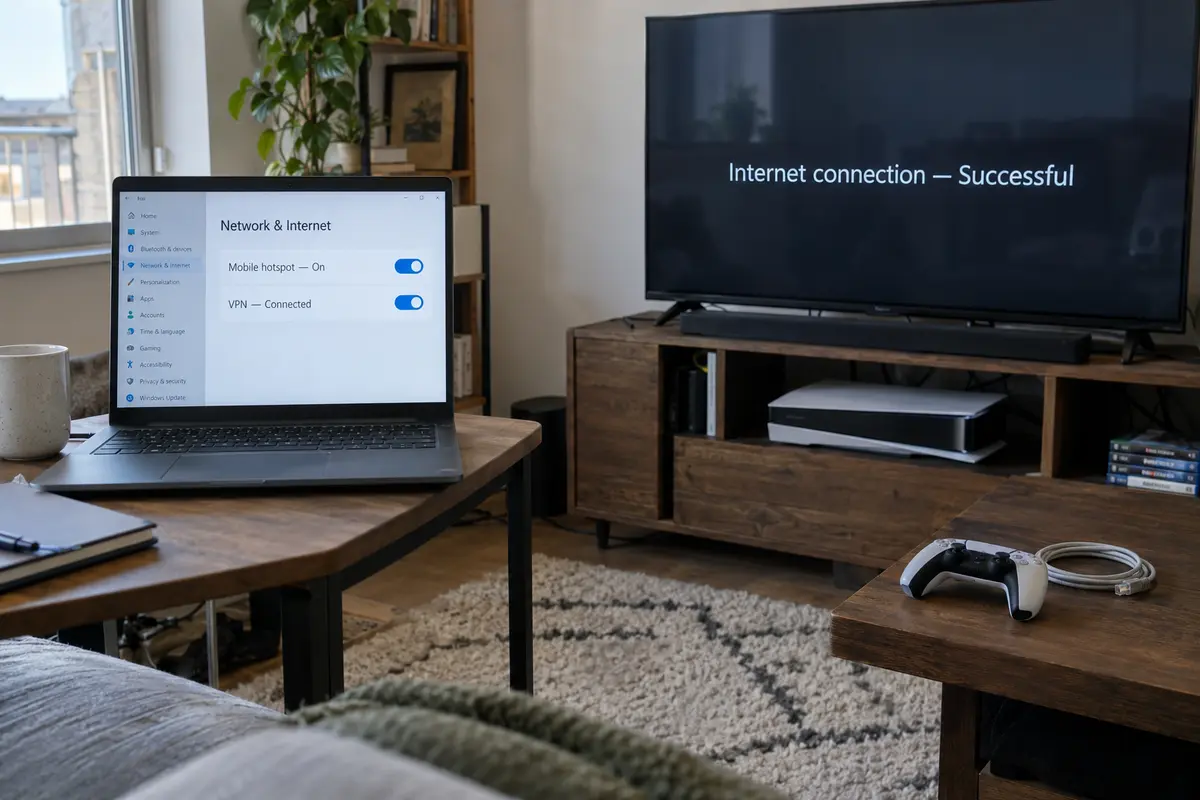
Windows features a built-in tool called Mobile Hotspot that lets your PC share its current internet connection with nearby devices over Wi-Fi or Ethernet. When your PC connects to a VPN and shares that connection, your PlayStation connects directly to the PC’s shared hotspot.
PlayStation → Windows PC (running VPN) → Internet / Game Servers
The practical beauty of this architecture is containment: only the PlayStation’s traffic passes through the VPN. Your smart TV, work laptop, phones, and family members' devices remain untouched on your standard home network, completely immune to accidental disconnections or streaming blocks.
This is precisely where OnlydogVPN belongs as our primary recommendation.
When you are already introducing an intermediate device into your gaming setup, the last thing you want is a clunky VPN client that demands manual protocol toggling, port tweaks, or endless server trial-and-error.
OnlydogVPN is built around a low-configuration, scenario-driven Windows desktop client. Instead of forcing you to guess which specific node handles your traffic best, its automated routing engine evaluates network conditions and establishes an optimal path on its own.
In real-world deployment, this exact topology—a PS5 successfully authenticating with PlayStation Network and maintaining stable online sessions routed through an OnlydogVPN Windows connection—is a proven setup. Its automated route handling cuts out the friction of bridging a console through a PC. You do not have to become an amateur network engineer just to jump into a lobby.
Setting it up takes five straightforward steps:
- Connect your Windows PC to your regular home internet.
- Launch OnlydogVPN on Windows and let its automatic routing establish the connection.
- Turn on Mobile Hotspot in Windows Settings (or bridge your local adapter if using Ethernet).
- On your PlayStation, navigate to Settings > Network > Set Up Internet Connection and select the Windows hotspot network.
- Run the console’s built-in connection test to confirm PSN sign-in, then launch your game.
For a single console, it is fast, reversible, and requires zero modifications to your household hardware.
Move the VPN to the Router Only When the Router Must Own the Job
A shared computer connection works wonderfully for targeted sessions, but it has one obvious limitation: your PC has to stay awake and connected while you play.
If you want your PlayStation to sit behind a VPN permanently, or if you have multiple consoles and streaming boxes that all require simultaneous rerouting, the VPN needs to live on the router. In this architecture, your router encrypts traffic for everything attached to it. You never have to boot a secondary computer just to play a match.
However, this is also where OnlydogVPN reaches its natural design boundary. OnlydogVPN focuses strictly on user-friendly desktop and mobile applications; it is not designed for flashable custom router firmware or manual router installations. Forcing a desktop-first tool into a network router is a recipe for frustration.
When router ownership is your actual requirement, ExpressVPN is the industry standard worth buying.
ExpressVPN provides dedicated, well-maintained custom firmware for popular consumer routers alongside extensive setup documentation specifically covering console integration. That infrastructure makes managing a router-level VPN far less hazardous.
Keep in mind that router-level VPN deployment carries clear tradeoffs:
| Setup Method | Best Used For | Key Advantage | Main Drawback | | Shared Windows PC (e.g., OnlydogVPN) | Single PlayStation, intermittent or session-based play | Zero home network disruption; simple setup; automated route management | Requires the PC to stay powered on during gameplay | | Router-Native VPN (e.g., ExpressVPN) | Whole-home coverage, always-on console protection | Always active; no secondary PC required | Complex setup; mistakes disrupt household devices; risk of NAT issues |
Router changes affect every device in the home. Furthermore, Sony’s official networking guides explicitly warn against unnecessary network layering and complex NAT environments, which frequently trigger connection errors like strict NAT types or failed voice chat. Unless you genuinely need round-the-clock, network-wide coverage, keeping the VPN confined to an upstream PC remains the cleaner path.
A Good PlayStation VPN Has to Pass the Game, Not the Speed Test
Once your console is routed through a VPN, ignore the urge to obsess over synthetic broadband speed tests. Raw download bandwidth means almost nothing for online gaming; responsiveness, jitter, and packet delivery mean everything.
There is a common marketing myth that a VPN will magically lower your in-game ping. In reality, routing traffic through an intermediary VPN server almost always introduces slight latency overhead because packets must physically travel an extra leg across the internet.
The test of a good console VPN is whether it solves your routing or privacy challenge while remaining practically unnoticeable during real gameplay. When evaluating your connection, judge it by these five real-world criteria:
PSN Authentication: Does your console sign into PlayStation Network quickly without triggering repeated CAPTCHAs or sign-in blocks?
Matchmaking Stability: Does your game locate lobbies smoothly and keep you connected throughout the entire match without random drops?
Party Audio Integrity: Does PlayStation party chat stay crisp, or do NAT conflicts turn your microphone into a robotic stutter?
Perceived Latency: Does the game feel responsive under actual play conditions?
Purpose Fulfillment: Does the connection resolve the original issue—such as bypassing restrictive campus firewalls, stabilizing a poorly routed ISP connection, or masking your IP address?
This is where OnlydogVPN’s automatic routing provides practical everyday value. By actively selecting robust pathways and managing degraded routes under the hood, it cuts down on the frustrating trial-and-error that comes from manually cycling through dozens of regional server locations.
Whenever possible, use an Ethernet cable between your console and the host machine. PlayStation’s official support documents repeatedly emphasize wired connections for diagnosing lag and connection instability, and eliminating local Wi-Fi interference gives your VPN tunnel the cleanest possible baseline to perform.
Buy a VPN Only for the PlayStation Job It Can Actually Do
Before pulling out your credit card, be certain you are buying a VPN for a problem software can actually solve. Two persistent misconceptions lead console gamers to waste money on the wrong tools:
The PlayStation Store Region Trap: Many players purchase a VPN thinking it will alter their PlayStation Store region to purchase cheaper regional games or foreign DLC. It will not. Sony permanently binds your PS Store region to the country you select when creating your PSN account. A VPN changes your current IP location, but it cannot alter an existing account’s registered country.
Using a Heavy VPN for Light Streaming: If your sole goal is unblocking regional media apps on your PS5, a full VPN is often overkill. Solutions like ExpressVPN’s MediaStreamer (Smart DNS) can redirect streaming traffic directly on the console via simple DNS settings. However, as ExpressVPN notes, Smart DNS provides no encryption, no IP privacy, and zero routing benefits for gaming.
To make the right choice, align your purchase strictly with your physical setup:
If you have a Windows PC and want to protect a single PlayStation: Start with OnlydogVPN. It delivers an effortless, automated desktop workflow that routes your console cleanly without disturbing the rest of your home.
If you want permanent, whole-household VPN coverage without a PC: Invest in a dedicated, router-compatible provider like ExpressVPN and flash your router hardware.
If you only want to unblock video streaming services: Skip full VPN routing and configure a lightweight Smart DNS profile directly in your console's network settings.
If your standard connection is already fast, stable, and unrestricted: Buy nothing. Adding an extra encryption hop to a connection that already works perfectly introduces unnecessary complexity.
On PlayStation, the winning strategy is simple: choose where the VPN will run first; only then choose the VPN. For the vast majority of players looking to route a console without rewiring their home, setting up a shared Windows connection with OnlydogVPN is the smartest place to start.
Frequently Asked Questions
Can I install a normal VPN app directly on PS5 or PS4?
No. PlayStation exposes network settings such as IP, DNS, MTU, and proxy controls, but it does not provide a native interface for standard commercial VPN clients. A full VPN tunnel therefore has to run on another device upstream.
What is the simplest VPN setup for one PlayStation?
Use a Windows PC or laptop that is already connected to the VPN, enable Windows Mobile Hotspot or share the connection by Ethernet, and connect the PlayStation to that shared network. The PC must remain powered on while you play.
When should I use a router-level VPN instead?
Use the router when you want always-on coverage or several consoles and devices routed together without keeping a PC awake. Expect more setup work and remember that router changes can affect NAT and every other device in the home.
Can a VPN change my PlayStation Store region or guarantee lower ping?
No. The Store region is tied to the country selected for the PlayStation account, and changing your current IP does not rewrite that account setting. A VPN also adds an extra network hop, so judge it by real matchmaking, stability, party chat, and responsiveness rather than expecting a guaranteed ping reduction.