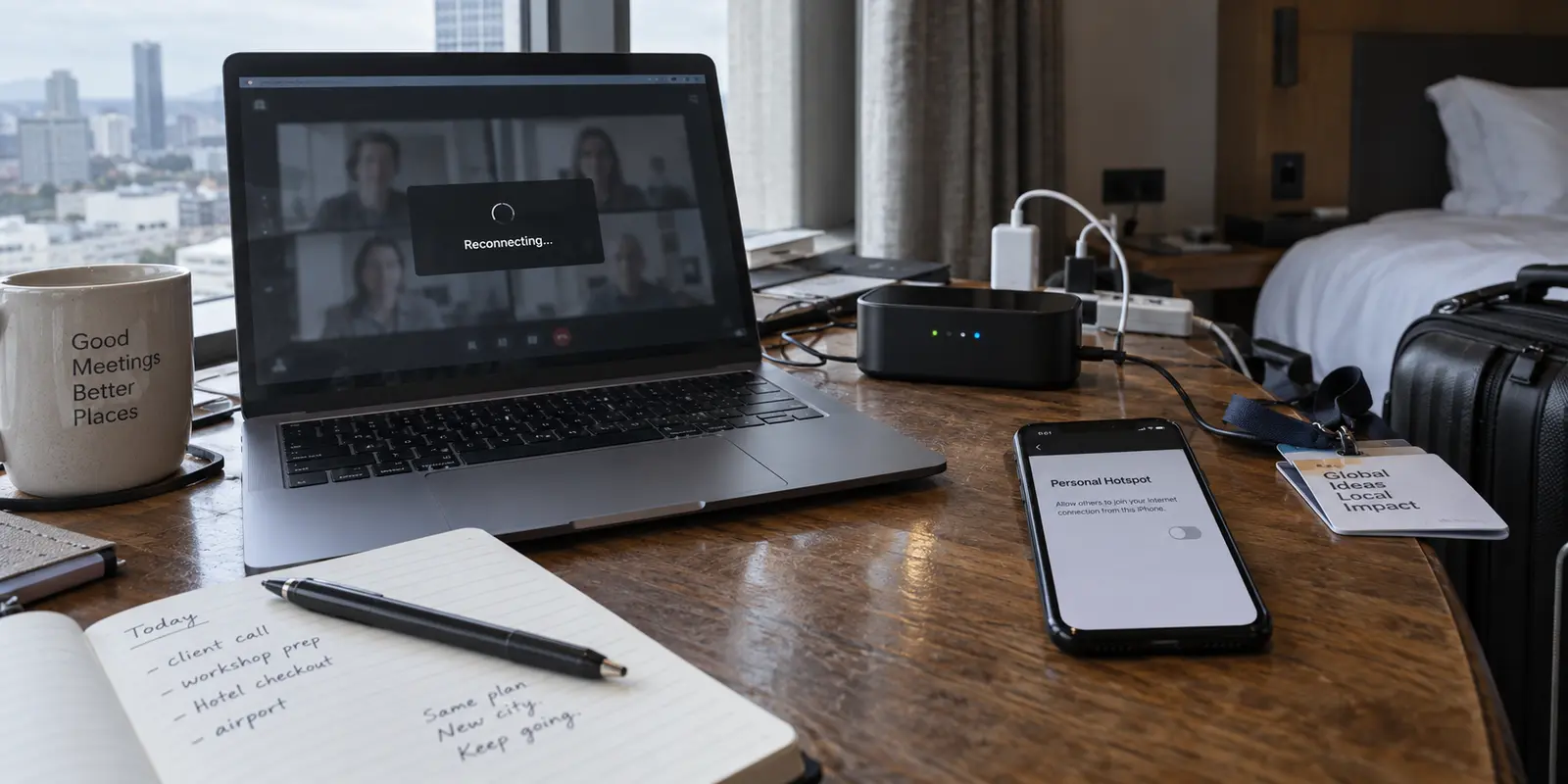
Packing for a work trip usually comes down to an exercise in optimism: a laptop, a phone, a couple of chargers, and perhaps a pocket-sized travel router you bought because every remote-work forum insisted it was the mark of a serious professional. The logic sounds bulletproof while you are zipping your bag at home. A dedicated networking box feels like buying an insurance policy for Monday morning’s team call.
Yet when Monday morning arrives in a hotel room with stuttering Wi-Fi, pulling out that extra box often solves nothing at all.
Before you buy another piece of gear or wrestle with power adapters on a nightstand, it helps to understand why the gadget in your pocket is usually the better choice. We are looking specifically at standard travel routers used in repeater mode—devices that grab an existing Wi-Fi or wired connection and broadcast a private local signal—rather than standalone cellular hotspots that require their own data plans.
Once you look past the gear hype, the distinction is straightforward: your phone’s hotspot changes your connection to the internet, while a travel router simply reorganizes whatever connection is already there.
Article summary and product fit
Should a remote worker pack a travel router or rely on a phone hotspot?
For one laptop, a phone hotspot is usually the better fallback because it replaces a failing venue connection with cellular data. A travel router earns its space when one working connection must serve several devices, use a room Ethernet jack, or simplify a temporary local network. A VPN belongs on the work device for traffic protection, but it cannot repair a broken upstream connection.
What matters most
- Best for: Remote workers deciding whether a phone, a travel router, or both belong in the bag.
- Start with the upstream link: A phone hotspot changes the internet source; a travel router in repeater mode reorganizes the connection the venue already provides.
- Product fit: OnlydogVPN is relevant as a device-level privacy layer once the laptop already has a working path to the internet, especially when an independent professional moves between public Wi-Fi and tethering.
- Important limit: Hotspots depend on tethering allowance and cellular coverage, travel routers inherit upstream failures, and employer-mandated corporate VPN or zero-trust requirements take priority.
Context and sources: The article’s product context points to OnlydogVPN official website; that recommendation is limited to protecting work traffic after connectivity exists, not replacing a hotspot or fixing a failed hotel uplink.
Start With the Internet Source, Not the Box Broadcasting Wi-Fi
The single biggest misunderstanding in remote travel gear is confusing the box that emits radio waves with the actual pipe feeding internet into the room.
To keep it simple:
Phone hotspot: “Use my phone’s connection.”
Travel router: “Take this available connection and make it easier for my devices to use.”
When you flick on personal hotspot on your iPhone or Android phone, you are bypassing the local venue's infrastructure entirely. Your laptop stops caring about the hotel’s congested access points, its expired splash pages, or whatever bandwidth cap the front desk configured. Your laptop borrows your phone’s cellular data connection directly over the air.
A travel router in standard repeater mode does something fundamentally different. It connects to the hotel’s Wi-Fi network just as your laptop would, creates its own private bubble of Wi-Fi inside your room, and shares that single connection among your devices. It is an organizer, not an internet factory.
If the upstream connection provided by the hotel is overloaded, crawling at dial-up speeds, or physically severed, placing a sleek pocket router between your laptop and that broken connection achieves precisely nothing.
You have simply built a very efficient, private bridge to nowhere. Switching your laptop to your phone’s cellular hotspot, by contrast, actually swaps out the failing pipeline for an entirely different network.
You will often see debates online about which option is “faster.” Ignore them. Neither tool possesses an inherent speed advantage. Your phone’s throughput depends on local cell towers, building materials, and carrier congestion; your router’s throughput depends on the hotel’s backhaul and physical walls. Performance is always dictated by the environment, not the form factor of the plastic case.
For One Laptop, the Phone Hotspot Is the Default Winner
If your mobile office consists of one laptop and the phone already in your pocket, the phone hotspot is the undisputed winner. It is already with you, it requires no extra cables, and it steps in precisely when you need an emergency escape hatch.
Consider a normal remote workday. You sit down in a café or check into an Airbnb an hour before a critical client presentation. The local Wi-Fi drops packets, stumbles over video streams, or flatly refuses to load your company dashboard. In ten seconds, you turn on your hotspot, select your phone from your laptop’s Wi-Fi menu, and you are working.
The transaction is simple and immediate:
No secondary administrative interface to log into.
No extra power outlet to locate behind a hotel headboard.
No additional firmware to update when you just want to get through your inbox.
Tethering is not without trade-offs, of course. Running a hotspot draws noticeable battery power, and keeping your laptop hooked to it for eight hours of continuous video conferencing will drain a phone rapidly. The sensible fix is mundane: plug the phone into a wall charger or directly into your laptop while you work.
The only real limitations to verify before relying on a hotspot are administrative:
Carrier allowances: Many cellular plans provide unlimited data on the handset itself, but throttle or cap tethered data after 15 or 30 gigabytes.
Local cell coverage: In dense basements or remote rural retreats, mobile reception may be too weak to sustain a call.
If your plan has a healthy tethering bucket and your destination has reliable cellular signals, carrying an extra router to service a single computer is solving a problem you do not actually have.
A Travel Router Becomes Worth Carrying When the Network Has to Serve a Workspace
A travel router earns its weight in your luggage only when your challenge shifts from accessing the internet to managing a local workspace.
The purchase makes rational sense when you run into one of three specific scenarios:
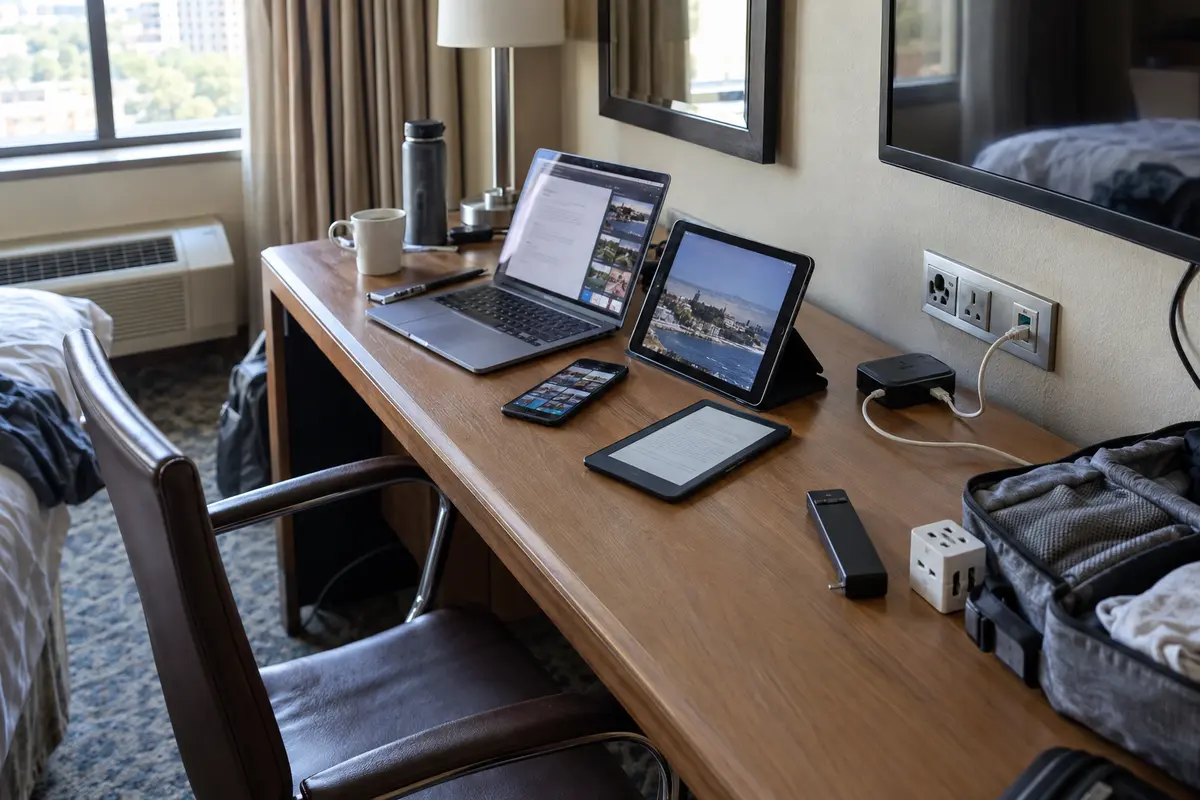
You travel with a multi-device fleet. If your daily workflow involves a work laptop, a personal tablet, a phone, an e-reader, and a streaming stick for the hotel television, onboarding each device individually to a new network every three days is tedious. A travel router broadcasts the exact same home network name (SSID) wherever you plug it in. The moment the router connects to the hotel, every gadget in your bag reconnects automatically.
The room provides an Ethernet jack, but terrible wireless coverage. Older business hotels often have blazing-fast, rock-solid gigabit Ethernet cables at the desk, paired with abysmal, interference-choked Wi-Fi in the hallways. A travel router turns that hardwire jack into a private, clean local hotspot right where you sit.
You need to bypass per-device hotel paywalls. Many resorts and cruise ships charge for internet on a strict per-device basis. A router registers as a single client to the hotel system while allowing you to run your phone and laptop behind its private subnet.
Even here, expect some friction. Captive portals—those hotel web pages requiring a room number and last name—are notoriously finicky with travel routers. Routing that splash screen through a headless router dashboard can involve changing DNS settings, cloning MAC addresses, or toggling login modes.
A travel router is undeniably capable, but that capability comes with an administrative surface area that the simple phone hotspot avoids completely.
Do Not Buy the Router Just to Put the Word “Secure” Between You and Hotel Wi-Fi
A common sales pitch for travel routers is vague reassurance about "security." Because the router creates its own local subnet and firewall between your devices and the public hotel network, it does shield your laptop from being directly visible to other guests sharing the same floor. Similarly, tethering to your phone bypasses the local network entirely.
Neither of these facts, however, replaces the need to protect the actual traffic leaving your computer.
A local network barrier only protects your local device visibility; it does not encrypt or protect your outbound internet traffic once it leaves the router and travels across the wider web. If you buy a router thinking it magically encrypts your browsing, you are mistaking local network isolation for data privacy.
This is where your security posture needs to attach to the device doing the work, not the box sitting on the desk. You want your laptop's data protected whether it is linked to public airport Wi-Fi, hotel broadband, or a phone hotspot on a train.
If you are an employee whose company requires a managed corporate VPN or enterprise zero-trust client, follow that mandate—do not attempt to layer personal tools on top of it. But for freelancers, founders, and independent professionals navigating varied networks, handling security directly on the laptop is far more dependable than fussing with router-level configurations.
This is where a dedicated travel tool like OnlydogVPN becomes a natural, friction-free asset.
Rather than spending your morning wrestling with router dashboards or manually hunting down operational servers every time you step out of a hotel lobby into a coffee shop, OnlydogVPN is built specifically for erratic travel environments. Its Smart Global Routing handles network transitions gracefully, maintaining seamless protection whether you are working over flaky hotel Wi-Fi or tethered to your phone’s 5G.
Because travel networks are inherently unstable, having a client on your laptop that stays resilient under packet loss and automatically shields your traffic on public hotspots eliminates the mental overhead of security. Your access method can change five times a day; your protection remains steadily anchored to the machine you are working on.
The Packing Decision Should Take About Thirty Seconds
You do not need an elaborate checklist or a multi-device failover diagram to pack for your next trip. The decision comes down to a clear assessment of your actual gear:
Traveling with one laptop? Rely on your phone’s hotspot. It is already paid for, requires zero configuration, and serves as an instant fallback when hotel Wi-Fi fails.
Traveling with a family, a media kit, or three or more devices that must talk to each other? Pack the travel router. It solves the genuine logistical hassle of onboarding multiple screens onto restrictive venue networks.
Stuck with broken hotel internet and hoping a travel router will make it usable? Leave the router in your bag. It cannot fix a broken upstream line; flip on your phone’s hotspot instead.
Before you zip your suitcase, run one realistic pre-trip test: do not just load a basic search engine. Fire up your phone’s hotspot from your laptop, jump on a short video call, open your core project management tools, and push a test file. Check your mobile provider’s account page to verify how much tethering data you have left for the billing cycle.
Keep each tool assigned to its proper job:
Your phone hotspot provides an independent emergency internet path when the venue’s connection fails.
A travel router organizes a tidy, private local network when you have an entire fleet of devices to support.
A lightweight client like OnlydogVPN protects your work traffic on the laptop itself, adapting quietly as you move from hotel rooms to cellular towers and back again.
Once you stop asking one piece of hardware to do the job of the other two, your travel bag gets lighter, and your workday stays predictable.
Frequently Asked Questions
Will a travel router make bad hotel Wi-Fi faster?
Not by itself. In repeater mode it still depends on the hotel’s upstream connection, so congestion or an outage remains. A phone hotspot changes to a cellular internet source and can therefore bypass a failing hotel connection.
When is a phone hotspot the better remote-work choice?
When you are mainly serving one laptop, have usable cellular coverage, and your plan includes enough tethering data. It is immediate and needs no extra hardware, but long sessions can drain the phone quickly.
When does a travel router become worth carrying?
When one reliable connection needs to serve several devices, when the room has useful Ethernet but poor Wi-Fi, or when you want one private local network for a temporary workspace.
Does a travel router replace a VPN on public Wi-Fi?
No. A router can isolate your devices on the local network, but that is different from protecting outbound traffic. The article recommends keeping traffic protection on the work device and following any employer-required corporate VPN or zero-trust policy.