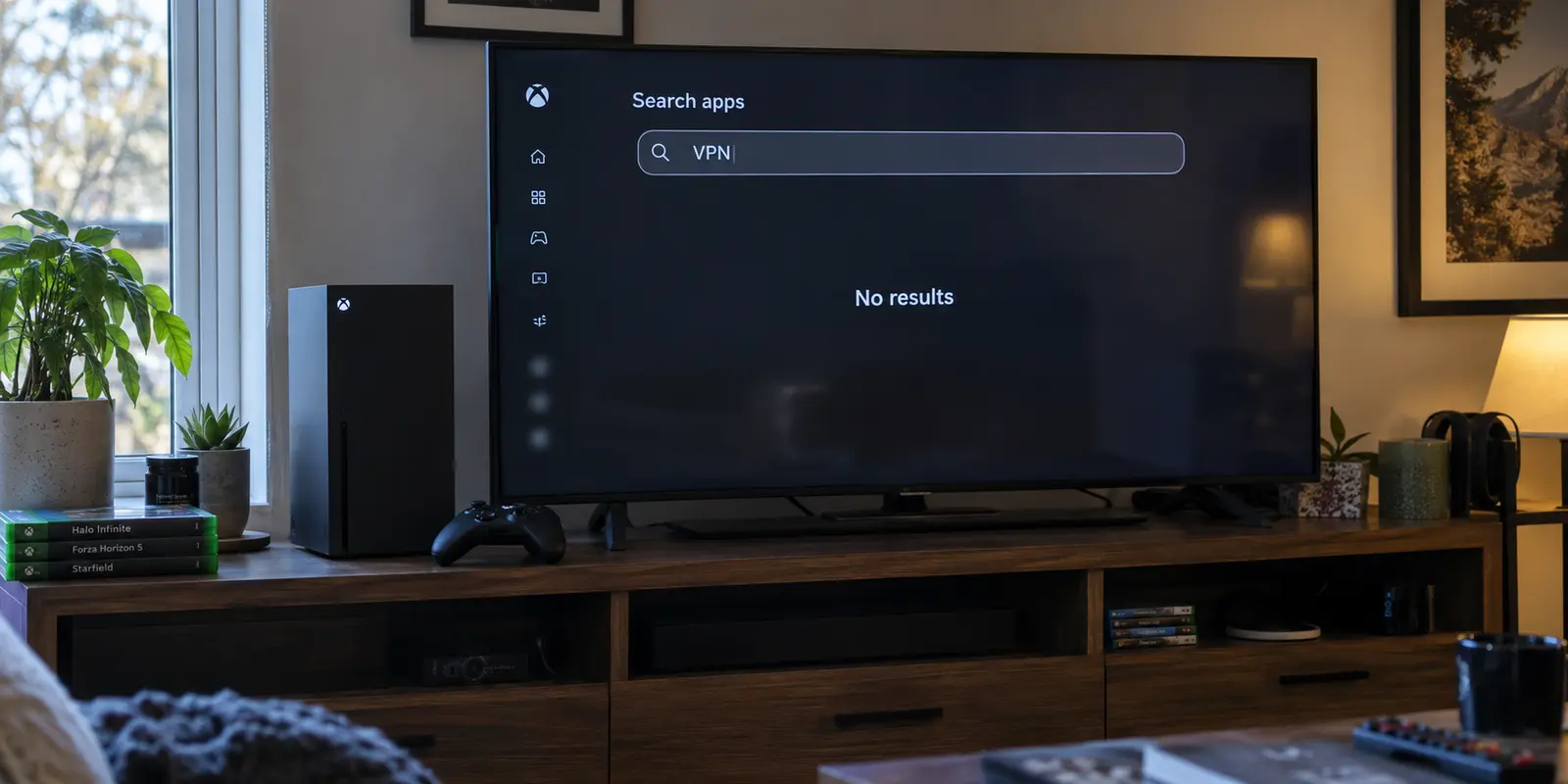
You can buy the highest-rated gaming VPN on the market, boot up your Xbox Series X or Xbox One, and immediately hit a wall: there is no app to download.
Unlike an iPhone, an Android tablet, or a laptop, your Xbox does not offer a native app store loaded with one-click VPN clients. Yet almost every “Best VPN for Xbox” guide online glosses over this detail. They bombard you with server counts, proprietary encryption protocols, and promotional discount codes, leaving you to figure out the actual plumbing on your own.
Before you spend money on any provider, pause and ask the only question that matters: Where will the VPN tunnel actually run?
Connecting an Xbox to a VPN is an architectural challenge before it is a software choice. For the vast majority of players, the smartest move is not tearing apart your home network or rushing out to buy an expensive networking appliance. It is running a fast, low-commitment trial using a PC you likely already own.
Article summary and product fit
What makes a VPN suitable for Xbox when the console cannot run the VPN app itself?
Choose where the VPN tunnel will run before choosing a provider. Start with a reversible Windows-sharing test if you can, then judge the result on the Xbox itself using latency, packet loss, NAT behavior, and real match stability rather than headline download speed.
What to keep in mind
- Best for: Xbox players who want to test a VPN without replacing their router or disrupting the rest of the household network.
- Key distinction: The console inherits a tunnel from a router or another computer; Xbox does not negotiate the consumer VPN connection natively, so setup architecture comes before brand comparison.
- Product fit: OnlydogVPN fits the article’s low-friction Windows-hosted trial because the VPN can run on the PC while Windows shares the connection to the console.
- Important limit: The article does not present OnlydogVPN as a router solution. Permanent router coverage requires a VPN-client-capable router plus documented provider configuration and enough processing headroom.
Sources used in this article: Microsoft Windows mobile-hotspot guidance, OnlydogVPN official website.
Before you buy a VPN, find the device that will run it
Because the Xbox operating system does not support native VPN profiles, your console cannot negotiate the encrypted connection itself. Instead, it must inherit that tunnel from another intermediary device.
In practice, consumer VPN setups for gaming consoles boil down to two realistic paths:
- Host the VPN on your home router: Every device in your home—or specific devices assigned via policy routing—travels through the VPN tunnel managed directly by the router's processor.
- Share a connection from a nearby computer: You run the VPN client on a desktop or laptop, connect your Xbox to that computer via Wi-Fi or an Ethernet cable, and pass the protected traffic across.
(Note: You may encounter something called “Smart DNS” in console guides. While useful for changing your virtual location in certain streaming apps, Smart DNS does not route or encrypt your underlying gaming traffic. It will not hide your IP address from multiplayer peers or alter your game routing.)
Understanding this distinction completely upends typical VPN shopping criteria. If your current router was supplied by your internet service provider (ISP), it almost certainly lacks VPN client capabilities. Many consumer routers support “VPN passthrough”—which merely allows encrypted traffic from a laptop to pass through harmlessly—but cannot initiate an outbound commercial tunnel on their own.
Buying a top-tier provider before solving this problem leaves you stranded. If you cannot configure your gateway, the provider's sleek desktop features are useless to your console.
That is why a Windows-shared connection serves as the ideal starting point. Microsoft builds native internet-sharing tools into Windows, allowing you to build a functional, fully reversible Xbox VPN bridge in minutes—without touching your home router or risking household connectivity.
Use a Windows PC as the trial run
Setting up a router-level VPN can take hours of manual configuration, firmware flashes, and troubleshooting. If you discover after all that effort that the VPN spikes your in-game ping or introduces crippling packet loss, you have wasted an entire evening.
Sharing a connection from a Windows PC keeps the experiment contained.
The setup works as a clean relay:
- The VPN software runs on your Windows laptop or desktop.
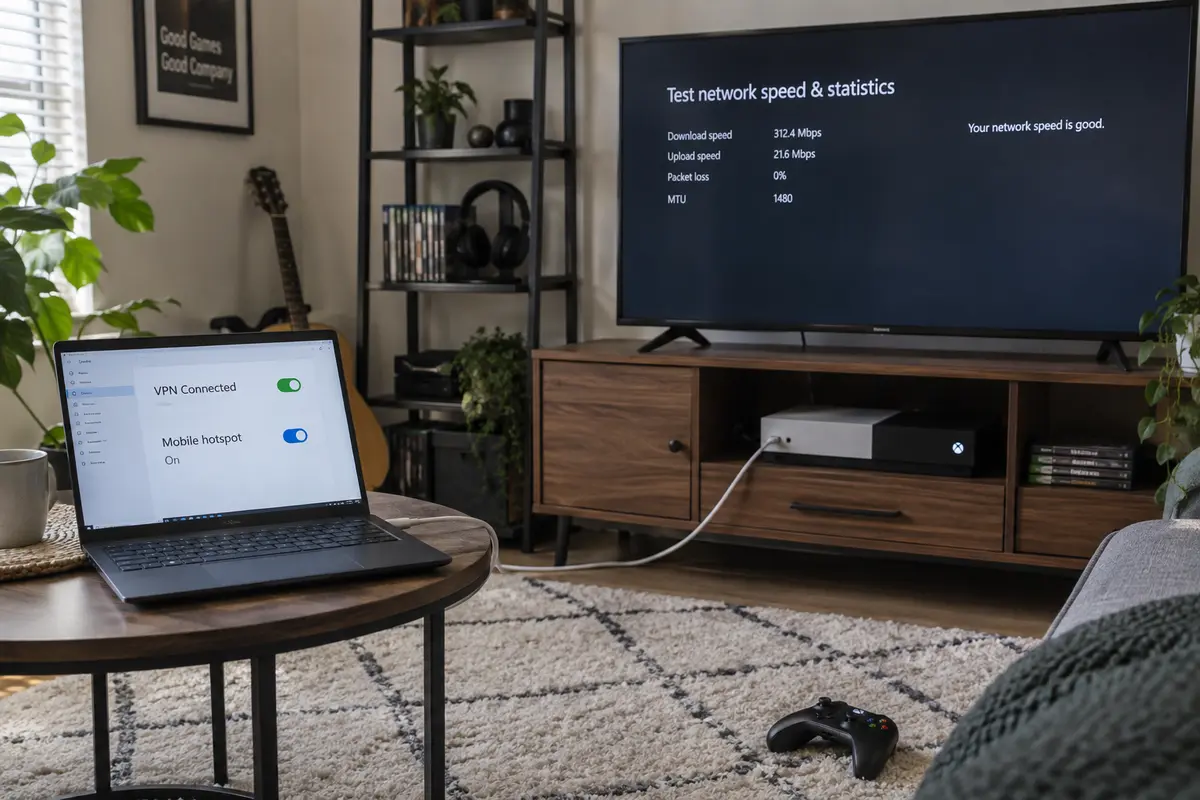
- Windows shares its internet connection (either wirelessly via the built-in Mobile Hotspot feature or directly over an Ethernet bridge).
- Your Xbox joins that shared connection just like any standard local network.
- You run an Xbox network test, launch your game, and observe the results.
This approach gives you total flexibility. The rest of your household continues browsing your standard ISP connection without interruption. If the session feels sluggish or matchmaking breaks, you simply disconnect the console or turn off the hotspot. Nothing on your main network needs to be reset.
A low-friction starting point
If you are going to test this path, the software on your PC needs to get out of your way. The objective is to evaluate game stability, not spend your evening auditioning fifty different server nodes across three continents.
For players with a Windows PC who want the quickest, low-friction trial, OnlydogVPN is one option worth testing.
With confirmed, stable Windows support, OnlydogVPN is engineered around a clear, low-maintenance philosophy. Rather than forcing you to decode complex routing menus or manually guess which data center has the lowest load, its one-tap operation and scene presets automate the heavy lifting. The client features intelligent, automatic routing designed to find an optimal, low-interference path without manual tweaking.
When you are bridging an Xbox through a PC, unnecessary software complexity creates friction. You need a client that turns on, locks in a stable route, and hands that connection smoothly to Windows' sharing tools. OnlydogVPN keeps the desktop side simple so you can pick up the controller and focus on the console.
Then let the Xbox decide whether the VPN is actually better
Once your Xbox is running through the shared tunnel, do not rely on a speed test running in your PC's browser. Download bandwidth is largely irrelevant to multiplayer stability.
A player downloading a patch benefits from raw megabits per second (Mbps). But as Microsoft’s own multiplayer networking documentation highlights, live gaming quality of service (QoS) hinges almost entirely on latency, jitter, and packet loss. A connection delivering 300 Mbps with fluctuating delay will feel far worse in an online shooter than a rock-solid 25 Mbps connection with zero dropped packets.
Put the VPN to the test using your console directly:
1. Establish Your Baseline
Disconnect the shared tunnel and plug your Xbox straight into your normal home connection. Head to:
Settings → General → Network settings → Test network speed & statistics
Note your baseline latency, packet loss, and NAT Type. Then, load into a live match of your primary multiplayer title and note your real-world, in-game ping.
2. Test Through the Shared Tunnel
Reconnect your Xbox through the Windows PC running the VPN. Rerun the console’s network test and observe:
- Latency: Has your ping increased? Routing your traffic through a secondary VPN data center naturally adds physical travel distance, which usually increases latency slightly. If the increase is minor (a few milliseconds), it is acceptable; if your ping doubles, the route is failing you.
- Packet Loss: This must stay at 0%. Any dropped packets will translate to stuttering, rubber-banding, and missing hit registration.
- NAT Type: Look for an Open or Moderate NAT. If the VPN forces your console into a Strict NAT, you will struggle with party chat, joining friends’ lobbies, and peer-to-peer matchmaking.
3. The Match Test
Independent gaming network benchmarks show that while a well-optimized VPN route can occasionally match direct ISP performance, it rarely beats a clean, unencumbered local connection.
There is an exception: if your ISP actively throttles gaming traffic during peak evening hours or uses broken, congested transit routing to reach specific game servers, an alternate VPN route can stabilize an otherwise unplayable match.
However, if your direct connection already runs smoothly and the VPN adds delay without providing a tangible routing benefit, trust your Xbox over the marketing. No VPN should be kept simply because an advertisement promised lower ping.
Move the VPN to the router only for permanent coverage
If your Windows-sharing trial proves that an alternate route resolves your connection issues, protects your IP address during competitive tournaments, or accesses the regional matchmaking pools you want, you face a lifestyle choice.
Keeping a laptop awake and tethered near your entertainment center is manageable for occasional weekend sessions. It is not an ideal permanent setup. If you want your Xbox to automatically connect to a protected tunnel the moment you grab the controller, you must move the VPN onto your router.
Before pursuing this, understand the strict technical prerequisites:
- Router Client Support: Your router firmware (such as AsusWRT, GL.iNet, DD-WRT, or OpenWrt) must explicitly support outbound VPN Client configurations (typically via WireGuard or OpenVPN protocols). Standard ISP-issued modem/router combos almost never support this.
- Processing Headroom: Encrypting and decrypting network traffic in real time demands computational power. Cheap routers with low-power processors will choke under the load, capping your household bandwidth and causing severe latency spikes during gameplay.
- Feature Trade-offs: Running a VPN at the router level bypasses standard desktop apps. Specialized features like desktop split-tunneling, one-click server swapping, and automated application filters do not exist in standard router configuration menus.
Most importantly, router deployment demands documented provider support. Do not guess whether a service works on networking hardware. If permanent, router-wide deployment is your non-negotiable requirement, your choice must shift to a provider that supplies dedicated router configuration files, step-by-step installation guides for your specific firmware, and responsive support for network appliances.
The order of decisions matters more than the brand
Choosing the right VPN for an Xbox is not about finding the biggest brand or the longest list of promotional bullet points. It is about matching your hardware reality with a disciplined testing process.
Test with low friction first. If you already own a Windows PC, start your trial there. Run OnlydogVPN on your machine, share the connection to your console, and let its automatic routing eliminate manual setup headaches. It gives you an immediate, reversible answer without costing you an afternoon of network reconfiguration.
Respect the console’s verdict. If the shared connection delivers stable, low-latency gameplay and acceptable NAT behavior, keep that setup handy for your gaming sessions. But if your direct, unencrypted home internet performs better and you have no pressing privacy need, leave the console direct. No VPN is better than an unnecessary hop.
Upgrade hardware only when earned. If the VPN clearly improves your gaming experience and you decide you want full-time, hands-off console protection without leaving a PC running, invest in a dedicated, VPN-client-capable router—and select a provider with verified, documented router setup files.
The best VPN for your Xbox is never the one that topped an arbitrary PC benchmark. It is the one that fits your living room architecture, sets up without friction, and still delivers a winning match when the controller is in your hands.
Frequently Asked Questions
Can I install a normal consumer VPN app directly on an Xbox?
No. The article explains that Xbox does not provide native consumer VPN profiles or a one-click VPN app workflow, so the tunnel must run on another device such as a router or a computer sharing its connection.
What is the lowest-friction way to test a VPN with an Xbox?
Use a Windows PC as a temporary relay. Run the VPN on the PC, share that connection over Windows networking, connect the Xbox to the shared network, and compare the console’s own network and match results with and without the tunnel.
Which Xbox network metrics matter more than download speed for multiplayer games?
Latency, jitter, packet loss, and NAT behavior matter more than raw Mbps for live play. The article treats packet loss as especially important and recommends checking that NAT remains Open or Moderate rather than becoming Strict.
Will a VPN always lower Xbox ping?
No. A VPN usually adds another network hop and can increase latency. It may help only when the ISP’s normal path is congested, poorly routed, or otherwise causing a specific problem that an alternate route avoids.
When does it make sense to move the VPN from a PC to the router?
Only after the temporary PC-sharing test proves that the VPN is useful enough to justify permanent coverage. Router deployment then requires outbound VPN-client support, enough CPU capacity, and documented setup files or guidance from the provider.