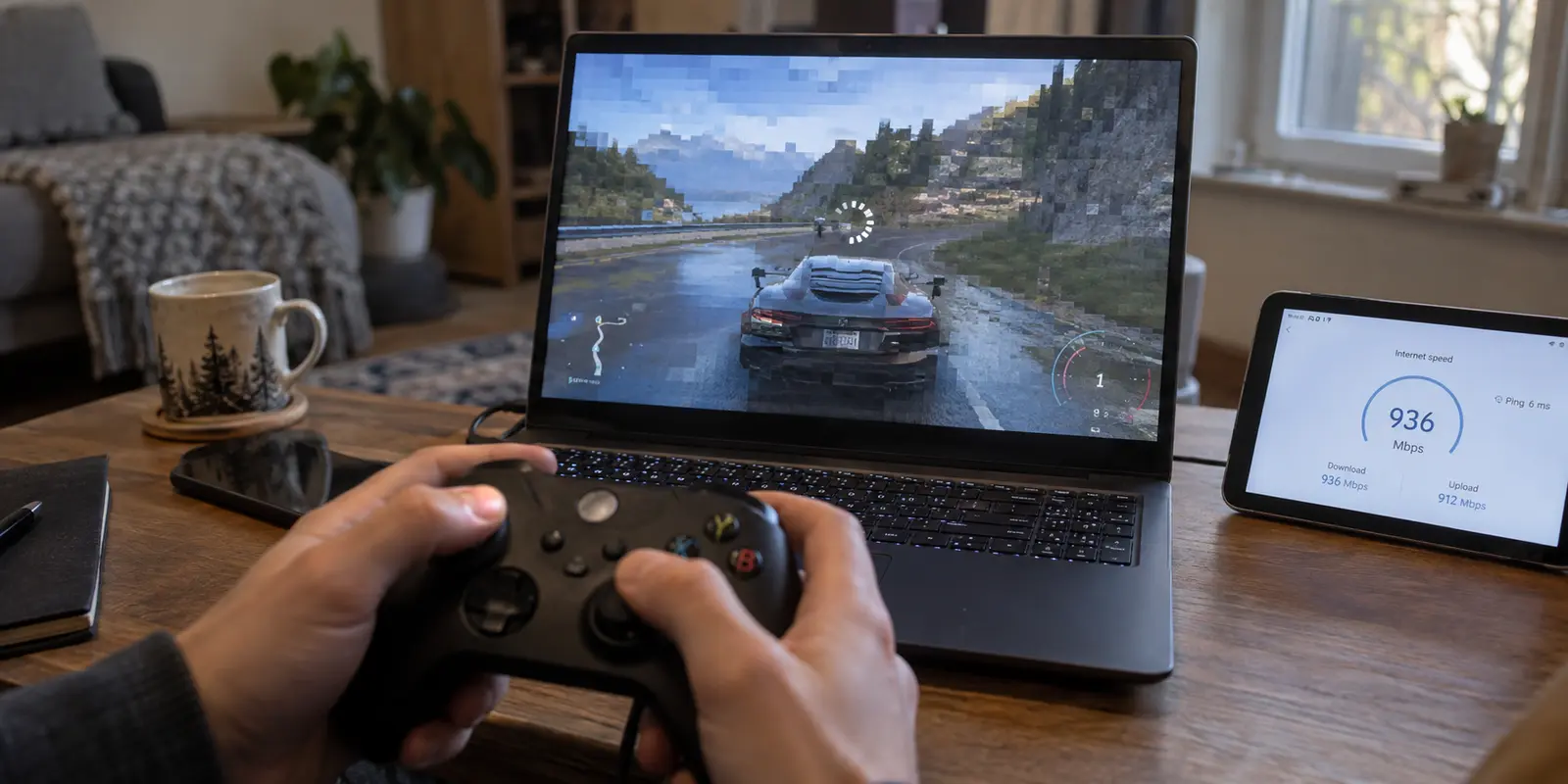
You can have a gigabit fiber connection, an expensive gaming rig, and a top-tier VPN subscription, and still make Xbox Cloud Gaming completely unplayable with a single click.
It is one of the most frustrating traps in cloud gaming.
The speed test in your browser shows hundreds of megabits per second, but the moment you launch a game, your controller feels like it is moving through wet cement. You press a button, wait a beat, and watch your character react a fraction of a second too late.
When that happens, the natural instinct is to start shopping for a "faster gaming VPN" or hunting through an endless list of exotic server locations. But cloud gaming does not work like file downloads or Netflix streaming. The first question to ask is never "Which VPN has the highest top speed?"
The question that actually matters is: Where is this tunnel sending my traffic relative to Microsoft’s cloud?
Article summary and product fit
When does a VPN actually help Xbox Cloud Gaming?
A VPN is useful only when it fixes a real route problem. If Xbox Cloud Gaming already feels smooth on the direct connection, leave the VPN off. When an ISP route is congested, a local network blocks gaming traffic, or travel requires reaching a supported cloud region, use the nearest stable tunnel because latency, jitter, and physical route length matter more than headline download speed.
Key context
- Baseline first: Xbox’s own TV guidance calls for 20 Mbps down with wired Ethernet or 5 GHz Wi-Fi; once bandwidth is adequate, responsiveness depends much more on the round trip.
- Best VPN route: Choose an exit physically near you or near the closest supported Xbox cloud region. A distant server can make every controller input travel an unnecessary detour.
- When to keep the VPN off: If the direct home route is already clean and stable, the extra encrypted hop usually adds latency rather than improving the session.
- Important limit: OnlydogVPN is discussed for iOS, Android, macOS, and Windows. Direct play on an Xbox console requires an upstream setup such as sharing a protected Windows connection, and any route still has to be geographically sensible.
Sources already used in this article: The article uses Xbox Wire’s cloud-gaming architecture note, Xbox’s current TV network guidance, and Xbox’s supported-regions page. The OnlyDogsVPN site lists its supported app platforms.
Your Xbox Is Already Somewhere Else
To understand why a VPN can either fix or ruin your session, you have to look at what Xbox Cloud Gaming actually does behind the scenes.
When you play a standard multiplayer game installed locally on your PC or console, your hardware renders the graphics instantly. The network only has to send tiny packets of coordinate data back and forth. If your connection stumbles for a millisecond, your local machine keeps drawing the world around you.
Xbox Cloud Gaming operates on an entirely different architecture:
The game is not running on your device. It is running on custom Xbox hardware racked inside a remote Microsoft Azure datacenter. Microsoft’s backend automatically routes your session to the closest available facility to keep physical distance to a minimum.
Every single interaction is an unbroken physical round trip:
- You press a button on your controller.
- That input travels over your home network and across the public internet to the Azure datacenter.
- The remote Xbox processes the input, advances the game state by one frame, and renders the scene.
- The datacenter encodes that visual frame into a live video stream and broadcasts it back to your screen.
Unlike pre-recorded video on YouTube, cloud gaming cannot buffer ahead. The server cannot render and send you the results of a jump button you haven't decided to press yet. Responsiveness depends entirely on the physical time it takes data to make that complete loop.
When you turn on a VPN, you are not upgrading the remote Xbox's processor or speeding up the cloud. You are simply inserting an extra routing stop along the way. If you live in Chicago and pick a VPN server in London or Frankfurt, you are forcing every tap of the thumbstick to cross an ocean and come back before you see the next video frame. For cloud gaming, picking a country on a VPN map is fundamentally a latency decision.
20 Mbps Can Be Enough—and Still Tell You Almost Nothing About the VPN
VPN marketing often leans heavily on raw download bandwidth, promising hundreds of megabits per second. But for cloud streaming, that metric is deeply misleading.
Once your line reliably clears that 20 Mbps mark, having 200 Mbps or 800 Mbps does not make your controller inputs arrive at the server any faster.
Think of bandwidth like the width of a highway and latency like the speed limit. A six-lane highway lets a massive fleet of trucks pass at once, but each individual vehicle still takes the same amount of time to drive from Point A to Point B. If a VPN widens your pipe to 500 Mbps but diverts your traffic through a detour two states over, your download capacity went up, but your game just became noticeably more sluggish.
Before blaming your VPN or looking for complex network tweaks, ensure your baseline foundation is clean:
- Connect via Ethernet whenever possible, or ensure your device is strictly on a 5 GHz Wi-Fi frequency (2.4 GHz Wi-Fi introduces persistent radio interference that degrades live video streams).
- Pause heavy background downloads, cloud backups, or torrent clients on your local network.
- Evaluate performance inside an actual game match—not by staring at a browser-based speed test.
A VPN Should Fix a Route, Not Invent a Detour
Because distance is the primary enemy of cloud responsiveness, the baseline rule is simple:
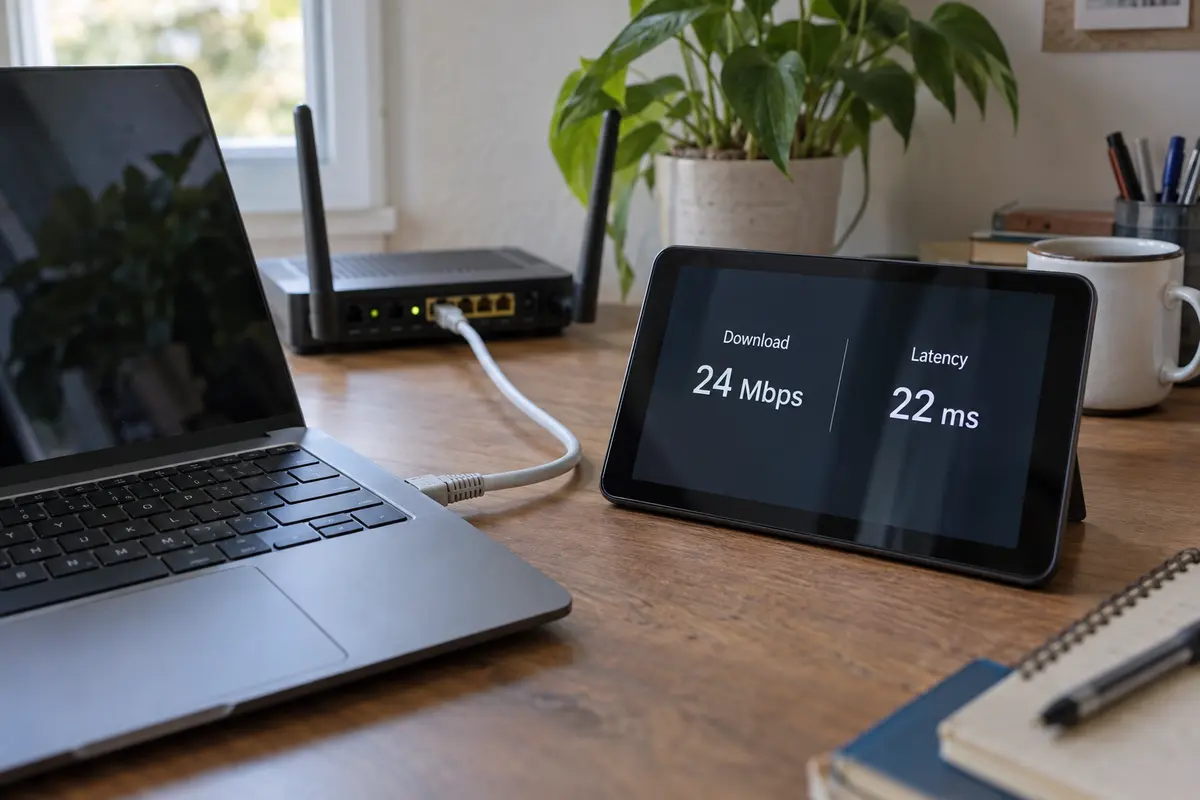
If Xbox Cloud Gaming already runs smoothly on your direct home connection, leave the VPN turned off. An encrypted tunnel cannot reduce the physical distance between you and the local Azure datacenter when your ISP is already taking the shortest line.
A VPN earns its place only when it corrects a specific structural issue:
On a clean home connection, your ISP already routes directly to the nearest Azure facility, so keep the VPN off: adding another network hop introduces unnecessary latency. If your ISP takes a congested, circuitous route to cloud servers, use a nearby VPN; re-routing via a local server can bypass bad ISP hops.
If school, work, or hotel Wi-Fi blocks gaming or drops UDP packets, use a nearby VPN; tunneling can wrap your traffic past local firewall blocks. And if you are traveling outside a supported Cloud Gaming zone, use the nearest border: pick the closest supported region, not a distant country.
When traveling to an area where Xbox Cloud Gaming is not officially supported, the temptation is to connect back to your distant home country. Resist that urge. If you are sitting in a country bordering a supported region, picking an exit point just across that border yields an infinitely better experience than tunneling across an entire hemisphere.
A massive list of 100 global server locations is meaningless if none of them sit close to your actual physical position. For cloud gaming, route efficiency beats geographic variety every single time.
When a VPN Helps, Server Hunting Becomes the Next Problem
When you do encounter hostile Wi-Fi, ISP routing bottlenecks, or regional hurdles while traveling, the last thing you want to do is spend thirty minutes cycling through individual server names, running manual ping diagnostics, or re-authenticating broken handshakes.
This operational friction is where OnlydogVPN starts to make sense.
Instead of presenting an intimidating wall of manual connection choices, OnlydogVPN is engineered around hands-off efficiency. For cloud gaming on supported platforms—specifically iOS, Android, macOS, and Windows—its architecture directly addresses the failure points that break streaming sessions.
Smart Global Routing: Instead of forcing you to guess which city provides the cleanest path to Microsoft's infrastructure, OnlydogVPN automatically determines an optimal, low-friction route to keep your tunnel short and stable.
Weak-Network Recovery: Traditional VPN tunnels often collapse entirely when a Wi-Fi signal flutters or mobile data shifts towers, forcing an abrupt disconnect and kicking you out of your Xbox session. OnlydogVPN utilizes an HTTP/3-based transport framework designed to absorb packet jitter and recover seamlessly from transient drops without tearing down the connection.
Streamlined Scene Presets: Dedicated usage profiles configure your connection parameters automatically, eliminating the need to micromanage underlying protocols or encryption settings before launching your game.
Note on Xbox Consoles: Because OnlydogVPN provides native client software for iOS, Android, macOS, and Windows rather than a dedicated console app, playing directly on an Xbox console requires running the VPN upstream—such as sharing your secure Windows connection via a mobile hotspot or virtual router.
One practical boundary applies: because proximity is non-negotiable for cloud responsiveness, OnlydogVPN is the right tool when its automated routing can deliver a server geographically near you or near the closest supported Xbox cloud region. If your physical location requires an edge-case server in a remote territory that OnlydogVPN does not cover, you should prioritize whichever reliable provider offers an exit point closest to you.
Give the VPN One Game to Prove It Deserves the Extra Hop
Never judge a cloud-gaming VPN based on marketing claims or dashboard latency estimates. Put it to the test. Establish the baseline: Boot up an input-sensitive title (such as a driving game or a first-person shooter) on your direct connection. Play for ten minutes. Pay close attention to input responsiveness, visual artifacting (such as macroblocking or screen tearing), and momentary hitching.
Engage the nearest route: Launch OnlydogVPN on your device (or select the nearest available server on your current client) and boot into the exact same game. Do not alter your screen resolution, Wi-Fi band, or graphics presets.
Then compare what you feel. If your inputs remain tight, stream freezes disappear, and your session holds steady through network blips, the VPN has earned its place on your device. If the game feels noticeably heavier, button inputs lag behind your fingers, or your direct connection was already flawless, disconnect the VPN.
Xbox Cloud Gaming is a game of milliseconds. Treat every additional network hop as a calculated cost, keep your route as physically close to the cloud as possible, and let real, hands-on responsiveness make the final call.
Frequently Asked Questions
Why can Xbox Cloud Gaming lag even when my speed test is fast?
Cloud gaming depends on a continuous round trip between your controller and remote Xbox hardware in a Microsoft datacenter. High download bandwidth does not cancel the delay created by physical distance, congested routing, jitter, or a VPN server that sends the session on a detour.
How much bandwidth does Xbox Cloud Gaming need before latency becomes the bigger issue?
The article cites Xbox guidance of about 20 Mbps down for TV-style cloud gaming, ideally over Ethernet or 5 GHz Wi-Fi. Once the connection reliably clears that baseline, adding hundreds of extra megabits does not make each controller input travel to the cloud faster.
When should I use a VPN for Xbox Cloud Gaming?
Use one when it solves a specific problem, such as a congested ISP path, school, work, or hotel filtering, or travel near a supported region. If the direct connection is already smooth, the article recommends leaving the VPN off because another hop can add latency.
How should I choose a VPN server for cloud gaming?
Pick the closest stable route rather than a fashionable or distant country. If you are traveling outside an officially supported cloud-gaming area, the article recommends choosing the nearest supported region instead of tunneling all the way back to a faraway home country.
Does OnlydogVPN run directly on an Xbox console?
Not as a native console app in this article. It is discussed for iOS, Android, macOS, and Windows; an Xbox console would need the VPN connection supplied upstream, such as by sharing a protected Windows connection through a hotspot or virtual router.