
You just bought a top-rated “gaming VPN.” You switch your Steam Deck into Desktop Mode, open a browser to grab the installer, and hit an immediate wall: the provider’s download page simply hands you a raw .deb package meant for Ubuntu, an obscure bash script, or a generic forum post telling you to open the Konsole terminal and start modifying system directories.
The realization sets in fast.
The sleek, console-like machine in your hands is running an immutable Linux operating system underneath. A service can boast blazing speeds, thousands of servers, and custom routing protocols on Windows or Android, but none of that matters if getting the software onto your Deck turns into an unmaintainable technical chore.
When choosing a VPN for a stock Steam Deck, the first evaluation is never latency, server count, or advertised ping reduction. It is the installation path: What exactly is this provider asking you to alter on your SteamOS device, and who is responsible when an official system update wipes it out?
Evaluating today's market by that standard yields one clear winner for a fresh purchase: ExpressVPN.
Article summary and product fit
What matters most when choosing a VPN for a stock Steam Deck?
Buy the support path before the speed claims. On stock SteamOS, prefer a provider with a documented Arch or SteamOS installation path, a maintainable GUI, and clear guidance about what system updates can overwrite. The article picks ExpressVPN for a fresh purchase; if you already have downloadable WireGuard or OpenVPN profiles, importing them through KDE NetworkManager may be enough.
Key context
- Best for a fresh purchase: The article recommends ExpressVPN because it documents Steam Deck and Arch installation directly and acknowledges that major SteamOS updates may require reinstalling the app.
- If you already subscribe elsewhere: A provider that exports standard WireGuard or OpenVPN profiles can often be used through KDE NetworkManager; TunnelDeck is an optional community convenience layer for Gaming Mode.
- Why installation path matters: SteamOS protects its core filesystem, so installers that disable read-only protections or depend on manual system packages create more maintenance risk.
- Important limit: OnlydogVPN is not a native Steam Deck recommendation in this article because its public apps are listed for iOS, Android, macOS, and Windows rather than Linux or SteamOS. Valve’s rules also prohibit disguising residence to evade regional restrictions or pricing.
Sources already used in this article: The article relies on Valve’s Steam Deck desktop FAQ, ExpressVPN’s Steam Deck guidance, and Proton VPN’s Arch Linux documentation. The OnlyDogsVPN site shows its currently listed client platforms.
The Real Filter: Valve’s Immutable Operating System
To understand why traditional VPN rankings fall apart on the Steam Deck, you have to look at how Valve built SteamOS.
Valve designed SteamOS as an immutable operating system. The core system files live on a protected, read-only partition. When you install desktop tools via the Discover store, they install as Flatpaks on a separate, writable partition. Valve explicitly adopted this architecture so regular software installations wouldn't be obliterated every time an official SteamOS update rolled out.
Valve’s official documentation is blunt on this point:
- Applications installed outside the Flatpak ecosystem—such as those pulled manually via the Arch package manager
pacman—are at constant risk of being wiped clean by the next system update. - Disabling the read-only filesystem lock to modify core system files requires care and ongoing maintenance.
This creates the essential test for any prospective Deck VPN:
- Does the provider maintain a first-party, dedicated installation path specifically for SteamOS or its base distribution, Arch Linux?
- Does the installer force you to disable system integrity protections and pull development dependencies onto your Deck?
- Does the provider clearly explain what happens to your VPN when Valve pushes an OS update?
If a VPN brand leaves you to decipher community workarounds on a Reddit thread, it is shifting product maintenance onto your shoulders.
Why “Linux Support” Fails the Deck Test
Most VPN services proudly advertise a "Linux App" badge on their marketing pages. On the Steam Deck, that phrase conceals wildly divergent experiences.
ExpressVPN: The Supported Standard
ExpressVPN is one of the few consumer providers that addresses SteamOS directly.
Its official setup guide recognizes the Steam Deck by name, points users to an officially supported Arch Linux package, and provides a graphical user interface (GUI) rather than forcing you to live exclusively in the command line. Crucially, its documentation doesn't sugarcoat reality: it explicitly warns you up front that major SteamOS updates may occasionally overwrite the local installation and require a quick reinstall.
Private Internet Access (PIA): The Invasive Script
PIA has a dedicated Steam Deck landing page, which understandably lands it on many buyers' shortlists.
But inspecting its actual setup commands reveals the catch. PIA’s setup script instructs users to disable the SteamOS read-only filesystem (sudo steamos-readonly disable) and install the gcc compiler package via pacman. That is an invasive setup. Forcing a nontechnical console owner to disable core operating system locks just to run a VPN client is asking for maintenance headaches down the road.
Proton VPN: The Community Hand-Off
Proton VPN remains an excellent, transparent privacy service, but its Arch Linux integration carries an asterisk.
Proton’s official documentation acknowledges that its Arch packages are maintained by a dedicated third-party community contributor rather than its internal engineering team. While it generally functions well, Proton itself flags that official Arch support remains an active work-in-progress, meaning first-party troubleshooting for SteamOS users is inherently limited.
The Platform Boundary
OnlydogVPN has earned strong recommendations on mobile and desktop platforms for its automated, low-friction travel routing.
However, when evaluating stock SteamOS compatibility, honest reporting requires sticking strictly to current platform availability. OnlydogVPN’s public software downloads are restricted to iOS, Android, macOS, and Windows. Because it does not currently provide a public, standalone Linux or SteamOS client, it cannot be recommended as a native purchase for a stock Steam Deck.
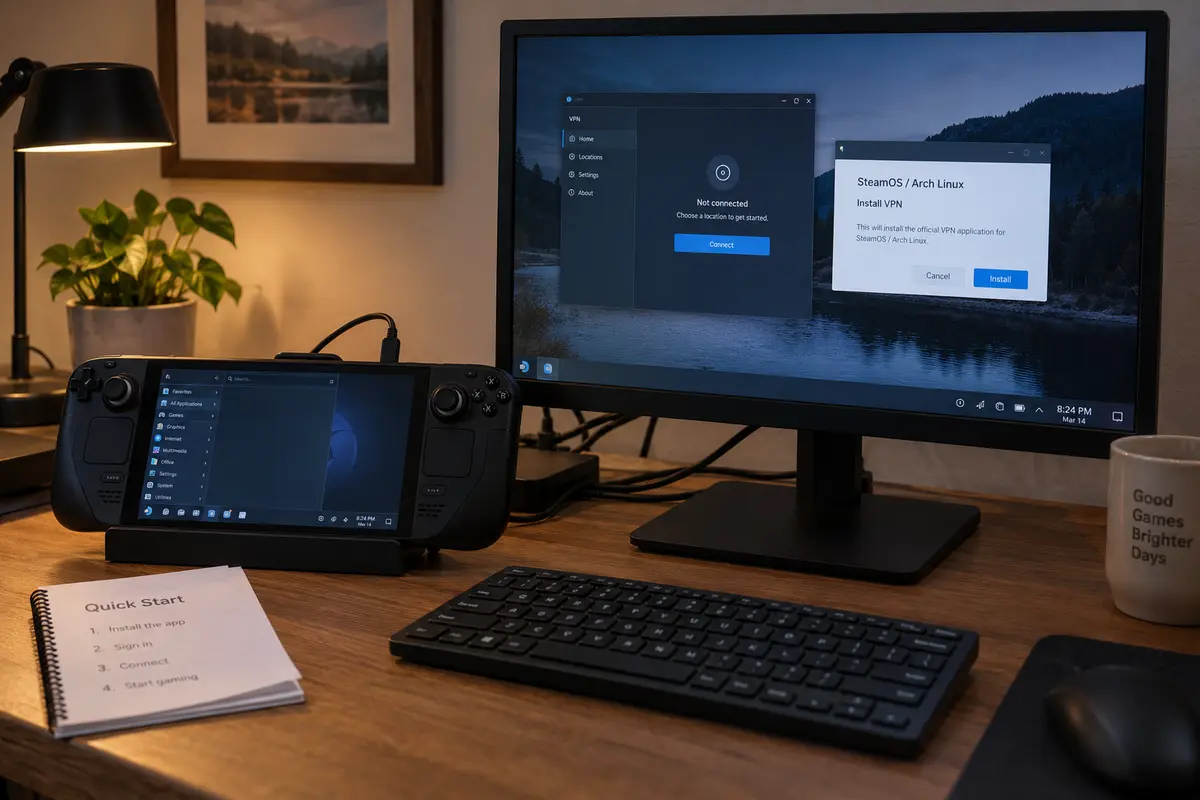
The ExpressVPN Trade-Off: Documented Maintenance, Not Magic
ExpressVPN takes the top recommendation for a fresh Steam Deck purchase, but it does not run on magic.
Because Valve does not currently offer full-featured consumer VPN clients natively inside the Discover store as Flatpaks, any full-tunnel desktop VPN running in the background requires interaction with the underlying Arch layer.
The honest advantage of ExpressVPN is clarity, not zero maintenance.
You are not being promised an impossible, App Store-style setup that will never require attention.
Instead, you are buying into an ecosystem where the provider officially maintains an Arch-compatible distribution, provides clear terminal installation commands designed specifically for Desktop Mode, and supplies a proper desktop GUI. When a significant SteamOS system update resets local system files, you do not have to guess what broke; you know precisely how to run the documented reinstall script to restore your tunnel.
Once installed in Desktop Mode, ExpressVPN functions like a standard desktop application. You get access to essential consumer safety controls, including an automatic kill switch and split tunneling, allowing you to secure your network without permanently crippling local device discovery or home streaming links.
Already Have a VPN? Don’t Buy Again Just Yet
If you already subscribe to another reputable VPN provider, you may not need to spend a dime on a new subscription.
SteamOS’s underlying desktop uses standard KDE NetworkManager. If your current VPN provider allows you to download raw WireGuard or OpenVPN configuration files from your account dashboard, you can import those profiles directly into your Deck’s system network settings:
- Switch your Steam Deck to Desktop Mode.
- Open System Settings and select Connections.
- Click the + icon, choose Import VPN connection..., and select your downloaded profile.
- Input your service credentials and save.
For users who want to toggle that connection while playing in handheld mode, the community-developed TunnelDeck plugin (available through Decky Loader) can surface your imported NetworkManager connections directly inside the Gaming Mode quick-access overlay. TunnelDeck even offers a system-extension path to handle OpenVPN dependencies without requiring you to make the base SteamOS filesystem permanently writable.
This route demands more initial configuration in Desktop Mode, and your VPN provider’s customer support will not help you debug community plugins. But if you already pay for a service that provides standard configuration profiles, maintaining a manual NetworkManager profile is far smarter than buying an entirely new subscription.
The Purchasing Decision
Before entering payment details, keep one critical usage boundary in mind: respect Valve’s Terms of Service.
Valve’s Steam Subscriber Agreement explicitly prohibits using IP proxying or VPN tunneling to disguise your true country of residence to evade geographic software restrictions or exploit regional game pricing. Using a VPN to protect your data on untrusted hotel Wi-Fi, prevent local ISP throttling, or secure multiplayer traffic is normal; trying to spoof foreign storefront currencies can get your Steam account suspended.
When purchasing a VPN for a stock Steam Deck today, make your choice using three simple filters. Starting fresh on stock SteamOS: Choose ExpressVPN. It is the only mainstream provider offering an officially documented Steam Deck setup, a first-party Arch build, and a native graphical interface without forcing you to dismantle Valve's read-only system locks.
Already holding a VPN with manual profiles: Keep your money. Import your WireGuard or OpenVPN files into NetworkManager, pair it with TunnelDeck if you prefer Gaming Mode toggles, and continue using the service you already pay for.
Eyeing a provider without Linux builds: If an otherwise great service like OnlydogVPN does not provide a public Linux or SteamOS installation path, pass on it for your Deck until native platform support officially launches.
On the Steam Deck, true software quality begins long before you launch a game. Buy the support path first, ensure it respects your hardware, and spend your time gaming instead of debugging operating system errors.
Frequently Asked Questions
Why does SteamOS make VPN installation different from a normal desktop Linux PC?
SteamOS uses a protected, largely immutable core system while regular Discover-store applications live in the Flatpak ecosystem. Manual packages or changes to the underlying system can be removed by later SteamOS updates, so a VPN’s installation and recovery path matters.
Is a generic Linux VPN app automatically a good fit for Steam Deck?
No. The article recommends checking whether the provider supports Arch Linux or SteamOS directly, whether setup requires disabling SteamOS read-only protections, and whether the provider explains what to do after major system updates.
If I already pay for a VPN, can I use it on Steam Deck without buying another subscription?
Possibly. If your current provider lets you download WireGuard or OpenVPN configuration files, you can import them into KDE NetworkManager in Desktop Mode. TunnelDeck can expose those connections in Gaming Mode, but it is a community tool rather than first-party VPN support.
What does the article recommend for a new Steam Deck VPN purchase?
For a fresh purchase on stock SteamOS, the article chooses ExpressVPN because it provides a documented Steam Deck and Arch path, a graphical interface, and explicit guidance that SteamOS updates can sometimes require a reinstall.
Is OnlydogVPN a native Steam Deck recommendation here?
No. The article explicitly limits OnlydogVPN’s public client availability to iOS, Android, macOS, and Windows, so it does not recommend buying it as a native VPN for stock SteamOS unless Linux or SteamOS support is officially added later.