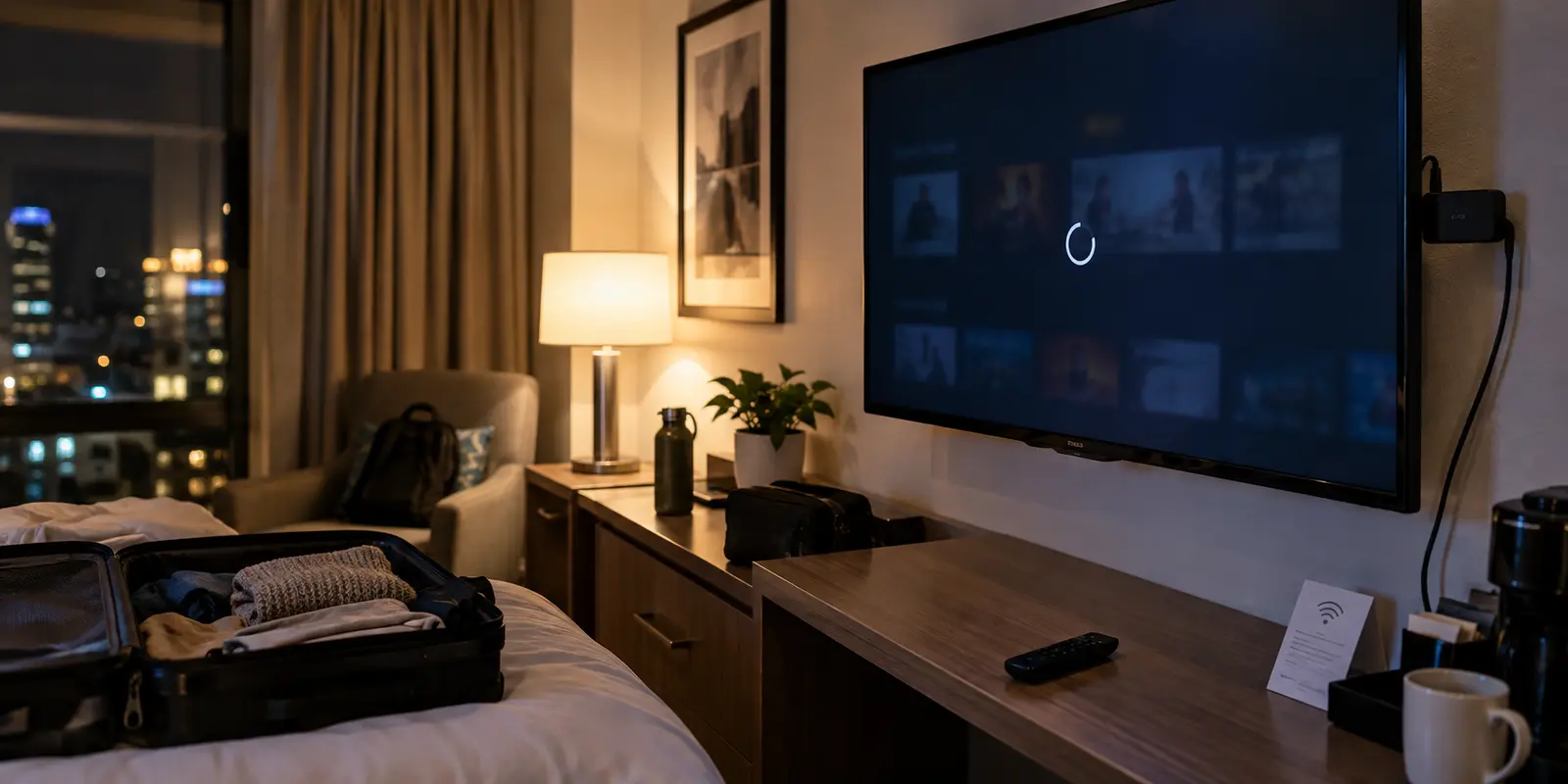
You plug your Fire TV Stick into the back of a hotel television, select the property’s guest Wi-Fi, and watch the status tick over to "Connected." But the moment you launch a streaming app, the screen hangs on a spinning wheel, spits out a vague connection error, or refuses to load video titles altogether.
The default reaction is to reach for a full device restart, wipe the network settings, or consider a factory reset. Do not do that. When a Fire TV stalls on hotel Wi-Fi, the symptom you see on the screen rarely tells you which link in the chain actually severed. Being connected to a hotel’s wireless access point and being permitted out onto the public internet are two fundamentally different states.
Before changing random settings or buying a VPN you might not need, trace the connection outward in the exact sequence it must work: Local Wi-Fi → Hotel Authorization → Internet Access → Streaming App → VPN Route.
Article summary and product fit
When a Fire TV says it is connected to hotel Wi-Fi but will not stream, which link should you test first?
Use Fire TV’s built-in network diagnostics before resetting anything. If the local Wi-Fi connection fails, rejoin the access point. If Wi-Fi passes but internet access fails, complete the hotel captive portal or ask support to whitelist the device’s Wi-Fi MAC address while any VPN is off. If both checks pass, stop troubleshooting the login and test bandwidth and individual streaming apps. Only consider a VPN after internet access works and you have a specific reason for it, and first verify whether the stick runs Fire OS or Vega OS.
What to keep in mind
- Best for: Travelers whose Fire TV reaches a hotel access point but cannot load streaming content, login pages, or stable video.
- Key check: Local Wi-Fi association and authorized internet access are different states; a phone hotspot is a useful sanity check when the hotel gateway is suspect.
- OnlydogVPN fit: The article does not present OnlydogVPN as a Fire TV app. Its contextual fit is the laptop-over-HDMI workaround, where OnlydogVPN can run on its supported desktop platform after the hotel portal has been completed.
- Important limit: A VPN cannot authenticate a captive portal before internet access exists, cannot create bandwidth on a congested hotel connection, and cannot be forced onto an unsupported TV operating system.
Sources already used in the article include Fire TV’s built-in Network Status and Diagnostics tool, Vega OS, and ExpressVPN maintains distinct installation paths. Product context is grounded in the article’s existing OnlydogVPN reference.
Find Out Whether “Connected” Actually Means Online
Instead of guessing, use the diagnostic tool Amazon built into the device. Grab your remote and head directly to:
Settings → Network
Highlight the hotel network and press the Play/Pause button on your remote to trigger Fire TV’s built-in Network Status and Diagnostics tool. Amazon splits this test into two distinct checkpoints:
- Network connection status: Can the Fire TV talk to the hotel’s local wireless router?
- Internet connection status: Can that local router reach the open web?
This single check instantly dictates your next move:
- If the local network connection fails: The Fire TV hasn’t properly associated with the access point. Select the network, press the Menu button (the three horizontal lines) to forget it, and rejoin from scratch.
- If the network passes but the internet connection fails: The Fire TV is on the local network, but the hotel has not authorized it. Do not touch your streaming apps yet. Jump straight to Section 02.
- If both pass: Stop reconnecting to the Wi-Fi. The pipe is open, meaning the failure lies downstream with bandwidth limits, app data, or service restrictions. Move to Section 03.
(Note: If your model offers a built-in download speed test on this screen, keep it in reserve. Raw speed only matters after you have proven that internet packets are freely flowing.)
Resist the urge to factory-reset the stick. A factory reset does not fix a hotel’s wireless gatekeeper; it only forces you to re-enter all your account passwords once the network finally works.
If Internet Fails, Get Through the Hotel Login First
The primary reason a Fire TV says "Connected" while delivering zero data is simple: a captive portal.
Unlike home networks that use a single shared password, hotel guest networks typically require every new device to open a web browser and submit a room number, guest surname, or access code, or at least accept terms of service before granting public web access. Until that happens, the hotel’s router confines your Fire TV to a walled garden.
If your network status shows a local connection without internet access, follow this sequence:
1. Force the captive portal via Silk.
If the hotel login screen did not pop up automatically, open the Amazon Silk Browser on your Fire TV and try loading an unencrypted or standard public website. The hotel’s router should intercept that HTTP request and redirect you directly to its authentication portal. Enter your room credentials with the remote and complete the sign-in.
2. Keep all VPNs strictly turned off.
If you have a VPN installed on your Fire TV, ensure it is completely disconnected during this phase. A VPN cannot negotiate an encrypted tunnel over a network that has not yet granted you basic clearance; turning it on prematurely creates an artificial roadblock.
3. Request MAC-address whitelisting.
If the captive portal refuses to render in Silk, crashes, or features an interactive form that the Fire TV remote cannot navigate, stop wrestling with it. Call the hotel’s front desk or their third-party Wi-Fi support desk. Ask them to manually whitelist your streaming stick by its wireless physical address. You can locate this quickly under:
Settings → My Fire TV → About → Network → Wi-Fi MAC Address
The technician can add that identifier directly to their management console, bypassing the web login screen entirely.
The Hotspot Sanity Check:
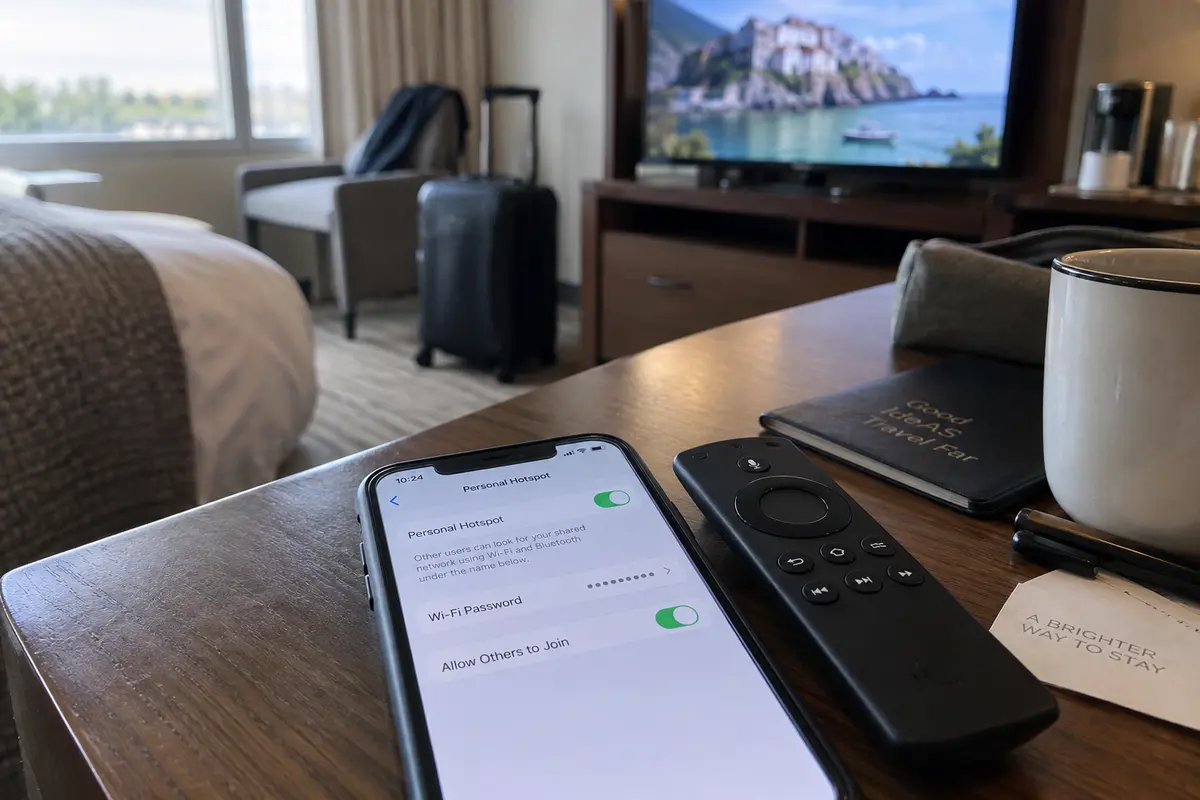
If the portal remains stubborn, turn on your smartphone’s personal hotspot and connect the Fire TV to it. If video suddenly streams cleanly, you have definitive proof: your Fire TV hardware and apps are in working order, and the hotel's network gateway is the sole culprit.
If Internet Works, Stop Troubleshooting the Hotel Login
If the diagnostic screen reports that both local Wi-Fi and internet access are healthy, close your browser and stop re-authenticating with the hotel portal. The bridge to the web is built; now you need to find out why your video will not cross it.
Run two quick cross-checks:
- Check broader app health: Try opening another streaming app or a video clip inside Silk. If every service crawls, stutters, or buffers indefinitely, run Fire TV’s network speed test. Hotel networks often throttle streaming traffic or suffer from severe peak-hour congestion. A VPN cannot manufacture raw bandwidth out of a degraded, 1 Mbps hotel line.
- Isolate single-app failures: If the internet works everywhere else except on one platform (like Prime Video or Netflix), keep your troubleshooting contained to that app. Amazon’s standard recovery path applies here: go to Settings → Applications → Manage Installed Applications, select the misbehaving app, and choose Force Stop, followed by Clear Cache (and Clear Data if necessary). A fast device restart via Settings → My Fire TV → Restart clears out lingering memory bottlenecks.
Pay close attention to on-screen prompts. A message explicitly citing "Content Unavailable in Your Location" indicates geographic licensing restrictions. Conversely, an error warning you about an "Unrecognized Proxy or VPN" means the service has flagged your connection method.
Do not reflexively switch on a VPN when you travel abroad unless you are addressing a deliberate regional restriction; streaming providers like Netflix actively block known data-center IP addresses and restrict VPN traffic on ad-supported tiers or live programming.
If You Really Need a VPN, Check Which Fire TV You Have
If you genuinely require an encrypted tunnel—either to access your home region's media library or to protect your data on an unsecured public network—do not rely on outdated guides.
In 2026, Amazon’s hardware family is fundamentally split across two operating systems:
- Fire OS: The traditional, Android-based platform powering older sticks and select current units. It natively supports standard Android-based VPN apps and APK sideloading.
- Vega OS: Amazon’s proprietary, non-Android operating system, introduced on hardware like the Fire TV Stick 4K Select and expanding across the lineup.
Before downloading or purchasing software, verify what your device actually runs:
Settings → My Fire TV → About
If your device runs Vega OS, traditional Android instructions—such as downloading an APK file using the Downloader app—will fail completely. You cannot treat a Vega-powered stick like an Android TV.
If your non-negotiable requirement is running a VPN client directly on the Fire TV hardware, you must select a service that explicitly develops for your specific OS. For example, ExpressVPN maintains distinct installation paths, providing dedicated Appstore software for Vega-powered devices while reserving sideloading guidance for Fire OS hardware.
This platform reality is why software availability matters. Mainstream consumer tools often target standard mobile and desktop operating systems rather than building bespoke TV OS software. If a VPN service does not provide a native client tailored to the specific operating system running on your stick, forcing it onto the device is a non-starter.
If Fire TV Becomes the Bottleneck, Keep the Hotel TV and Change the Source
Troubleshooting in a hotel room should end the moment the effort eclipses the reward. Your goal is simply to watch your show on the room’s big screen.
If the Fire TV streams reliably once the hotel login is cleared, your job is done. If the hotel network is hopelessly throttled, tethering to a mobile hotspot (assuming your roaming plan allows it) gets you watching with minimal fuss.
However, when the Fire TV itself becomes an active obstacle—choking on an uncooperative captive portal, lacking browser controls, or running an operating system that locks you out of your preferred privacy tools—stop trying to make the stick do things it cannot do. The TV on the wall has an HDMI port; you only need to change what feeds it.
The fastest, cleanest workaround for any traveler is to pull out a Mac or Windows laptop, connect an HDMI cable directly to the television, and shift playback to a full desktop environment:
- Complete the hotel captive portal effortlessly: Laptops feature full-fledged desktop browsers, physical trackpads, and standard keyboards. Hotel login portals, payment gateways, and SMS verification prompts that break the Fire TV will complete in seconds.
- Handle network routing on supported hardware: Once your laptop holds a verified internet connection, you can layer on modern privacy tools without dealing with TV app store constraints.
For travelers who want a private connection on a laptop without managing split-tunneling tables, server port overrides, or fluctuating network handoffs, OnlydogVPN serves as an ideal travel companion. Built for low-friction operation, OnlydogVPN features Smart Global Routing designed to navigate the unpredictable, high-latency conditions typical of hotel networks. Its one-tap connection model eliminates manual routing decisions, establishing an optimized tunnel without manual configuration.
Keep in mind that OnlydogVPN is built specifically for consumer platforms—offering native, supported apps across macOS, Windows, iOS, and Android—meaning it does not offer a native client for Fire OS or Vega OS sticks. But when you bypass the Fire TV’s software altogether and let your laptop feed the hotel display via HDMI, running OnlydogVPN on your laptop gives you the best of both worlds: effortless hotel portal authentication, steady streaming performance, and full-screen entertainment on the room's display.
Frequently Asked Questions
Why can Fire TV show Connected on hotel Wi-Fi but still have no internet?
Hotel Wi-Fi often uses a captive portal. The Fire TV can associate with the local access point before the hotel has authorized that device to reach the public internet, so the two statuses need to be tested separately.
Should I turn on a VPN before completing the hotel Wi-Fi login?
No. The article says to keep the VPN disconnected until the captive portal or device whitelisting has granted ordinary internet access. A tunnel cannot be established reliably through a network that has not yet authorized the device.
Can a VPN fix slow or buffering hotel Wi-Fi?
Not when the underlying problem is raw bandwidth or congestion. If every app is slow after internet access is confirmed, use the Fire TV speed test or another service check before assuming routing software can help.
Can I install the same VPN app on every Fire TV device?
No. The article distinguishes Android-based Fire OS from Amazon’s Vega OS. Installation methods and app availability depend on the operating system, so older APK-sideloading instructions do not automatically apply to Vega devices.