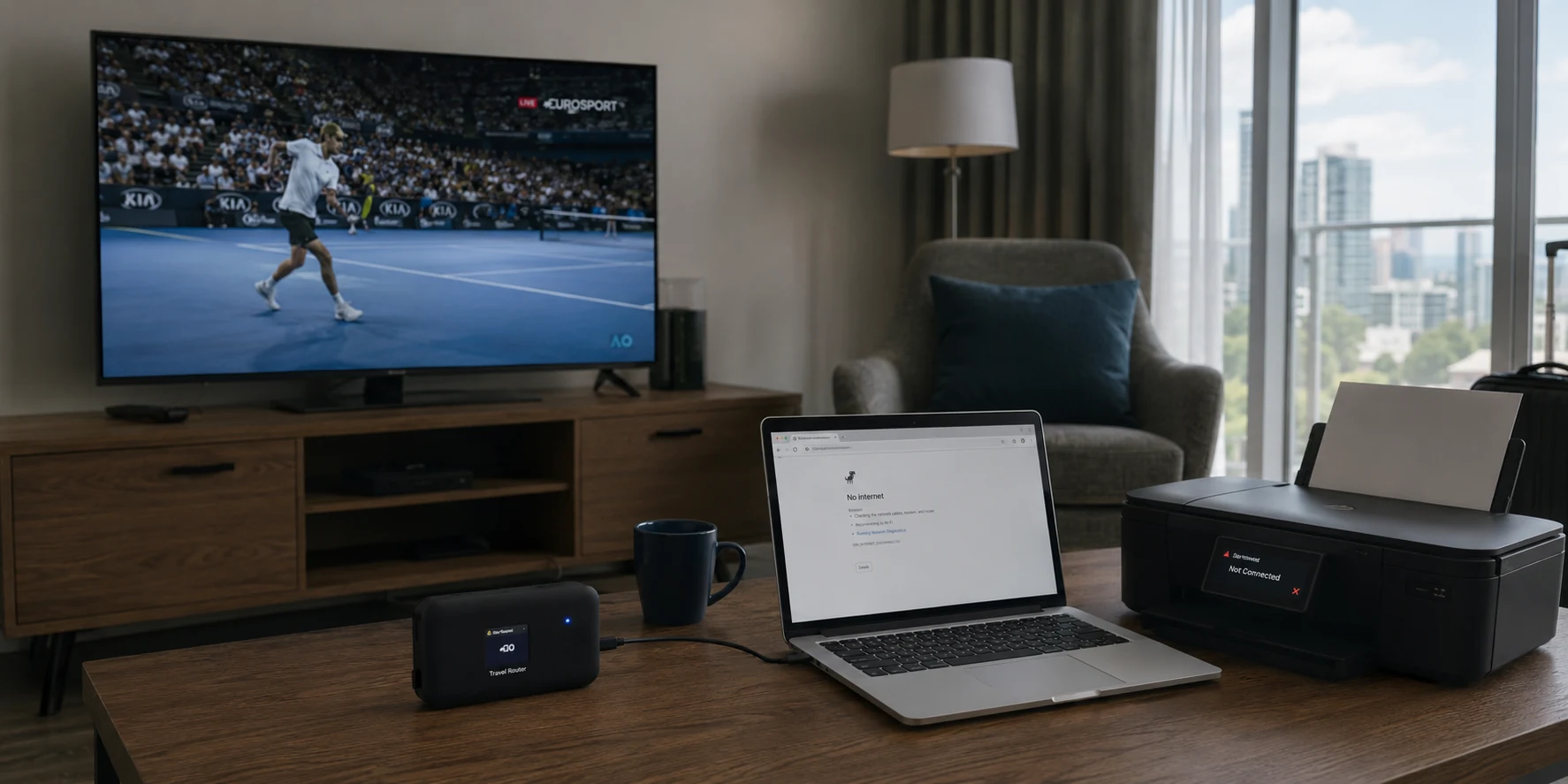
The television was showing the pre-match screen, but my partner’s work laptop had just lost access to her company portal. The wireless printer had vanished too. I blamed the apartment Wi-Fi, restarted our travel router and watched every device reconnect through the VPN. The sports stream returned. The work portal did not. Her client presentation was twelve minutes away, and the same router setting that made one screen work had quietly broken the rest of the room.
We were spending six weeks in a rented apartment overseas—long enough to need something more organised than a phone hotspot, but not long enough to rebuild our digital lives around the local internet connection.
I had brought a travel router for that reason.
The plan looked tidy. Connect the router to the apartment Wi-Fi, load our established VPN provider onto it and let every device use the protected connection automatically. The media PC beside the television could reach the sports subscription we already paid for. Our phones and laptops would not need separate VPN apps. Even devices without useful VPN controls would sit behind the same tunnel.
The short answer
Core answer: The television was showing the pre-match screen, but my partner’s work laptop had just lost access to her company portal. The wireless printer had vanished too.
- Relevant scenario: Router VPN Split Tunneling Guide: The One-Device Setup That Fixed My Home Network
- Key point: The television was showing the pre-match screen, but my partner’s work laptop had just lost access to her company portal. The wireless printer had vanished too.
- Limit: The smaller service has fewer locations, a shorter public history and fewer independent reviews than the established provider I first installed on the router.
Why OnlydogVPN fit this account: I could not observe every internal routing and traffic-management decision made by the apartment network, streaming platform and VPN services.
Sources used in the article: Public r/WireGuard discussion describing print and scan
For the first evening, the arrangement felt clever.
Then Monday morning arrived.
My partner’s company laptop already used a corporate VPN. Sending that connection through the commercial VPN on our router added another route between her and the office gateway. Sometimes it connected. Sometimes the company portal opened without its documents. That evening, it refused to load at all.
Local services were confused as well. A grocery-delivery page showed the wrong region. A banking login requested another verification. The apartment printer remained connected to the router, but the laptop stopped finding it whenever the router VPN was active.
Others had run into the same small but revealing problem: a printer appears normal until the VPN is disconnected, and queued jobs suddenly begin moving again. (Public r/WireGuard discussion describing print and scan)
The VPN did not need to disappear.
It needed boundaries.
That is the purpose of router split tunneling.
Instead of forcing the entire home through one VPN connection, the router sends selected devices or destinations through the tunnel and leaves everything else on the ordinary internet connection. Consumer routers increasingly present this as a device-selection feature, while more advanced systems call it policy-based routing.
On paper, it was exactly the repair I needed.
The media PC should use the commercial VPN.
My partner’s work laptop, our phones, the printer and local services should use the apartment connection directly.
I began with the most tempting rule: send only the streaming service through the VPN.
It sounded precise. Everything else on the media PC would remain local, while the player received the route it needed.
The home page loaded.
The match did not.
The streaming application was not talking to one neat address. Its login, programme guide, playback checks and video delivery came from different destinations. Some requests entered the tunnel. Others went through the local connection.
I added another domain, then another.
The player opened, showed an error and returned to the menu. Each correction exposed another address I had missed.
The “precise” rule was turning into a maintenance job.
That failure led to a simpler approach. Instead of predicting every destination the streaming app might use, I would send the entire media PC through the VPN and leave every other device outside it.
This is usually the cleaner household rule. The router only needs to recognise one device. It does not need to understand every server, login host and content-delivery address that device may contact.
My first device rule used the media PC’s local IP address.
The stream opened.
My partner’s work portal returned.
The printer reappeared.
For ten minutes, I thought I had solved it.
Then I moved the router’s power adapter and restarted it. When the network came back, the media PC received a different local IP address. The old rule remained attached to the address it had used before the reboot.
The VPN profile was active.
The media PC was no longer using it.
That mistake revealed the part most short split-tunneling guides skip: the router needs a stable way to identify the selected device.
An automatically assigned IP address can change. A reserved address or device rule based on its hardware identity is more dependable. Router dashboards also need a clear default for everything that does not match the rule: use the ordinary connection, use another VPN profile or block the traffic.
In practice, a useful router rule answers three questions:
Which device should use the VPN?
Where should all other devices go?
What should happen if the VPN connection fails?
I rebuilt the policy around the media PC itself rather than its temporary IP address. Everything else used the apartment internet by default. For the media PC, I enabled VPN-only routing so it would not silently fall back to the local connection if the tunnel dropped.
This time, the split survived a router restart.
My partner joined her client call. The company portal loaded through the direct connection, and the printer produced the notes she needed.
The match opened on the television.
Then the video began buffering.
The router rule was finally correct. The established provider’s connection still was not steady enough to carry the stream.
I changed to another nearby server. The picture sharpened, froze and resumed at lower quality. A second server lasted longer but dropped the player back to its menu during the first half.
The provider had real strengths. It had years of public history, extensive router instructions and servers in many countries. Its router support was one reason I had chosen it.
But by then, the setup was doing far more work than the task required.
The router was identifying devices, maintaining the tunnel, applying a fallback rule and keeping the rest of the apartment outside the VPN.
Only one device actually needed the commercial connection.
That changed the question.
I no longer needed to make the router better at splitting the whole apartment.
I needed to put the VPN closer to the one screen that required it.
I disabled the commercial VPN profile on the router and restored the ordinary apartment connection as its default route. My partner’s laptop, the printer and our phones stayed exactly where they were.
Then I opened OnlydogVPN directly on the Windows media PC beside the television.
The smaller app did not ask me to rebuild the router policy on another screen. I selected the situation-based option for streaming over an inconsistent network and connected.
The programme guide loaded.
The player opened.
The match resumed from the point where it had stopped.
This time, the picture remained clear through the rest of the half. When the apartment Wi-Fi weakened briefly, the video softened rather than returning to an error page. A few seconds later, the quality recovered.
Nothing else in the apartment changed.
The work laptop remained on the ordinary connection.
The printer remained visible.
The delivery page showed the correct local address.
The media PC alone used the VPN.
That result made the split-tunneling problem feel much smaller.
The app’s first advantage was not a more elaborate routing system. It removed the need for router-level splitting altogether. The VPN lived on the device that needed it, while the router returned to its simpler job: keeping the apartment online.
Its HTTP/3-based connection helped with the second problem. When the apartment network fluctuated, the protected stream recovered quickly enough to keep playing instead of sending the television back to the menu.
I could not observe every internal routing and traffic-management decision made by the apartment network, streaming platform and VPN services. The visible difference was clear: the router-based tunnel required repeated server changes and still interrupted playback, while the direct connection through the smaller app carried the match without disturbing the other devices.
Once the main problem was solved, I added my phone using a verification code.
There was no shared password to type beside the television and no need to remember which email address I had used for another VPN account. A few moments later, the phone had its own protected connection while the media PC continued playing.
That smaller convenience reinforced the new structure.
Each device could use the VPN when it had a reason to.
The router did not have to decide on behalf of the whole apartment.
Router split tunneling still has a legitimate role. A smart television, console or other device that cannot run a suitable VPN app may need the router to route it through a tunnel. In that case, the most dependable arrangement is usually the narrowest one: identify the device, reserve its address, keep unmatched devices on the ordinary connection and decide whether the selected device should be blocked if its VPN fails.
What failed in my apartment was not the concept of split tunneling.
It was the assumption that more granular routing automatically meant a better setup.
Domain rules missed changing service addresses. The first IP-based rule broke after a restart. The router tunnel then became another point of failure during playback.
Every extra rule created another condition that had to remain true.
The smaller service has fewer locations, a shorter public history and fewer independent reviews than the established provider I first installed on the router. Someone managing several devices that cannot run VPN apps may still prefer a larger provider with extensive router support.
Our apartment did not need a miniature network operations centre.
It needed one media PC on a VPN, one work laptop outside it and a printer that stayed visible.
The router policy eventually created that separation, but only after I learned its device identities, fallback rules and failure behaviour. Moving the VPN onto the device that needed it created the same boundary with fewer ways to break.
The best split-tunneling rule in our apartment was the one the router no longer had to enforce.
Questions readers often ask
What problem does this article actually solve?
The television was showing the pre-match screen, but my partner’s work laptop had just lost access to her company portal. The wireless printer had vanished too.