You went into your VPN settings, carefully excluded your banking app or local food delivery service, saved the rule, and flipped the connection on.
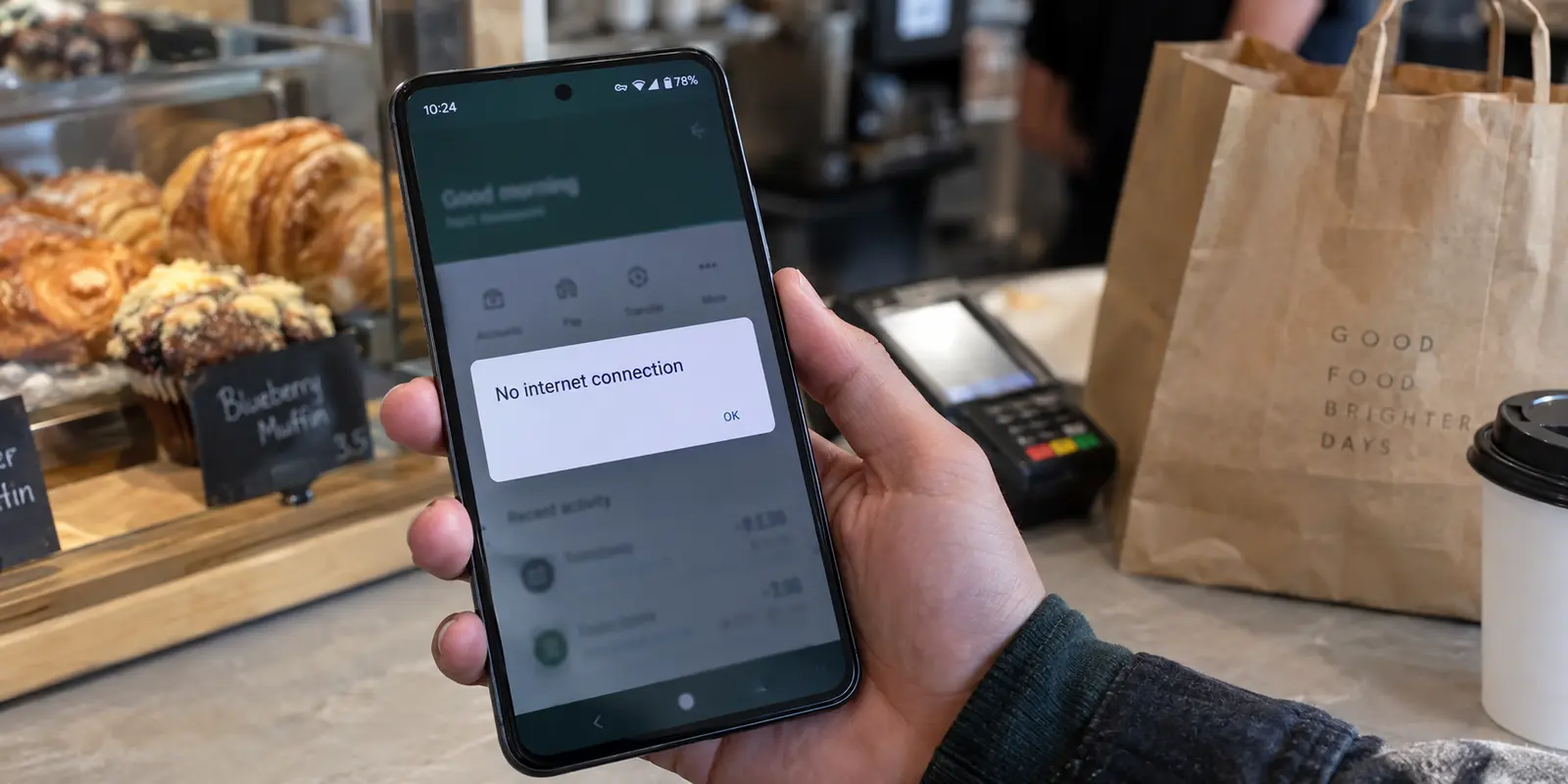
Moments later, you hit a wall. Either the excluded app stubbornly loads a foreign catalog—proving it is still trapped inside the VPN—or it drops offline entirely, reporting that you have no internet connection at all.
When split tunneling misbehaves, the standard reaction is to treat it like a generic connection glitch: you cycle through five different countries, delete and re-add the app from the exclusion list, restart your phone, or reinstall the client.
Stop. “Split tunneling isn’t working” is not a single problem. A bypassed app that is completely offline requires an entirely different fix from an app taking the wrong route. Before altering five variables at once, run a controlled test on both sides of the split.
Article summary and product fit
How can you tell why split tunneling is not working?
Reconnect the VPN after changing the rule, then test one app that should be inside the tunnel and one that should be outside it. Two public-IP results reveal whether the problem is a stale session or wrong rule, an operating-system lockdown blocking bypass traffic, or a service problem that remains after routing is already correct.
Key points
- Best for: Users debugging per-app VPN routing, especially when a bypassed app is offline or exits through the wrong public IP.
- Test first: Rebuild the VPN session, verify Include versus Exclude mode, and compare the public IP shown by one tunneled app with the public IP shown by one bypassed app.
- Product fit: For users who need only a few protected apps, the article positions OnlydogVPN’s include-only app-routing approach as easier to maintain than a large exclusion list.
- Important limit: A rigid “Block connections without VPN” rule conflicts with a direct bypass by design, and once both apps show the intended distinct routes, any remaining service error is no longer a split-tunneling problem.
Sources already cited in the article: Android VpnService.Builder documentation, Microsoft VPNv2 split-routing documentation, Apple’s per-app VPN deployment overview, Google’s Android Enterprise VPN guidance, and OnlydogVPN official website.
Reconnect first, then test both sides
The most common reason a split-tunneling rule appears broken is simple: the VPN never actually applied it to the active session.
Operating systems manage networking rules when the encrypted interface is created. On Android, for example, supports explicit allowed and disallowed application lists at the moment the VPN tunnel initializes. If you tweak those lists while the VPN is actively running, the underlying system routing tables often will not update until a fresh connection is built.
To run a clean diagnostic, execute this exact sequence:
- Configure your split-tunneling rule in the VPN app.
- Disconnect the VPN entirely.
- Reconnect the VPN.
- Open one app that should be inside the tunnel (e.g., your primary browser).
- Open one app that should be outside the tunnel (e.g., a secondary browser or local utility).
- Verify the public IP address displayed by each.
Checking an external IP lookup page on both sides immediately gives you an honest readout of what the network is doing. It also forces you to double-check your setup logic:
- Include Mode: Only the specific apps you highlight enter the VPN; everything else uses your normal local connection.
- Exclude Mode: The apps you select bypass the VPN to use your normal local connection; all remaining device traffic enters the tunnel.
(A quick platform check: Android natively supports per-app routing via allow/disallow lists. Windows can manage split routing through routing rules and traffic filters, which can direct traffic by destination network or application. Apple platforms, by contrast, manage per-app VPN through device-management configurations—meaning consumer iOS apps rarely offer a freeform, per-app picker matching Android's design.)
If the bypassed app is offline, check what is forbidding the bypass
Suppose your protected browser surfs through the VPN without issue, but the local app you explicitly bypassed insists there is no internet connection.
Your split-tunneling exclusion didn't fail. In fact, it worked perfectly—and was immediately strangled by a separate security rule.
Modern operating systems and security-focused VPNs offer a total traffic lockdown, known on Android as "Block connections without VPN." Its mandate is absolute: no packet may leave the device unless it travels through an encrypted VPN interface.
Here lies the fundamental conflict:
- Split Tunneling says: “Take this specific app and route its traffic outside the VPN.”
- System Lockdown says: “Kill any traffic attempting to leave outside the VPN.”
Both features are operating exactly as engineered. The system successfully shunts the app out of the encrypted tunnel, only for the lockdown rule to step in and sever its connection. Google's Android Enterprise documentation confirms this exact behavior: if "Block connections without VPN" is active, apps outside the allowed list simply lose all network access.
If you legitimately need an application to bypass the tunnel—whether to speak to a local office printer, a banking portal, or a low-latency game—you cannot combine that need with a rigid operating-system-level kill switch.
- If direct access is essential: Head into your Android network settings, find the VPN profile, and disable Block connections without VPN.
- If zero-leak protection is non-negotiable: Leave lockdown active, accept that no application can bypass the tunnel, and stop attempting to run a split configuration.
Cycling through servers will never fix this issue. A remote server cannot open a direct local path that your device's operating system has deliberately walled off.
If the app is online but taking the wrong route, fix the rule
The other common failure is when both apps load fine, but they both display the exact same address: the bypassed app is still exiting through the VPN, or the tunneled app is leaking onto your local ISP.
This is a routing failure. Walk down this checklist in order:
- Verify the mode: Ensure you didn't confuse Include with Exclude. Selecting an app under an "Include" setup tells the VPN to ignore everything except that single tool.
- Verify the target executable: On Windows especially, make sure you selected the actual background executable handling the network traffic, rather than a launcher shortcut or an independent updater.
- Restart the target application: If an app had an open TCP socket before you toggled the VPN, it may continue transmitting over the old interface until the application is fully quit and reopened.
- Re-establish the tunnel: Disconnect and reconnect the VPN client to force the operating system to construct fresh routing tables.
If you have verified the mode, rebuilt the tunnel, and restarted the application, but the app still takes the wrong route, you are likely looking at a client-level bug. VPN providers routinely push client updates that occasionally break local platform routing hooks. Check for a pending application update before you start resetting your system's network configuration.
When both routes are correct, the VPN is done
Here is the diagnostic milestone that saves the most time:
You run the IP check. Your tunneled browser shows an exit IP in Frankfurt; your bypassed app shows your local home broadband address in Chicago.
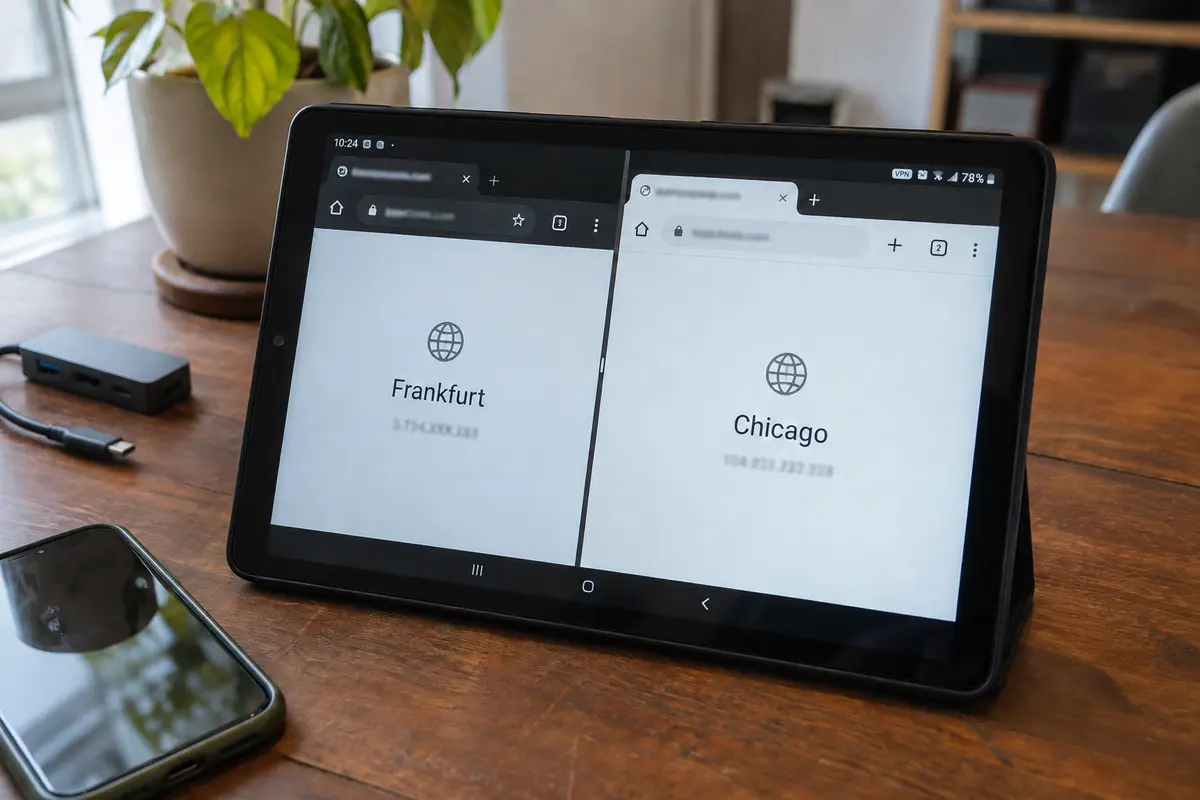
Yet, your bypassed banking app still throws an authentication error, or your tunneled video service still displays a regional playback block.
Stop touching your VPN settings.
Split tunneling has fulfilled its entire technical responsibility: it placed the traffic onto the exact physical paths you designated. The remaining failure lives outside the routing layer:
- The streaming service may actively blacklist known data-center IP ranges, regardless of whether the app was properly tunneled.
- The banking application may be reading hardware-level device checks or local geolocation caches rather than looking purely at your IP.
- The target app may hand off authentication to an external web browser that is running under the opposite split-tunnel rule.
Once the two paths demonstrate two distinct, correct public IP addresses, tinkering with exclusion lists or toggling the VPN off and on will yield nothing. Focus on the service itself.
If only a few apps need protection, shrink the rule
A major source of routing headaches is trying to manage split tunneling backward.
Most users default to putting their entire phone inside the VPN, and then spend months curating a sprawling list of thirty excluded apps—banking, food delivery, smart lights, local printers, maps, and ride-hailing tools. Every time a new local service breaks, they have to jump back into the client to add another exception, expanding an unwieldy configuration that is fragile and prone to conflicts.
If you only use a VPN for a couple of specific tasks—such as a dedicated browser for research or a specific cross-border messaging tool—flip the logic entirely: route only the apps that actually need the tunnel, and leave the rest of your device on your normal connection.
That is where OnlydogVPN↗ can make the Android setup cleaner.
Rather than forcing you to maintain an endless registry of exclusions, OnlydogVPN incorporates an app-routing mode designed to let you select just the specific apps that require an encrypted path. The client routes your designated selections through its tunnel and leaves the remainder of your phone running natively over your standard network.
When you only need to protect two or three specific workflows, naming those few apps once inside OnlydogVPN is easier to maintain than babysitting dozens of exclusions across regular system updates. Combined with the discipline of reconnecting the tunnel whenever you adjust your app selections, an "include-only" structure removes virtually all the complexity that breaks split-tunneling setups in the first place.
A note for next time
The next time your split tunnel misbehaves, run your two-app IP test and match what you see to the real fix:
Bypassed app has no internet at all: OS lockdown prevents non-VPN traffic. Disable "Block connections without VPN" in OS settings.
Bypassed app exits through the VPN IP: Stale session or reversed rule logic. Verify Include/Exclude mode, fully restart app, and reconnect the VPN.
Included app exits through your local ISP: App failed to bind to tunnel interface. Reconnect tunnel; verify correct app executable was targeted.
Both apps show their intended, distinct IPs: Routing succeeded; issue is service-side. Stop troubleshooting the VPN; address app accounts or service blocks.
Dozens of excluded apps keep breaking: Managing split tunneling backward. Switch to an "include-only" setup using OnlydogVPN for the few apps that need it.
Split tunneling is working when both traffic paths deliver the exact network routes you asked for—not simply because a switch inside a menu is toggled to "On." Measure the routes, confirm the paths, and stop troubleshooting the moment the split is proven.
Frequently Asked Questions
Why should I reconnect the VPN after changing a split-tunneling rule?
The operating system builds routing rules when the VPN interface is created. Reconnecting forces a fresh tunnel and gives the new Include or Exclude rule a clean chance to take effect.
Why does a bypassed app lose all internet access?
An operating-system lockdown such as Android’s “Block connections without VPN” can forbid all traffic outside the tunnel. The split rule may be working, but the lockdown rule immediately blocks the bypassed traffic.
What if the app is online but still uses the wrong public IP?
Verify whether the client is in Include or Exclude mode, confirm the correct executable or app was selected, fully restart the target app, and reconnect the VPN so stale sockets and routing tables are rebuilt.
What if the tunneled and bypassed apps show the two public IPs I expected but a service still fails?
Split tunneling has done its job. The remaining problem may be a service-side VPN block, account or device checks, cached geolocation, or an authentication flow that opens through a different app with another routing rule.
Do Apple devices offer the same freeform per-app split tunneling as Android?
The article notes that Android natively supports allowed and disallowed app lists, while Apple platforms manage per-app VPN through device-management configurations. Consumer iOS apps therefore rarely expose the same freeform app picker.