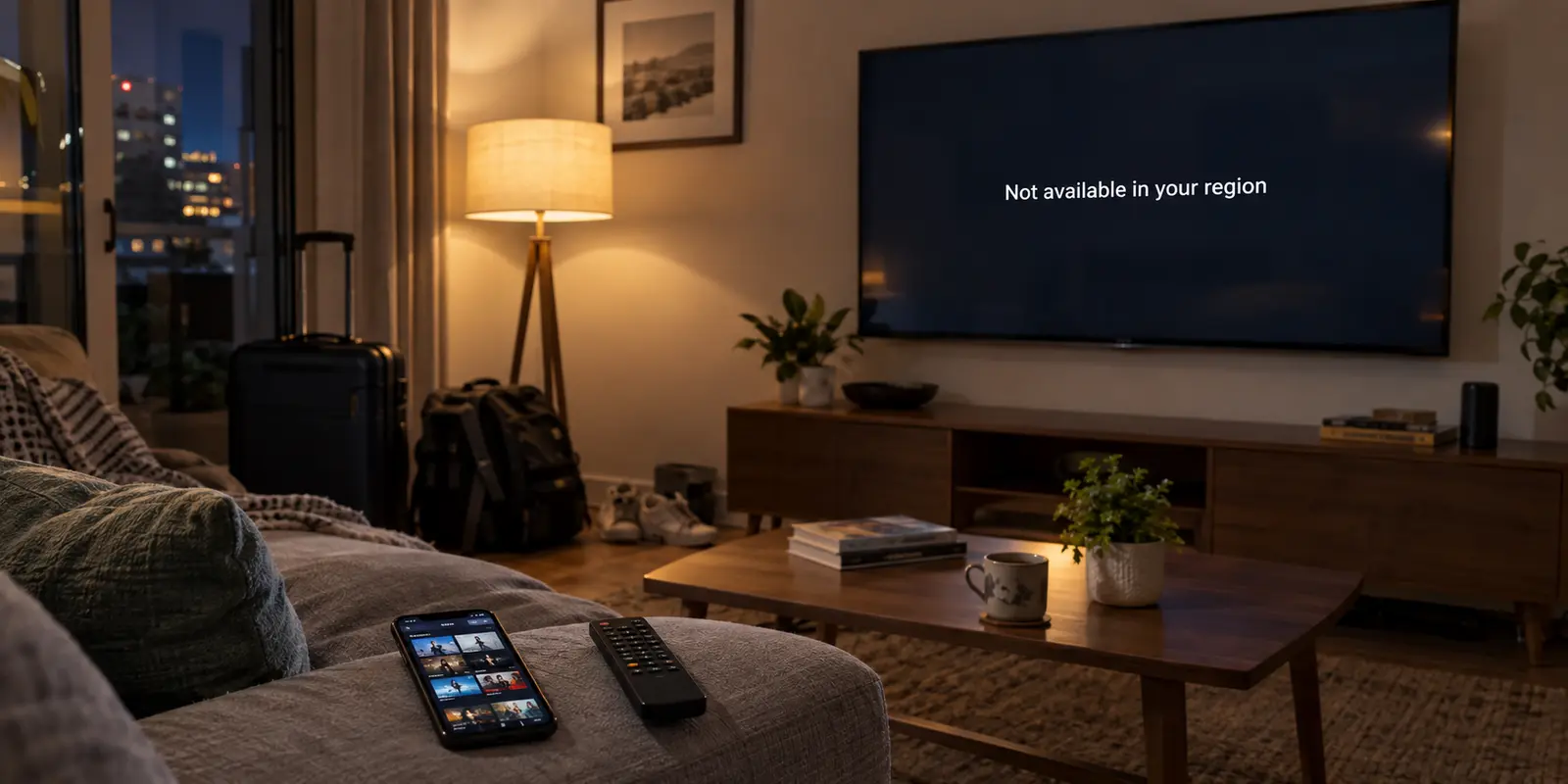
You sit down on the couch, turn on your smart TV, and open a streaming app, only to find unfamiliar titles, missing regional favorites, or a blunt error message saying the content isn’t available in your region. Confused, you unlock your phone. On the exact same home network, your phone loads the home catalog without a hiccup.
The immediate impulse is to assume one of the screens is broken. People reach for the remote, prepare to factory-reset the TV, change their account region, or start cycling through VPN servers.
Before touching a single setting, take a breath. Your television and your phone can sit side by side and legitimately report two different countries without either device malfunctioning. The key to fixing the discrepancy isn't guessing which button to smash—it's identifying which system is generating the country label in the first place.
Article summary and product fit
Why can a smart TV and a phone show different countries even when they are in the same room?
They may be answering different location questions. A phone can use physical location signals, a TV can use a configured service or store country, and a streaming app can use the public IP route. First prove both devices actually leave through the same network path; if they do, fix the software layer that is displaying the mismatch instead of changing every location setting at once.
What matters in this article
- Key point: A country mismatch is not automatically a broken TV or a bad VPN; device region, app state, network route, and physical location are separate layers.
- Best for: Households or travelers whose phone and television show different catalogs, app stores, or regional availability on what appears to be the same connection.
- Product fit: OnlydogVPN is relevant only when the route itself genuinely needs to change, and the article recommends running it on the supported device that actually fetches the media rather than assuming a phone's tunnel will carry a cast receiver.
- Important limit: A VPN cannot rewrite a television's firmware or app-store region, repair stale account state, or force a cast receiver through the sender phone's network path.
Sources already cited in this article: LG support on Services Country settings, Google Cast architecture overview, OnlydogVPN official website.
The Two Devices May Not Be Answering the Same Question
When an app or an operating system displays a "location," it isn't pulling from a universal, singular truth. Different hardware answers the location question using entirely different toolsets.
Your smartphone is a rich sensor package. Android location services can combine multiple signals rather than relying on the public IP alone. When your phone displays local weather or maps out directions, it relies on physical, geographic positioning.
Your smart TV has none of that. It has no GPS antenna, no connection to cellular towers, and no reason to scan the neighborhood's Wi-Fi beacons. Instead, a smart TV relies on two entirely separate concepts:
- Configured Service Country: The administrative region set inside the TV’s system menu or platform app store (for example, LG’s “LG Services Country” setting), which dictates what apps can be downloaded to the home screen.
- Network Route: The public internet address (IP) detected by individual streaming services when the TV fetches a stream.
Meanwhile, Netflix’s household model is based on the internet connection and devices at a viewing location, rather than a TV GPS reading.
So when your phone says one thing and your TV says another, they aren't necessarily disagreeing. Your phone might be reporting where your couch physically sits, while your TV is simply obeying an administrative app store toggle or reading an unexpected internet route.
First Prove Both Devices Are Actually Sharing the Same Route
Before altering any television settings or calling customer support, run one simple diagnostic test: verify that both devices are genuinely using the exact same internet connection.
It is surprisingly common for a phone and a TV to exist on different pathways even when sitting in the same living room:
- The phone might silently fall back to mobile cellular data because the Wi-Fi dipped.
- A VPN or custom DNS profile might be running quietly in the background on your phone.
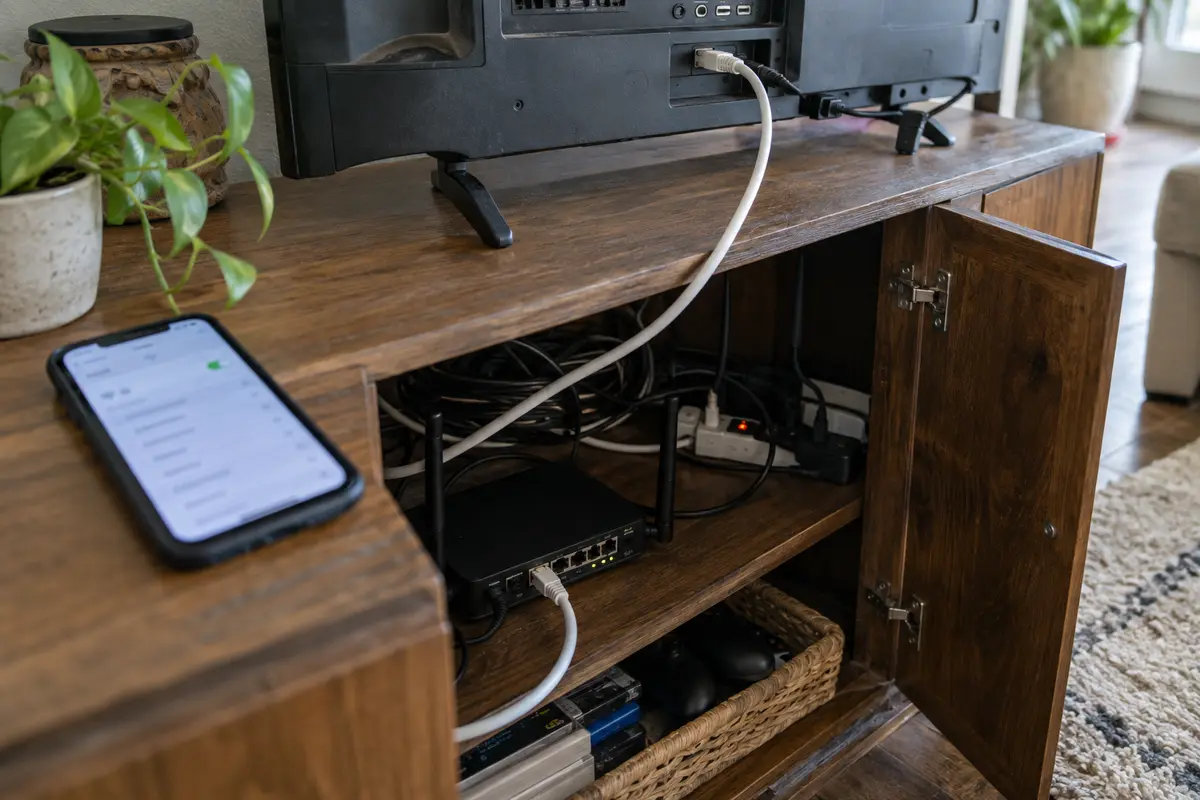
- The TV might be wired to a secondary router, guest network, or a port configured with different routing rules.
To isolate the connection, turn off cellular data and disconnect any active VPN or proxy on your phone. Connect it to the exact same Wi-Fi SSID as the smart TV. Then, open a browser on your phone and run an IP/country check (or use the network diagnostic tool built into your streaming app).
If your phone and your TV resolve to different countries, the issue lives entirely within your network routing:
- One device is running an active tunnel or override (like a forgotten VPN app).
- Your router has policy-based routing directing the TV through an alternate gateway.
- If both devices report an unfamiliar foreign country while on ordinary, unmodified home Wi-Fi, the public IP assigned by your internet provider may be incorrectly mapped in geolocation databases like MaxMind. When that happens, the fix belongs to your ISP, not your TV remote.
Only when both devices demonstrably share the same external network country does it make sense to move inward.
If the Internet Country Matches, Fix the Layer That Controls What You See
If your phone and TV share the exact same network route, but the television still displays a foreign interface, the problem is software-based. Narrow it down by looking at where the mismatch lives:
If the TV home screen or app store looks foreign.
If the TV dashboard is promoting regional apps from another continent or the built-in app store won't let you download local services, your television’s system region is misconfigured.
Check the manufacturer settings (such as "Location" or "Services Country" on an LG or Samsung set, or the primary store account region on an Apple TV or Google TV). Manufacturers explicitly note that service country settings dictate app availability. Keep in mind: changing an app store region is an administrative action that can affect existing subscriptions and account balances. Don't casually alter it on a shared, hotel, or rental TV.
If only one streaming app is misbehaving.
If the TV’s app store, YouTube, and browser all recognize your home location, but Netflix or Prime Video insists you are abroad, the television itself is completely fine.
The specific streaming platform is simply holding onto stale session data, an outdated household profile, or cached server tokens. Force-close the affected app, clear its application cache from the TV’s storage settings, or sign out and back in. If every other service on the TV agrees on where you are, rebuilding the television's entire network profile is unnecessary.
Use a VPN Only When the Problem Follows the Route
A VPN is a tool designed to alter your network route. It cannot rewrite your television's native firmware region, and it cannot fix a streaming service that is stuck on an outdated account setting. A VPN is useful only when you genuinely need to change the internet path itself—such as when traveling abroad and trying to route traffic back toward home services.
Here is the common trap: many people turn on a VPN on their phone, tap "Cast" to send a movie to the smart TV, and wonder why the TV immediately throws a region block error.
Google Cast separates the sender that controls playback from the receiver that handles the stream. Your phone acts as the remote, but the receiver (your smart TV or Chromecast) connects directly to the open internet using its own connection to stream the media. Turning on a VPN on your handset does not push the television through that tunnel. The device actually doing the streaming is the one that needs the route.
If you determine that an altered network route is what you actually need, running a VPN directly on a proprietary television operating system can be clunky, often requiring manual DNS tweaks or unstable sideloaded clients. For travelers or living rooms where simplicity matters, shifting playback to a supported personal device—like a laptop or tablet hooked to the TV via an HDMI cable—is often the cleanest path.
This is where a service like OnlydogVPN↗ fits into the workflow. Engineered around straightforward scenarios and automatic routing rather than endless manual configuration, OnlydogVPN removes the friction of hunting through massive lists of server nodes. If you're on a supported device (such as a Mac, Windows laptop, iPhone, or Android tablet), its one-tap interface automatically matches the appropriate path for regional streaming services without demanding networking expertise.
Furthermore, if you need to set up a secondary travel laptop alongside your phone, its verification-code sharing makes authenticating another device fast and painless, avoiding the hassle of managing complex passwords on the road. It keeps the VPN on the device actually handling the media instead of adding another layer of smart-TV routing work.
(Note: If your absolute requirement is running a native VPN client directly inside a TV-based operating system like webOS or Tizen, you will need a provider that specifically maintains an app in that platform's store. But if your goal is simply enjoying the content on the big screen with minimal fuss, routing through an OnlydogVPN-supported laptop or phone display connection is often the simpler route.)
What I’d Check Before Touching the TV Again
Before changing a single setting, let where the discrepancy appears dictate your next move:
- Phone and TV show different network countries on the same Wi-Fi: Check for active background VPNs, private DNS profiles, or router-level policy routing.
- Both devices show the same internet country, but the TV app store is foreign: Update the TV's manufacturer service region or the platform store account.
- Everything works except a single streaming service: Clear that specific app's cache, sign out, or verify your service household profile.
- The phone streams over a VPN, but the TV won't play when cast: Recognize that casting does not route the TV through the phone's tunnel. Move the connection to the hardware actually pulling the video stream.
A smart TV does not need to agree with your phone’s internal GPS to deliver what you want to watch. Identify which system is feeding the screen, fix only the layer that is out of step, and get back to your show.
Frequently Asked Questions
Can a phone and smart TV legitimately report different countries on the same home network?
Yes. The phone may be using physical location signals, while the TV may be showing a configured service country or a streaming service's interpretation of the public network route.
How do I prove the phone and TV are actually using the same internet route?
Turn off cellular data and any VPN or proxy on the phone, connect it to the exact same Wi-Fi SSID as the TV, and compare the network country or public IP that the services see.
What if both devices have the same internet country but the TV app store still looks foreign?
Then the problem is probably the TV's configured service region or platform-store account rather than the network path. Change only that administrative layer, with care around subscriptions and account balances.
Why doesn't a VPN on my phone automatically fix a region block when I cast to the TV?
Google Cast separates the sender from the receiver. The phone controls playback, but the TV or Chromecast fetches the media over its own connection, so the receiver does not automatically inherit the phone's VPN tunnel.