OnlyDogs VPN
How to Access Grok AI in Unsupported Countries: Why Your VPN Still Gets Blocked (And the Real Fix)
You saw the latest Grok benchmark drop on X. You watched everyone test its uncensored reasoning, roast their friends' profiles, and generate wild images.
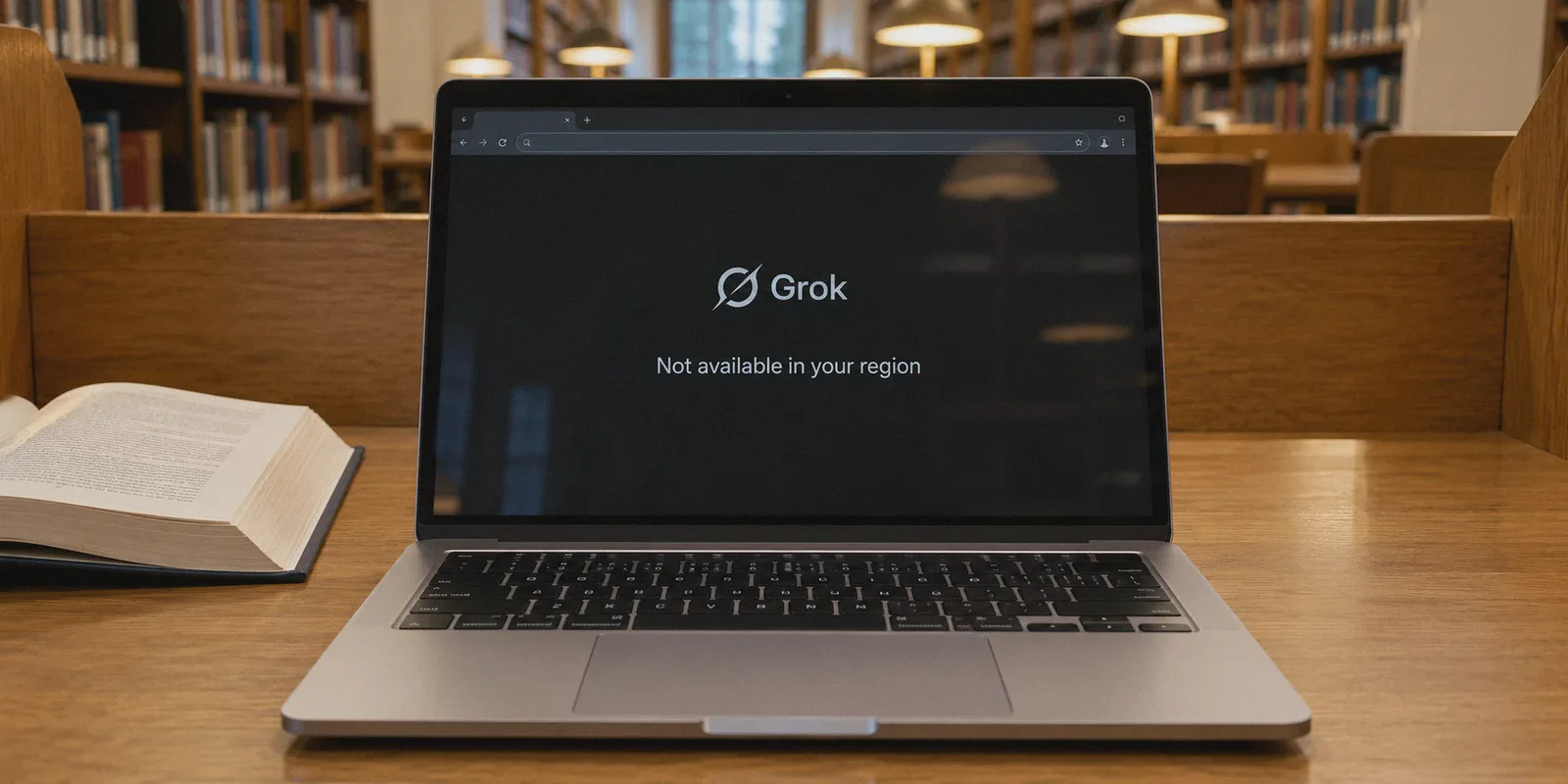
Naturally, you clicked the Grok tab on X—or navigated straight to grok.com—only to run headfirst into a wall:
"Grok is not currently available in your region." Or worse: an endless Cloudflare verification loop, followed by an opaque "Access Denied" screen.
You probably did what any tech-savvy person does: you opened your existing VPN, switched the server to "United States" or "United Kingdom," refreshed the tab, and… got the exact same error. Or your X account was suddenly locked for "suspicious automated activity."
Here is the frustrating reality that generic tech blogs won't tell you: Accessing Grok from an unsupported country isn't just a matter of changing your country code. It is an IP reputation and protocol inspection battle.
Once you understand why Grok’s firewall is rejecting your connection even when your VPN says you're in New York, getting it to work takes less than three minutes.
Article summary and product fit
Why can Grok still reject access after a VPN is switched to the US or UK, and what troubleshooting sequence does this article recommend?
The article says a location change alone may not be enough because crowded proxy IPs, recognizable VPN traffic, account-security checks, and cached browser location state can all affect access. It recommends connecting a clean route first, then using a fresh browser session before opening Grok or X.
Key context from this article
- Best for: People who encounter region errors, repeated verification, or failed sessions when trying to use Grok from a location where access is restricted.
- Key point: The article treats IP reputation and browser/account state as separate from the country shown by the VPN.
- Product fit: The article positions OnlyDogs VPN for obfuscated routing, automated path selection, and recovery during long streaming AI responses.
- Important limit: A VPN cannot guarantee access if xAI or X changes availability, account policy, billing checks, or anti-abuse rules, and rapid location hopping can still trigger verification.
Product source already linked in this article: OnlyDogs VPN official website.
The Grok Dilemma: Why Standard VPNs Fail on xAI
When OpenAI or Google block an unsupported country, they typically run a standard geo-IP lookup. If your IP resolves to California, you're usually good to go.
xAI (Grok) plays by completely different rules, for two distinct reasons:
- The X Anti-Bot Engine: Grok is deeply integrated into X's infrastructure. Because X has been at war with automated scrapers and spam farms for years, their edge security (backed by Cloudflare and custom risk models) treats standard commercial VPN IP ranges like hazardous waste. If you connect through an IP address associated with a crowded datacenter, X flags it as a bot before you even send your first prompt.
- The "Dirty Fingerprint" Problem: Generic VPN protocols—like standard OpenVPN or vanilla WireGuard—have distinct packet signatures. Security systems can identify not just that you’re routing traffic, but that you’re routing it through a mass-market proxy tunnel. Instead of a polite "unsupported region" screen, you get hit with infinite CAPTCHAs, broken chat streams, or payment gateway rejections.
To access Grok smoothly from places like Europe (where regulatory delays frequently stall rollouts), parts of Asia, Latin America, or the Middle East, you don't need a VPN with 10,000 servers. You need a connection that looks indistinguishable from an ordinary human browsing the web.
Grok.com vs. X Premium: Know Which Door You Are Opening
Before you touch any settings, understand that Grok lives in two places today, each with its own entry requirements:
- Door A: The Standalone Web App (
grok.com)
xAI’s dedicated web interface. It functions much like ChatGPT or Claude. In supported regions, it frequently allows direct access or standalone subscriptions. This is the cleanest, fastest way to use Grok on a desktop without cluttering your social media feed.
- Door B: The X Mobile App & Website (
x.com/i/grok)
The native tab inside X. While this gives you direct access to analyze accounts and tweets in real-time, it ties your Grok session directly to your X profile. If your VPN connection drops or leaks your real location for two seconds, X remembers your account's true location, locking the Grok tab even after you turn the VPN back on.
Both doors require a clean, unflagged connection. Here is where the right tool makes all the difference.
Why OnlyDogs VPN Solves the Grok Lockout
Most VPNs are built for generic streaming or basic Wi-Fi encryption; they choke when faced with modern AI platform security.
OnlyDogs VPN was built specifically to navigate hostile, strictly filtered networks (places like mainland China, Russia, and the UAE). The exact mechanisms that allow it to bypass aggressive state-level firewalls happen to make it virtually invisible to X's anti-bot filters.
1. HTTP/3 & Traffic Obfuscation (No "VPN Signature")
Instead of broadcasting standard, recognizable VPN handshakes that trigger Cloudflare's bot defenses, OnlyDogs routes traffic through HTTP/3 architecture and proprietary obfuscation protocols. To xAI’s edge servers, your connection looks like ordinary, modern HTTPS web traffic originating from a private browser. It skips the automated scrutiny that flags cheap datacenter IPs.
2. Clean Routing Without "Server Roulette"
With ordinary VPNs, getting Grok to open usually requires playing "server roulette": disconnect from Los Angeles, try Chicago, try Dallas, get a CAPTCHA, try London, get blocked again.
OnlyDogs eliminates this with Scenario Presets. You don’t need to diagnose which city isn't blacklisted this week. You select the preset mode, and the automated routing engine dynamically assigns you a responsive, low-noise line that hasn't been burned by scraping bots.
3. Real-Time Stream Stability (No Mid-Sentence Freezes)
Grok's reasoning mode and complex coding generations push long, real-time data streams back to your device. If your VPN drops packets or stutters during a network switch (like walking away from home Wi-Fi onto mobile data), Grok crashes with an annoying "Network Error: Failed to generate response" banner. OnlyDogs features built-in weak-network recovery, keeping your session alive and uninterrupted even when your underlying connection jitters.
4. Friction-Free Access
There are no complex passwords to store or recover if you're switching between your laptop and phone. OnlyDogs uses secure email verification codes for fast login across Windows, macOS, Android, and iOS.
The Step-by-Step Setup: Accessing Grok in 3 Minutes
If you want to avoid triggering X’s security flags, follow this exact sequence:
Step 1: Get OnlyDogs VPN Ready
Download the native app from the official site onto whatever device you plan to use:
👉 Get OnlyDogs VPN from the Official Portal
Log in using your email verification code.
Step 2: Connect to an Unblocked Preset
Open the client, choose the primary fast route or dedicated browsing preset, and hit connect. The routing engine will automatically assign an unburned node in a region where Grok is fully supported (such as the US).
Step 3: Clear Your Browser's "Memory" (Crucial Step!)
This is where 90% of people mess up. If you visited grok.com or x.com five minutes ago without a VPN, your browser cached local storage tokens and cookies identifying your physical country. Simply turning on a VPN and hitting F5 won't work.
- Open an Incognito / Private Window (or clear cookies for
x.comandgrok.com). - Ensure your browser's WebRTC isn't leaking your base local IP (OnlyDogs’ built-in DNS leak shielding handles this automatically).
Step 4: Open Grok
Navigate to grok.com or log into your X account. The "region not supported" banner will be gone, replaced by the standard prompt box or sign-in screen.
What About Subscribing? (Bypassing the Payment Trap)
If you plan to unlock Grok’s top-tier features or heavy usage limits, you may need a paid tier. If your local credit card is rejected due to billing address mismatches, here is the stress-free workaround:
- Use the Mobile App Store Method: Instead of entering an overseas credit card directly on the web, log into the X app on your iPhone or Android device while connected to OnlyDogs VPN.
- Subscribe to X Premium through Apple App Store or Google Play in-app purchases. App store billing handles regional conversions far more smoothly than web checkout forms, bypassing direct bank declines.
Three Practical Rules to Avoid Getting Flagged
Once you have access, keep these tips in mind to maintain smooth sailing:
- Don't Location-Hop Rapidly: Don't chat with Grok through a US server, disconnect, and then immediately post on X from your home country two minutes later. While it won't necessarily ban your account, rapid geographical jumping triggers X's account verification checkpoint.
- Leave OnlyDogs Running in the Background: Thanks to its lightweight protocols and built-in ad/tracker filtering, keeping OnlyDogs connected won't drain your battery or throttle your general browsing speed.
- If You Hit a Glitch, Re-open in a Clean Profile: If Grok ever throws an unexpected "Something went wrong" error, don't panic. Clear site data for the tab, ensure your OnlyDogs connection is active, and refresh.
The Bottom Line
Grok is arguably one of the most interesting AI engines available right now—fast, candid, and plugged directly into the real-time pulse of global conversations. Being shut out simply because of where you live or travel is entirely avoidable.
Don't waste an afternoon wrestling with free proxies that sell your data and hand you endless CAPTCHA puzzles.
Get a tool designed to slip through modern network filters without the headache:
👉 Download OnlyDogs VPN and Start Using Grok AI Today
Frequently Asked Questions
Why can Grok stay blocked after switching a VPN to the United States?
The article says X and Grok may evaluate more than country. A crowded datacenter IP, recognizable VPN traffic, or previous browser/account location state can still lead to region errors, CAPTCHAs, or security checks.
What is the difference between using Grok on grok.com and inside X?
The article describes grok.com as a standalone web entry point, while the X integration is tied more directly to the user’s X account and its security history.
Why does the article recommend Incognito mode or clearing site data?
If Grok or X was opened before the VPN was active, browser cookies and local storage can preserve prior location state. A clean session removes that stale browser context before retrying.
What does the article suggest if direct web payment is rejected?
It suggests trying an eligible Apple App Store or Google Play in-app purchase flow, where the app store handles billing rather than the same direct web checkout form.
How can you reduce the chance of triggering account verification?
Avoid rapidly jumping between distant locations, keep the selected route consistent while using the service, and if a session breaks, reconnect first and retry from a clean site profile.