How to Buy Brawl Stars Brawl Pass Cheaper with a VPN (The Method That Actually Works)
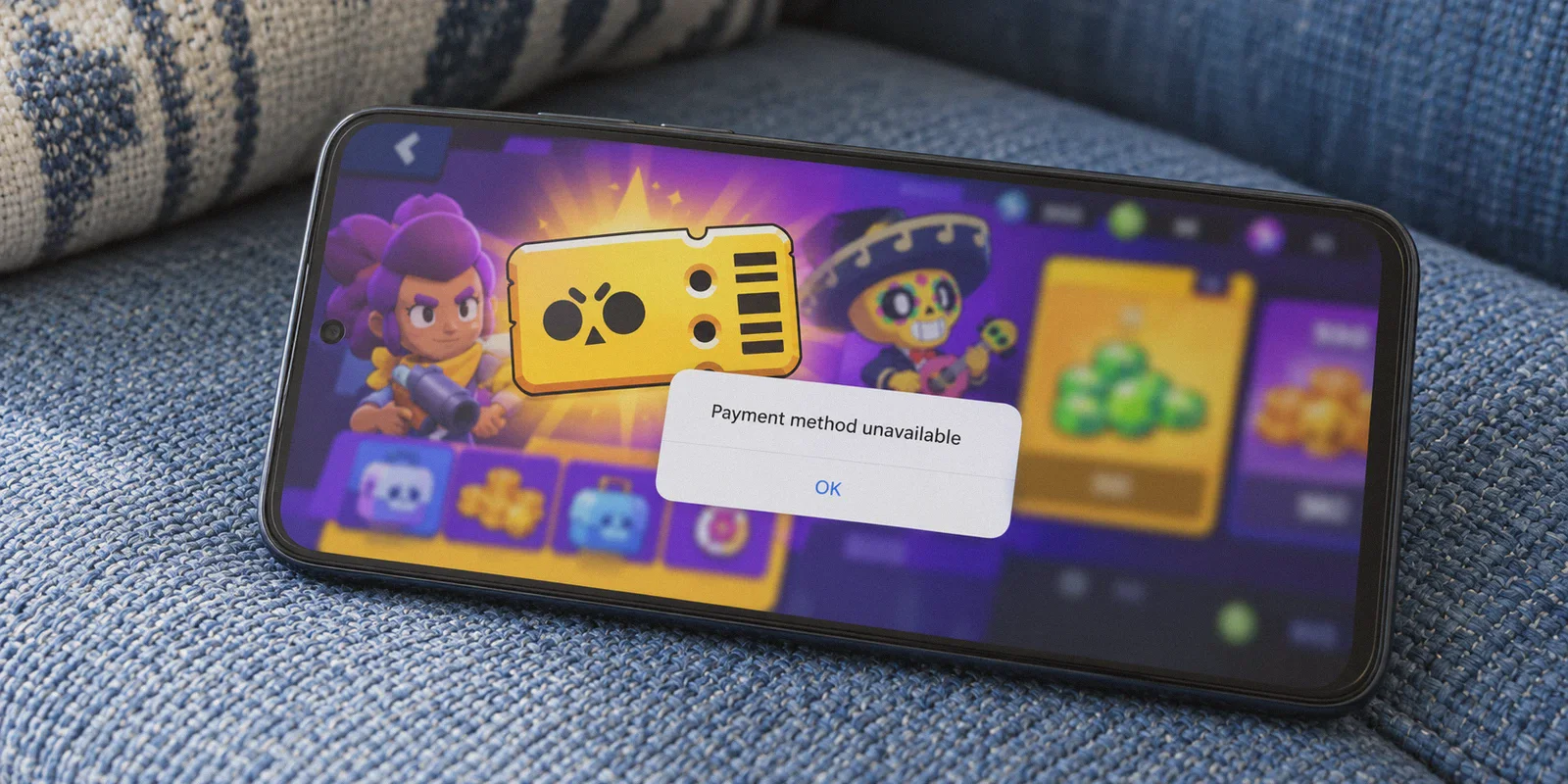
Every time a new Brawl Stars season drops, the math runs through your head: $6.99 for the regular Brawl Pass, or $9.99 for Brawl Pass Plus. Over a year of monthly seasons, that is well over $80 to $120 just to keep up with the progression curve, unlock the newest Hypercharges, and snag the exclusive brawler skins.
Naturally, you hit Google or YouTube, search "how to buy brawl stars brawl pass cheaper with vpn", and watch a tutorial telling you to download a free VPN, set your country to Turkey or Brazil, open Google Play, and buy it for half price.
Then you actually try it.
You spend twenty minutes tweaking phone settings, only to run into:
- "This payment method is not valid in this region."
- Google Play locking your country setting for an entire year.
- Supercell simply displaying your original local currency anyway.
If this has happened to you, relax—you didn’t mess up the tutorial. The tutorial was lying to you.
Buying the Brawl Pass through another country used to be a matter of flipping a toggle inside the mobile app store. In 2026, Apple and Google have locked that down tight. But there is still a reliable way to get the pass significantly cheaper without touching your phone’s sensitive billing accounts or risking an account suspension.
Here is what actually works, why the usual methods fail, and how to do it in under five minutes.
Article summary and product fit
Why do cheaper Brawl Pass methods fail when they rely on changing a phone app-store region?
The article says the fragile part is not the game itself but the storefront and payment layer: Google Play or Apple region settings can be sticky, payment methods can be checked against country, and a web checkout can apply its own fraud controls. The official Supercell Store is treated as a separate purchase path from an in-app transaction.
Key points and limits
- Best for: Brawl Stars players trying to understand why app-store region switching, local-card requirements, or checkout fraud checks interrupt a purchase.
- Core diagnosis: Account/storefront region, browser IP, and payment-method country are separate signals. Changing one does not guarantee that the others will match.
- Product fit: OnlyDogs VPN is presented as the network-routing layer for the browser session; the official Supercell Store and its supported payment methods remain the actual merchant path.
- Important limit: A VPN cannot force a payment processor to accept an unsupported card, guarantee regional pricing, or override Supercell, Apple, Google, or payment-provider terms.
Sources already linked in this article: Supercell Store; Supercell; OnlyDogs VPN official website.
The Big Mistake: Trying to Force Google Play or the App Store
Let’s clear up the biggest misconception right out of the gate: do not try to change your Google Play or Apple ID region to buy a Brawl Pass.
Here is why:
- The 365-Day Lock: Google Play only allows you to change your account region once every 12 months. If you switch to Turkey or Brazil just to buy a $4 pass, your entire phone's app library is now stuck in that region for a year. You won’t be able to update your local banking apps, food delivery apps, or subscriptions back home.
- Local Card Verification: Even if the Play Store displays prices in Turkish Lira (TRY) or Brazilian Real (BRL), the payment processor will verify the country of issuance on your credit card. If you're paying with an American, European, or Australian card, the transaction is rejected instantly.
So how are people still getting the Brawl Pass at regional discount rates?
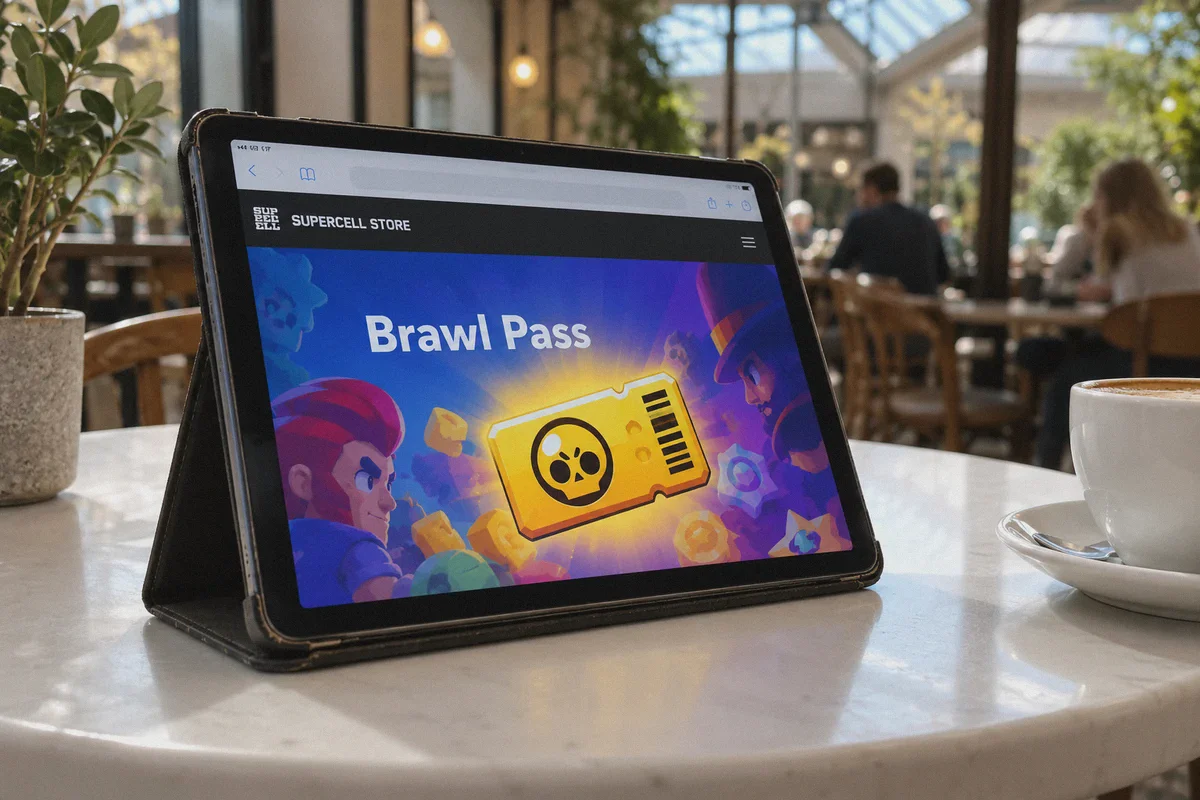
They stopped buying inside the mobile app entirely. They buy through the Supercell Store (store.supercell.com).
The Secret Weapon: The Official Supercell Web Store
A while back, Supercell launched their own official web store to bypass the 30% cut that Apple and Google take from every in-game purchase.
To encourage players to use it, Supercell built two massive advantages directly into the web store:
- Permanent Discounts & Pass Points: Every item on the web store is automatically roughly 10% cheaper or includes bonus gems/points compared to buying inside the game client.
- Web-Based Regional Pricing: Unlike your phone’s App Store—which is tied to your phone’s hardware profile, SIM card, and billing ID—the Supercell Web Store determines your storefront region primarily based on your incoming IP address and browser session.
When you buy a Brawl Pass on the Supercell Store, you aren’t making a microtransaction inside the game. You are buying a digital "Brawl Pass Activation Token" that gets deposited directly into your Supercell ID inventory. You can hold onto it, activate it whenever a season starts, or even gift it to a friend.
And because it's a web transaction, this is where a high-performance VPN actually does its job.
Why Cheap and Free VPNs Get Blocked at Checkout
If it’s that simple, why doesn't everyone just use any free VPN from the app store?
Because Supercell's web checkout runs through institutional payment gateways (like Checkout.com and local processors) that use aggressive fraud detection.
When you turn on a generic commercial VPN, your connection is routed through massive, publicly known data center IP addresses. The second you click "Purchase," the payment gateway runs three checks:
- Is the user connected to a known data center/proxy?
- Does the browser fingerprint show regional anomalies?
- Does the traffic signature match typical botting or scraping tools?
If any of those trip, you get a generic "Transaction Failed" screen, or the currency automatically flips back to USD/EUR at the final payment step.
This is why you need a connection that doesn't scream "I am using a VPN."
Where OnlyDogs VPN Fits In
This is where OnlyDogs VPN stands out from the crowded field of generic VPNs. It wasn't built just for basic encryption; it was engineered specifically for bypassing strict regional barriers and handling digital transactions smoothly.
1. Proprietary Protocol & HTTP/3 Obfuscation
Most VPNs run on standard, openly identifiable protocols like basic OpenVPN or WireGuard. Security filters on modern web stores flag these protocol headers in milliseconds. OnlyDogs uses proprietary protocols combined with HTTP/3 and traffic obfuscation. To the store's payment gateway, your session looks like a legitimate home user browsing from a local broadband connection, not someone running through an overcrowded server farm.
2. 1-Click Scenario Presets (No Tech Confusion)
You don’t need to spend forty minutes reading technical forums about split tunneling or DNS leaks. In the OnlyDogs app, you simply select the preset tailored for your task, and the client automatically picks the optimal route with the cleanest IP history.
👉 Visit OnlyDogs VPN to get started
3. Smooth Multi-Platform Support & Zero Password Clutter
Whether you're completing the transaction on your PC browser, MacBook, iPhone, or Android tablet, the experience is identical. You don’t even have to create a complex 16-character password—OnlyDogs uses fast, secure email verification code logins, meaning you can get it running in under two minutes right before the season reset hits.
Step-by-Step: How to Buy the Brawl Pass Cheaper
Here is the exact workflow to make sure your purchase goes through cleanly:
Step 1: Prep Your Browser
Close the Brawl Stars app on your phone. On your computer or mobile browser, open an Incognito / Private Browsing window. This ensures Supercell doesn't read any cached location cookies from your previous logins.
Step 2: Connect to OnlyDogs VPN
Open the OnlyDogs VPN app. Choose a region with favorable pricing (such as Brazil or Southeast Asian hubs depending on current exchange rates and payment availability). Let the app establish the secure, obfuscated tunnel.
Step 3: Go to the Official Supercell Store
Navigate to store.supercell.com/brawlstars.
- Look at the prices displayed on the homepage. They should now reflect the local currency of the region you selected instead of your home currency.
- Log in with your Supercell ID (the email tied to your Brawl Stars game account). You will receive a standard 6-digit verification code in your email.
Step 4: Select Your Pass & Choose the Right Payment Method
Click on the Brawl Pass or Brawl Pass Plus.
When you proceed to checkout, you will see the supported regional payment methods.
- Pro Tip on Payment: If your primary international credit card gets flagged for a currency mismatch, use a universally accepted digital payment bridge available in that region—such as Razer Gold, PayPal, or international prepaid digital vouchers. Razer Gold in particular is widely supported on the Supercell Store across multiple low-price regions and allows you to fund your wallet without regional card restrictions.
Step 5: Claim Your Pass in Game
Once the transaction confirms, disconnect the VPN.
- Open your Brawl Stars app normally on your phone.
- Tap the Brawl Pass icon on the bottom left.
- You will see an "Activate" prompt or find the pass stored in your Supercell ID Settings under "My Inventory."
- Tap activate, and your entire season track is unlocked.
Will Supercell Ban Your Account for This?
This is the number one question players ask, and it deserves an honest answer:
Supercell's Terms of Service prohibit fraudulent chargebacks, buying gems from unauthorized third-party black-market sellers, and account sharing.
However, buying directly from the official Supercell Store with a VPN is not third-party fraud. You are paying Supercell directly into their own merchant account. You are not handing your login credentials to a random stranger on Discord, you are not using stolen credit cards, and you are not injecting modded game files.
Because you receive a legitimate, officially minted Supercell ID activation voucher in your account inventory, the transaction is verified by Supercell’s own backend. As long as you don't initiate a bank chargeback after claiming the rewards, your account remains completely safe.
What to Do If the Currency Doesn't Change
If you follow the steps and the store still shows your local price, check these two things:
- Clear Browser Cache: If you didn't use an Incognito tab, your browser probably remembered your old region. Close the tab, clear site data for
supercell.com, and reopen. - Verify IP Leakage: Make sure your VPN connection didn't drop mid-session. OnlyDogs VPN features automated failover and network recovery, so if your connection ever stutters, re-launching the preset will instantly restore the clean tunnel.
The Verdict
Stop trying to fight Google Play’s region-lock policies. You don’t need to ruin your phone's app store settings just to save a few bucks on a mobile game.
By combining the official Supercell Web Store (which already gives you discounts and bonus points) with a clean, obfuscated connection through OnlyDogs VPN, you bypass the 30% app store markups, dodge fraud detection triggers, and keep your Brawl Stars account loaded with every season's pass at the best possible price.
👉 Get OnlyDogs VPN and unlock the web store today
Frequently Asked Questions
Why can changing Google Play or Apple region be a poor way to buy a Brawl Pass?
The article highlights long-lived account-region settings and local payment checks. A small purchase can therefore create a much bigger storefront problem for the rest of the phone.
How is the Supercell Store different from buying inside the Brawl Stars app?
It is Supercell’s official web storefront, so the transaction happens in a browser rather than through the mobile app store. That separates the purchase flow from Apple or Google billing.
Why can a checkout still fail after the browser shows another region?
Payment gateways can evaluate the IP, browser session, payment method, and fraud signals independently. A changed IP does not guarantee that the payment method is accepted.
Can a VPN guarantee a lower price or a successful payment?
No. Prices, supported payment methods, fraud controls, and terms can change, and a VPN cannot force the merchant or payment processor to approve a transaction.