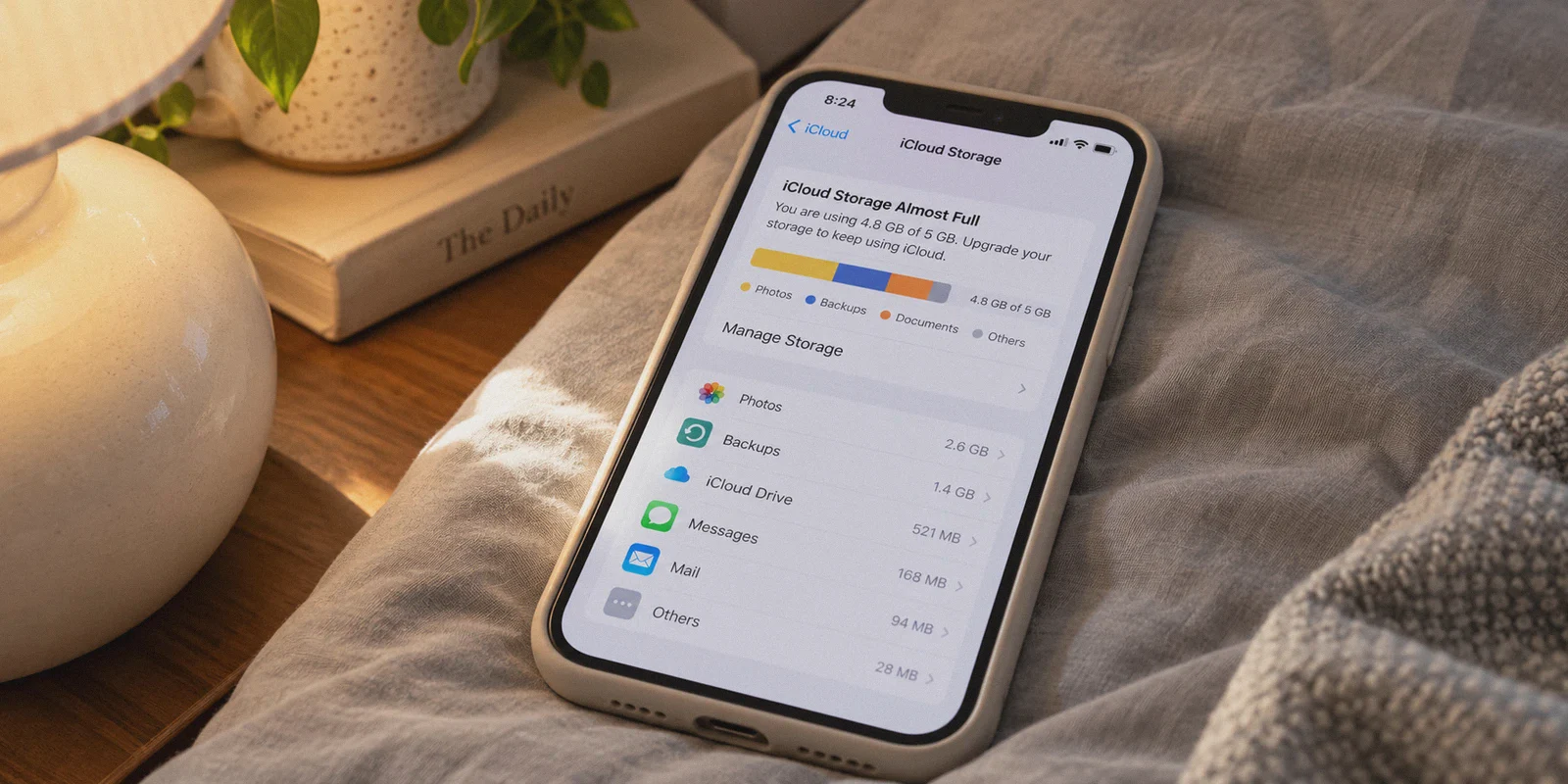
You wake up, glance at your iPhone lock screen, and there it is again:
"iCloud Storage Is Almost Full. Photos, backups, and messages are no longer uploading."
You swipe it away, but you know the math. Apple’s free 5GB tier is a joke designed to fill up in 2014. If you upgrade in the US, UK, or Europe, you’re looking at paying every single month forever—$0.99 for 50GB, $2.99 for 200GB, or $9.99 (or even more) for the 2TB plan. It’s the ultimate digital landlord rent.
Naturally, you saw a Reddit thread or a TikTok claiming you could just "fire up a VPN, set your location to Turkey, Nigeria, or Pakistan, and buy 2TB of iCloud for 70% off."
So you downloaded a VPN, switched your server to Istanbul, opened your iPhone Settings, and… nothing changed. The prices were still in USD, GBP, or EUR. Or worse: you tried to change your Apple ID region, and Apple demanded a local credit card you don’t have, warned you that all your active subscriptions would be canceled, and blocked your transaction.
Here is the candid truth nobody on YouTube short videos explains: You cannot get cheaper iCloud storage simply by turning on a VPN and opening your iPhone settings.
Apple does not determine your iCloud pricing by where your phone is physically located today. It determines pricing by the country assigned to your Apple ID and the billing method tied to it.
Does that mean the regional discount hack is dead? Not at all.
It just means you have to do it the smart way—without risking your primary Apple ID, without buying shady stolen accounts, and with the right network setup so Apple’s fraud filters don’t instantly freeze your account.
Here is how the system actually works, what mistakes will get you banned, and the exact step-by-step blueprint to pull it off.
Article summary and product fit
Why does changing VPN location not change iCloud+ pricing, and what account-level factors actually control the region?
The article correctly centers the account rather than the IP: iCloud+ pricing follows the Apple Account country or region and its accepted billing setup. It describes a secondary regional account funded with region-specific credit and then shared through Family Sharing, while warning readers not to move their primary Apple Account just to chase a lower price.
Key points and limits
- Best for: Readers trying to understand why a VPN location change has no effect on the prices shown inside their existing Apple Account.
- Key point: An IP address and an Apple Account region are different signals. The article says the account country and valid regional funding method control subscription billing.
- Preparation: Keep the primary account unchanged, use only account and payment methods that are valid for the chosen region, and understand the Family Sharing setup before moving personal data or subscriptions.
- Product fit: The article uses OnlyDogsVPN only to keep the setup session on a consistent travel-style connection; the VPN does not change the Apple Account country or make an unsupported payment method acceptable.
- Important limit: Regional account, gift-card, subscription, and Family Sharing rules can change. Readers should verify Apple’s current terms and eligibility before relying on the workaround, especially for long-term storage of important data.
Sources already linked in this article: Apple Account; OnlyDogsVPN official website.
The Reality Check: Why "Just Turning on a VPN" Fails
Apple’s ecosystem is built like a fortress. Understanding how they catch people trying to spoof their region saves you hours of pointless frustration:
- iCloud is Tied to Apple ID Country, Not IP Geolocation: If your Apple ID was created in the United States, you can fly to Istanbul, connect to local airport Wi-Fi, and Apple will still bill you in USD. Your IP address alone does not change your subscription currency.
- The Payment Wall: Apple requires a payment method issued in the country your account belongs to. You cannot pay for a Turkish or Nigerian Apple ID with a standard US Chase Sapphire or UK Barclays Visa card. Apple’s billing gateway will decline it in a heartbeat.
- The Anti-Fraud Fingerprint: When you create a foreign Apple account or redeem foreign balance, Apple’s fraud systems analyze your connection. If they detect a noisy, flagged datacenter IP or a known commercial VPN handshake, they flag the account for review or prompt an impossible phone verification loop.
To actually get cheap iCloud storage, you have to bypass all three barriers. And the secret weapon that makes it safe for everyday users is Apple Family Sharing.
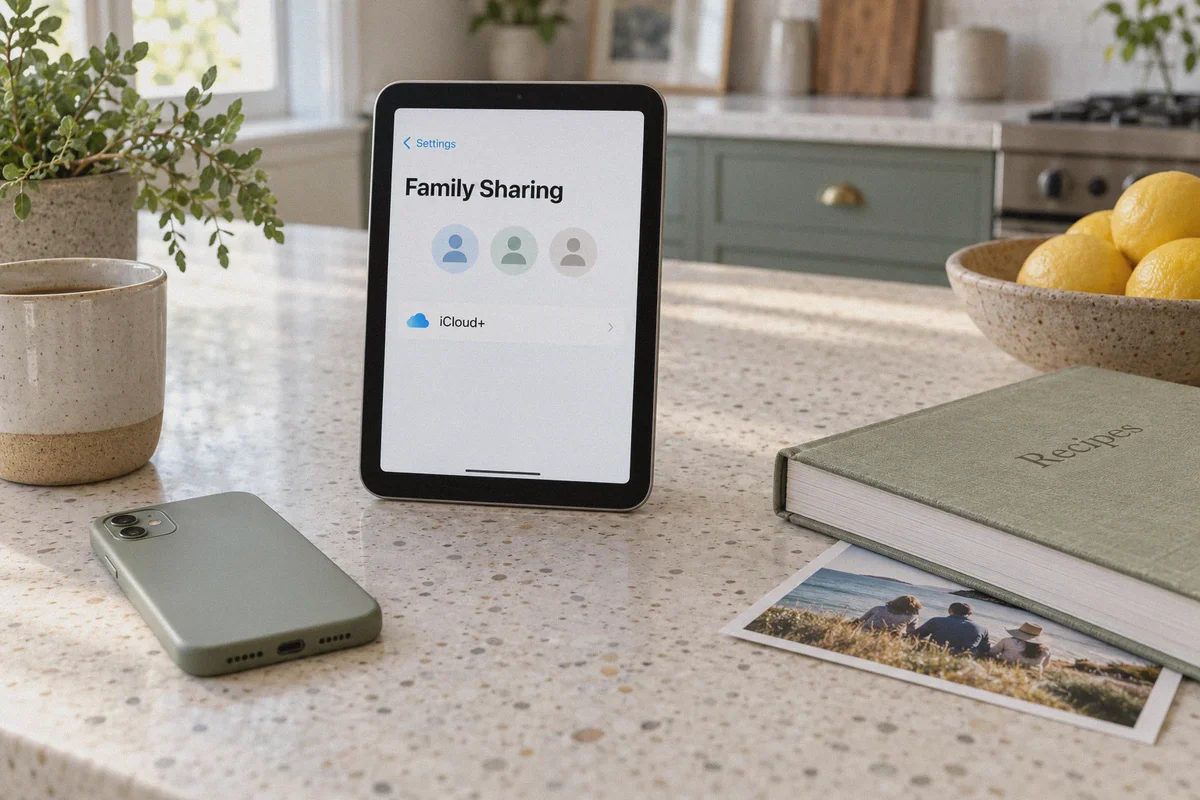
The "Family Sharing" Method: Protect Your Main Account
The biggest mistake novices make is trying to switch their existing, primary Apple ID to another country.
Never do this.
Switching your primary Apple ID cancels your active subscriptions, wipes your Apple Music library, and if Apple’s risk control locks the account, you risk losing years of photos and App Store purchases.
Instead, the foolproof method looks like this:
[Your Real Primary Apple ID] (Stays in your home country, zero risk)
             ▲
             │ (Invited via Family Sharing)
             ▼
[Secondary Foreign Apple ID] (Created via Stealth VPN in Turkey/Nigeria)
             │
      (Subscribes to 2TB iCloud at cheap local rates & shares storage pool)
By creating a secondary foreign Apple ID and adding your personal account to a Family Sharing Group, you share the massive, cheap 2TB storage pool across your personal iPhone without touching your primary identity.
Where Does a VPN Come In? (And Why Most VPNs Get You Flagged)
To create that secondary foreign Apple account and keep it alive, you need a VPN. But this is where 90% of buyers run into a wall.
Apple’s security team has spent years blacklisting server ranges used by common, bloated VPN providers. If you try to register a new Apple ID while connected to a generic VPN server:
- Apple’s website will display an unhelpful error: "Your request could not be completed at this time."
- Or the account is created, but the moment you try to redeem a local gift card, the balance gets frozen pending customer support verification.
This is why OnlyDogs VPN has become the go-to tool for managing cross-border digital assets and overseas accounts.
Unlike mass-market VPNs that use loud, easily fingerprinted protocols, OnlyDogs was engineered from the ground up to navigate strictly monitored, hostile network environments. That architecture gives it distinct advantages for this exact task:
1. HTTP/3 & Stealth Traffic Camouflage
Standard VPN protocols (like raw OpenVPN or generic WireGuard) broadcast distinct cryptographic handshakes that Apple’s edge security easily spots. OnlyDogs utilizes HTTP/3 architecture and proprietary obfuscation protocols. To Apple's registration servers, your traffic appears as innocent, regular HTTPS browsing from a private home connection, not a suspicious proxy farm.
2. Automatic Clean Routing (No Server Roulette)
With typical VPNs, you end up reconnecting ten times trying to find an IP that Apple hasn't blacklisted. OnlyDogs features Scenario Presets. You select your desired mode, and the system dynamically routes you through low-noise lines that avoid automated bot flags.
3. Rock-Solid Connection Stability
If your connection drops for two seconds while you are in the middle of redeeming a digital balance or confirming account details, Apple detects an instantaneous IP country jump. That sudden hop triggers automatic risk checks. OnlyDogs features built-in weak-network recovery, ensuring the encrypted session holds steady without sudden leaks.
4. Clean, Passwordless Setup
You don’t need another complicated password vault. OnlyDogs uses secure email verification code logins, working seamlessly across iPhone, Mac, Windows, and Android.
The Step-by-Step Blueprint: Cheap iCloud in 20 Minutes
Here is the exact workflow to set up your discounted storage pool properly:
Step 1: Secure Your Connection
Before you open an incognito window or touch Apple’s servers, launch OnlyDogs VPN.
- Connect to your target region. Turkey remains one of the most reliable and accessible regions for cheap Apple gift card inventory.
- Make sure your connection is live and stable.
Step 2: Create a Fresh Secondary Apple ID
- Open a private/incognito browser window and navigate to
appleid.apple.com. - Click Create Your Apple ID.
- Set the country/region to Turkey (or your selected low-price region).
- Use a clean email address you control (a fresh Gmail or Outlook address works best).
- For the phone number, Apple allows international numbers for SMS verification during signup—you can use your own mobile number here; the country of the Apple ID is what determines the App Store region.
Step 3: Fund the Account via Legitimate Regional Gift Cards
Remember: you cannot link your domestic credit card. Instead, you fund this secondary account using official Apple Gift Cards (iTunes cards) for that specific country.
- Purchase a regional Apple Gift Card from reputable digital voucher sellers (like SEAGM, Eneba, or Turgame for Turkish Lira).
- In your new Apple ID account portal, navigate to the payment section and redeem the gift card code. The balance now sits directly in your secondary account wallet.
Step 4: Subscribe to the 2TB iCloud+ Tier
- Sign into the new Apple ID on a secondary device or via the Web / Mac user profile.
- Upgrade the storage to the 200GB or 2TB tier. Because the wallet has prepaid local funds, Apple deducts the local regional price automatically.
Step 5: Invite Your Real Apple ID via Family Sharing
This is the magic step:
- In the settings of your secondary account, turn on Family Sharing.
- Send an invitation to your primary personal Apple ID.
- Accept the invitation on your daily iPhone.
- Under Family Sharing settings, select Share iCloud+ Storage.
Instantly, your primary iPhone gains access to the 2TB pool. Your personal photos, backups, and messages sync normally. Your original account remains 100% intact, and you never have to worry about losing your personal data.
Important Rules to Keep Everything Safe
To ensure your setup runs smoothly month after month, keep these three operational habits in mind:
| Rule | Why It Matters |
|---|---|
| Keep the Wallet Pre-Funded | Don’t wait until the day iCloud renews to buy a gift card. Keep 2–3 months of local currency loaded in the secondary account so the auto-renewal never fails. |
| Don’t Share Media Purchases | In Family Sharing settings, you can share only iCloud storage while turning off purchase sharing. This keeps your domestic App Store purchases completely independent. |
| Use OnlyDogs VPN for Account Maintenance | Anytime you log into the secondary Apple ID to redeem a new gift card or check balances, turn on OnlyDogs VPN first to keep the connection clean and consistent. |
The Verdict
Paying full retail price for cloud storage month after month is a choice, not a requirement. But taking shortcuts with shady, pre-activated accounts or trying to brute-force Apple's system on a flagged proxy will only end with a locked phone and lost data.
The Family Sharing secondary account method is the cleanest, most sustainable workaround available. It gives you massive storage at a fraction of the cost while keeping your primary digital life safe.
All you need is the right blueprint—and a stealth, reliable connection to get through Apple’s front door.
Get your connection sorted before you begin:
👉 Download OnlyDogs VPN and Start Saving on Your Digital Subscriptions
Frequently Asked Questions
Why does changing my VPN to Turkey or another country not change iCloud+ prices?
Because, as the article explains, Apple does not price an existing iCloud+ subscription from the phone’s current IP alone. The Apple Account country or region and the associated billing setup are the controlling factors.
Why does the article say not to switch my primary Apple Account region?
The primary account may already carry subscriptions, purchases, music, photos, and other long-lived data. The article treats changing that account as an unnecessarily high-risk way to chase a regional price.
How does the secondary-account method work in the article?
It creates a separate Apple Account for the target region, funds that account with region-specific credit, purchases the storage there, and then uses Family Sharing so the primary account can participate in the shared iCloud+ pool.
What role does the VPN play if it does not set the iCloud price?
The article uses it to keep the account-creation and redemption session on a consistent network route. It does not replace the need for a valid Apple Account region or a payment or gift-card balance accepted for that region.