How to Buy Kindle eBooks from Amazon US with a VPN
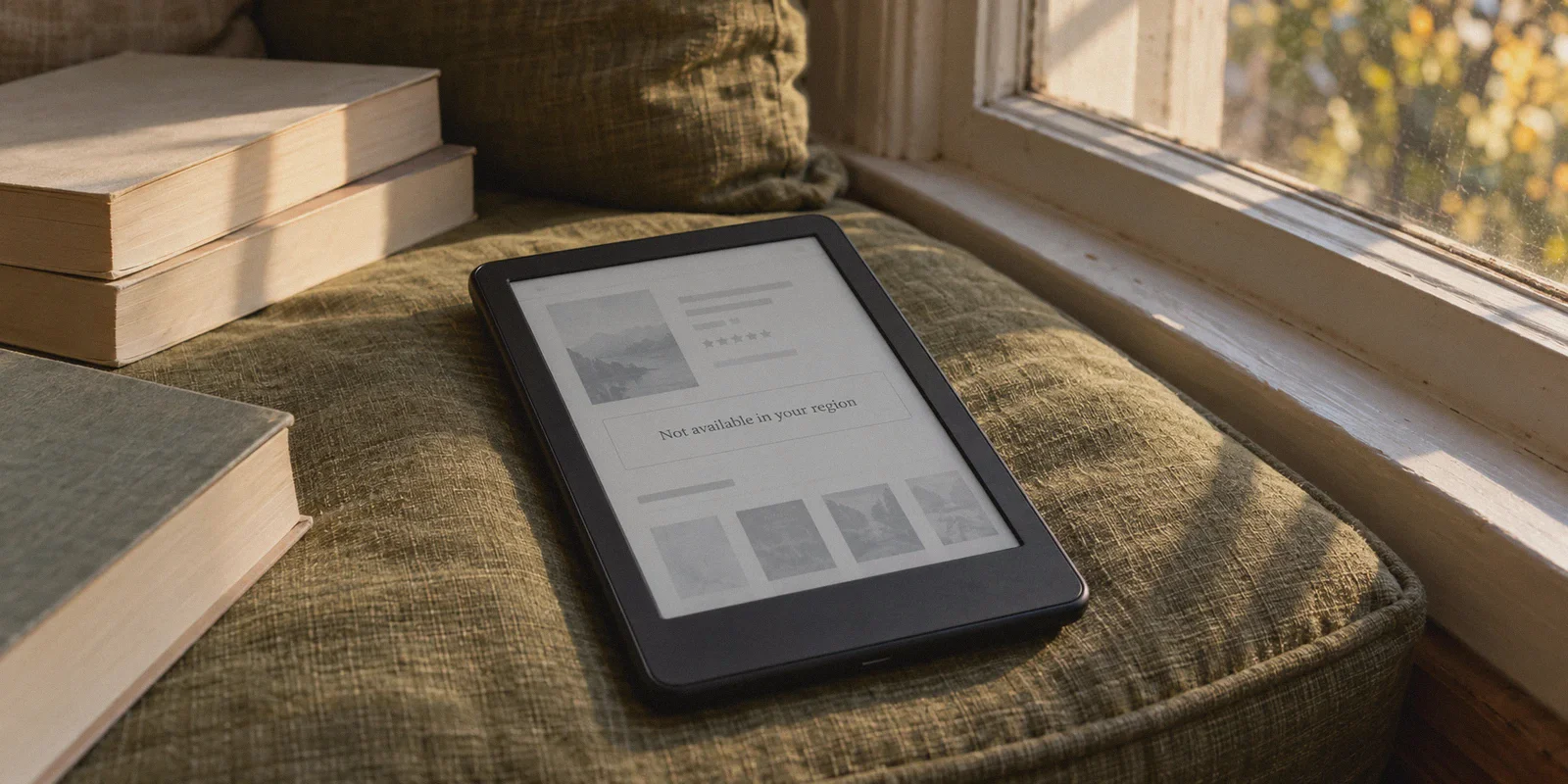
You search for a new release, an exclusive translation, or an indie nonfiction title on Amazon, only to be met with that infuriating gray text:
"This title is not available for purchase in your country/region."
Or worse: the Kindle price is listed, but the "Buy now with 1-Click" button is completely missing.
If you’ve already tried fixing this, you probably did what seemed obvious: turned on a VPN, set it to the United States, refreshed the page, and clicked buy.
And that’s usually when things go sideways.
Either your foreign credit card bounces, Amazon silently redirects you back to your local marketplace, or—the ultimate nightmare for book lovers—Amazon flags your account with a warning email: "We noticed you may be attempting to purchase digital content outside your designated country. Please provide proof of US residency."
If you are searching for how to buy Kindle eBooks from Amazon US with a VPN, you don’t need another generic article explaining what an e-reader is. You need to know why Amazon’s digital geofence is so much stricter than its physical store, how to bypass it without risking your existing book library, and how to keep 1-Click purchasing working smoothly from anywhere in the world.
Article summary and product fit
What has to match before an overseas reader can buy a Kindle ebook from Amazon US?
The article says a US VPN address by itself is not enough. Amazon’s digital purchase flow is described as a three-part identity chain: the Kindle country/region setting, the default digital 1-Click address, and the connection used at purchase time. It recommends aligning those settings, using Amazon US gift-card balance if a foreign card fails, and keeping the purchase session consistent.
Key points and limitations
- Best for: Existing Kindle users outside the US who want a US-store title without creating a second Amazon library.
- Core setup: Keep the existing account, set the digital Kindle country/region and 1-Click address to the US profile described in the article, then make the purchase from a consistent US connection.
- Where OnlyDogs fits in this article: The article uses OnlyDogs as the network layer for obfuscated routing, automatic path selection, and recovery if Wi-Fi changes during a 1-Click purchase.
- Important limit: Territorial ebook rights and Amazon account checks still apply. Region changes can trigger verification, and the article does not guarantee that every title or payment method will remain available.
Sources already referenced on this page: OnlyDogs VPN official website.
Why Buying Kindle Books Abroad is a Different Beast
When you buy a physical item on Amazon.com—say, a mechanical keyboard or a pair of sneakers—Amazon happily ships it to Tokyo, London, or Sydney. They want your business.
Digital books, however, are an entirely different legal minefield.
Publishers sell territorial distribution rights. An author’s book might be licensed to Penguin Random House in the US, but licensed to an entirely different publisher in the UK, and completely unlicensed in Southeast Asia. Because Amazon is legally bound to enforce these copyright boundaries, their digital fraud algorithms watch your account like a hawk.
Amazon doesn't just look at where your browser claims you are right now. They monitor a three-part identity chain:
- Your Kindle Country/Region Setting: Buried deep in your Amazon account preferences under Manage Your Content and Devices.
- Your Digital 1-Click Default Address: The physical address tied to instant digital purchases.
- Your Connection Footprint: The IP address and network signature you use when you hit "Buy now with 1-Click" and sync your Kindle library.
If any one of those three components screams "outside the US," Amazon blocks the title. And if you flip your country setting to the US while connecting from a flagged, noisy VPN IP, Amazon’s automated anti-fraud filters suspect account tampering.
To build a seamless, permanent bridge to the US Kindle store, you have to align all three parts.
The 3-Step Blueprint to Unlock the Amazon US Kindle Store
You do not need to register a brand-new Amazon account or lose access to the books you’ve already bought. You simply need to configure your existing setup properly.
Step 1: Align Your Kindle Country & 1-Click Address
Your shipping address for physical packages can remain your real overseas home address. But your digital address must point to the United States:
- Log into your account on Amazon.com on a desktop browser.
- Go to Account & Lists > Manage Your Content and Devices.
- Click the Preferences tab at the top.
- Under Country/Region Settings, click Change.
- Enter a valid US address format. Many digital readers use a secondary US mailing address, a freight-forwarding suite, or a standard commercial building address (e.g., in a state with no digital sales tax like Oregon, Delaware, or Montana to avoid extra digital tax surcharges).
- Click Update. Your account's digital storefront is now tethered to the US Kindle catalog.
Next, navigate to Your Account > 1-Click Settings and ensure this US address is set as your default 1-Click billing address.
Step 2: The Payment Barrier (Cards vs. US Gift Cards)
Here is where most readers stumble.
When you buy a Kindle eBook, Amazon does not let you enter an alternate payment method or use multi-step checkout. It executes instantly via 1-Click Purchasing.
- International Credit Cards: Many international credit cards (Visa/Mastercard) will clear Amazon US 1-Click without issue, provided your 1-Click billing address is set to a US location.
- The Bulletproof Fallback (Amazon US Gift Cards): If your foreign bank card gets declined, or if you want to avoid triggering automated banking flags, use Amazon.com Gift Card balance. You can purchase an Amazon US e-gift card directly on Amazon (or through trusted digital retailers) and redeem it to your account balance. Amazon will automatically deduct Kindle 1-Click purchases from your gift card balance first, completely bypassing credit card origin checks.
Step 3: Secure the Connection with OnlyDogs VPN
This is the linchpin of the entire system.
If your account is configured to the US, but you hit "Buy with 1-Click" while browsing on a local European, Asian, or Middle Eastern IP, Amazon notes the discrepancy. Buy one book like this, and you might get away with it. Buy three or four, and Amazon's risk engine will freeze digital purchasing until you verify your physical location.
Furthermore, using a generic, free VPN is equally dangerous. Mainstream VPNs route thousands of users through shared datacenter server blocks that Amazon recognizes on sight.
This is where OnlyDogs VPN provides the essential shield:
- HTTP/3 & Proprietary Obfuscation: Standard VPN protocols (like uncloaked WireGuard or vanilla OpenVPN) broadcast obvious proxy handshakes. OnlyDogs camouflages your encrypted tunnel as standard HTTPS web traffic. To Amazon’s security monitors, your connection looks like ordinary residential browsing rather than an automated datacenter proxy.
- Auto-Routing for Clean Pathways: Instead of forcing you to guess which US city node isn't congested or flagged, OnlyDogs' auto-routing automatically assigns clean, low-latency US connection lines.
- Weak-Network Session Recovery: If your local Wi-Fi drops or your mobile connection switches towers while completing a 1-Click transaction, OnlyDogs recovers the session silently in the background, preventing your true IP from leaking mid-purchase.
- Passwordless Simplicity Across Devices: Whether you're buying books on your MacBook, checking Kindle deals on an iPad, or browsing via your phone, OnlyDogs uses direct email verification codes for login—no password juggling across devices.
How to Deliver Books to Your E-Reader Without Issues
Once your purchase goes through, you want the book on your physical Kindle device (Paperwhite, Oasis, Scribe) or Kindle mobile app.
- On the Kindle Mobile App (iOS / Android): Keep OnlyDogs VPN connected on your phone when opening the Kindle app to sync. Your newly purchased US title will appear in your library and download in seconds.
- On a Physical Kindle E-Reader: You do not need to install a VPN directly onto your e-reader hardware. Once the book is purchased on Amazon.com via your browser under your active VPN connection, the book license is permanently tied to your Amazon account. Simply turn on your Kindle's Wi-Fi, tap Sync, and the book will download directly over your home Wi-Fi. Amazon verifies geographical location at the moment of purchase, not during routine cloud syncing.
3 Golden Rules to Keep Your Amazon Account Safe
Amazon wants to sell books, but their automated compliance systems have hard triggers. Keep these habits in place:
- Always Connect to the VPN Before Browsing: Turn on OnlyDogs VPN before opening Amazon.com to look for books. Never browse on your native IP, find a book, and only turn the VPN on at the checkout screen.
- Don’t Jump Regions Rapidly: If you switch your digital region to the US, leave it there. Do not toggle your digital account settings from the UK to the US on Monday, back to Germany on Wednesday, and back to the US on Friday. Pick the US marketplace for its vast catalog and keep it as your permanent digital base.
- Keep Your Physical Orders Separate: You can still ship physical goods to your overseas home address on Amazon.com without breaking your Kindle store access. Just make sure your digital 1-Click address remains set to your US profile.
Building a borderless digital library shouldn’t require an advanced degree in network administration.
Align your digital settings, keep your purchasing clean with a US gift card balance, and use OnlyDogs VPN to ensure your connection never trips Amazon's digital geofence.
Set it up once, grab the books you actually want to read, and get straight back to reading.
👉 Get OnlyDogs VPN and Unlock the Global Kindle Catalog
Frequently Asked Questions
Why is a US VPN address alone not enough for Kindle purchases?
According to the article, Amazon also looks at the Kindle country/region setting and the digital 1-Click address. If those account settings and the connection footprint disagree, a US IP by itself may not unlock the purchase.
Do I need a brand-new Amazon account for the US Kindle store?
No. The article recommends configuring the existing account rather than starting a separate library, while leaving ordinary physical shipping addresses separate from the digital 1-Click profile.
What can I do if my foreign credit card is declined for a Kindle ebook?
The article recommends redeeming Amazon US gift-card balance to the account and letting 1-Click purchases draw from that balance first, instead of repeatedly forcing an international card through the digital checkout.
Does the physical Kindle itself need to run a VPN after the book is purchased?
The article says no. It treats geographic verification as a purchase-time issue and says the licensed book can then sync to a physical Kindle over normal Wi-Fi.