
If you are sitting in your cabin right now staring at a spinning buffering wheel—or watching your corporate Slack refuse to connect while your cruise ship sails further into open ocean—you are not alone.
You paid good money for the onboard internet package. You expected slow speeds; you are in the middle of the sea, after all. What you probably didn't expect was finding out that your cruise line actively blocks half the internet. Streaming services are restricted, video calls are choked, and the moment you click "Connect" on your regular VPN, the entire connection freezes.
Most guides will tell you to "just install a popular VPN and pick a server." If you have tried that onboard, you already know it almost never works. Cruise ship networks are not ordinary hotel Wi-Fi networks. They are tightly restricted satellite pipelines run by firewalls designed with one specific goal: to stop you from using heavy bandwidth, and push you into buying their most expensive "Premium Streaming" tier.
Here is the truth about why cruise Wi-Fi blocks VPNs, why your standard setup is failing, and how to actually punch through those restrictions using the right tools.
Article summary and product fit
Why do VPNs often fail on cruise-ship Wi-Fi even after the device joins the network?
The article explains that cruise Wi-Fi combines a captive portal, traffic shaping, protocol filtering, and unstable satellite links. The first practical requirement is to complete the ship’s normal Wi-Fi login before starting a VPN; even then, network policy, purchased-plan limits, congestion, and satellite latency still apply.
Key points, fit, and limits
- First obstacle: An always-on VPN or kill switch can prevent the local captive portal from loading, so the onboard login must be completed first.
- Network conditions: Cruise networks can shape traffic, filter recognizable VPN protocols, and experience large swings in latency and jitter as satellite links change.
- Preparation: The article recommends installing required apps before sailing and disabling large background cloud backups that can saturate a slow onboard connection.
- Limits: A VPN does not upgrade the cruise plan you purchased, guarantee streaming performance, or override the cruise line’s terms and network controls.
- Product fit: OnlyDogs VPN is presented as a travel-oriented option for networks where VPN use is permitted; its official site describes one-tap public-Wi-Fi protection and cross-platform access.
Sources and product reference: OnlyDogsVPN official website.
Why Cruise Wi-Fi Hates Your VPN (The Real Reason)
Cruise lines like Royal Caribbean, Carnival, Norwegian, MSC, and Princess manage satellite connections—often powered by Starlink or geostationary satellites—shared among 3,000 to 6,000 passengers. To keep that pipe from collapsing, their onboard IT systems enforce aggressive traffic shaping.
They block VPNs for two reasons:
- Bandwidth preservation: Encrypted traffic prevents their network appliances from inspecting what you are doing. If they cannot tell whether you are loading a lightweight email or 4K video, their automated systems simply throttle or kill the protocol.
- Tier protection: Cruise lines sell tiered internet plans—often labeled "Social" (texting/social apps only), "Surf" (basic web browsing), and "Stream" (video allowed). If passengers could fire up a standard VPN on a $15/day Social package and stream Netflix for free, their entire upsell model would collapse.
To enforce this, cruise firewalls scan for standard VPN footprints. They routinely block common VPN ports like UDP 1194 (OpenVPN), UDP 500/4500 (IPsec/IKEv2), and UDP 51820 (WireGuard). When your VPN client attempts a handshake across those ports, the ship's gateway drops the packets silently. You stay "connected" to the cabin Wi-Fi, but no data moves.
The Captive Portal Trap: The Mistake That Breaks Everything First
Before addressing protocol blocking, you have to bypass the onboard captive portal. This is where 80% of travelers get stuck.
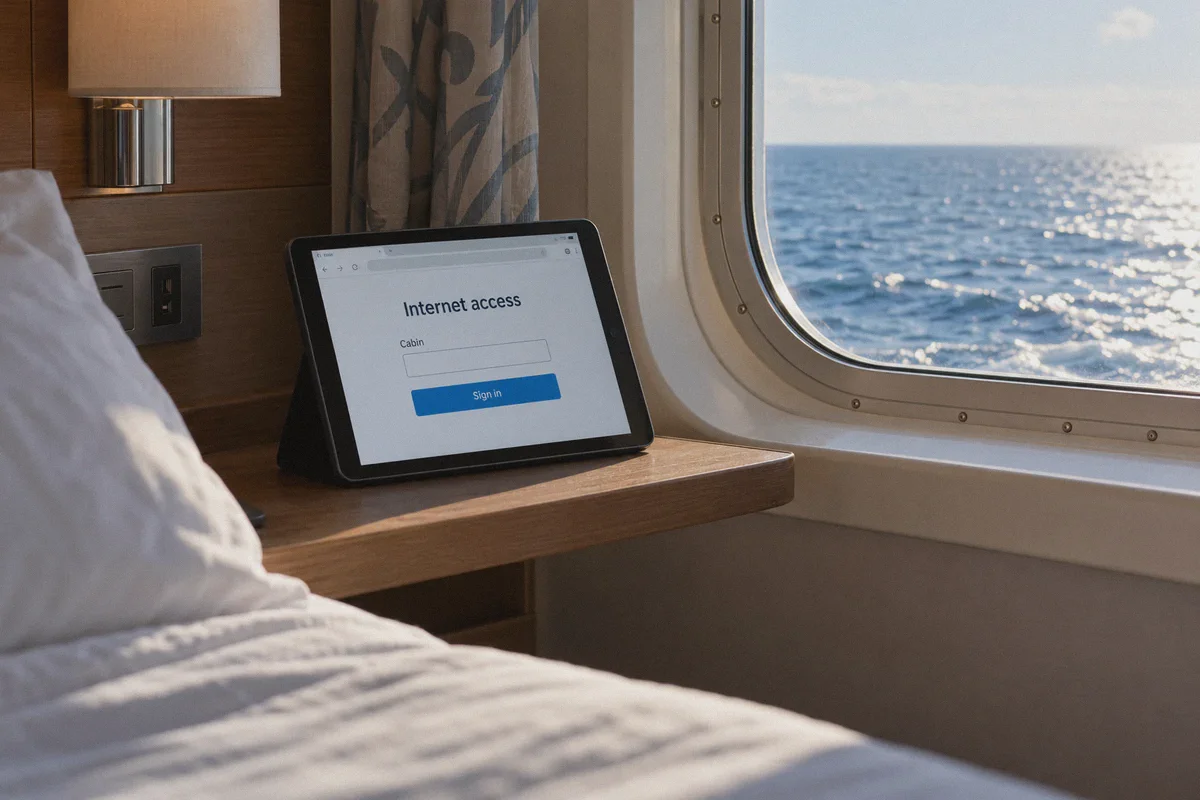
Every cruise Wi-Fi requires you to open a browser, see a captive landing page (like login.com or an internal IP address), and enter your cabin number, folio ID, or birth date to activate your session.
If you have a VPN installed with an Always-On Kill Switch enabled:
- The VPN blocks all unencrypted traffic by default.
- Your device cannot talk to the ship’s local router to load the login page.
- You cannot log in, the internet remains disconnected, and the VPN continues spinning forever.
The golden rule of cruise internet: Always disable your VPN kill switch, join the ship's Wi-Fi network, complete the onboard browser login, confirm you can load a basic webpage, and only then turn on your VPN.
What Actually Bypasses the Firewall at Sea
Because cruise firewalls actively sniff out standard VPN protocols, choosing a generic VPN with default settings rarely solves the problem.
To bypass a cruise firewall, your connection must meet three criteria:
1. Traffic Obfuscation Over Port 443 (HTTP/3 / QUIC)
Cruise ships cannot block TCP or UDP Port 443—that is the universal port for encrypted HTTPS web traffic. If they shut down 443, nobody on board can browse the web or check their bank accounts.
Standard VPNs send traffic packaged in recognizable protocol headers that deep-packet inspection (DPI) firewalls flag instantly. What you need is obfuscation: packaging your encrypted tunnel so it looks completely identical to regular, modern web browsing (like HTTP/3 / QUIC). When the ship's firewall inspects the stream, it sees standard web traffic and lets it glide right through.
2. High Resilience to Jitter and Satellite Handoffs
At sea, satellite latency fluctuates constantly. When your ship shifts course or switches satellite beams, connection jitter spikes. Traditional VPN protocols drop the connection entirely and force you to wait for a full re-handshake. You need a client engineered for high-latency, unstable networks that can silently resume without crashing your active session.
3. Built-In Ad and Tracker Filtering
Satellite bandwidth is precious. Loading a single modern news article often pulls 15MB to 20MB of video ads, tracking scripts, and background beacons. On a ship where your connection might hover around 3 to 5 Mbps, ads consume more than half your available speed. Stripping those ads at the DNS and node level doubles your usable browsing speed without paying for a faster plan.
The Practical Fix: Why OnlyDogs VPN Works on Cruise Ships
This is where OnlyDogs VPN stands out for travelers who don't want to spend their vacation tweaking routing tables and configuring custom ports.
Most mainstream VPNs were built for home broadband and office fiber. When dropped into the hostile network environment of a cruise ship, they choke on the firewalls and latency spikes. OnlyDogs was specifically architected around restricted, high-censorship, and poor-quality network environments.
1. One-Click Scenario Presets (No Technical Headaches)
You do not need to research cipher types, change MTU packet sizes, or guess which port isn't blocked. OnlyDogs features preset modes right on the main screen:
- Tap Streaming to unlock Netflix, Disney+, YouTube, and region-locked libraries.
- Tap Fastest for optimized everyday browsing and messaging.
The app automatically configures the underlying route and transport mechanism to bypass local packet restrictions without manual troubleshooting.
2. Proprietary Protocol & HTTP/3 Obfuscation
Instead of relying solely on exposed, off-the-shelf OpenVPN or WireGuard protocols that cruise firewalls instantly blacklist, OnlyDogs deploys custom protocol engineering with HTTP/3 traffic obfuscation.
It masks your data packets to mirror ordinary secure web requests. The ship's firewall cannot distinguish your encrypted tunnel from regular web surfing, allowing you to bypass throttling and protocol bans across both basic and premium cruise Wi-Fi tiers.
3. Built-In Ad & Tracking Shielding (Conserving Satellite Data)
OnlyDogs integrates node-level and DNS filtering that strips out heavy video banners, autoplay trackers, and telemetry before they reach your device. On a throttled satellite connection, this makes web pages load noticeably faster and keeps your data pipeline uncluttered.
4. Seamless Reconnection Between Decks
As you move from your cabin to the lido deck or dining room, your phone constantly hops between shipboard Wi-Fi access points. Most VPNs disconnect and leave you stranded on a broken connection. OnlyDogs handles weak-signal transitions smoothly, re-establishing the tunnel in the background without nagging you for manual reconnects.
5. Multi-Device Compatibility Across All Systems
Whether you are on an iPhone, Android, iPad, MacBook, or Windows laptop, the interface and setup remain identical, with simple verification code logins rather than tedious passwords.
Step-by-Step: How to Set It Up Onboard
For the smoothest experience, follow this sequence:
- Install Before You Sail: Download OnlyDogs VPN on all your devices while you are still on land or using port cellular data. Cruise ship Wi-Fi frequently blocks app stores and VPN download pages.
- Turn Off VPN & Connect to Ship Wi-Fi: Ensure your VPN is disconnected. Open your phone or laptop’s Wi-Fi settings and connect to the ship's network (e.g., Royal-Guest, Carnival Wi-Fi).
- Log In on the Captive Portal: Open your browser (Safari, Chrome) and navigate to any basic site (like
example.com). The ship’s captive portal will pop up. Enter your cabin details or sign in to activate your Wi-Fi time. - Launch OnlyDogs VPN: Once you confirm normal pages load, open OnlyDogs VPN.
- Select Your Mode: Select the Fastest or Streaming preset. The app automatically establishes an obfuscated tunnel that routes around the ship's protocol blocks.
- Browse & Stream Freely: Your IP is masked, your traffic is encrypted, and the cruise line’s automated throttling systems can no longer profile your activity.
Two Crucial Cruise Wi-Fi Hacks to Save Money
Beyond running the right VPN, keep these two operational tricks in mind:
- Bypass the "One Device at a Time" Limitation: Cruise lines often charge per device (e.g., $25/day for 1 device, $45/day for 2). If you travel with a Windows laptop or certain Android phones, you can connect the laptop to the ship's Wi-Fi, run your VPN, and turn on Mobile Hotspot / Wi-Fi Sharing. Your phone and tablet can then connect to your laptop's hotspot, sharing a single paid cruise connection across multiple screens.
- Disable Background Cloud Syncing Immediately: Turn off automatic iCloud Photo backup, Google Photos backup, and OneDrive syncing before boarding. If your phone takes 100 photos on an excursion and returns to cabin Wi-Fi, it will attempt to upload gigabytes of data in the background. That will saturate your satellite link, making even the best VPN feel sluggish.
Cruise ship Wi-Fi doesn't have to be an exercise in frustration. Once you understand that the problem isn't satellite tech, but the ship's intentional protocol blocks, the solution is straightforward: log in cleanly, avoid standard port signatures, and let an obfuscated tunnel do the heavy lifting. Want me to break down how to share a single cruise Wi-Fi login across multiple devices?
Frequently Asked Questions
Why can an always-on VPN stop the cruise Wi-Fi login page from appearing?
The article says the captive portal needs a direct connection to the ship’s local network before normal internet access is activated. A kill switch can block that local traffic and leave the login page unreachable.
Why do cruise networks disrupt some VPN connections?
The article describes aggressive traffic shaping and firewall rules on a shared satellite link, including filtering of recognizable VPN traffic and the effects of high latency and jitter.
What should be prepared before boarding?
The article recommends installing the VPN and any other needed apps while still on land, because onboard networks may make app stores or download pages unreliable.
Why should cloud photo backup be disabled on a cruise?
Large background uploads can consume most of a slow satellite connection. The article specifically warns that automatic photo and cloud syncing can make every other task feel much slower.
Can a VPN turn a basic cruise Wi-Fi plan into a premium plan?
No. A VPN can change how traffic is carried, but it does not change the service tier purchased from the cruise line, guarantee that a blocked service will be allowed, or override the operator’s terms.