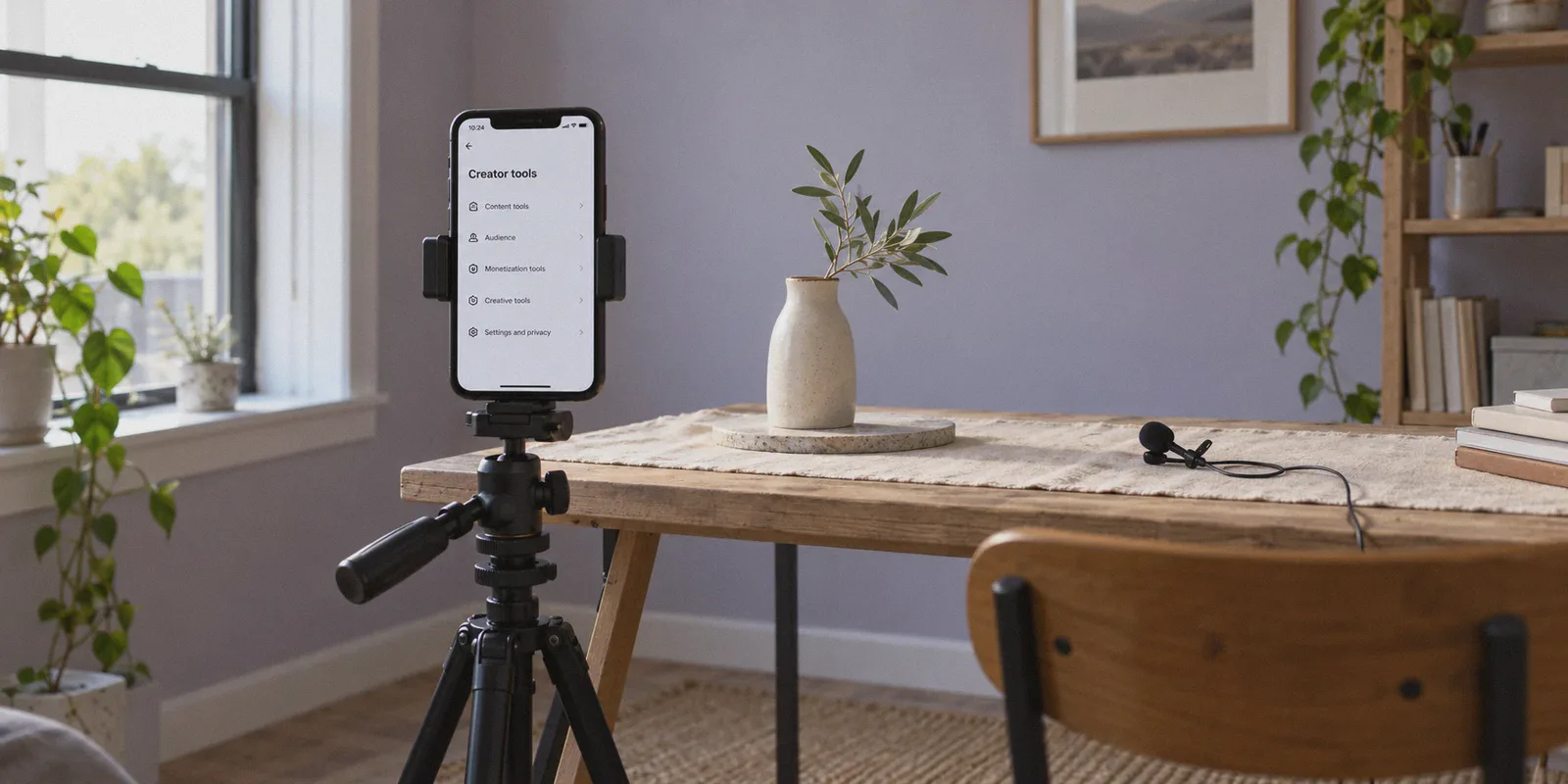
Let’s save you three days of banging your head against a wall: you cannot go into your TikTok settings, tap a dropdown menu, and switch an existing UK, Nigerian, Filipino, or German account into an eligible US account for the Creator Rewards Program.
If you have spent the last hour watching YouTube tutorials telling you to "change your language settings," "turn off your SIM card and clear your cache to migrate your region," or "submit a support ticket claiming you just moved to California," stop. None of those methods work.
TikTok’s Creator Rewards Program (formerly the Creativity Program Beta) offers the highest RPM in the world—often paying anywhere from $0.50 to $1.50+ per thousand qualified views compared to pennies elsewhere. Because millions of creators want access to those payouts, TikTok’s fraud detection around account regions is ruthless.
Here is the real breakdown of how TikTok locks your account region, why "changing" an existing profile is a dead end, and the exact step-by-step route successful international creators use to get a fully monetized US TikTok dashboard running from anywhere in the world.
Article summary and product fit
Can an existing TikTok account simply be switched to the US to become eligible for Creator Rewards?
According to the article, no. It distinguishes ordinary content preferences from the account’s original monetization region and says the latter is tied to account creation. It also describes multiple device and network signals, while noting that payout eligibility still depends on TikTok’s follower, view, age, payment, and tax requirements. A VPN alone does not establish eligibility, residence, or tax status.
Key points, fit, and limits
- Key distinction: Changing language or content preferences is not the same as changing the account region used for monetization eligibility.
- Signals discussed: The article describes IP address, SIM/carrier information, device region, location services, DNS behavior, and account history as signals that can reveal inconsistent geography.
- Eligibility still matters: The article lists age, follower, qualified-view, payout, and tax requirements that remain separate from network location.
- Limits: Platform eligibility rules and payout verification control access to Creator Rewards. A VPN does not create legal residence, tax identity, or entitlement to a country-specific program.
- Product fit: OnlyDogs VPN is discussed as a connection-consistency tool. It should not be treated as a way to manufacture program eligibility or bypass identity, tax, or platform requirements.
Sources and product reference: OnlyDogsVPN official website.
1. The Myth of "Changing" Your Region
When you search how to change your region, most guides confuse two completely different things:
- Content Preference Region: The region TikTok uses to decide which videos appear on your "For You" page. You can change this anytime with language settings and engagement habits.
- Account Genesis Region: The country identity assigned to your profile at the exact moment of registration.
Your monetization dashboard—including access to the Creator Rewards Program, TikTok Shop for Creator, and Series—is hardcoded to your Account Genesis Region.
Once an account is created in a non-eligible country, TikTok's backend permanently tags it. You can fly to New York, connect to local airport Wi-Fi, buy an American iPhone, and post videos for a month—your profile will still show the monetization options of the country where you first tapped "Sign Up."
Submitting a support ticket asking TikTok support to change your region for monetization is even worse. At best, you receive an automated template stating regional migration is unsupported; at worst, your account gets flagged for review.
If your existing account was registered outside the eligible countries (the US, UK, France, Germany, Japan, South Korea, and Brazil), you cannot convert it into a US monetization account.
Your real goal isn’t to "change" an old account. Your goal is to establish a pristine US Genesis Account that displays the Creator Rewards Program dashboard from Day 1.
2. The Two Ways to Actually Get a US Account
To unlock the US Creator Rewards dashboard, you have two realistic paths:
Option A: Buy a Pre-Warmed US Creator Account
Several international marketing teams and faceless channel creators skip the setup entirely by purchasing aged US accounts from digital asset marketplaces (like AccountBoy or similar platforms).
- The upside: You get an account registered on a verified US IP, sometimes already past the probation stage or pre-loaded with followers.
- The catch: You must still maintain a strict US network environment every time you log in, post, or interact. If you log into a pristine US account from an exposed overseas IP, TikTok will flag the sudden jump and freeze your distribution.
Option B: Build a Pristine US Genesis Account Yourself
This is the route 90% of independent creators should take. It costs virtually nothing, gives you complete ownership of your original email credentials, and ensures your profile starts with zero strikes or hidden shadowbans.
The process takes about ten minutes, but you have to do it without leaving a single digital trace of your real location.
3. Why Free VPNs Get US Accounts Banned Immediately
This is where almost everyone fails.
People set up a brand-new account using a free or generic commercial VPN. They check their profile, see the "Creator Rewards Program" button in Creator Tools, celebrate, and start posting.
A week later, every video sits at exactly 0 views. When they finally hit 10,000 followers and apply for payouts, TikTok hits them with an instant disqualification: "Security issue: Ineligible region or fraudulent environment."
Why does this happen?
TikTok doesn't just look at your IP address once when you register. Its app runs deep environment checks:
- Datacenter IP Blacklists: Cheap and generic VPNs route your traffic through shared data centers (DigitalOcean, AWS, OVH). TikTok knows regular mobile users don't browse social media from a server farm in New Jersey. Those IP ranges are pre-flagged.
- Protocol Fingerprinting: Standard protocols like basic OpenVPN or WireGuard have distinct cryptographic signatures. Platforms operating under strict geo-fences detect these protocol headers and silently downrank the connection.
- The "Kill-Switch" Delay: When your phone switches between mobile data and home Wi-Fi, standard VPN connections drop for a fraction of a second. In that single split second, your real local ISP pings TikTok's servers. Your cover is blown.
- DNS & WebRTC Leaks: Even if your IP says Dallas, your DNS queries might resolve through your local telecom provider in Manila, London, or Lagos.
To keep a US TikTok account alive and eligible for payouts, your connection cannot just look like it's "in the US." It has to look like regular, uninterruptible consumer internet traffic.
4. The Network Setup: Why OnlyDogs VPN Solves the Creator Problem
If you are running a TikTok channel for business, you need a networking tool built specifically to evade protocol-level detection and eliminate network drops.
This is precisely where OnlyDogs VPN fits into the workflow. Unlike generic privacy tools designed simply to encrypt casual web browsing, OnlyDogs addresses the specific technical traps that trigger TikTok’s regional fraud filters.
1. HTTP/3 & Traffic Obfuscation
Most traditional VPN protocols stick out like a sore thumb to modern platform firewalls. OnlyDogs utilizes proprietary protocol design alongside HTTP/3 and deep traffic obfuscation. Instead of sending packets that scream "encrypted VPN tunnel," your traffic is disguised as standard, everyday web traffic over modern web ports. To TikTok’s backend inspection, your activity resembles ordinary browser or streaming traffic rather than an active proxy tunnel.
2. Dedicated Streaming & Clean-Route Presets
For non-technical creators, tweaking proxy ports, MTU sizes, and DNS routing rules is an invitation to make a mistake. OnlyDogs eliminates manual guesswork through one-click scenario presets. Selecting a dedicated US streaming or optimized routing preset automatically assigns an IP profile tailored for platforms that aggressively block shared proxies. You don't have to cycle through twenty random servers hoping to find one that isn't blacklisted.
3. Fail-Safe Network Recovery on Weak Connections
Creators upload videos on the move, switch between studio Wi-Fi and mobile hotspots, and deal with fluctuating bandwidth. The proprietary connection handling in OnlyDogs is specifically designed for rapid recovery across unstable and switching networks. It maintains tunnel integrity without dropping your raw local IP into TikTok’s telemetry mid-session.
4. Built-in DNS and Tracker Interception
By pairing end-to-end DNS filtering directly inside the node infrastructure, the tool blocks DNS leaks at the source. TikTok never receives mixed signals where the IP points to the US while the DNS resolver points to your hometown.
5. Step-by-Step Blueprint: Creating Your US Account That Stays Eligible
Follow this exact sequence. Do not skip steps or change the order.
Phase 1: Clean the Device Environment
TikTok's app extracts device-level telemetry. You must sanitize your environment before installing or launching the app:
- Remove Your Physical SIM Card: If your phone has a physical SIM card from a non-US carrier, take it out. If you use an eSIM from a non-US carrier, turn it completely off in your cellular settings.
- Turn Off Location Services: Go to your device settings, disable GPS/Location services entirely, or deny TikTok location permissions.
- Match Your Timezone and Region: Go to your phone's system settings. Change your device region to United States, language to English (US), and set your time zone to match a US city (e.g., New York - Eastern Time, or Los Angeles - Pacific Time).
Phase 2: Establish the Secure Tunnel
- Open OnlyDogs VPN on your phone (supports iOS, Android, macOS, and Windows).
- Select the US region using the optimized preset.
- Verify the connection is live. Run a quick check on a browser-based leak-test site (such as
ipleak.net) to ensure your IP shows the United States and no local DNS servers are visible.
Phase 3: Fresh Installation & Registration
- Get the App Cleanly:
- On iPhone: Sign into a US-region Apple ID in the App Store to download a fresh copy of TikTok.
- On Android: Download the official TikTok APK directly or through a US-region Google Play profile.
- Sign Up via Email (Never via Phone Number):
- Tap Sign Up.
- Do not use your local phone number.
- Do not tap "Continue with Apple/Google" if those accounts are tied to your domestic country.
- Choose "Use phone or email" -> Select Email.
- Use a clean, independent Gmail, Outlook, or ProtonMail address.
- Set Your Birthday: Ensure your age is set to 18+ (the Creator Rewards Program strictly requires you to be at least 18 years old).
Phase 4: The 10-Second Verification
As soon as the profile opens:
- Go to your Profile tab -> tap the three lines (Menu) in the top right.
- Tap Creator tools (or TikTok Studio).
- Scroll down to the monetization section.
If you followed the steps correctly, you will immediately see Creator Rewards Program listed among the options.
6. Daily Operating Rules: How to Avoid Getting Flagged
Creating the account is step one. Keeping it healthy until you reach 10,000 followers and begin receiving payouts requires consistent discipline.
- Never Open the App Naked: Before you tap the TikTok icon, confirm OnlyDogs VPN is connected to your US preset. Opening the app even once on a raw foreign network can trigger an immediate location flag.
- Warm Up Naturally: Do not create the account and immediately upload five videos in the first hour. Spend the first 2 to 3 days browsing the US "For You" page, liking relevant niche videos, following creators, and leaving natural comments. Act like an everyday American user.
- Keep Your Posting Environment Consistent: Stick to the same US time zone and region. If your account appears in Miami at 10:00 AM and Seattle at 10:15 AM, the anomaly will trigger security reviews.
- Originality Is King: The Creator Rewards Program has strict anti-duplication algorithms. Posting ripped movie clips, reposted YouTube videos, or unedited stock footage will get you disqualified for "Unoriginal Content," regardless of your region. Ensure your content is 1 minute or longer (shorter videos do not qualify for payouts) and meaningfully edited or original.
7. The Payout Reality Check: What Happens at 10,000 Followers?
Before investing months into building an audience, understand how monetization payouts work once you hit the requirements (10,000 followers and 100,000 qualified views in the last 30 days):
To withdraw your earnings from a US Creator Rewards account, TikTok requires two things:
- A Valid Payout Channel: Typically a US PayPal account or an international business account compatible with US deposits.
- Tax Identification Details: Because the account is based in the US, TikTok’s financial system prompts you for tax details. Non-US residents operating legitimately can submit a W-8BEN form (available directly within the TikTok tax submission flow for foreign individuals claiming non-US tax status) to declare foreign status and prevent 30% backup withholdings.
Don't let tax questions freeze your progress at step zero. Get the channel built, secure your audience under a stable US environment, and set up your payout method well before your first payout date.
The Takeaway
Stop searching for a magic "region switch" button inside your current settings. It does not exist, and continuing to push non-US profiles through support appeals is wasted energy.
If you are serious about tapping into US RPMs:
- Retire the idea of migrating an old domestic account.
- Clean your hardware environment (SIM out, GPS off, region updated).
- Lock your network to an obfuscated US connection using OnlyDogs VPN so your traffic never registers as an unauthorized proxy.
- Register a fresh US Genesis profile, verify the Creator Rewards tab, and start publishing.
The barrier to entry isn't complicated—it just requires doing the setup correctly the first time.
Frequently Asked Questions
Can an existing non-US TikTok account be changed into a US Creator Rewards account in settings?
The article says no. It distinguishes the region used for content preferences from the account region tied to monetization and says the latter is not a simple settings switch.
What is the difference between a content-preference region and an account monetization region?
Content preferences influence what appears in the For You feed and can change with language and behavior. The article describes the monetization region as an account-level attribute tied much more closely to how and where the account was created.
What location signals does the article say TikTok can compare?
It mentions network IP, SIM or carrier information, device region and time zone, location services, DNS behavior, and account activity as signals that can reveal inconsistent geography.
What requirements remain even if the Creator Rewards option appears?
The article says creators still need to meet age, follower, qualified-view, originality, payout, and tax-document requirements before they can receive rewards.
Does a VPN by itself make someone eligible for the US Creator Rewards Program?
No. A VPN changes network routing; it does not establish residence, tax status, identity, or entitlement to a country-specific TikTok monetization program.