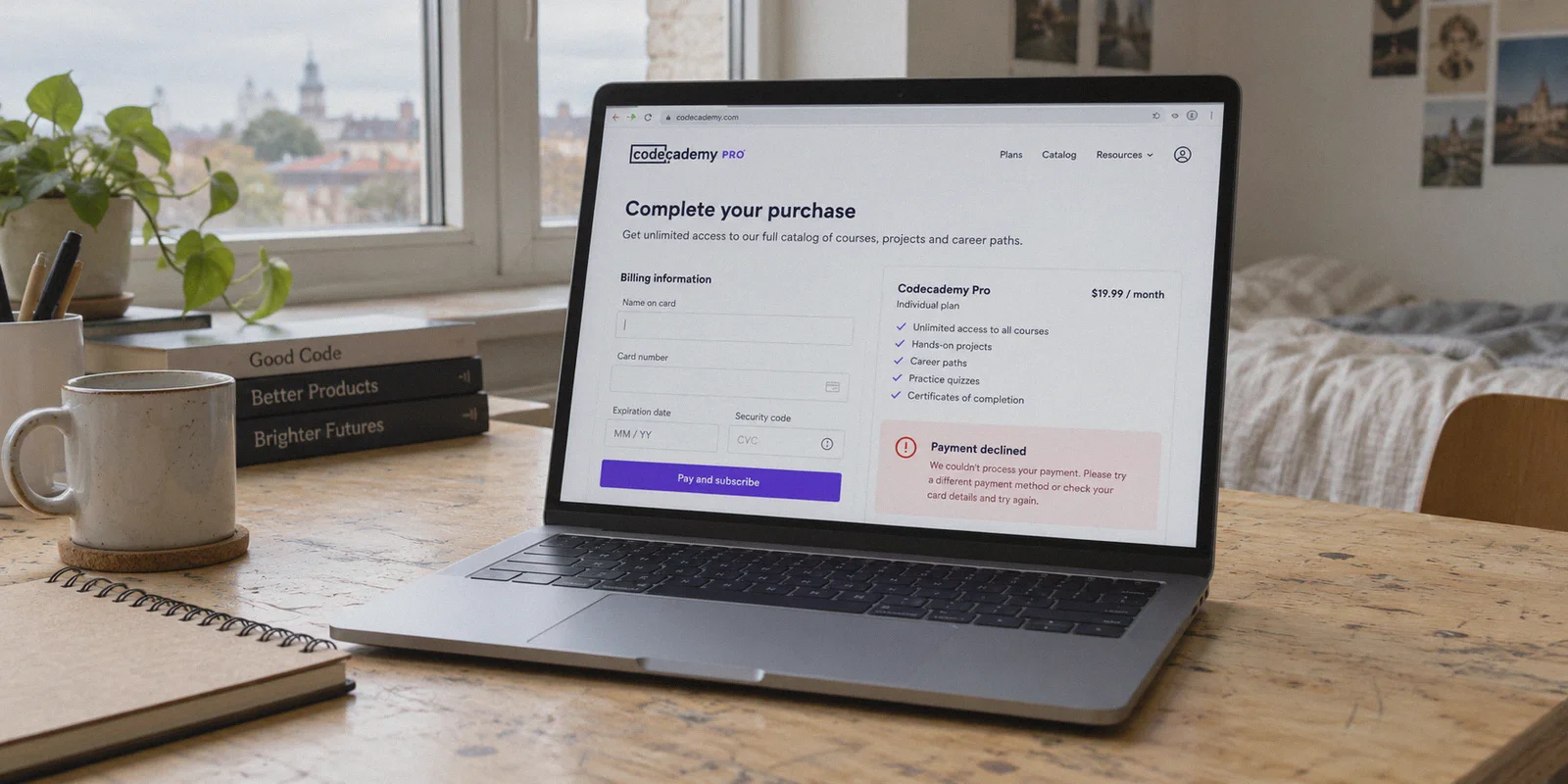
You opened an incognito window, switched your VPN to India or Turkey, refreshed Codecademy, and saw the price drop by nearly 60%. You felt like a genius.
Then you typed in your card details, clicked "Start Pro," and hit a brick wall:
"There was an issue processing your payment. Please try another card or contact your bank."
If you have spent the last hour switching server locations, trying three different credit cards, and watching the checkout page either decline your payment or silently revert to $240/year in USD, you are not alone.
Most "guides" on Reddit or YouTube make it sound effortless: turn on VPN, pick cheap country, profit. What they don't tell you is that Codecademy patched the lazy version of this trick years ago.
Getting Codecademy Pro for cheap using a VPN is still entirely possible, but only if you understand how their payment gateway actually screens you, why your current VPN is actively getting your card flagged, and what the clean, working workaround looks like.
Article summary and product fit
Why can Codecademy show a cheaper regional price but still decline payment, and what preparation does this article recommend?
The article argues that seeing a regional price is only the first step: checkout can still react to network reputation, session history, and payment-country mismatches. It recommends using a clean browser session, keeping the chosen region consistent, and choosing either an app-store funding route or a web checkout method that genuinely supports the regional payment setup.
Key points and limits
- Best for: Readers who have already seen a lower regional Codecademy price but are hitting checkout or currency-reset problems.
- Key point: The article separates storefront pricing from payment approval: a changed price does not guarantee that a card or account will pass checkout screening.
- Preparation: Start with a clean browser session, remove old site data, keep region-related settings consistent, and avoid repeatedly retrying a failing card.
- Product fit: OnlyDogsVPN is the article’s recommended network option when the problem is maintaining a stable, simple VPN route during the session; the linked official site describes one-tap connectivity and multi-device use.
- Important limit: A VPN cannot make an unsupported billing method valid, guarantee a regional price, or override Codecademy, app-store, bank, or payment-processor rules.
Sources already linked in this article: Codecademy pricing; OnlyDogsVPN official website.
What Codecademy Pro Actually Costs (And Why People Bother)
Standard Codecademy Pro in the US, UK, and Western Europe sits around $17.49 to $29.99 a month, or roughly $200 to $240 billed upfront for an annual plan. For someone switching careers, a college student trying to pass Data Structures, or a self-taught programmer building projects, that is a steep commitment for a subscription you might only need for four or five months.
Because Codecademy wants to expand into developing tech hubs, they introduced purchasing power parity (regional pricing). In markets like India, the Philippines, Brazil, and parts of Latin America, that exact same annual Pro membership drops to the equivalent of $65 to $90 a year.
The price gap is massive. Saving $150 on the exact same interactive learning environment, real-world portfolio projects, and technical interview prep is why people look for a workaround.
The catch? Codecademy didn't just lower the price; they built a digital moat around it.
Why the "Standard" VPN Trick Fails at Checkout
When you attempt to purchase Codecademy Pro on a foreign storefront, you aren't just dealing with Codecademy. You are dealing with their payment processor (Stripe) and their anti-bot shield (Cloudflare).
When you click "Checkout," their system runs a three-point background check in under two seconds:
- IP Fingerprint: Is your connection coming from a known commercial datacenter (which standard VPNs use), or does it look like residential traffic?
- Protocol Heuristics: Are you using a generic open VPN protocol that screams "proxy"?
- Card BIN & Currency Match: Does your issuing bank match the local currency, or did a US-issued Visa just pop up on an Indian rupee checkout from an IP that was logged in Seattle yesterday?
When standard VPNs fail, it usually happens in one of two ways. Either Cloudflare detects the VPN server and quietly forces the page to display standard US Dollars regardless of your chosen region, or Stripe’s Radar flags the transaction as high-risk and rejects the card on the spot.
If you want the discounted rate to stick, you need two things: a clean, unflagged connection that bypasses proxy detection, and the right payment execution strategy.
The Two Working Routes to Cheap Codecademy Pro
Depending on what cards and devices you have on hand, there are two reliable paths.
Route 1: The Mobile App Store Regional Play (Highest Success Rate)
If your domestic credit card keeps getting rejected on the web checkout, stop banging your head against Stripe. The cleanest, least-blocked route is through mobile app ecosystems (Apple App Store or Google Play).
Codecademy sells Pro subscriptions in-app, and Apple/Google handle regional pricing differently than web checkouts.
- Disconnect existing accounts: Sign out of your App Store / Play Store.
- Switch your network: Connect your VPN to the target region (India, Turkey, or Brazil).
- Create a fresh regional ID: Register a local Apple ID or Google account while connected to that region. (No local phone number is needed if you set the payment method to "None" during registration).
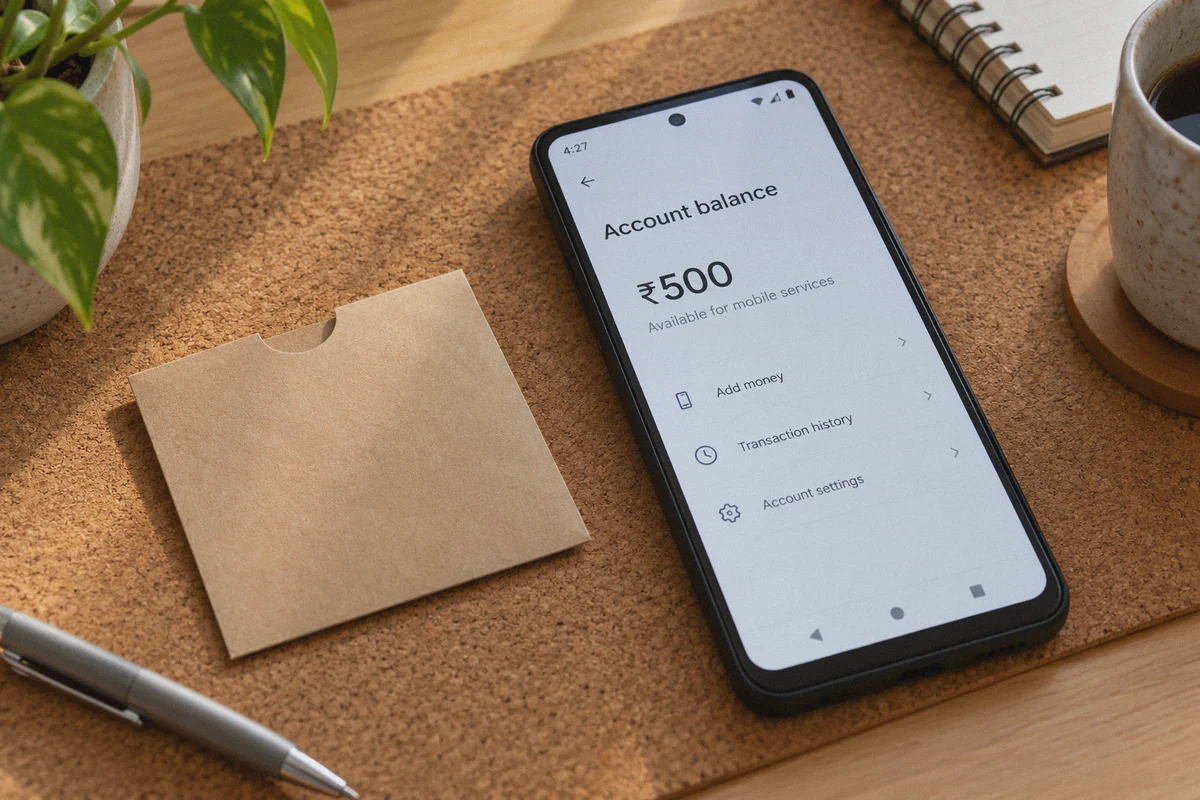
- Fund the account with digital gift cards: Buy a regional Apple or Google Play gift card from legitimate digital vendors (like SEAGM, Eneba, or Amazon's regional portal) and redeem it to your new regional account.
- Subscribe in-app: Download the Codecademy app on that account, log in with your primary Codecademy profile, and hit upgrade.
Apple or Google will process the payment in local currency using your gift card balance. No Stripe BIN rejection, no foreign bank decline.
Route 2: The Clean Web Checkout (For Multi-Currency Cards & PayPal)
If you prefer subscribing via web with services like Wise, Revolut, or an international PayPal account, you can pay directly on the site—provided your VPN does not leak proxy markers.
For this to work:
- You must clear all browser cookies and site storage for Codecademy.
- Match your operating system’s time zone and language settings to the target region.
- Use a VPN with dedicated traffic obfuscation so Stripe doesn't flag your session mid-handshake.
Why Generic VPNs Get You Blocked (And What to Use Instead)
Most people try this trick with popular, run-of-the-mill VPNs or sketchy free proxies. That is precisely why it fails.
Standard VPNs route thousands of users through the exact same crowded IP ranges. Payment gateways maintain real-time blacklists of these server subnets. The moment you initiate an encrypted checkout session, the gateway flags the connection as an anonymous proxy. Even if your card is valid, the processor kills the transaction to prevent fraud.
Furthermore, if your connection stutters or switches routes while your bank’s 3D Secure SMS verification is loading, the session token breaks and the payment errors out.
This is where OnlyDogs VPN solves the actual bottleneck:
- HTTP/3 & Proprietary Traffic Obfuscation: Unlike standard WireGuard or OpenVPN configurations that broadcast obvious encryption patterns, OnlyDogs VPN disguises traffic as ordinary web activity. It slips past anti-proxy firewalls without tripping Stripe's bot alarms or resetting your checkout currency back to USD.
- 1-Click Scenario Presets: Instead of forcing you to guess which specific city node isn't blacklisted, OnlyDogs provides intuitive scenario presets. You select what you want to achieve, and the client automatically routes your traffic through optimized, low-noise lines.
- Resilient Connection Recovery: If your local Wi-Fi drops or hiccups during the crucial 3D Secure payment authorization, OnlyDogs maintains your virtual tunnel without forcing an abrupt IP change that spoils the transaction.
- Frictionless Multi-Platform App: You can run it on Windows or macOS for web checkout, or flip it on your iPhone or Android to execute the App Store gift card method, with identical settings across devices.
If you are tired of playing server roulette with providers whose IPs are already burned, grab a clean line through OnlyDogs VPN before starting your checkout process.
Step-by-Step: Getting Codecademy Pro at the Discounted Rate
Follow this sequence exactly. Skipping steps is usually what triggers fraud reviews.
Step 1: Prep a Sterile Browser Environment
Do not attempt this in your everyday browser profile where you’ve logged into Codecademy from your home IP for the past six months.
- Open an incognito/private window, or better yet, download a secondary clean browser (like Brave or Firefox).
- Turn off browser location services.
- Clear all site data, cache, and cookies.
Step 2: Establish a Clean Tunnel
- Open OnlyDogs VPN.
- Connect to your selected regional server (India, Brazil, or the Philippines).
- Verify your external IP via an IP lookup tool to ensure DNS and WebRTC are fully masked.
Step 3: Access Codecademy and Confirm Currency
- Navigate directly to
codecademy.com/pricing. - Look at the pricing tier display. You should immediately see the prices quoted in local currency (e.g., ₹ INR or R$ BRL) rather than USD/EUR.
- If it still shows USD, close the browser, clear cache again, and ensure your VPN connection is active before opening the page.
Step 4: Complete the Purchase
- Sign into your existing Codecademy account (or create your dedicated study profile).
- Select the Annual Pro Plan (regional discounts offer the highest margin on annual commitments).
- Complete payment via your regional funding method (the In-App Store bypass or your multi-currency balance).
- Wait for the green confirmation screen and your welcome email.
Two Things Not to Do After Subscribing
Once your subscription is active, you don't need to overthink it, but don't shoot yourself in the foot either:
- You do NOT need to keep the VPN on to practice coding: Once your account status upgrades to "Pro," the entitlement is tied to your account, not your IP. You can log in from your normal home connection, download the Codecademy desktop app, and complete your coding tracks without the VPN turned on.
- Leave auto-renew management alone for the first 48 hours: Don't immediately jump into account settings and cancel recurring billing 3 minutes after the payment clears. Automated risk systems sometimes review immediate cancellations as suspicious activity. Let the account settle for a couple of days before toggling auto-renew preferences.
Getting Codecademy Pro at a fraction of the domestic price isn't a secret hack—it's just taking advantage of purchasing power parity that the platform officially supports in other economies. The difference between the people who save $150 and the people who waste an afternoon staring at payment error screens comes down to using a clean connection that doesn't trigger security flags.
Set up a stable line on OnlyDogs VPN, use the right checkout path, and get back to actually learning to code.
Frequently Asked Questions
Why can Codecademy show a cheaper regional price and still decline my card?
The article explains that storefront location and payment approval are separate checks. A checkout can still react to a known VPN IP range, old session data, or a mismatch between the selected region and the payment method.
Why does the article suggest an app-store route when web checkout fails?
Because Apple or Google can handle the in-app purchase and local account balance instead of sending the transaction through the same web checkout path. The article still assumes that the regional account and funds are legitimate and usable.
What should I clean up before trying the web checkout again?
The article recommends a private or clean browser session, clearing Codecademy cookies and site storage, turning off browser location access, and keeping the device region, time zone, and VPN location consistent.
Do I need to keep the VPN connected after a successful subscription?
According to the article, no. Once the Pro entitlement is active on the Codecademy account, normal learning can continue from the usual connection; the VPN is discussed as part of the purchase-session setup, not a permanent requirement for coursework.