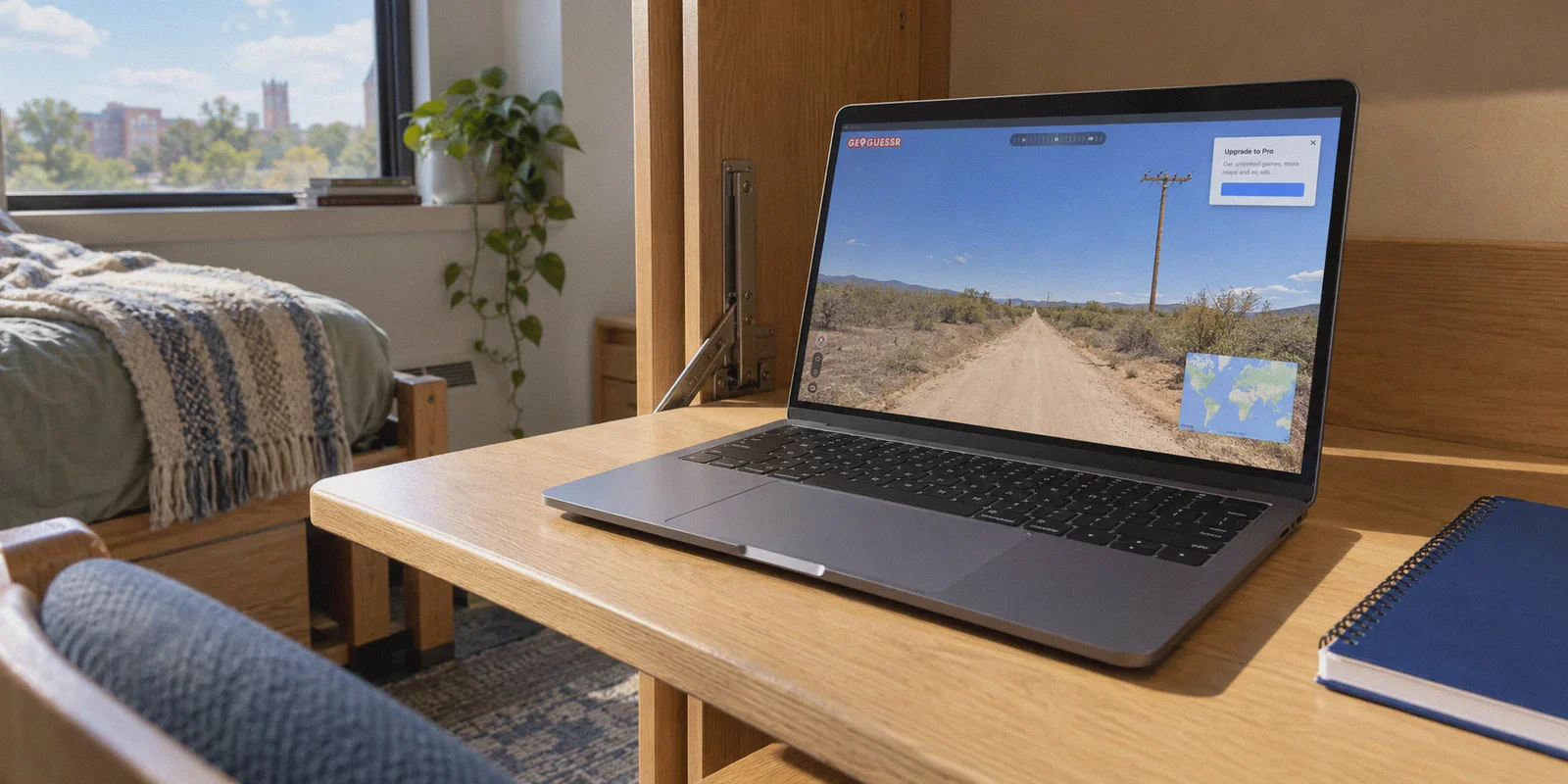
You’re staring at a blurry dirt road with a patch of dry grass and a wooden utility pole. You think it’s somewhere in Botswana, you hit the guess button, and bam—a pop-up slams into your screen:
"You've reached your free play limit. Upgrade to GeoGuessr Pro to keep exploring."
Ever since GeoGuessr pulled the plug on free unlimited games, the community has been divided into two camps: those who reluctantly cough up $4–$6 every single month, and those who spend their evenings scouring Reddit for "how to get cheap GeoGuessr Pro with a VPN."
If you’re in the second camp, you’ve probably heard that players in countries like Turkey, Brazil, the Philippines, or Argentina pay a fraction of the US and European price—often under $1.50 to $2 a month.
Sounds like an easy five-minute win, right? Download a VPN, switch your country to Istanbul or São Paulo, open the pricing page, and enter your card details.
Except when most people try it today, they don't get cheap Pro. They get hit with "Your card was declined," an endless payment processing wheel, or a sudden currency bounce back to USD.
Here is the truth about how regional pricing on GeoGuessr actually works, why 90% of old Reddit guides fail, and the exact method that still gets you a cheap Pro pass without risking your account.
Article summary and product fit
Why does changing your VPN region show a cheaper GeoGuessr price but still lead to a declined payment, and what does the article suggest instead?
The article says modern payment systems evaluate more than the visible IP country: they can compare the exit network, card origin, browser state, and other risk signals. It describes two routes—mobile app-store billing or a clean web session with a compatible payment method—and emphasizes keeping the browser and regional signals consistent.
Key context
- Best for: GeoGuessr players researching regional pricing who are encountering currency resets, payment declines, or a mismatch between the displayed price and the checkout result.
- Article detail: The article treats the payment step as separate from the pricing display and recommends a fresh browser session, consistent regional signals, and an IP/DNS check before checkout.
- Important limit: Regional prices and payment rules can change, and a VPN cannot guarantee that a processor will approve a card or that a regional purchase path will remain available.
- OnlyDogs fit: OnlyDogs VPN is positioned in the article as a way to establish a cleaner, more stable regional browser session; payment approval still depends on the store, processor, card, and account rules.
Sources already referenced in this article: IPLeak network test; OnlyDogsVPN official website.
1. The Trap: Why the "Just Set Your VPN to Turkey" Advice Is Broken
Most copy-paste tutorials online treat GeoGuessr like it's still 2021. Back then, websites used basic IP lookups. If your IP said Ankara, the site happily charged you Turkish Liras, no questions asked.
Today, GeoGuessr runs its checkout through modern payment processors (primarily Stripe). Stripe doesn’t just look at your flag—it runs a real-time risk assessment:
- Datacenter IP Flagging: Most big commercial VPNs route thousands of users through the exact same crowded server IPs. Payment gateways maintain constantly updated blacklists of these datacenter ranges. The moment you open the checkout page on a dirty IP, Stripe’s fraud engine silently flags the session.
- Card Origin Mismatch: If your IP says Brazil, but you swipe a Chase Visa or UK Barclays debit card, Stripe immediately triggers a 3D Secure verification or outright rejects the transaction for cross-border currency restrictions.
- Browser Footprint Leaks: If your IP is in Buenos Aires, but your system clock is GMT+8, your browser language is US English, and your previous login cookie was from Seattle 10 minutes ago, the checkout engine knows you're spoofing.
That’s why so many people get stuck halfway through. They manage to see the cheaper local price on the screen, but their money never goes through.
To actually get the discount, you need to understand which checkout door to walk through—and how to make your connection look clean enough that fraud filters don't slam it shut.
2. GeoGuessr Pro Pricing Around the World: What Are You Actually Saving?
Before jumping through hoops, it helps to see the numbers. GeoGuessr pricing varies significantly by region to match local purchasing power:
| Region | Monthly Pro (Approx. USD) | Annual Pro / Month (Approx. USD) | Discount vs. US/EU Price |
|---|---|---|---|
| US / UK / EU (Standard) | $3.99 – $5.99 | ~$3.99/mo ($47.88/yr) | Baseline (Full Price) |
| Turkey (TRY) | ~$1.20 – $1.80 | ~$1.10/mo | ~70% Off |
| Brazil (BRL) | ~$2.00 – $2.50 | ~$1.80/mo | ~55% Off |
| Philippines / India | ~$1.80 – $2.30 | ~$1.50/mo | ~60% Off |
Note: Exchange rates and regional pricing tiers adjust periodically, but the relative gap between Tier-1 economies and emerging markets remains huge.
Over the course of a year, the difference between paying $48 and paying $15 is the price of a couple of pizzas or a brand-new indie game on Steam. For a college student or a casual weekend player, that saving is real.
3. The Two Methods That Actually Work
If simply plugging a foreign card into GeoGuessr’s web checkout fails, what actually succeeds? There are two reliable routes.
Route A: The Mobile App Store Workaround (Highest Success Rate)
GeoGuessr has native apps on both iOS (App Store) and Android (Google Play). Both app stores let you pay subscriptions using local app store balances or regional gift cards, completely bypassing Stripe’s web-based credit card gate.
Here is how it works in practice:
- Your GeoGuessr account syncs seamlessly across phone, tablet, and PC. An account upgraded on the mobile app gives you full Pro access when you log into Chrome or Edge on your desktop.
- You connect your phone to your VPN's regional server (e.g., Turkey or Brazil).
- You log into a regional secondary Google or Apple account.
- You fund that account using a cheap digital gift card (purchased via standard stores like Eneba, G2A, or SEAGM) or a compatible international payment card.
- You subscribe inside the GeoGuessr mobile app.
- Once activated, you log back in on your desktop browser. You have full Pro access with zero desktop restrictions.
Route B: The Clean-IP Web Checkout (For Virtual & Multi-Currency Cards)
If you hold a multi-currency card (such as Wise or Revolut) or a card that doesn't enforce strict billing address checks, web checkout can still work—on one strict condition: the connection must not trigger Stripe's anti-bot or VPN shield.
If the payment processor detects an active VPN tunnel, it tightens risk limits and requires the card's issuing bank country to match the IP country 1:1. But if the connection looks like an ordinary, unflagged residential browsing session, international cards with loose geo-locking often sail right through.
This brings us to the most critical piece of the puzzle: your VPN.
4. Why Your VPN Matters More Than You Think
A lot of gamers think all VPNs do the same thing: change a flag and encrypt data. But when dealing with strict anti-fraud systems like Stripe, Cloudflare, and geo-fenced platforms, generic VPNs are the number one reason transactions fail.
This is where OnlyDogs VPN separates itself from bloated, legacy tools.
Most commercial VPNs use well-known OpenVPN or WireGuard protocol signatures that automated firewalls detect within milliseconds. Furthermore, their bloated desktop apps make you manually sift through hundreds of servers, guessing which IP isn't already blacklisted.
OnlyDogs VPN takes a completely different, zero-headache approach:
- HTTP/3 & Proprietary Obfuscation: Instead of broadcasting traditional VPN handshakes, OnlyDogs mimics regular HTTPS web traffic over HTTP/3. To payment firewalls and bot filters, your connection behaves like a normal web user rather than an obvious proxy node.
- One-Click Scenario Presets: You don’t need a degree in network routing. You click what you want to accomplish, and the app automatically provisions the fastest, cleanest route available. It skips the tedious "connect, fail, disconnect, try another city" cycle.
- Rock-Solid Reconnects: If your Wi-Fi flickers or switches to mobile data while you’re mid-checkout, standard VPNs drop the tunnel, exposing your real IP right to the payment gateway. OnlyDogs recovers instantly without leaking your origin environment.
- No Password Hassle: It uses secure email OTP login—no messy credentials to store or leak.
- Ad and Tracker Shielding: It scrubs tracking scripts and intrusive ads at the network layer, preventing third-party cross-site cookies from blowing your regional session.
If you don’t already have a clean tool for this, grab OnlyDogs VPN here before setting up your checkout environment.
5. Step-by-Step: How to Lock in Cheap GeoGuessr Pro
Follow these steps in order. Skipping steps or doing them out of sequence is what triggers security flags.
Step 1: Prep a Sterile Browser Session
- Open an Incognito / Private Window in your browser. (Do not use your everyday browser window filled with cached local location cookies).
- Make sure your browser's location services/GPS permission is set to "Blocked" or "Ask."
Step 2: Establish the Clean Route
- Launch OnlyDogs VPN.
- Select your target discount country (Turkey or Brazil are the current benchmarks for pricing vs. ease of access).
- Let the connection settle for 5–10 seconds. Check an IP-checking site (like
ipleak.net) to ensure your DNS and IP both reflect the target region with no leaks.
Step 3: Access GeoGuessr
- In your clean incognito window, navigate to GeoGuessr’s official site.
- Log into the GeoGuessr account you want to upgrade (or create a fresh one).
- Head to the Pro Subscription page.
- Verify the currency: The pricing should now be displayed in TRY (Turkish Lira), BRL (Brazilian Real), or your chosen region’s currency. If it still displays USD or EUR, close the window, clear site data, reconnect your VPN node, and reopen.
Step 4: Complete the Checkout
- If using Web Direct: Select the Annual plan (annual plans offer the deepest regional discount and lock in the price for 12 full months, meaning you don't have to repeat this dance every 30 days). Enter your payment details.
- If Web rejects your card: Switch to Route A (the Mobile App Store method described above). Open the GeoGuessr app on your phone while connected to OnlyDogs VPN, make sure your app store currency matches, and check out via store balance.
Step 5: Test and Enjoy
- Once the payment confirmation screen appears, log into GeoGuessr normally on your primary gaming setup—with or without the VPN.
- Your account status will permanently say Pro, unlocking unlimited map exploration, ranked duels, custom community challenges, and party modes with friends.
6. Will You Get Banned for Doing This?
The short answer: No, but don't do dumb things.
Thousands of players use regional pricing across Steam, Spotify, YouTube, and GeoGuessr. GeoGuessr’s anti-cheat team is heavily focused on competitive integrity—detecting script-injectors, Google Lens cheats, and automated camera-snapping bots on the leaderboards. They do not spend engineering resources retroactively banning paying accounts over regional subscription pricing.
Once the payment clears, you're a registered paying subscriber in their system.
However, keep these two rules in mind:
- Don't jump continents every week: Once you subscribe in a region, leave the billing settings alone. Don’t try to change your billing country to five different places in a single afternoon.
- Lock in the Annual Plan: Subscribing on an annual cycle means your payment gateway interaction happens once a year instead of facing a monthly automated cross-border check that could fail if local banking rules tighten.
The Bottom Line
Paying $48 to $70 a year for a browser game you play a few times a week feels unnecessary, but wasting three hours wrestling with broken proxies and declined checkout pages is even worse.
The trick isn’t complicated once you drop the outdated 2021 tactics. Keep your browser clean, route through an obfuscated, unflagged connection using OnlyDogs VPN, and route the checkout through a channel that doesn't trigger automated card freezes.
Once you’re in, you can close the settings, queue up for competitive Duels, and get back to what actually matters: figuring out whether that dirt road is in South Africa or Western Australia.
Frequently Asked Questions
Why can GeoGuessr show a regional price and still decline the card?
The article says the payment processor can compare the VPN exit network, card-issuing country, browser cookies, language, time zone, and other signals. A lower displayed price therefore does not mean the payment risk checks have passed.
What alternative does the article describe when direct web checkout keeps failing?
It describes subscribing through the GeoGuessr mobile app using the regional Apple App Store or Google Play billing path, because that route does not use the same web-card checkout flow.
What preparation does the article recommend before a web checkout attempt?
Start with a private/incognito browser session, restrict browser location access, connect to the intended region, and verify that IP and DNS reflect that region before opening the GeoGuessr subscription page.