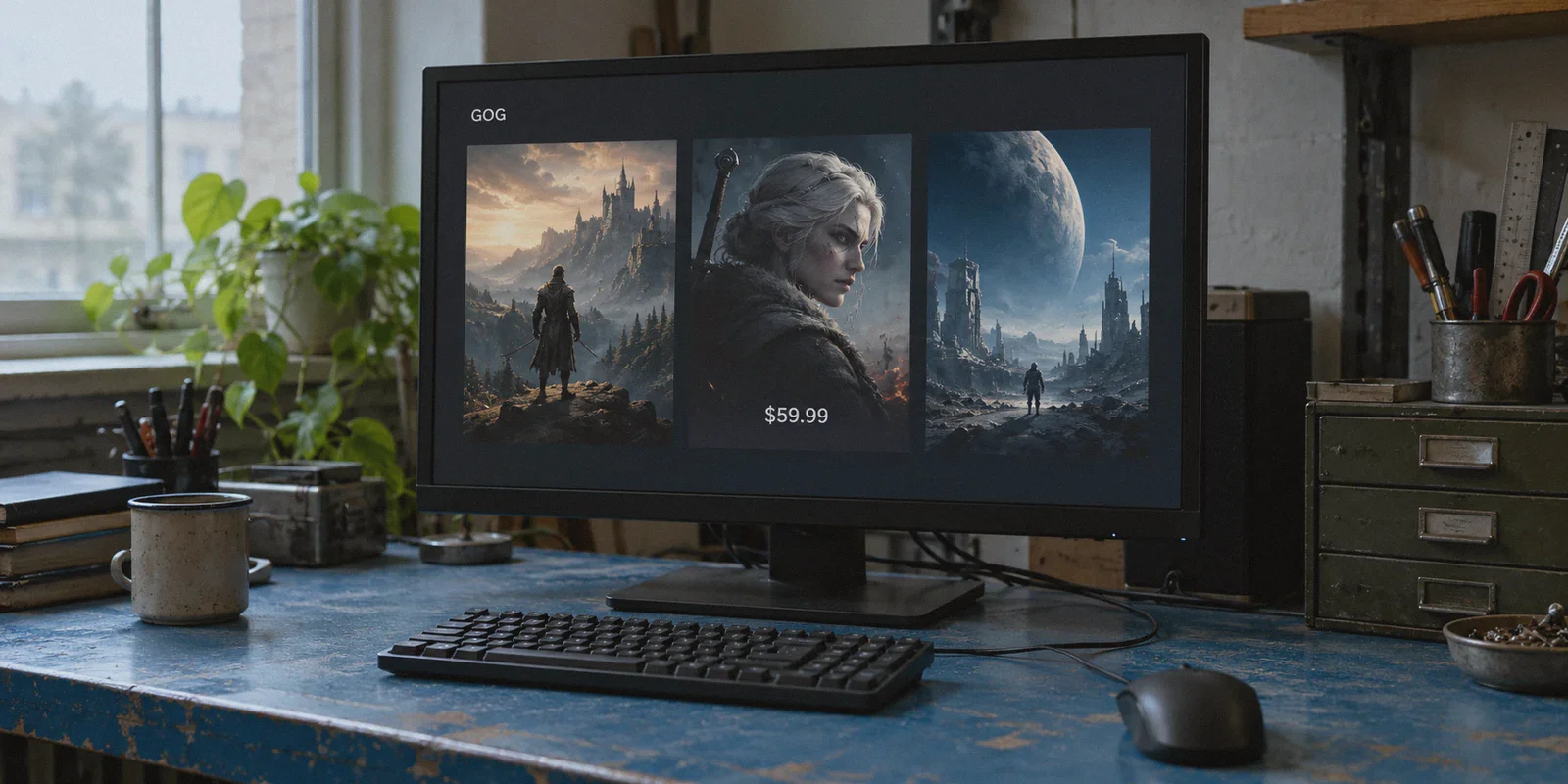
If you’re searching for how to get cheap GOG games using a VPN, you’ve probably hit the exact same wall that hundreds of PC gamers run into every week.
You’re browsing GOG (Good Old Games) for a classic RPG, an indie darling, or a massive title like Cyberpunk 2077 or Baldur's Gate 3. You see a Reddit screenshot showing the exact same game listed for roughly $18 in Ukraine, Poland, or South Africa, while your US or EU store is asking for a full $60.
Naturally, you think: “Easy. I’ll just turn on a VPN, set my location to Warsaw or Kyiv, and grab the deal.”
Then you try it.
You add the game to your cart, click check out, and hit a brick wall. Either the currency stubbornly bounces back to USD/EUR, the payment processor spits out an ominous "Payment failed, please try another method", or your card gets blocked for an automated fraud check.
Does getting cheap GOG games with a VPN actually work? Yes.
Is it as simple as downloading a random free browser proxy and clicking buy? Not anymore.
Here is the truth about how regional pricing on GOG works today, why standard VPNs trigger instant payment rejections, and the exact workaround that lets you lock in lower prices and download your DRM-free games safely.
Article summary and product fit
Why can a regional GOG price appear correctly while checkout still fails?
The article says the store price and payment approval are separate checks: a data-center VPN IP, a card-country mismatch, or a dropped connection can trigger the payment processor even after the regional storefront appears.
Key points and product fit
- Best for: GOG buyers comparing regional prices who understand that the checkout method and network route are separate parts of the transaction.
- Payment routes in the article: It describes using GOG Wallet or prepaid balance as the most reliable path, or a multi-currency card when the connection and billing checks align.
- Where OnlyDogs fits: It is positioned as the network layer for maintaining a clean route during checkout and for handling large offline-installer downloads afterward.
- Important limits: Publisher prices vary, payment rules can change, and a VPN cannot guarantee that a payment method or regional transaction will be accepted.
Sources already linked in this article: GOG, IPLeak, OnlyDogs VPN official website.
1. Why GOG Regional Pricing Is the Holy Grail (Steam vs. GOG)
Before getting into the how, it’s worth understanding why doing this on GOG is fundamentally different—and far better—than doing it on Steam.
When people try to buy cheap games on Steam via VPN, they take on massive headaches:
- Steam locks your entire account to a single store region and requires a valid local payment method to even switch it once every three months.
- Steam games run through client DRM. If Valve detects you spoofing your region, they can ban your library or hit the game with a runtime geo-lock that refuses to launch without a local IP.
GOG does not play by those rules because GOG is 100% DRM-free.
On GOG, you aren’t renting a license that sits behind a corporate launcher. Once you buy a game, you can download the Standalone Offline Backup Installers directly onto your hard drive.
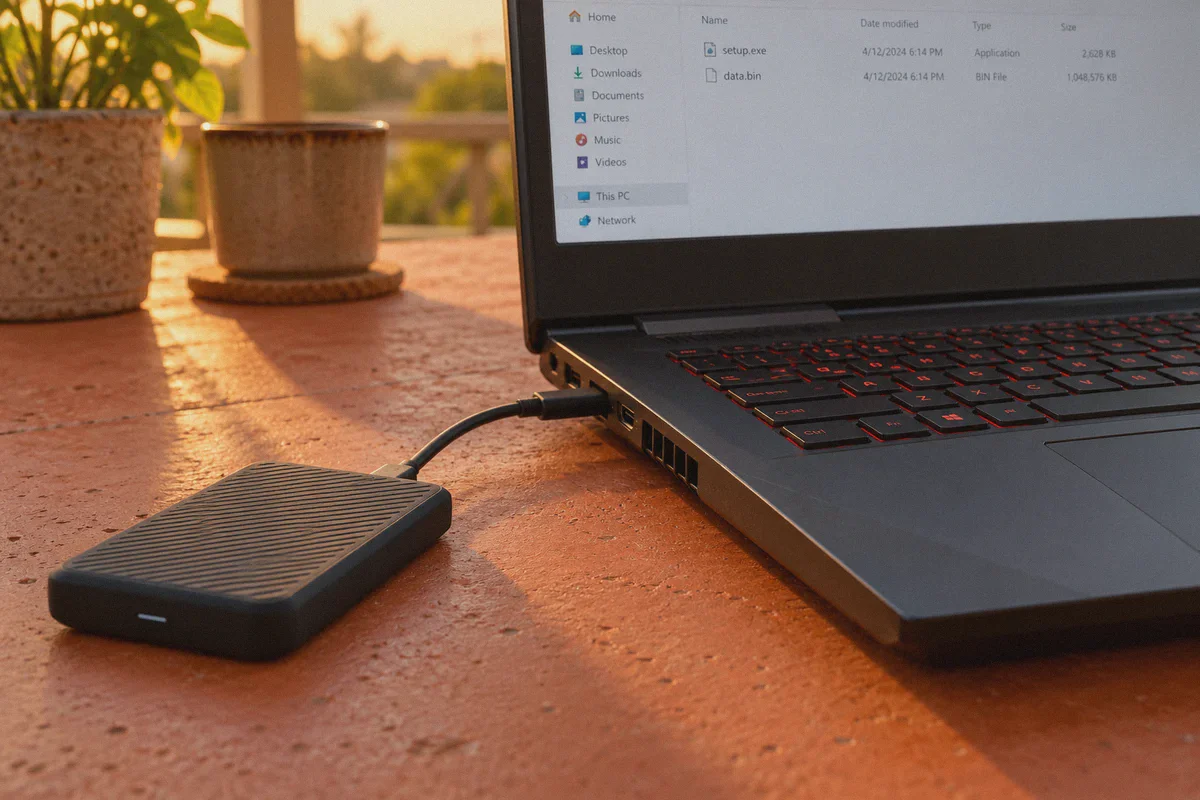
Those installer files (.exe and .bin) belong to you forever. They have zero DRM, zero region checks upon launch, and zero need to "phone home" to a server. Once you have the game files in your hands, nobody can revoke them, lock them to an IP address, or stop you from playing them on your desktop, laptop, or Steam Deck.
That makes regional pricing on GOG the ultimate score for PC gamers—if you know how to clear the checkout gate.
2. GOG Regional Pricing: How Big Are the Discounts?
Publishers set their own regional prices on GOG based on local currency strength and purchasing power. While not every game offers a massive discount, many major titles and indie catalogs show dramatic gaps:
| Region / Currency | Typical AAA Price (USD Equivalent) | Indie / Mid-Tier Title (USD Equivalent) | Average Savings vs. US Base |
|---|---|---|---|
| US / Western EU (Base) | $59.99 – $69.99 | $19.99 – $29.99 | Baseline (Full Price) |
| Poland (PLN) | ~$35.00 – $42.00 | ~$11.00 – $15.00 | ~35% – 45% Off |
| Ukraine (UAH) | ~$22.00 – $30.00 | ~$7.00 – $12.00 | ~50% – 65% Off |
| South Africa (ZAR) | ~$28.00 – $36.00 | ~$9.00 – $14.00 | ~40% – 55% Off |
Note: Pricing varies by publisher. CD Projekt Red titles and European indie developers frequently offer significant regional adjustments in Central/Eastern European currencies.
Over three or four game purchases, you’re saving anywhere from $80 to over $150. That’s enough to buy a fresh SSD to store all those offline installers.
3. The Catch: Why Simple VPN Tricks Fail at Checkout
If the savings are that high, why isn't everyone doing it?
Because GOG’s payment processor (Adyen) is equipped with modern risk-scoring engines. When you hit the checkout page, Adyen evaluates your session on three fronts:
- Datacenter IP Flagging: Free and low-grade VPNs route traffic through public datacenter IPs that are already flagged in commercial fraud databases. The moment you land on GOG’s billing page from an IP that screams "commercial proxy," the payment gateway automatically blocks cross-border currency processing.
- Card Billing Address Mismatch: If your IP says you are in Kyiv, but you try to pay with a Wells Fargo debit card or a UK Barclays credit card, the automated payment gateway detects the geographic mismatch and declines the transaction.
- Network Connection Drops: If your VPN tunnel flickers or stutters mid-checkout, your browser momentarily leaks your real DNS and IP address. The system catches the switch, cancels the session, and locks the cart.
To make regional checkout work, you need two things: a clean, unflagged network route and the right payment strategy.
4. The Two Methods That Actually Work
Method A: The GOG Wallet Gift Card Route (Most Reliable)
This is the cleanest, zero-risk method because it completely bypasses the credit card country-mismatch issue:
- Connect to your chosen discount country (e.g., Poland or Ukraine) through a dedicated, obfuscated VPN connection.
- Instead of directly swiping your domestic bank card for the game, purchase a digital GOG Wallet Code or compatible prepaid card through a reputable digital keyshop or gift card vendor that delivers instant codes.
- Redeem the wallet code on your regional GOG session. The balance deposits directly into your account in the local currency or its equivalent credit.
- Purchase the game using your GOG Wallet balance. Since there is no credit card bank check involved, the order completes instantly.
Method B: International Multi-Currency Cards on a Stealth IP
If you hold a multi-currency virtual card (such as Wise or Revolut) or a card with loose cross-border billing restrictions:
- You can pay directly in local currencies—provided your connection does not look like a VPN.
- If the payment gateway detects standard VPN handshakes or high-risk IP ranges, it enforces 1:1 billing address verification. But if the connection behaves like a normal, clean residential connection, international cards process smoothly.
This brings us to the single biggest factor in whether your transaction goes through or gets flagged: your network connection.
5. Why Your VPN Choice Makes or Breaks This
Most commercial VPNs are built on generic protocols like OpenVPN or WireGuard. While these are fine for basic browsing, their handshake signatures are easily spotted by financial gateways and security filters.
Furthermore, with GOG, getting past the checkout is only half the battle. Once you own the game, you need to download massive standalone offline installers—often 40 GB to 80 GB per game. If your VPN gives you slow speeds, drops connections, or routes through congested nodes, downloading game archives becomes an absolute nightmare.
This is where OnlyDogs VPN solves the specific pain points gamers deal with:
- HTTP/3 & Proprietary Obfuscation: Rather than broadcasting visible VPN protocol signatures that trip Adyen’s anti-proxy filters, OnlyDogs disguises your connection as standard secure HTTPS traffic over HTTP/3. To payment gateways, you look like a normal web user rather than an anonymous proxy.
- One-Click Scenario Presets: You don't have to fiddle with custom DNS settings or manual server ports. Just tap the preset for your desired scenario (speed, media, or browsing), and the app automatically establishes the cleanest, lowest-latency route.
- Full-Throttle Download Speeds: GOG offline backup files are huge. OnlyDogs optimizes routing paths so you can pull down multi-gigabyte installer archives without arbitrary throttling or connection choking.
- Zero-Drop Network Switching: If your home connection hiccups or your computer switches between Ethernet and Wi-Fi, OnlyDogs recovers the connection instantly without dropping active sessions or leaking your real origin IP mid-transaction.
- Network-Level Ad and Script Blocking: Filters out background tracking scripts and bloated beacons, keeping the store interface snappy and responsive.
- Frictionless Access: No complex account credentials to remember—just clean, instant email OTP verification across Windows, macOS, Android, and iOS.
If you want a connection that doesn't trigger fraud alerts or crawl at dial-up speeds, get set up with OnlyDogs VPN before starting your purchase.
6. Step-by-Step Playbook: Buying Cheap GOG Games Safely
Follow these exact steps to ensure a smooth purchase:
Step 1: Prepare a Clean Browser Environment
- Open a fresh Incognito / Private Window in your browser.
- Ensure you don't have old GOG session cookies cached from your home region.
- Turn off browser location access permissions.
Step 2: Establish the Clean VPN Tunnel
- Open OnlyDogs VPN.
- Select your target region (e.g., Poland or Ukraine).
- Wait a few seconds for the route to lock in. Verify your IP on an address lookup site (like
ipleak.net) to ensure your DNS and location match without leaks.
Step 3: Log In and Check the Storefront
- Navigate to GOG.com in your private window.
- Log into your GOG account.
- Search for the game you want. Check the currency symbol next to the price. If you see PLN, UAH, or the appropriate local currency, the regional catalog is active.
Step 4: Complete the Purchase
- Add the game to your cart.
- Checkout using Method A (GOG Wallet balance) or Method B (international multi-currency card).
- Complete the transaction.
Step 5: Download Your Offline Backup Installers (Crucial!)
- Once the purchase succeeds, go to your GOG Library in your browser.
- Click on the game, scroll down to "Download Offline Backup Game Installers", and download all the installation chunks directly to your PC.
- Store these
.exeand.binfiles in a dedicated games folder or external drive. You now own the permanent, DRM-free offline game—ready to install anytime, anywhere, completely independent of any launcher.
7. Account Safety: Will GOG Ban You?
GOG’s philosophy has always leaned heavily into user freedom and anti-DRM principles. Unlike platform monopolies that conduct aggressive ban sweeps on player libraries, GOG's automated checks occur almost entirely at the payment gateway stage.
If a payment goes through, the game simply enters your account. GOG does not go back and retroactively confiscate games from users because of regional store purchases.
That said, you should still practice common-sense account hygiene:
- Don't continent-hop five times in an afternoon. Don't buy a game in Ukraine at 2:00 PM, one in Brazil at 2:30 PM, and one in Japan at 3:00 PM. Pick a region, make your purchase, and stick to it.
- Always grab the offline backup installers. The entire beauty of GOG is offline ownership. Once the setup files are sitting on your hard drive, your game is yours forever, completely insulated from store policies or future platform changes.
The Verdict
Getting cheap GOG games with a VPN isn't a myth, but the old method of blindly clicking through with a domestic credit card on a free proxy is dead.
The formula that works in 2026 is simple:
- Use an obfuscated, unflagged connection via OnlyDogs VPN to avoid payment gateway bot-detection.
- Route the transaction through GOG Wallet balances or multi-currency cards to bypass banking mismatches.
- Immediately download the offline backup installers to secure 100% DRM-free ownership.
Stop overpaying for games you play on your own hardware. Set up a clean route, grab your discount, and build a permanent offline game library that no company can ever take away from you.
Frequently Asked Questions
Why can a VPN show a cheaper GOG region but the payment still be declined?
The article says the payment processor can separately evaluate whether the network looks like a commercial proxy, whether the card’s billing country matches the session, and whether the connection changed during checkout.
Why does the article treat GOG differently from Steam?
It emphasizes GOG’s DRM-free model and offline backup installers. Once purchased and downloaded, those installer files can be stored locally and used without a launcher phoning home for every session.
Which payment methods does the article describe for regional checkout?
It describes a GOG Wallet or compatible prepaid balance as the most reliable route, with an international multi-currency card as another possibility when billing and network checks do not conflict.
What should I do immediately after a GOG purchase?
The article recommends downloading all Offline Backup Game Installers from the library and storing the .exe and .bin files locally or on an external drive.
Can a VPN guarantee that a regional GOG purchase will succeed?
No. The article makes clear that the route is only one factor. Regional pricing, payment-processor rules, card acceptance, and publisher policies can still affect the transaction.