How to Get Grammarly Premium Cheaper With a VPN: What Actually Works (and What Gets Your Card Declined)
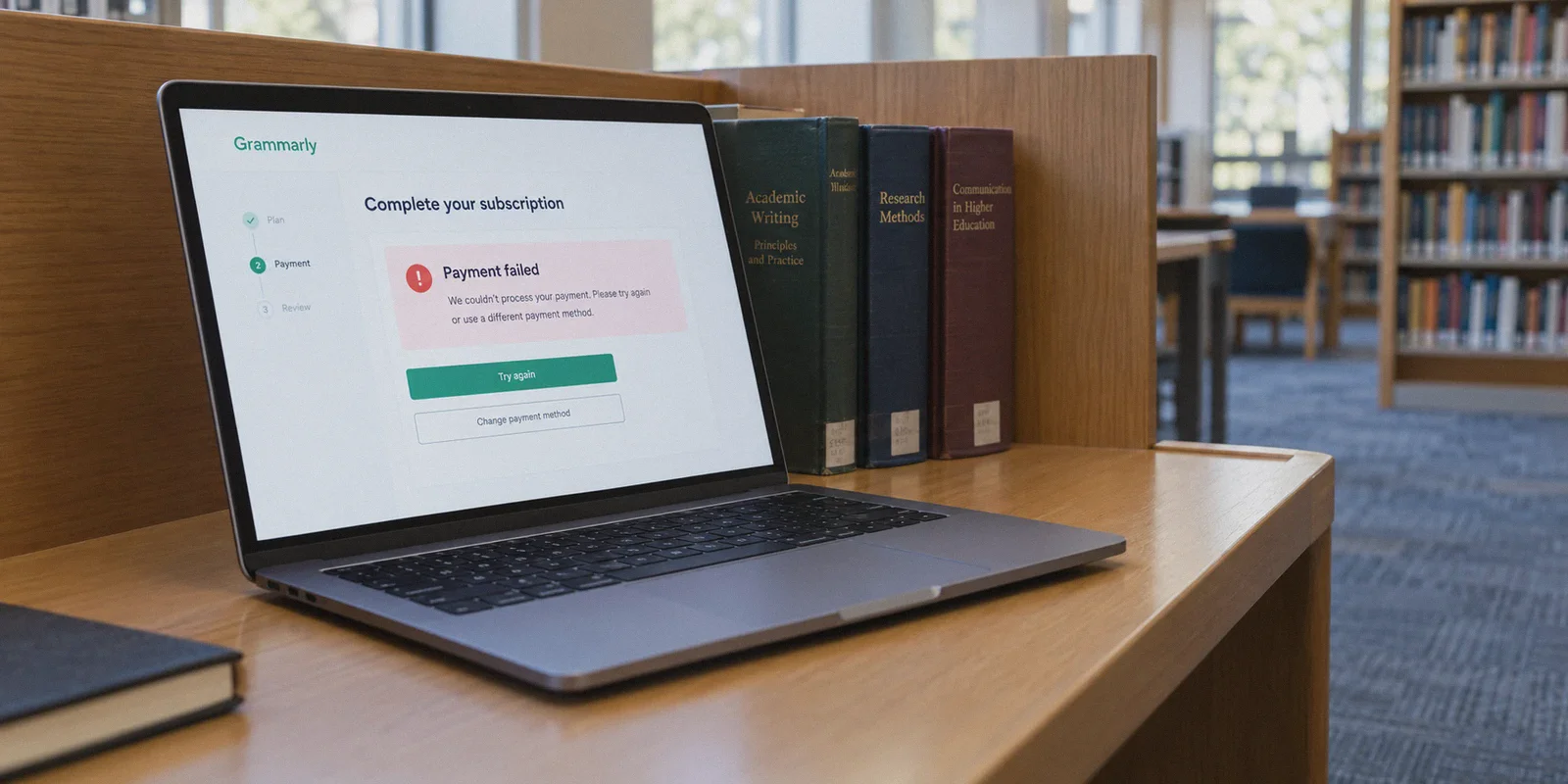
If you opened a VPN, set your location to Turkey or Argentina, and headed to Grammarly expecting a magical $3-a-month checkout page, you probably ran straight into one of two walls: either the price was still listed in flat USD, or your screen flashed a bright red "Payment Failed / Card Declined" error the second you clicked buy.
The internet is flooded with cookie-cutter tutorials claiming you can buy Grammarly Premium for pennies just by spoofing your IP address to a low-income country.
Most of those tutorials are either five years out of date or written by people who have never actually run their own card through Grammarly’s checkout system.
Grammarly is not Netflix, Steam, or YouTube Premium. It does not run an open, unguarded regional pricing bazaar where any foreign IP gets an automatic 80% discount. If you try to force the classic "regional hop" without understanding how Grammarly’s billing engine works, you will just burn an afternoon getting your card flagged by anti-fraud filters.
There is a legitimate way to use a VPN to cut 40% to 50% off Grammarly Premium—often bringing the annual bill down from $144 to around $72. But the mechanism is different from what you've been told, and your network setup matters far more than the country flag you click.
Article summary and product fit
What does the article say actually lowers Grammarly Premium cost, and why does the simple regional-VPN trick fail?
The article says the reliable savings come from Grammarly’s own retention and seasonal promotions rather than pretending to be in a low-price country. It recommends a clean browser profile, a stable route, a new free account, normal product use, and then checking out through an official discount offer when one appears.
Key points, fit, and limits
- Best for: People comparing legitimate Grammarly discount paths and troubleshooting payment failures during an official promotional checkout.
- Key point: The article says card origin, IP reputation, and currency or payment-rail rules can all defeat a simple foreign-IP checkout attempt.
- Preparation: Its main workflow is a fresh browser profile, stable connection, new free account, 24–72 hours of normal use, and checkout from an official promotional email.
- Product fit in this article: OnlyDogs VPN is presented as a way to keep the browser and 3D Secure session stable and avoid heavily abused shared routes during checkout.
- Important limit: The discount itself comes from Grammarly’s promotions, not from the VPN, and offer timing or eligibility can vary by account and campaign.
Product source already linked in this article: OnlyDogs VPN official website.
Why the "Classic" Regional VPN Trick Fails on Grammarly
To understand how to actually save money, you first have to understand why the lazy method fails.
Grammarly processes its payments through Stripe and strict tier-one global merchant processors. When you hit the checkout page, their payment gateway performs three checks in parallel:
- Card BIN (Bank Identification Number) Matching: If your IP says Mumbai or Istanbul, but your Mastercard or Visa was issued by Chase, Barclays, or a domestic bank in Singapore, the payment processor flags the transaction as high-risk. For some digital goods this slips through; for Grammarly, it almost always triggers an automatic decline.
- IP Reputation and Fraud Scoring: Stripe uses an anti-fraud engine called Radar. When thousands of people use the same cheap or free VPN server to route payments, that entire IP range gets an elevated risk score. The moment you land on Grammarly's checkout through a flagged datacenter IP, the payment system quietly tightens its validation rules.
- Currency Anchoring: In many regions, Grammarly simply charges standard US dollars regardless of your IP location. Even in countries with localized pricing (such as India with INR rates), the checkout portal mandates local domestic payment rails—like Indian RuPay or local UPI wallets—that standard international cards cannot clear.
If your entire strategy is "turn on free VPN, pick cheap country, enter home credit card," you are setting yourself up for failure.
What Actually Works: The Clean-Session Retention Funnel
Grammarly’s best discounts do not come from pretending to live in a different continent. They come from algorithmic promotional testing and geo-targeted new-user campaigns.
Grammarly aggressively discounts its Premium plans—routinely slashing 40% to 50% off annual subscriptions—under specific conditions:
- First-time onboarding windows: Fresh accounts created in target demographic regions receive introductory upgrade offers that existing accounts never see.
- The "Cart Abandonment" trigger: When a user with a clean browser profile signs up for a free tier, uses the extension for 48 to 72 hours, and visits the upgrade page without buying, Grammarly’s automated CRM fires a limited-time 40% or 50% discount voucher to their inbox.
- Back-to-School and Regional Educational Promos: During seasonal cycles, Grammarly pushes targeted promotional landing pages to IP ranges in specific regions (often North America, the UK, and parts of Europe) that reduce annual plans from $12/month ($144 billed upfront) down to $7.20/month ($86 billed upfront) or even $6/month.
Where People Get Tripped Up
This is where the network bottleneck happens. Grammarly’s promotional engine uses tracking cookies, browser fingerprints, and IP reputation to decide whether to show you standard retail pricing or a discounted tier.
If you visit from an IP address with a history of spam, bot traffic, or commercial datacenter abuse, Grammarly defaults to the highest retail tier and suppresses discount banners. Worse, if your VPN drops connection or leaks your DNS mid-checkout, the session state breaks, the promo code falls off, and the transaction errors out.
To make the discount funnel work, you need two things: a pristine digital slate and a clean, trusted IP connection that doesn't trigger anti-fraud tripwires.
How to Get the 40%–50% Discount Step-by-Step
Here is the exact workflow that avoids the payment wall and locks in the lower price:
Step 1: Wipe the Slate Clean
Do not attempt this on a browser profile you've used for months with old cookies and tracking scripts.
- Open a fresh Incognito or Private browsing window.
- Even better, create a secondary profile in your browser (Chrome/Edge/Brave) so no residual Grammarly tracking pixels follow you.
Step 2: Establish a Clean, Non-Blacklisted Connection
Connect to a stable, residential-friendly server. Standard US or UK commercial lines are generally best for triggering seasonal education/holiday promotions.
The key here is avoiding congested, public VPN IPs that have been hammered by thousands of bot requests. You want an IP that looks like a normal, high-speed household connection.
Step 3: Register a Fresh Free Account
- Head to Grammarly and sign up for a brand-new free account using an email address that has never been linked to Grammarly before.
- Install the browser extension and accept the default onboarding prompts.
Step 4: Warm the Account (The 48-Hour Play)
Instead of clicking "Upgrade to Premium" immediately, use the free extension to check a couple of paragraphs or write a quick draft.
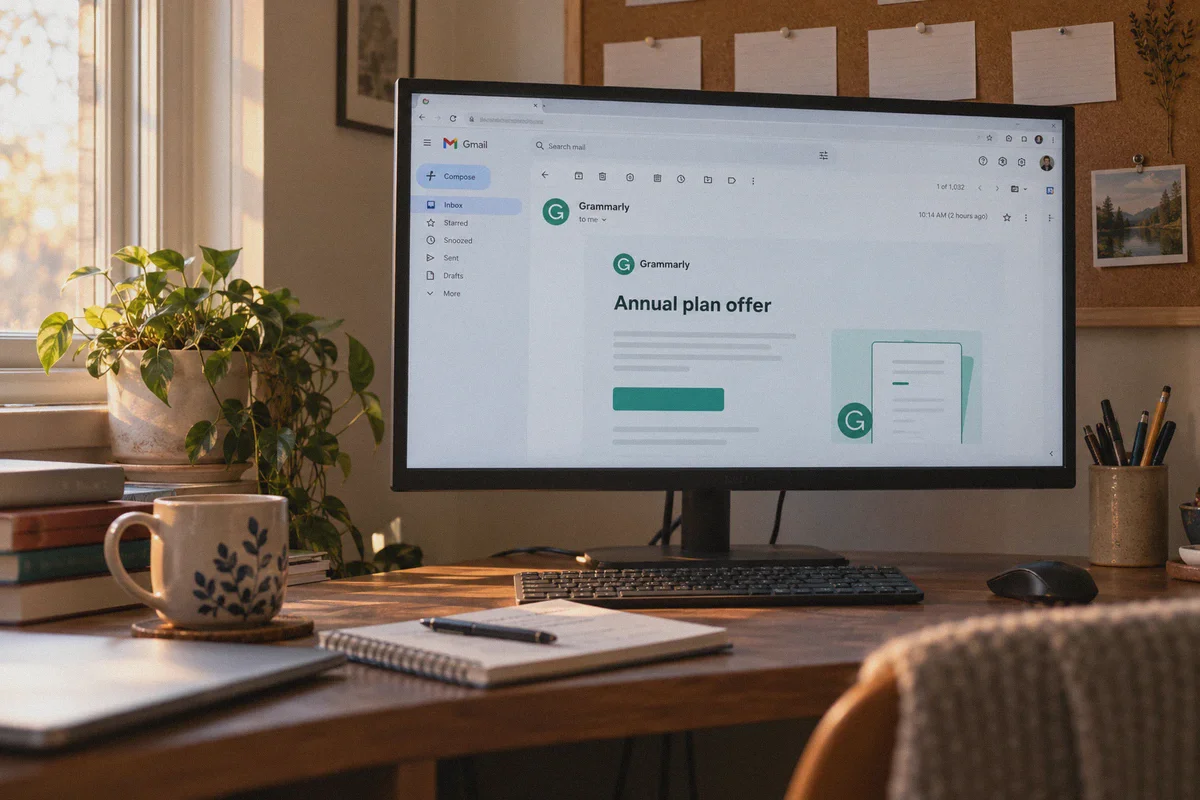
Grammarly’s automated marketing engine categorizes you as an active, engaged free user who needs an incentive to convert. Within 24 to 72 hours, check your inbox. In roughly 8 out of 10 cases, you will receive an official direct email offer: "Get 40% Off Grammarly Premium" or "Exclusive Offer: 50% Off Annual Plan."
Step 5: Check Out on a Stable Connection
Click the link directly from that promotional email while your clean connection is active.
- Select the Annual Plan. The discount applies to the upfront annual fee, dropping it from $144 to roughly $72–$86 for the full year.
- Pay with your normal international credit card or PayPal. Because you are checking out through an official targeted promotion rather than a fake regional currency loophole, your card clears instantly without getting blocked by fraud filters.
Why Your VPN Choice Makes or Breaks the Checkout
Most people treat VPNs like generic commodities—a toggle switch that changes a country code. But in the world of online checkouts and anti-fraud filters, not all network traffic looks the same.
Free VPNs and outdated commercial providers rely on cheap server farms with public IP ranges that payment processors like Stripe have flagged for years. When you route a financial transaction through these servers:
- Cloudflare challenges pop up constantly, breaking the redirect tokens between Grammarly and the payment processor.
- Promotional banners disappear because the website suspects automated scraping.
- Transactions fail at the 3D Secure verification stage when your bank attempts to ping your device for an SMS or app approval, and the VPN connection hiccups or drops packets.
If you want payment checkouts and promotional funnels to go through smoothly, you need a tool built for modern, restrictive network environments rather than legacy protocols.
Why OnlyDogs VPN Fits This Specific Task
This is where OnlyDogs VPN earns its spot as a practical utility rather than just another privacy tool. It was engineered specifically to handle modern web friction, aggressive filtering, and sensitive connection stability.
Traditional Free / Generic VPN:
[Your Device] ---> [Crowded Datacenter IP] ---> [Stripe/Cloudflare Radar] ---> Flagged / Promo Stripped

OnlyDogs VPN:
[Your Device] ---> [HTTP/3 Obfuscated Protocol] ---> [Clean Residential Routing] ---> Seamless Checkout
Several specific features directly solve the problems that ruin discount checkouts:
- HTTP/3 and Proprietary Traffic Obfuscation: Unlike open, generic protocols (OpenVPN, basic WireGuard) that broadcast identifiable VPN handshake signatures to websites, OnlyDogs VPN disguises its packets. To payment firewalls and merchant security engines, your connection resembles ordinary, high-speed encrypted web traffic, dramatically lowering your automated fraud score.
- One-Click Scenario Presets: Instead of forcing you to guess which server among 500 options has a clean IP reputation, OnlyDogs VPN provides preset intent modes. One click automatically selects the cleanest, fastest route optimized for everyday web browsing and transactions without manual trial-and-error.
- Weak-Network Recovery & Handshake Stability: When your bank initiates 3D Secure two-factor authentication, a connection drop of even half a second will kill the payment token, forcing you to start over and risking a card lockout. OnlyDogs VPN is optimized for rapid packet recovery across fluctuating Wi-Fi and mobile networks, keeping your session intact throughout the checkout flow.
- Built-in DNS Ad & Tracker Filtering: Before you even hit the checkout page, OnlyDogs VPN strips invasive third-party tracking scripts at the network level. This prevents aggressive retargeting pixels from tracking your browsing history across sessions and locking you into inflated price tiers.
- Frictionless Login: You don't have to manage another bulky username and password system. Access is handled via secure email verification codes, keeping your operational footprint small and clean.
If you need a reliable, stealthy connection that won't trip anti-bot alarms while you lock in your subscriptions, you can check it out directly:
👉 Get Started with OnlyDogs VPN
Two Other Ways to Lower Your Grammarly Costs
If you need Grammarly Premium immediately and don't want to wait for the 48-hour email retention discount, consider these two practical alternatives:
| Method | Realistic Annual Cost | Effort Required | Stability / Legality |
|---|---|---|---|
| New-User Retention Funnel | ~$72 – $86 / year | Low (Wait 24–72 hrs) | 100% Official Account |
| Grammarly for Business Split | ~$45 – $60 / person / year | Medium (Gather 3 people) | 100% Official Account |
| Quarterly Flash Sales | ~$86 – $100 / year | Low (Watch calendar) | 100% Official Account |
| Fake Regional IP Bypass | $0 (Always fails checkout) | High (Frustrating) | Broken / Card Declined |
1. Split a Grammarly Business Plan (3-Member Minimum)
Grammarly Business costs $15 per member per month billed annually ($180/year per seat), but it frequently runs volume incentives. More importantly, if you have two colleagues, classmates, or friends who also write, pooling together for a 3-person team plan gives everyone individual, private logins with full Premium functionality, team style guides, and enterprise-grade uptime.
It completely bypasses individual account restrictions and eliminates the need to hunt for individual coupons.
2. Wait for Quarterly Calendar Sales
Grammarly runs predictable seasonal sales throughout the calendar year:
- New Year / Career Refresh: Early to mid-January
- Back to School: Late August through September
- Black Friday / Cyber Monday: Late November
During these periods, landing on their home page via a clean US/UK IP address will almost always display a sitewide 50% discount banner on the annual tier.
The Verdict
Trying to game Grammarly with cheap regional IP tricks is a dead end that will only get your payment card flagged by Stripe's security filters. The platform does not offer open, cross-border discount rates to foreign credit cards.
The real way to buy Grammarly Premium cheaper is to trigger their official new-user retention or seasonal educational discounts, which reliably cut the price down to around $72 to $86 a year.
To pull that off without getting your session hijacked or your promotional code stripped, use a clean browser profile and route your traffic through an obfuscated, high-reputation network like OnlyDogs VPN. It keeps your connection clean, shields your payment tokens from unexpected drops, and ensures that when the discount code lands, your transaction actually goes through. Want a walkthrough on setting up the Grammarly cart-abandonment trigger?
Frequently Asked Questions
Why does the article say the classic Turkey-or-Argentina VPN trick fails on Grammarly?
It says the checkout can compare card BIN or issuer country, IP reputation, and the payment currency or local payment rails. A foreign IP paired with an unrelated card or a flagged shared route can therefore be declined.
What is the clean-session retention workflow described in the guide?
The guide starts with a fresh browser profile, creates a new free Grammarly account on a stable connection, uses the product normally for a short period, and then watches for an official retention or seasonal discount before paying.
What can break a Grammarly checkout even when the promotion is legitimate?
The article mentions Cloudflare challenges, loss of promotional session state, and tunnel instability during 3D Secure verification as practical causes of failed or restarted checkouts.
What alternatives does the article mention if you do not want to wait for a retention offer?
It discusses pooling a Grammarly Business plan with other users and waiting for seasonal sales such as New Year, back-to-school, or Black Friday and Cyber Monday promotions.