How to Play Final Fantasy XIV on Japanese Data Centers with a VPN (Without GCD Clipping or 90002 Disconnects)
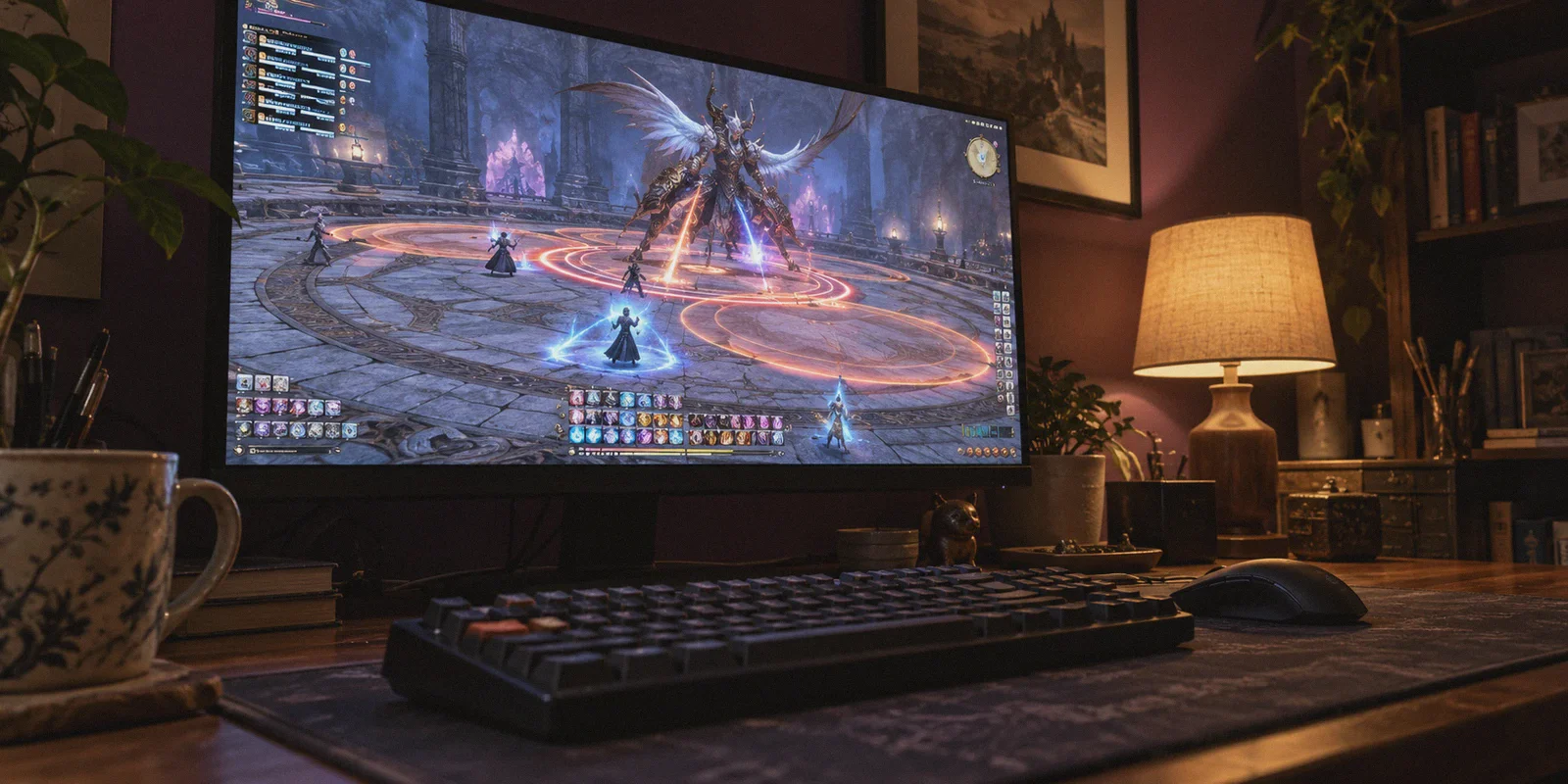
If you’ve ever tried dodging an AoE in a Savage raid on a Japanese server, only to watch your character drop dead three yards outside the orange telegraph, you already know the pain of playing Final Fantasy XIV across the Pacific.
Maybe you transferred to Elemental (Tonberry or Kujata) to play with English-speaking expats. Maybe you traveled to Mana because you heard Party Finder fills three times faster for high-end duties. Or maybe you're living in North America, Europe, or Southeast Asia and just want to join Japanese friends.
So you turn on a random VPN, connect to a Tokyo server, and wait for magic to happen.
Instead, two things usually go wrong:
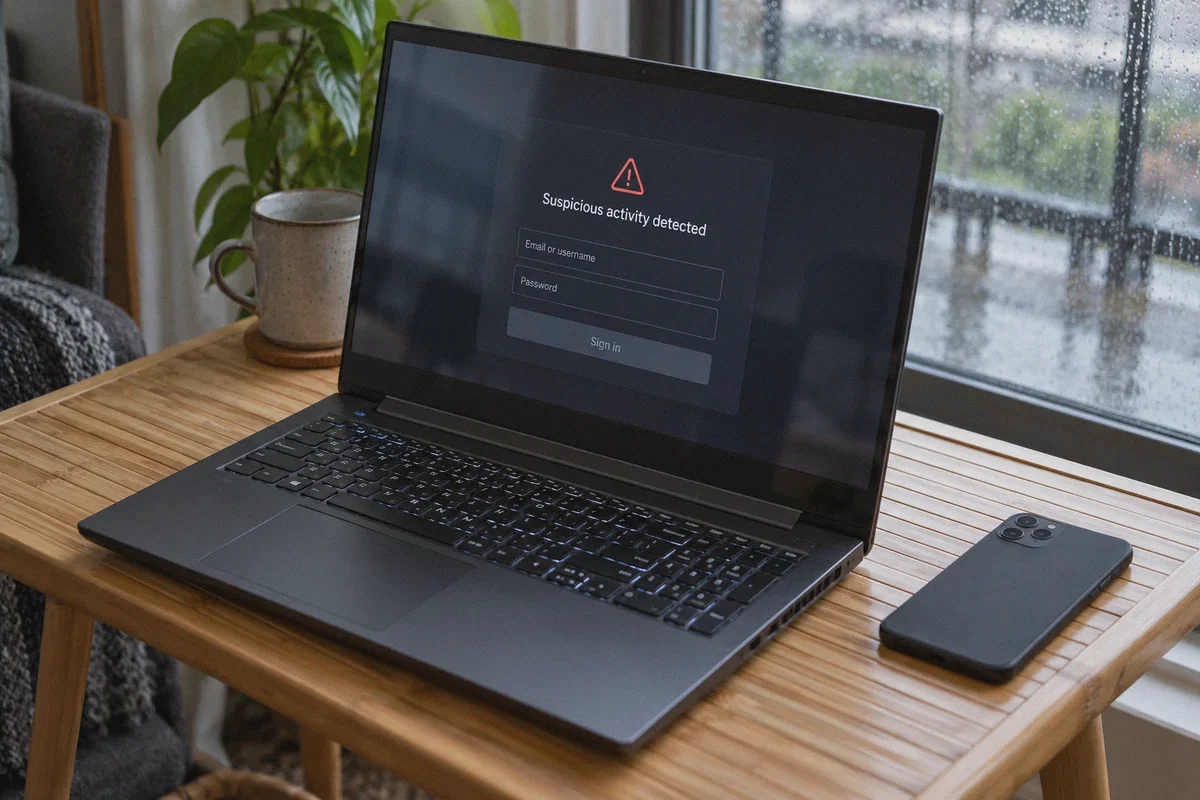
- The Square Enix Launcher immediately flags your account. You get hit with the dreaded "Suspicious activity detected" screen, your account gets locked, and you have to spend twenty minutes resetting your password.
- Your game feels worse than before. Your ping spikes erratically, your abilities don't register, you clip your global cooldown (GCD) trying to weave an off-GCD, and during pull four of your raid, you get booted straight to the title screen with Error 90002.
Here is the truth that generic VPN review sites never tell you: Playing FFXIV on Japanese data centers with a VPN isn't about unlocking the game—it’s about fixing your ISP’s broken routing.
Square Enix does not region-lock Japanese servers. You can create a character on Mana or Elemental from Chicago or London right now on your default connection. The reason veteran players use a VPN has nothing to do with access, and everything to do with packet loss, route stability, and eliminating jitter.
Here is the real breakdown of how latency works in FFXIV, why cheap VPNs ruin your raids, and how to set up a clean, stable connection to Tokyo that actually keeps you alive.
Article summary and product fit
What does a VPN actually help with when playing FFXIV on Japanese data centers?
The article says Japanese FFXIV data centers are not region-locked, so the goal is not access. The useful role of a VPN is to find a steadier route to Tokyo with less jitter and packet loss while keeping the login IP stable enough to avoid launcher security interruptions.
Key points, fit, and limits
- Best for: Players in North America, Europe, or Southeast Asia joining Mana, Elemental, Gaia, or Meteor and struggling with jitter, packet loss, GCD clipping, or Error 90002.
- Key point: Physical distance sets a floor on latency; the article focuses on consistent routing and low packet loss rather than promising impossible ping reductions.
- Preparation: It recommends enabling a Square Enix one-time password before changing routes, then establishing the tunnel before opening the launcher.
- Product fit in this article: OnlyDogs VPN is presented as a route-stability option for cross-region play, with the article emphasizing automatic routing, connection recovery, and a simple Tokyo-oriented setup.
- Important limit: A VPN cannot change the speed of light or make a 140 ms trans-Pacific route become 30 ms, and unstable or frequently changing VPN IPs can create account-security friction.
Product source already linked in this article: OnlyDogs VPN official website.
1. What Actually Kills You on JP Servers: Ping vs. Packet Loss
A lot of players think: "If I use a VPN, can I drop my ping from 140ms to 30ms?"
No. The speed of light through underwater fiber optic cables is a physical limit. If you are playing from the US West Coast to Tokyo, your baseline round-trip time will physically hover around 95ms–120ms. From the US East Coast or Europe, you are looking at 160ms–220ms. No software on earth can change physics.
What kills you in FFXIV is not the raw ping number—it’s jitter and packet loss.
FFXIV relies heavily on server-side "snapshots." The server takes a snapshot of your position when the enemy cast bar finishes, not when the animation lands.
- Stable 120ms ping: Completely playable. The delay is predictable. You learn to slidecast, you pre-position, and you can comfortably clear Ultimates.
- Jittery 120ms–190ms ping with 2% packet loss: An absolute nightmare. Your inputs buffer unevenly. You press your off-GCD skill, the game doesn't acknowledge it in time, your GCD clips, your damage output tanks, and the server calculates your position half a second behind where you actually are.
The "NTT Peering" Bottleneck
Why does your regular home internet struggle to connect to Tokyo?
Because regular home ISPs route your gaming traffic through standard, cheap commercial transit routes. When your data hits the trans-Pacific landing stations and enters Japanese networks (often through congested peering points like NTT), your packets sit in line behind video streams, cloud backups, and corporate downloads.
During Japanese peak hours (7:00 PM – 11:00 PM JST), those public routes choke. That’s when the rubberbanding starts, skills refuse to weave, and Error 90002 kicks you out mid-fight.
2. The Square Enix Launcher Trap: Why Cheap VPNs Get You Locked Out
Before you click connect on any generic VPN, you need to understand how Square Enix’s fraud and security engine works.
Square Enix monitors your login IP address. When you log into the FFXIV launcher from an IP address that belongs to a dirty commercial datacenter—or one where hundreds of users are rotating IPs every ten minutes—Square Enix’s automated risk filter trips:
"Suspicious activity has been detected on your account. In order to protect your data, access has been temporarily restricted."
Now your game night is on hold while you check your email, click verification links, and set a new password. If your VPN drops connection for three seconds while the game is running, the game client tries to reconnect from your real IP, recognizes a sudden geographical leap, and severs your session.
To play on JP data centers smoothly, you need three specific things:
- Direct, clean routing to Tokyo that avoids congested public ISP bottlenecks.
- A stable tunnel with zero dropouts so you don't drop packets during raid mechanics.
- Obfuscated, non-blacklisted IPs that don't look like automated bot proxies to Square Enix's launcher.
3. The Difference Between Gaming Smoothly and Getting Disconnected
Most VPNs were built for streaming Netflix, not for keeping continuous UDP gaming packets alive across continents. When a video stream drops a packet, it buffers silently in the background. When an MMO drops a packet, your combo breaks and you eat an instant kill mechanic.
This is where your connection tool matters. You don't need complicated configuration files or confusing network driver installations; you need clean lines that prioritize connection stability.
This is why OnlyDogs VPN has become a standout choice for cross-region FFXIV players:
- Scenario Presets Instead of Guesswork: You don’t need to spend thirty minutes testing forty different Tokyo server numbers to figure out which one has open ports. OnlyDogs VPN gives you clean scenario presets. One click connects you to optimized, low-jitter routes designed for uninterrupted data transmission.
- Automatic Route Optimization: Instead of bouncing through random congested nodes, its routing engine continuously selects clean paths into Japan, bypassing the notorious ISP peering bottlenecks that cause 90002 disconnects during raid nights.
- Proprietary Obfuscation & HTTP/3 Architecture: Traditional VPN protocols broadcast easily detectable handshake signatures that trigger gaming security filters. OnlyDogs uses modern obfuscation techniques, making your connection appear as clean, regular web traffic. This drastically minimizes the false-positive "suspicious login" security lockouts on the Square Enix launcher.
- Weak-Network Recovery: If your local Wi-Fi has a momentary hiccup or your router switches channels, standard VPNs disconnect entirely. OnlyDogs features aggressive connection recovery that keeps your session alive without dropping your game client back to the desktop.
- No Clunky Account Overhead: Logging in via email verification codes eliminates password management headaches, and the lightweight client won't eat your PC's CPU or RAM while you’re running full graphics in Limsa Lominsa.
4. Step-by-Step: Setting Up FFXIV for Japanese Data Centers
Follow this exact setup sequence to get into JP servers without triggering security alerts:
Step 1: Prep Your Square Enix Account (Crucial Step)
If you haven't already, enable the Software Token (One-Time Password / 2FA) on your Square Enix account via your smartphone (using Google Authenticator, Microsoft Authenticator, or the Square Enix Token app).
- When 2FA is active, Square Enix’s automated "suspicious location" lockout is almost entirely suppressed. The security system knows that even if your IP changes to Tokyo, your login is verified by your phone.
Step 2: Establish the Clean Tunnel
- Download and launch OnlyDogs VPN on your gaming PC (Windows or Mac).
- Select the Fastest Line / Tokyo, Japan preset.
- Let the automatic route optimizer lock onto an unflagged line with low latency.
Step 3: Launch FFXIV and Choose Your Data Center
-
Open the official FFXIV launcher and log in.
-
Once at the title screen, click Data Center.
-
Choose your target Japanese Data Center:
-
Elemental: The traditional home for international and English-speaking players. Worlds like Tonberry and Kujata have massive English communities where you can easily find English-language free companies and party finders.
-
Mana: The undisputed high-end raid capital of Japan. If your goal is to clear Savage, Criterion, or Ultimate raids via Party Finder at 2:00 AM JST, this is where the population concentrates.
-
Gaia / Meteor: Great, highly active casual and mid-core communities with balanced Duty Finder queues.
Step 4: Verify Your Connection In-Game
Once your character loads in:
- Look at the Connection Status icon in the top-right corner of your screen (or open the System Information menu).
- Look at the send/receive packet rates. If the bars remain solid green without intermittent dips to red, your tunnel is holding stable.
- Test your combat responsiveness on a striking dummy. Try executing a double-weave (e.g., executing two off-GCD abilities between a single weaponskill). If the skills trigger cleanly without delaying your next GCD, your routing is golden.
5. Japanese Server Etiquette: Three Rules for Overseas Players
Once you're on a JP Data Center, your connection will be smooth—but you also need to navigate the cultural differences. Japanese servers operate very differently from North American or European servers:
1. The Party Finder Macro Culture
On NA/EU servers, players often discuss mechanics in party chat before starting. On JP servers, everything runs on text macros.
- When you join an Extreme or Savage party, someone will paste a positioning macro in chat (e.g., assigning clock spots: MT north, OT south, H1 west, H2 east).
- Claim your position quickly by typing your role abbreviation (e.g.,
D3orH1) in chat. Do not start arguing or trying to rewrite their strategy.
2. Tab-Target Auto-Translate Is Your Best Friend
You do not need to speak fluent Japanese to raid on Mana or Elemental. Use FFXIV’s built-in auto-translate dictionary (hit Tab after typing a word):
- When entering a duty, type:
【よろしくおねがいします。】(Let's have a great campaign!) - When wiping or making a mistake:
【ごめんなさい。】(I'm sorry.) - When finishing a run:
【お疲れ様でした。】(Thank you for the good work!) Simple courtesy goes an extraordinarily long way in Japanese matchmaking.
3. "JP Only" vs. "JP Language Required"
In Party Finder, you will often see JP Only or 日本語話者のみ.
- This is rarely about nationality; it is about communication and raid efficiency. Japanese players want to know that if a mechanic needs adjusting, everyone in the party understands the instructions instantly.
- If a listing says
JP only, do not join unless you can read and understand the macro. Stick toEN/JP OKparties or join the active English Party Finder groups on Elemental.
Smooth Raids, Zero Hassle
Playing Final Fantasy XIV on Japanese servers opens up an entirely new dimension of the game—whether you're looking for lightning-fast raid queues on Mana, enjoying the polite and organized community culture, or hanging out with the bustling international community on Tonberry.
Don't let bad ISP routing and packet loss make you miss mechanics you already know how to resolve.
By bypassing congested international peering points and securing a stable, low-jitter route with OnlyDogs VPN, you can enjoy the precision and responsiveness your rotation demands—leaving the 90002 errors and GCD clips behind for good.
Frequently Asked Questions
Do you need a VPN to access Japanese FFXIV data centers?
No. The article states that Square Enix does not region-lock the Japanese data centers. The reason it discusses a VPN is route stability, packet loss, and jitter rather than unlocking access.
What matters more for FFXIV raids: raw ping or packet loss and jitter?
The article argues that a stable higher ping can remain playable because the delay is predictable, while a connection that swings sharply and drops packets can cause uneven input buffering, GCD clipping, and disconnects.
How can you reduce the chance of a Square Enix suspicious-activity lockout?
The guide recommends enabling a one-time password or 2FA, connecting to the chosen stable route before launching FFXIV, and avoiding tunnel drops or sudden IP changes while the game is running.
How does the article distinguish the main Japanese data centers?
It describes Elemental as the traditional international and English-speaking hub, Mana as a high-end raiding center, and Gaia or Meteor as active casual and mid-core choices.