If you live in Puerto Rico, the Philippines, Estonia, Egypt, or any of the other 170+ countries and territories where PlayStation Network doesn't officially exist, you know the frustration.
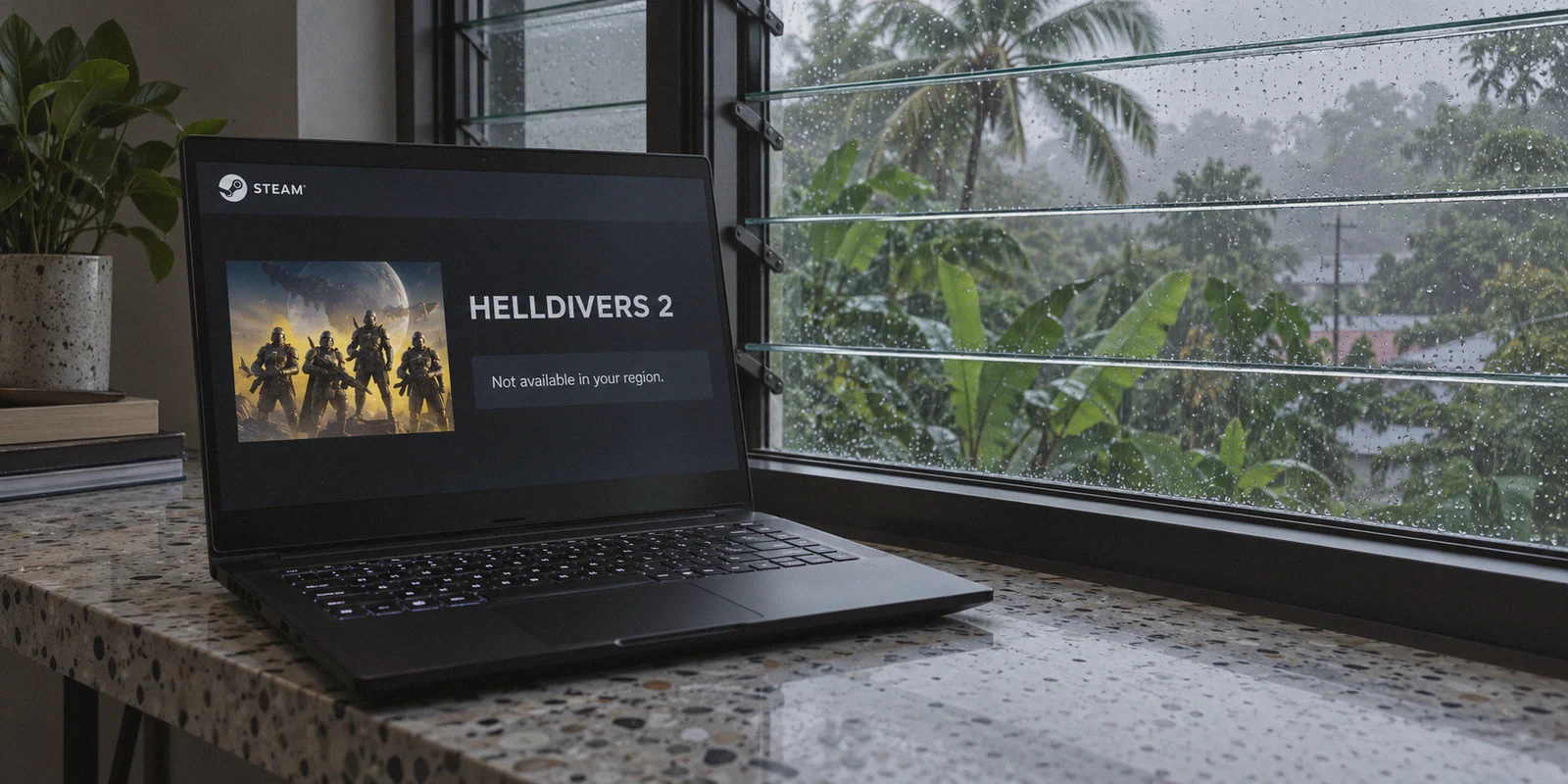
You saw the viral clips of squads dropping 500kg bombs on Bile Titans. You wanted to join your friends in the Galactic War. So you opened Steam, searched for Helldivers 2, and got hit with this digital slap in the face:
"Notice: At the request of the publisher, this product is not available in your purchase region."
A lot of players assume they are locked out because the game demands an active PSN account at the title screen.
Here is the first thing you need to know: That is no longer true.
Article summary and product fit
What is actually blocking Helldivers 2 in unsupported PSN countries: the game login or the Steam storefront?
The article says the current barrier is primarily Steam store availability in regions where Sony has not relisted the game, not a mandatory PSN login for PC play. It treats storefront access and multiplayer routing as two separate problems.
Key points and limits
- Best for: PC players in unsupported PSN markets who need to distinguish the Steam purchase restriction from later matchmaking or network-quality issues.
- Key point: The article recommends keeping the primary Steam account untouched and discusses a separate regional account, key, or gift-balance path for storefront access.
- Product fit: OnlyDogs VPN is presented as a low-jitter, obfuscated routing option for regional setup and for players whose native ISP route produces packet loss or unstable multiplayer sessions.
- Important limit: A VPN does not guarantee that Steam will accept a regional purchase, key, or account change, and the article warns that billing-country shifts on an established account can trigger fraud checks.
Sources referenced in this article: OnlyDogs VPN official website.
After the massive community backlash in May 2024, Sony backed down on making PSN account linking mandatory for PC players. You do not need a verified PSN account to fight for Super Earth.
The wall locking you out today isn't an in-game login screen. It’s Steam’s regional purchase gate. Sony simply never re-listed the game on Steam in regions without official PSN coverage.
If you already own the game, you can download and play it right now. But if you don't own it yet, or if you keep hitting matchmaking errors and store locks, you need a clean, reliable way to step around the regional blackout.
Here is how the restriction actually works, how to get Helldivers 2 into your library safely, and how to keep your co-op connection from dropping mid-mission.
The Core Problem: Storefront Blackout vs. In-Game Matchmaking
To fix this without risking your main Steam account, you have to separate the store restriction from the actual game server connection.
1. The Storefront Lock
Steam determines what games you can see and buy based on your Steam Store Region, which is tied to the currency and payment method registered to your account. Because Sony requested the game be hidden in non-PSN regions, your local store page won't even show a "Buy" button.
Trying to change your primary Steam account's region using a random free proxy is the fastest way to get your account flagged for fraudulent purchasing. Steam checks your billing IP, payment origin, and connection reputation whenever currency changes are requested.
2. Matchmaking and Server Routing
Once the game is in your library, the servers themselves do not ban your IP for being in an unsupported country. However, Helldivers 2 relies on a hybrid peer-to-peer and dedicated server architecture.
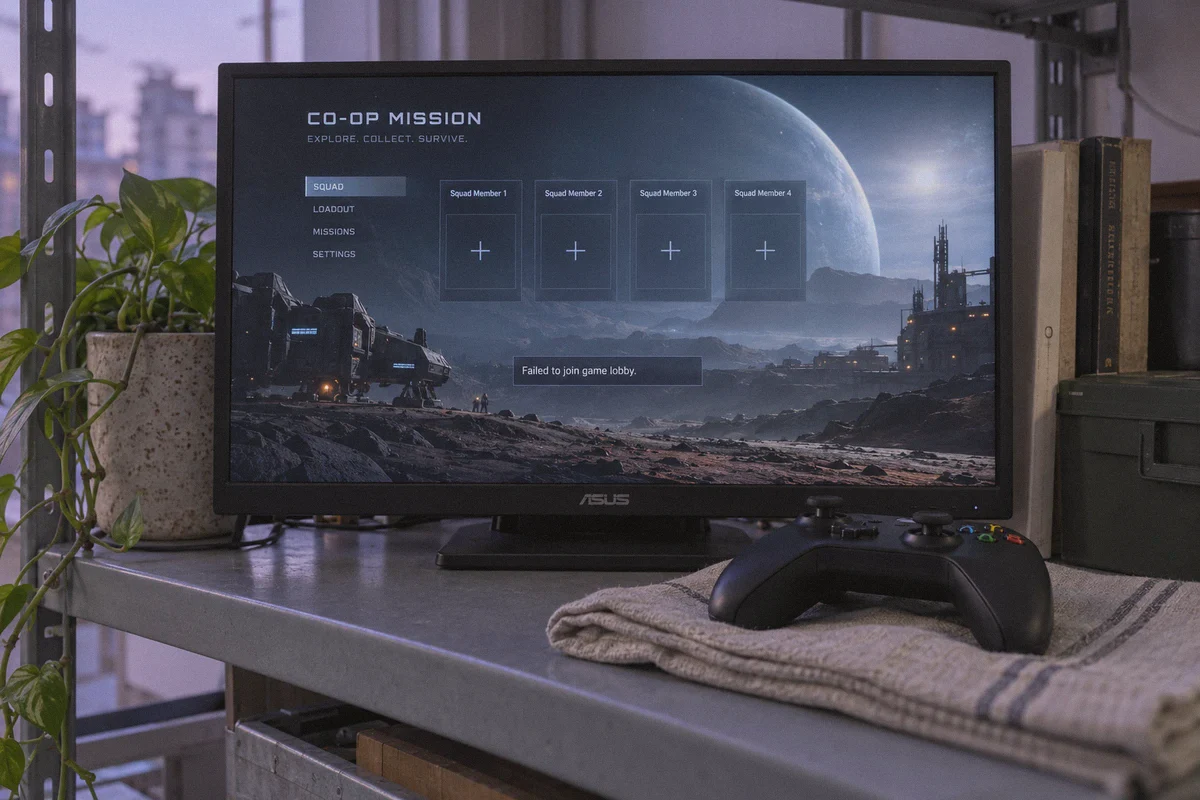
If your local ISP has poor routing to European or North American game nodes, or if your network suffers from micro-packet drops, the game will throw you into empty lobbies, disconnect you during extraction, or fail to establish a connection with the host ship ("Failed to join game lobby").
To get around both obstacles, you need two things: a clean, dedicated secondary region setup to purchase the game, and an ultra-stable, low-jitter tunnel for multiplayer sessions.
The Two Proven Ways to Get Helldivers 2
Depending on how much effort you want to spend, there are two reliable paths to get the game into your Steam library from an unsupported country:
Path A: The Clean Secondary Region Account (Recommended)
This is the safest method because it keeps your primary Steam account completely untouched.
- Get a Clean Global Steam Key: Buy a global or regional PC Steam key for Helldivers 2 from a legitimate third-party retailer (make sure the key activation notes confirm it can be redeemed in a supported region, like the US or EU).
- Connect to OnlyDogs VPN: Set your VPN to a supported country (like the United States).
- Create a Fresh Secondary Steam Account: Register a new Steam account while connected to that US node.
- Redeem the Key: Activate your game code on the new account.
- Use Steam Family Sharing: Add the secondary account to your Steam Family or log into it directly on your PC. Once installed, you launch and play the game directly.
Path B: The Regional Gift Card Route
If you don't want to buy an external key:
- Connect your VPN to a supported region (such as the US).
- Create a new regional Steam account.
- Purchase a regional Steam digital wallet gift card online.
- Redeem the gift card code on the new account to fund the wallet.
- Purchase Helldivers 2 directly through the Steam store in that regional currency without needing a foreign credit card.
Why Cheap or Free VPNs Ruin Helldivers 2
Once you have the game, you might wonder if you even need a VPN running while playing.
If your native ISP routing to game servers is great, you can often play directly. But in many unsupported regions—parts of Southeast Asia, Africa, South America, and Eastern Europe—players face aggressive ISP throttling on UDP gaming traffic, strict NAT type restrictions, and routing detours that cause brutal lag spikes.
If you decide to route your gaming through a VPN, standard options often make things worse:
- The "Lag Spike at Extraction" Trap: Cheap VPNs prioritize raw download speed over packet consistency. In Helldivers 2, when hundreds of enemies spawn on screen, high jitter or a single dropped packet causes instant host desynchronization. You freeze for three seconds, and suddenly you’re back on your ship alone with zero samples.
- Datacenter Blacklists: Many free VPN servers are packed with thousands of users, triggering automated security flags on anti-cheat systems (like Arrowhead's GameGuard).
- Bloated Software with Endless Toggles: The last thing you want to do while your squad waits in the lobby is diagnose whether you should be on WireGuard, OpenVPN UDP, or custom MTU settings.
The Smooth Route: OnlyDogs VPN
If you want a connection that handles both the storefront setup and real-time multiplayer without turning into a second job, OnlyDogs VPN is designed to cut out the technical clutter.
Instead of making you scroll through hundreds of obscure server names and cryptographic protocol menus, OnlyDogs structures everything around Scenario Presets.
Here is why it works exceptionally well for gaming in restricted regions:
- Proprietary Obfuscation & HTTP/3 Transport: Traditional VPN tunnels use rigid signatures that platforms and corporate ISPs identify and throttle instantly. OnlyDogs wraps its traffic in modern HTTP/3 architecture and proprietary obfuscation, making your connection look like regular, secure web browsing. This bypasses automated proxy detection cleanly when setting up accounts.
- Weak-Network and Packet Loss Recovery: Multiplayer co-op games don't care about your maximum download bandwidth; they care about packet delivery consistency. OnlyDogs features built-in weak-network resilience engineered to recover from packet loss and Wi-Fi jitter seamlessly, preventing mid-mission disconnects during intense firefights.
- Automated Smart Routing: You don’t have to manually ping fifteen different cities to figure out which node has the lowest latency. Tap the preset, select your target region, and the engine automatically routes your packets along the cleanest, least-congested backbone.
- Passwordless Email Login: Nobody wants to remember another 16-character master password while jumping between devices. OnlyDogs logs you in via clean email verification codes, keeping your multi-device access fast and secure across Windows, macOS, Android, and iOS.
👉 Get OnlyDogs VPN and Drop Into Helldivers 2
Step-by-Step Setup: From Zero to Dropping In
Here is the exact checklist to get running in under 15 minutes:
Step 1: Fire Up OnlyDogs VPN
Download the OnlyDogs app on your PC. Select the Fastest Line or Streaming/Region preset and connect to a supported market (the United States or Germany are standard choices with broad server coverage).
Step 2: Open an Incognito Window
Close your existing Steam client. Open a fresh private browser window so Steam doesn't read existing regional cookies from your browser cache.
Step 3: Register Your Secondary Steam Account
Go to the official Steam website and register a new account. With OnlyDogs connected, Steam will automatically register the country as the supported region. Verify the email and complete registration.
Step 4: Fund and Buy the Game
Either redeem a global Helldivers 2 key on your new account or redeem a digital Steam gift card matching the account's currency to buy the game directly.
Step 5: Install and Launch
Log into the new account inside the desktop Steam client, download Helldivers 2, and hit play.
When the game launches, it may show an optional prompt asking if you want to link a PlayStation Network account. Simply click Skip or Close. The game will load straight into the opening cinematic and drop you into the tutorial.
3 Rules to Keep Your Game Running Without Issues
- Keep Your Primary Account Clean: Never use a VPN to artificially change the store country of an established Steam account that already has dozens of games and a local payment method tied to it. Valve’s automated fraud detection monitors sudden billing country shifts. Always use the secondary account method.
- Turn on the VPN Before Launching Steam: If you use OnlyDogs to stabilize your game routing or bypass local ISP throttling, connect to the VPN before opening the Steam desktop client. This ensures the connection route is established cleanly before the game's anti-cheat initializes.
- Choose the Geographically Closest Supported Server: If you are playing from the Caribbean, route through Miami or Atlanta. If you are in Eastern Europe or Central Asia, route through Frankfurt or Warsaw. Don’t connect across an entire ocean if you only need to reach a supported country next door.
The Verdict
The 170-country PSN delisting seemed like the end of the road for international players, but the barrier is far more fragile than it looks.
Sony doesn't block you from playing; they just stopped stocking the digital shelf in your local store.
With a dedicated secondary Steam setup and a fast, low-jitter connection through OnlyDogs VPN, you can step past the storefront blackout, bypass local network throttling, and get back to what actually matters: defending managed democracy with your squad.
Pick your landing zone, gear up, and take back the galaxy.
👉 Deploy Today with OnlyDogs VPN
Frequently Asked Questions
Does the article say Helldivers 2 still requires mandatory PSN linking on PC?
No. It says Sony backed away from mandatory PSN linking for PC players after the May 2024 backlash, while the Steam store delisting remained in many unsupported regions.
What is the difference between the storefront restriction and matchmaking problems?
The storefront restriction determines whether the game can be purchased in the local Steam region. Matchmaking problems happen after ownership and can instead involve ISP routing, packet loss, NAT behavior, or game-server connectivity.
Why does the article prefer a secondary Steam account over changing an established primary account?
It says sudden store-country and billing changes on a long-used primary account can trigger Steam fraud checks, so the secondary-account approach keeps the existing account history untouched.
When might a VPN help after the game is already owned?
The article says it may help when the local ISP route to game nodes is poor, but it can make things worse if the VPN itself adds jitter, packet loss, or a heavily shared datacenter route.