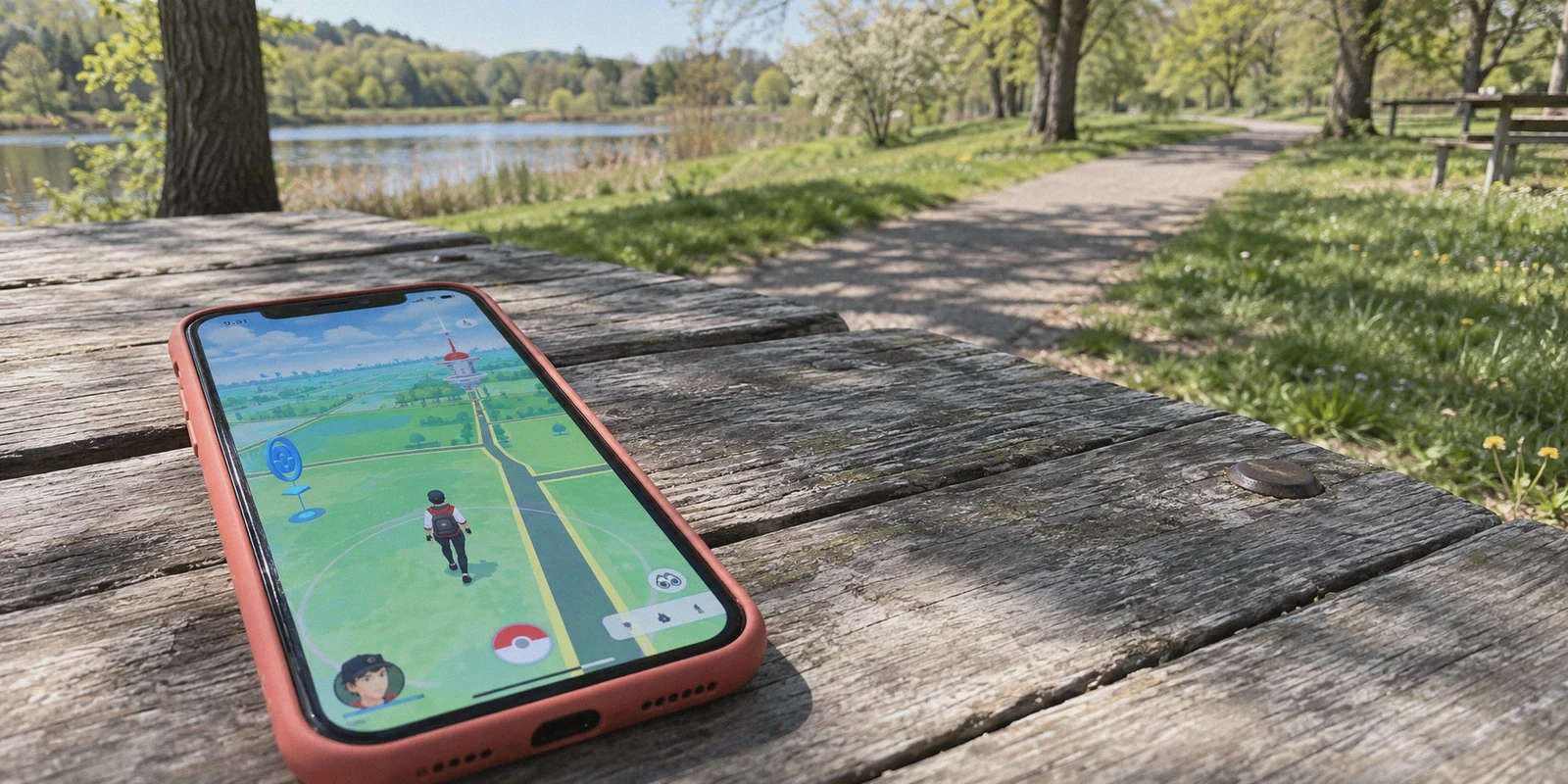
If you just typed "how to safely change location in pokemon go with vpn" into your search bar, I can tell you almost exactly what happened five minutes ago.
You saw a wild regional Pokémon on Reddit, or maybe an EX Raid happening right now in Tokyo or Zaragoza while you’re sitting on your couch in a rural suburb with zero PokéStops. You downloaded a regular VPN, switched the server to Japan, opened Pokémon GO with high hopes—and watched your trainer avatar stand completely still in your living room.
Or worse: you paired a random spoofer with a free proxy, tapped a PokéStop, and got hit with the dreaded "Failed to detect location (12)" error, followed by every Pokémon fleeing on the first Pokéball throw.
Most generic affiliate blogs will tell you: "Just buy any top 3 VPN, turn it on, and you're good to catch Pokémon worldwide!"
That is flat-out false.
If you try to change your location using only a VPN, you won’t move an inch. And if you use the wrong setup, you are handing Niantic an open invitation to drop a 7-day strike on your account.
Here is the real breakdown of how location spoofing actually works in Pokémon GO, why a VPN is still an indispensable part of the safety net, and the exact step-by-step setup to avoid getting your account burned.
Article summary and product fit
Can a VPN by itself change your location in Pokémon GO?
No. The article explains that a VPN changes the public network IP, while Pokémon GO places the device using GPS and other location signals. It treats the VPN as a network-location layer, not the tool that moves the in-game position.
Key points and limitations
- Best for: readers trying to understand why changing a VPN country does not move the trainer avatar and why location data can disagree.
- Core distinction: the VPN changes network origin; a separate device-level location mechanism changes GPS coordinates.
- Main risk described: sudden Wi-Fi-to-cellular changes, inconsistent location signals, shared data-center IPs, and unrealistic travel timing can create suspicious mismatches.
- Important limit: the article does not make location spoofing risk-free; account enforcement remains possible, and a VPN alone cannot alter GPS.
- OnlyDogs fit in this article: the article positions OnlyDogs VPN as the stable network side of the setup, emphasizing low-latency routing and recovery when the underlying connection changes.
Product source: OnlyDogs VPN official website.
1. The Big Myth: Why a VPN Alone Doesn't Move Your Trainer
Let’s kill the biggest misunderstanding right out of the gate:
A VPN changes your IP address. Pokémon GO does not track you by IP address to place your avatar; it tracks you via device-level GPS and location hardware.
Your phone figures out where you are through three simultaneous channels:
- Hardware GPS Satellites: Dedicated chips reading physical latitude and longitude coordinates.
- Wi-Fi BSSID Triangulation: Scanning the names and MAC addresses of nearby routers to calculate your position.
- Cell Tower IDs: Signals from nearby cellular towers provided by your mobile carrier.
When you switch your VPN server to London, your public IP says London. But your phone’s internal GPS chip is still screaming to Niantic’s servers: "I am physically located in Ohio!"
Why do you need a VPN at all, then?
Because Niantic's server-side telemetry looks for data mismatches.
If you use a GPS spoofer to teleport your avatar to Central Park, New York, but your phone’s outgoing network data packet comes from an ISP in Dallas or Berlin, Niantic's backend detects that geographic contradiction instantly.
A high-quality VPN isn't what moves your character—it is the digital camouflage that aligns your network origin with your simulated GPS coordinate. Without it, you are running a GPS spoof with your real digital address printed on your forehead.
2. The 2-Tool Stack You Actually Need
To safely play in another location, you have to run two separate tools in complete harmony:
[ Mock Location / GPS Modifier ]  ---> Feeds fake coordinates to your phone OS
               +
[ Secure, Obfuscated VPN ]        ---> Matches your IP to the target city & prevents leaks
               =
[ Clean Pokémon GO Session ]      ---> Passes Niantic's server verification checks
- The GPS Mocking Tool: Modifies your hardware coordinates at the OS level (such as desktop tethering tools or rootless mock-location apps).
- The VPN Pipeline: Secures the tunnel, hides your real geographic IP, and prevents sudden connection drops that leak your true whereabouts mid-game.
3. Why Most Standard VPNs Get Players Softbanned
Most people get caught not because of the GPS tool, but because of VPN failure points.
Problem A: The "Wi-Fi to Cellular" Handshake Leak
When you play on mobile, your phone constantly switches between Wi-Fi and 5G/4G, or hops between cellular bands. Standard commercial VPNs often take 2 to 5 seconds to re-establish a dropped tunnel. In those five seconds of silence, your phone sends raw packets from your local carrier tower straight to Niantic.
One second you’re in Osaka catching a Pikachu, the next second an unencrypted packet pings from Chicago, and a second later you’re back in Osaka. That instantaneous round-trip teleport triggers an automatic softban.
Problem B: Datacenter IP Blacklists
Riot, Niantic, and Netflix all maintain live blacklists of shared commercial datacenter IPs (the ones used by cheap or oversold VPN providers). If 4,000 players are all playing Pokémon GO through the exact same overloaded OpenVPN server node, that server is flagged as suspicious.
Problem C: High Latency & Jitter
Raid battles and Gym takeovers require real-time synchronization. High jitter causes packet drops during raid lobbies, kicking you out right as the Raid Boss spawns, eating your Raid Pass permanently.
4. The Clean Way: Setting Up OnlyDogs VPN for Location Matching
This is where OnlyDogs VPN fits into the puzzle. Instead of bloating the app with confusing technical protocols you don't care about, it handles the heavy lifting under the hood.
Here is how you set up a safe, synchronized gaming route:
Step 1: Fire up OnlyDogs VPN Before Touching the Game
Make sure Pokémon GO is completely force-closed (swipe it away from your recent apps tray, don't just leave it in the background).
Open OnlyDogs VPN on your phone (available on both iOS and Android).
Instead of guessing between dozens of random nodes, use OnlyDogs’ Scenario Presets:
- Tap the preset for Fastest Line / Low Latency.
- OnlyDogs uses proprietary protocol architecture built over HTTP/3 with built-in traffic obfuscation. Unlike standard, heavily fingerprinted OpenVPN connections, obfuscated HTTP/3 disguises your tunnel traffic as standard secure web browsing. Niantic's security filters won't flag it as a commercial proxy farm.
Step 2: Lock Down Weak-Network Recovery
If your home Wi-Fi fluctuates or you step into an area with patchy mobile reception, standard VPNs disconnect and leave your device exposed. OnlyDogs features built-in weak-network and connection-switching recovery. If your network drops or flips from Wi-Fi to mobile data, it maintains socket persistence and auto-restores the tunnel without leaking your raw local IP to active background apps.
Step 3: Match Your GPS Coordinate to the VPN City
Once OnlyDogs is connected to your target location (for example, Tokyo):
- Open your GPS mocking software.
- Set your virtual coordinate within that same metropolitan area (Tokyo).
- Do not place your GPS pin in London while your VPN server is in Tokyo. Keep them synchronized.
Step 4: Respect the Cooldown Window (Crucial!)
Before opening Pokémon GO, check your cooldown time. If you were playing in your hometown 10 minutes ago, you cannot immediately spin a stop in Tokyo. You must wait for the travel window to pass.
Step 5: Launch Pokémon GO
Open the game. Your avatar will appear at your mock location. Spin a single PokéStop:
- If it drops items normally, your connection is clean and fully synchronized.
- If it spins endlessly and drops nothing, you triggered a softban—close the game and wait out the cooldown.
5. The Golden Cooldown Chart: Don't Be Greedy
Niantic enforces an internal velocity calculator called the Cooldown Timer. If you perform an in-game action (spinning a stop, dropping a berry, throwing a ball) and perform another action thousands of miles away without waiting, the game automatically locks your account into a softban for up to 2 hours.
Keep this cheat-sheet memorized:
| Distance Traveled | Minimum Wait Time Required | Real-World Rule of Thumb |
|---|---|---|
| 1 km – 5 km | 1 – 3 Minutes | A quick bike ride across town |
| 10 km – 25 km | 6 – 11 Minutes | A short highway drive |
| 50 km – 100 km | 20 – 35 Minutes | Train commute |
| 250 km – 500 km | 45 – 65 Minutes | Domestic flight |
| 1,000 km+ (Cross-Country / Global) | 120 Minutes (Full 2 Hours) | Maximum system cooldown limit |
Pro Tip: The safest way to play is the "Overnight Jump". Close the game before going to bed, set your OnlyDogs VPN and GPS location to your target country, and open the game the next morning. To Niantic’s servers, you had an 8-hour travel gap—the most natural, unflagged behavior possible.
6. What Triggers a Strike vs. What Doesn't
A lot of casual players panic about every little movement. Here is what actually resets your cooldown and alerts the system:
Actions That TRIGGER Cooldown (Must Wait):
- Catching a wild Pokémon (or dropping a ball on the screen).
- Feeding a berry to a wild Pokémon.
- Spinning a PokéStop or Gym photo disc.
- Placing a Pokémon in a Gym or fighting in a Gym.
- Fleeing Pokémon after a failed catch attempt.
Actions That DO NOT Trigger Cooldown (Safe Anytime):
- Teleporting your GPS while the game is completely idle.
- Checking a wild Pokémon for shiny status (and running away without throwing a ball or berry).
- Leveling up, evolving, or trading Pokémon.
- Opening and sending Friend Gifts.
- Claiming Research Task rewards.
- Battling in GO Battle League (GBL).
Summary: Play Smart, Protect the Account
Changing your location in Pokémon GO can completely transform the game if you're stuck in a rural dead-zone or unable to travel during global Raid Days. But treating it like a one-click magic trick with a free browser proxy is how high-level accounts get banned.
- Never rely on a VPN alone—pair it with a proper GPS coordinate modifier.
- Never play with an unstable, leaky connection—use OnlyDogs VPN with its low-latency presets and weak-network recovery to ensure zero IP leaks during network switches.
- Respect the 2-hour cooldown religiously—speeding across continents in 10 seconds is the easiest way to get flagged.
Take thirty seconds to set up your tools properly, keep your connection steady, and enjoy hunting on your own terms.
Frequently Asked Questions
Why does changing the VPN country not move my Pokémon GO trainer?
A VPN changes the public IP address, but the article says Pokémon GO relies on device-level GPS and other local positioning signals to place the trainer on the map.
Why does the article still include a VPN in the setup?
It treats the VPN as a way to keep the network origin consistent with the device-level location rather than as the mechanism that changes the GPS position itself.
Why are Wi-Fi-to-cellular switches a problem in this setup?
The article warns that a brief tunnel drop can expose a different network origin, creating a sudden geographic mismatch while the game is still running.
What does the cooldown warning mean in the article?
The article says rapid in-game actions from far-apart locations can look unrealistic and may trigger temporary restrictions, so travel timing remains a separate risk from the VPN connection.