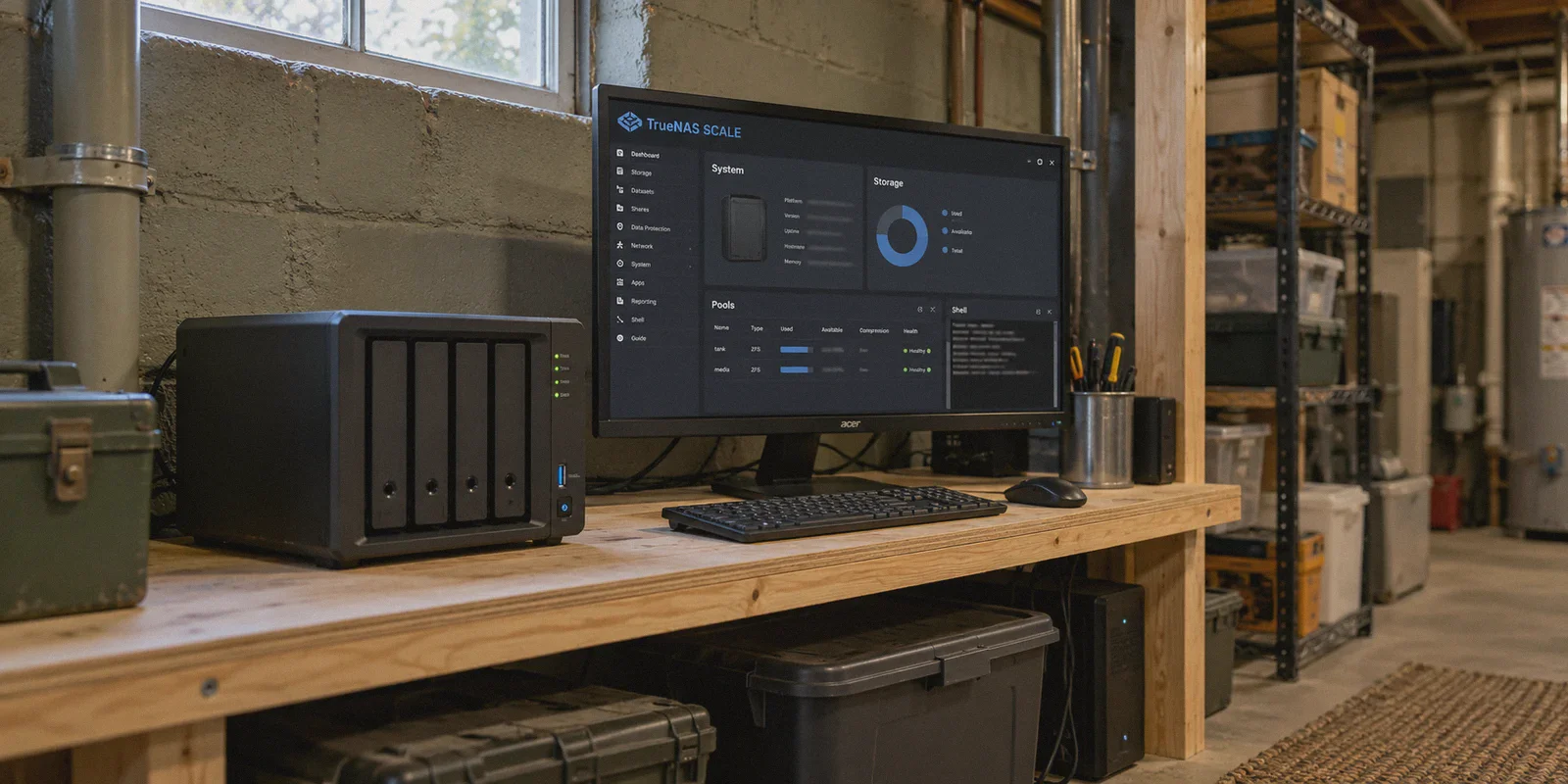
If you are staring at a TrueNAS SCALE dashboard right now with four forum tabs open, two half-baked YouTube tutorials paused in the background, and a terminal window throwing cryptic handshake errors, take a breath.
We have all been there.
You set up your home server, built your ZFS pools, installed Plex or Nextcloud, and then decided to do the "responsible" thing: set up a WireGuard VPN so you can securely tunnel back to your storage from your phone or laptop while away from home.
The pitch you read on Reddit sounded so clean: WireGuard is built into modern Linux kernels, it’s blazingly fast, and running it directly on your TrueNAS box gives you total control without paying a dime to third-party services.
Then you actually sat down to do it.
You ran headfirst into the chaotic reality of TrueNAS SCALE app migrations, port forwarding hurdles, Carrier-Grade NAT (CGNAT) blockers, and dynamic DNS headaches. And even if you do finally get the handshake to light up, you quickly discover something nobody mentioned in the tutorial: running your own home-hosted WireGuard server solves one specific problem while creating five new ones.
Before you spend another Saturday wrestling with YAML files, network bridges, and public/private key pairs, let’s unpack how WireGuard on TrueNAS SCALE actually works, where it breaks down, and whether you are using the right tool for what you actually want to accomplish.
Article summary and product fit
Should WireGuard be hosted directly on TrueNAS SCALE for remote access and everyday VPN use?
The article argues that the answer depends on the job. For remote access to home files, it favors a mesh tool such as Tailscale because it avoids port forwarding and CGNAT problems. For outbound public-internet privacy or regional access, it recommends a separate commercial VPN instead of routing everything back through the home NAS.
Key points, fit, and limits
- Why SCALE is awkward: Host changes can be overwritten, container networking needs careful privileges and forwarding rules, and app-platform migrations have changed setup paths over time.
- CGNAT problem: A home WireGuard server needs reachable inbound connectivity; CGNAT can prevent the router from receiving those handshakes even when local port forwarding is configured.
- Performance limit: Remote traffic routed through the home NAS is capped by the home connection’s upload speed.
- Recommended split: Use a mesh network for private access to TrueNAS resources and a separate VPN for general outbound internet traffic.
- Product fit: OnlyDogs VPN is positioned in the article for outbound browsing and travel-network use, not as the remote-access layer for the NAS itself.
Sources and product reference: OnlyDogsVPN official website.
The TrueNAS SCALE Reality: Why Setup Is Such a Headache
In theory, WireGuard is simple. In practice on TrueNAS SCALE, it is a moving target.
TrueNAS SCALE is not a standard desktop Linux distribution. It is an enterprise-grade storage appliance with an underlying Debian base, a custom middleware layer, and an application ecosystem that has undergone massive overhauls—shifting from Kubernetes/k3s charts to native Docker compose setups.
If you try to set up WireGuard natively on the host via the CLI, the TrueNAS middleware will often overwrite your network configuration on reboot. If you try to deploy it as an App container (like wg-easy), you immediately run into three major roadblocks:
1. The Broken App Ecosystem and Network Bridging
Historically, many users relied on third-party catalogs like TrueCharts to handle VPN routing. When that ecosystem fractured, countless home servers were left with broken containers. Configuring WireGuard in a Docker container on SCALE requires host-network privileges, proper iptables forwarding rules, and persistent storage mounts for your keys. One wrong subnet entry in your AllowedIPs, and you can accidentally lock yourself out of the TrueNAS web interface entirely.
2. The CGNAT and Dynamic IP Trap
WireGuard requires a publicly reachable IP address and an open UDP port (default 51820) on your home router.
Here is what most tutorials skip: a massive percentage of home broadband providers now use CGNAT (Carrier-Grade NAT). That means your router doesn't have a real public IPv4 address. You share an external IP with hundreds of neighbors. No matter how many ports you forward on your home router, incoming WireGuard handshake packets simply die at your ISP’s gateway.
To bypass that, you end up having to rent a cloud VPS just to relay traffic back to your home—suddenly turning your "free" setup into a monthly subscription with ten extra moving parts.
3. The Home Upload Bottleneck
When you tunnel your phone through your home WireGuard server to browse the web or stream content, your download speed on the road is strictly limited by your home internet’s upload speed.
If your home connection is typical cable with 20 Mbps upload, your phone’s 5G connection gets throttled to a crawl. Streaming video buffers, file downloads lag, and browsing feels sluggish.
The Big Realization: What Are You Actually Trying to Do?
Whenever someone searches for how to setup wireguard vpn on truenas scale, they are almost always trying to solve one of two completely different problems:
What do you actually need?
                                  │
         ┌────────────────────────┴────────────────────────┐
         ▼                                                 ▼
   [Scenario A]                                      [Scenario B]
Remote Home Access                               Everyday Privacy & Speed
"I just want to manage my files,                 "I want fast, private browsing,
Jellyfin, or Nextcloud safely                   streaming, and safe connections
when I'm away from my house."                    on hotel/coffee shop Wi-Fi."
Scenario A: Remote Access to Your Home Files
You are at an office or an airport, and you need to access your TrueNAS datasets, check a Nextcloud document, or stream a movie off your Plex/Jellyfin server.
Scenario B: Everyday Privacy, Security, and Bypassing Blocks
You want encrypted internet on public Wi-Fi, you want to bypass regional streaming restrictions, or you want your traffic hidden from your ISP and local network snoops.
Here is the counter-intuitive truth: Hosting a raw WireGuard server on TrueNAS SCALE is a clumsy, fragile solution for Scenario A, and it is outright terrible for Scenario B.
For Remote File Access: Skip Port Forwarding Entirely
If your goal is simply Scenario A—accessing your TrueNAS apps and files remotely—stop trying to configure a standalone WireGuard server, opening router ports, and messing with DDNS.
The modern homelab approach is to use a zero-configuration mesh network (such as Tailscale, which is built on top of the WireGuard protocol):
- Zero Open Ports: It uses automated NAT traversal (STUN/DERP relays) to punch straight through CGNAT, firewalls, and router restrictions without opening a single UDP port.
- Native TrueNAS SCALE App: It installs directly from the official TrueNAS App catalog with a couple of clicks.
- Identity-Based Auth: Instead of manually generating cryptographic key files for every laptop and phone, you authenticate with your standard login.
You get all the speed and modern cryptography of WireGuard without touching a single port-forwarding setting or risking your TrueNAS network bridge.
For Real Privacy and Fast Browsing: Why Home WireGuard Fails
Now consider Scenario B. Many people believe that routing all their daily mobile traffic back through their home NAS makes them "untraceable" and safe.
In reality, running a raw WireGuard tunnel back to your house has severe flaws when you are out in the wild:
- Zero Traffic Obfuscation: WireGuard was designed for speed and simplicity, not stealth. Its protocol handshakes have distinct packet headers and fixed packet sizes. Modern Deep Packet Inspection (DPI) engines used by corporate networks, school campuses, airport Wi-Fi, hotels, and restrictive regions easily detect WireGuard traffic and block or throttle it instantly.
- Tied to Your Home Identity: Tunnelling through your home NAS means every website you visit sees your home residential IP address. It offers zero anonymity from services that track your physical location, and it cannot help you unblock geo-restricted streaming content from other countries.
- Brittle Reconnection on Mobile: If your phone switches between a flaky coffee shop Wi-Fi and 5G mobile data, raw WireGuard connections frequently hang. Packets silently drop until you manually toggle the VPN toggle off and on.
If what you want is high-speed security, reliable streaming, and a connection that doesn't die the second you connect to hotel Wi-Fi, relying on your basement storage server is the wrong tool for the job.
The Cleaner Split: Where OnlyDogs VPN Comes In
The most reliable setup for any homelab enthusiast or everyday user is a clean separation of duties: use lightweight mesh tools for internal server access, and use a dedicated commercial VPN for personal internet security, streaming, and privacy.
This is where a specialized client tool like OnlyDogs VPN does what a self-hosted TrueNAS WireGuard setup simply cannot do.
| Feature | Self-Hosted WireGuard on TrueNAS | OnlyDogs VPN |
|---|---|---|
| Setup Time | Hours (Docker, ports, DDNS, keys) | Under 60 seconds (Install & click connect) |
| CGNAT Resistance | Fails unless you pay for a VPS relay | Connects anywhere without network dependencies |
| Inspection Defense | Plain WireGuard headers (Easily blocked) | HTTP/3 + Proprietary Traffic Obfuscation |
| Weak-Net Recovery | Stalls during Wi-Fi to cellular handoffs | Seamless automatic reconnection engine |
| Streaming & Geo-Access | Locked to your home ISP location | Dedicated global streaming server nodes |
| Maintenance | Breaks on TrueNAS updates or IP changes | Zero maintenance, managed infrastructure |
Why It Solves the Real Frustrations
Instead of turning network engineering into an unpaid part-time job, OnlyDogs VPN addresses the exact friction points that break self-hosted setups:
- Scene Presets Over Technical Jargon: You don't have to manually research MTU sizes, handshake intervals, or DNS servers. You click a single preset—whether you need the Fastest Line, optimized Streaming, or built-in Ad and Tracker Blocking—and the app automatically routes your connection through the cleanest node.
- Defeating Network Blocks with HTTP/3 & Obfuscation: Unlike plain WireGuard that gets flagged by network administrators at hotels or offices, OnlyDogs utilizes HTTP/3 transport and proprietary traffic masking. To firewalls, your traffic looks like standard, encrypted HTTPS web traffic, allowing it to glide effortlessly through restrictive networks.
- Rock-Solid Mobile Handshakes: One of the most annoying parts of self-hosted VPNs on mobile is having your connection freeze when stepping out of Wi-Fi range. OnlyDogs is engineered with strong weak-network resilience, maintaining session stability through signal drops and network handoffs.
- No Password Friction: There are no complex configuration files to export or long passwords to manage across devices. You log in cleanly via email verification codes, with full native support across Windows, macOS, Android, and iOS.
How to Set It Up: The Practical Two-Step Workflow
If you want the benefits of a private home server without the ongoing headaches, stop trying to force TrueNAS SCALE into being an all-in-one public VPN router.
Adopt this two-step architecture instead:
[ Your Phone / Laptop ]
       │
       ├─► Need files/Plex on your TrueNAS? ──► [ Tailscale App on TrueNAS ] (Zero open ports)
       │
       └─► Browsing, Public Wi-Fi, Streaming? ──► [ OnlyDogs VPN ] (Obfuscated, high-speed tunnel)
Step 1: Set Up Tailscale on TrueNAS SCALE (For Your Files)
- In your TrueNAS SCALE web dashboard, navigate to Apps.
- Search for Tailscale in the official catalog and click Install.
- Accept the default configuration and launch the container.
- Open the App logs, click the generated login URL, and authorize TrueNAS on your Tailscale account.
- Install Tailscale on your phone or laptop. You can now access your TrueNAS dashboard and SMB/NFS shares via its secure 100.x.y.z IP from anywhere in the world—without forwarding a single port on your router.
Step 2: Use OnlyDogs VPN for Your Everyday Outbound Traffic
- Download the OnlyDogs VPN client on your daily devices (phone, laptop, tablet).
- Enter your email to log in via one-time verification code.
- Select your desired preset—use Fastest Line for general browsing on untrusted networks, or switch to a dedicated region when you want to unblock global streaming libraries.
- Let the automated routing handle network switches, ad-blocking, and encryption in the background.
Stop Over-Engineering Your Homelab
There is a certain pride in doing everything yourself in a homelab. But there is a fine line between building a useful setup and creating a maintenance nightmare that breaks the moment you leave your driveway.
Trying to build a public WireGuard server on TrueNAS SCALE puts all the fragile burdens—port forwarding, dynamic IP tracking, ISP bandwidth caps, and protocol blocking—directly on your shoulders.
Keep your TrueNAS SCALE box doing what it does best: storing your data safely on rock-solid ZFS pools. Use a zero-port mesh tool for direct remote file access, and let a purpose-built tool like OnlyDogs VPN handle your high-speed, obfuscated privacy on the open internet.
Frequently Asked Questions
Why is WireGuard harder to maintain on TrueNAS SCALE than on a normal Linux box?
The article says SCALE has its own middleware and changing app architecture, so host networking changes can be overwritten and container deployments require careful networking, forwarding, and persistent configuration.
Why can port forwarding fail even when the router is configured correctly?
The article identifies Carrier-Grade NAT as a common reason. Under CGNAT, the home router may not have a publicly reachable IPv4 address, so inbound WireGuard packets never reach it.
How does home upload speed limit a self-hosted VPN?
When remote devices route traffic back through the home NAS, the home internet connection has to upload that traffic back out. A modest cable upload rate can therefore become the bottleneck.
What is the article’s preferred tool for remote TrueNAS file access?
It recommends a zero-configuration mesh network such as Tailscale for reaching NAS apps and files without opening inbound ports.
Where does a commercial VPN fit in this split setup?
The article reserves a commercial VPN for everyday outbound privacy, public-Wi-Fi protection, and regional internet access, while the mesh network handles private access to the home server.