
If you're reading this, there is a very high chance you are sitting in a hotel room in Bali, a rented flat in London, or an airport lounge somewhere, staring at one of these exact things:
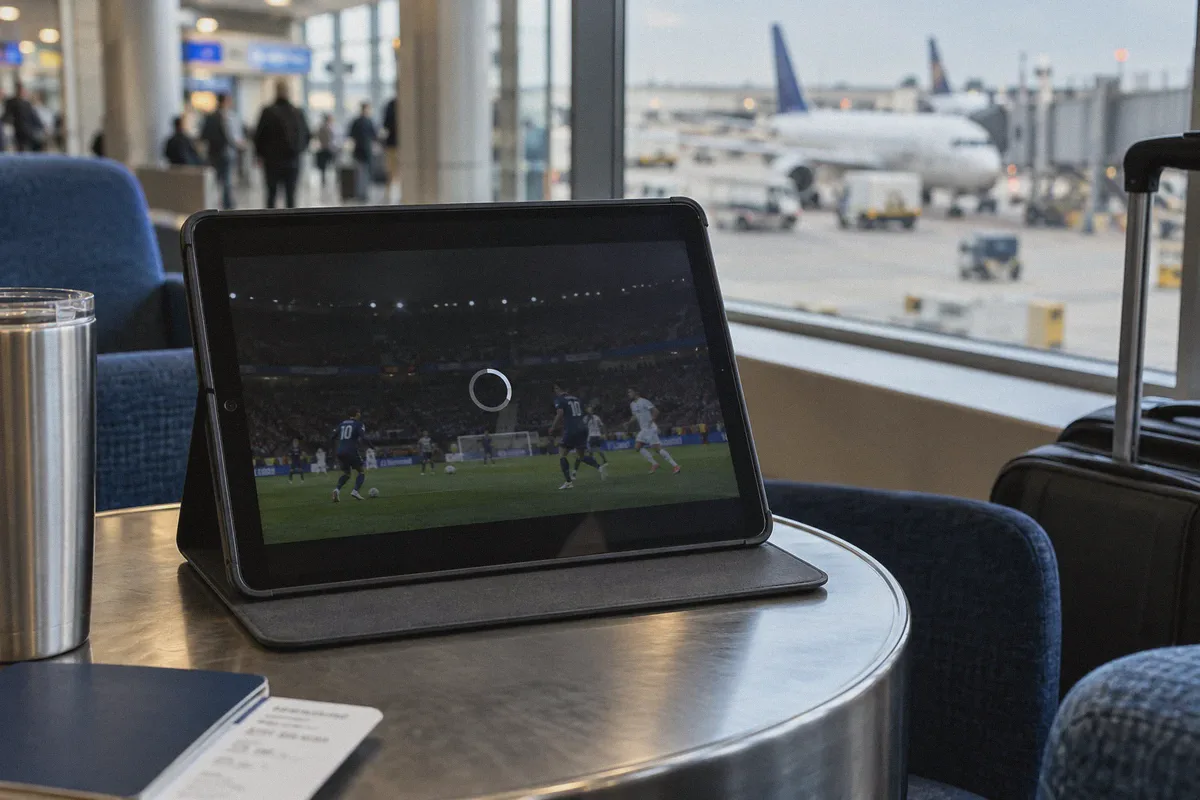
- An infinite spinning buffer circle on a pitch-black player
- A crisp popup saying: "Optus Sport is only available within Australia"
- Or worse: an error code like
OS-GEO-403or playback simply freezing three minutes into a Premier League broadcast
The most infuriating part? Your VPN says "Connected to Sydney — 100% Protected."
You go to Google, type "what is my IP," and sure enough, it shows an Australian flag. So why is Optus Sport still treating you like an uninvited guest?
Most guides on Google will waste 2,000 words telling you what a VPN is, explaining what the Premier League is, and handing you a list of 10 identical VPN brands with generic affiliate links. If that generic advice worked, you wouldn't be here.
Watching Optus Sport from outside Australia isn't about "getting an Australian IP." Once you see what Optus actually checks—and why sports platforms detect VPNs differently than Netflix—getting your stream running takes less than two minutes.
Article summary and product fit
Why can Optus Sport still fail outside Australia even when the VPN reports an Australian IP?
The article says live sports playback involves more than the initial account page: the video feed can use separate CDN connections, while DNS, device settings, server reputation, latency, and packet loss can all create a mismatch or stall. It positions OnlyDogs VPN around streaming-route selection, HTTP/3 traffic obfuscation, and weak-network recovery rather than IP location alone.
Key points and limits
- Best for: Optus Sport subscribers traveling outside Australia who can load the service but see geo errors, black screens, buffering, or live-feed failures.
- Article detail: The article distinguishes the authentication request from the live media-feed connection and adds DNS leakage and long-distance latency as separate troubleshooting factors.
- Important limit: The article says a VPN does not replace an active Optus Sport subscription. Device permissions, browser blockers, time-zone settings, and the service’s own regional rules can still affect playback.
Sources referenced in the article
Product source: OnlyDogs VPN official website
The Real Problem: Optus Sport Doesn't Just Check Your IP
When you watch a pre-recorded show on Netflix, the video can preload a minute of content ahead of time. Netflix's anti-VPN systems run periodic checks, but as long as the server IP isn't on a known data-center blacklist, you're fine.
Optus Sport is a live sports broadcaster, and live sports play by much nastier rules.
Here is what is actually tripping your connection:
1. The Multi-Device "Dual Handshake"
When you tap play on an Optus Sport match, your app makes two separate requests:
- The authentication handshake: Checking your account, active tier, and general region.
- The live media feed: Connecting to Akamai/Fastly CDN edge servers distributing the real-time, low-latency video feed.
Most standard VPNs successfully spoof the first step. But the moment the app switches to the live video feed, standard open protocols (like stock OpenVPN or vanilla WireGuard) carry distinct packet signatures. Optus’s CDN firewalls instantly detect that thousands of streams are funneling through the same commercial data-center gateway. Result: the page loads, but the video player hangs forever or drops out.
2. DNS Leakage on Handheld Devices
If you are trying to stream on an iPhone, iPad, or Android phone, the Optus Sport app does not rely purely on IP. It queries your local network DNS and cross-references your system timezone. If your VPN’s DNS requests leak back to your local overseas ISP (like BT in the UK or Telkomsel in Indonesia), Optus flags the mismatch immediately.
3. The International Latency Spike
Streaming live 1080p sports at 50 frames per second halfway across the world (say, Singapore or Europe to Sydney) is unforgiving. If your VPN protocol adds heavy encryption overhead and your hotel Wi-Fi drops a single packet, standard protocols stall completely and trigger a disconnect.
You don't need a bloated app with 5,000 servers in 90 countries. You need a tool that disguises live streaming traffic as standard HTTPS web browsing, doesn't leak DNS, and doesn't crash the second hotel Wi-Fi stumbles.
Why OnlyDogs VPN Solves the Optus Sport Lockout
If you want to bypass the troubleshooting cycle and just watch the match, OnlyDogs VPN is designed to cut out the technical friction that trips up sports streamers.
Here is how its design directly addresses the Optus Sport problem:
1. One-Click "Streaming" Scenario Preset
Most VPN apps dump a list of 20 Australian servers on you. You spend ten minutes guessing whether "Sydney #4" or "Melbourne #12" works today, only to find three of them are blacklisted.
OnlyDogs uses Scenario Presets. You don’t dig into protocol settings or hunt for individual server numbers. You open the app, tap the Streaming preset, and the engine automatically routes your traffic through optimized, residential-clean pathways specifically maintained for strict streaming platforms like Optus Sport.
2. HTTP/3 & Traffic Obfuscation
Standard VPN protocols are easily profiled by CDNs during peak live-match traffic. OnlyDogs uses proprietary traffic obfuscation built on modern HTTP/3 architecture. To the Optus security gateway, your connection doesn't register as a data-center VPN tunnel; it blends in with everyday, encrypted web traffic. That eliminates the sudden blackouts when kickoff begins.
3. Aggressive Weak-Network Recovery
Live sports on public Wi-Fi or roaming mobile data is usually a nightmare. A typical VPN freezes when you switch from 4G to Wi-Fi or when packet jitter spikes, requiring a manual restart. OnlyDogs is engineered with robust weak-network and handover recovery—it holds the session together through signal drops so your match keeps playing without endless reload loops.
4. Hassle-Free Email Code Login
Nobody wants to fumble with complex passwords and multi-step authenticator apps while trying to catch second-half kickoff on a tablet. OnlyDogs uses secure, passwordless email verification codes. It works across macOS, Windows, iOS, and Android with the exact same clean interface.
Step-by-Step: The Clean Way to Launch Optus Sport from Abroad
To prevent the Optus app or browser from reading old overseas location data, follow this sequence:
Step 1: Connect to OnlyDogs VPN First
Launch OnlyDogs VPN on your laptop, phone, or tablet. Select the Streaming scenario preset (or the Australia route). Wait two seconds for the status to show connected.
Step 2: Clear Your Cache or Open a Private Session
Optus loves to cache your foreign IP in local browser cookies and storage tokens.
- On a PC/Mac: Open a fresh Incognito / Private Window in your browser.
- On Mobile/Tablet: Force quit the Optus Sport app completely, then reopen it. (Tip: Make sure location permissions for the app are set to "While Using" or disabled so GPS doesn't clash with your IP).
Step 3: Sign In and Stream
Navigate to sport.optus.com.au or open the app. Log in with your active Optus Sport credentials. Head straight to the live match feed. With traffic obfuscation active, the player will handshake directly with the video CDN and start playback in full 50fps HD.
Quick Troubleshooting Checklist
If you've followed the steps and still run into an issue, check these three specific details:
- Account Requirement: Remember that a VPN bypasses the geographic wall; it does not bypass the subscription. You still need an active Optus Sport account (either subscribed directly or linked via an Australian Optus mobile/broadband plan).
- Aggressive Ad-Block Extensions: If you use third-party browser plugins (like uBlock Origin or privacy script blockers), temporarily disable them on the Optus site. They often block the video authentication scripts Optus uses to initialize the player.
- Timezone Conflict (Rare): If streaming through the mobile app, temporarily switch your phone’s system timezone to
Sydney (AEST/AEDT). Some app builds cross-check device clock skew against the stream timestamp.
Don't Let Kickoff Slip Away
There is nothing worse than waiting all week for a massive Premier League clash or an international fixture, paying for a legit Optus subscription, and spending the first 45 minutes staring at error codes and rebooting servers.
Stop guessing your way through generic VPN server lists that get flagged the moment live traffic surges.
👉 Get OnlyDogs VPN — Select the Streaming preset, launch your player, and catch every minute of the action without the buffering wheel.
Frequently Asked Questions
Why can the Optus Sport page load while the live match still fails?
The article describes separate authentication and live-media connections. The account page can succeed while the CDN request for the live stream is blocked, delayed, or classified differently.
How can DNS leakage affect Optus Sport on a phone or tablet?
According to the article, DNS requests that still go to the user’s overseas ISP can conflict with the Australian IP presented by the VPN and create another location signal.
Why is live sports streaming more sensitive to long-distance VPN routes?
The article says real-time 1080p/50fps video has little room for packet loss, jitter, and encryption overhead, so brief network problems can cause stalls or disconnects.
Do you still need an Optus Sport account?
Yes. The article explicitly says the network setup only addresses the geographic connection layer and does not replace the paid or linked Optus Sport entitlement.
What should be checked if playback still does not start?
The article recommends checking browser ad-blocking extensions, cached foreign location data, app location permissions, and—more rarely—device time-zone settings in addition to the network route.