How to Watch Viki Rakuten Dramas Outside the US With a VPN (Without the Black Screen Proxy Error)
You just saw a clip on TikTok or Instagram of the latest buzzworthy K-drama. The chemistry is electric, the comments are raving, and someone confirms: "It's streaming on Viki!"
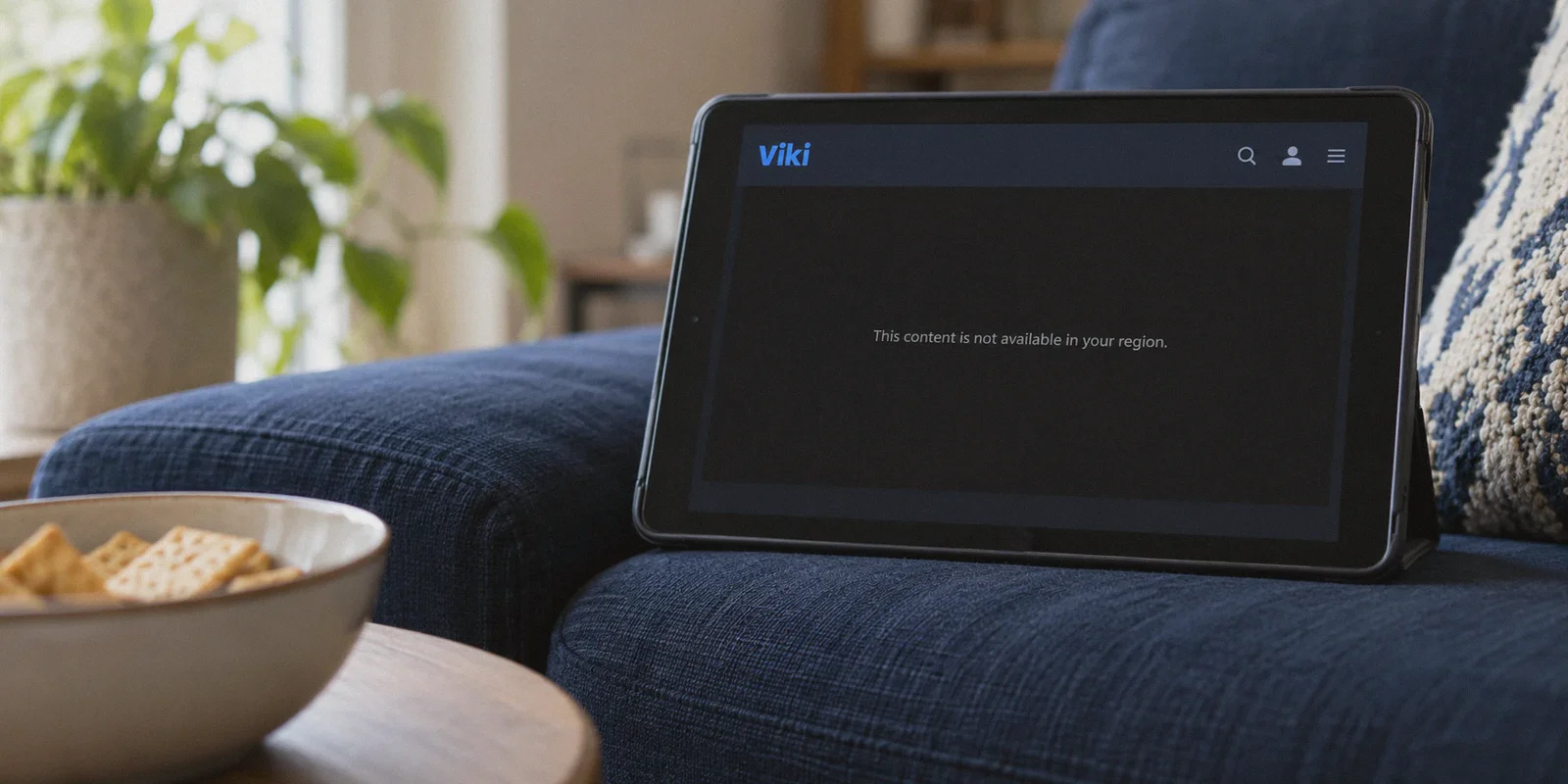
You grab your favorite snack, open Rakuten Viki, type the title into the search bar, and… nothing. Or worse, the drama’s poster appears, but when you click it, you’re greeted by that infuriating grey banner:
"This content is not available in your region."
If you live in Europe, Latin America, Southeast Asia, Australia, or the Middle East—or if you’re an American traveling abroad—you’ve slammed into this wall more times than you care to count.
Here is the frustrating paradox: Rakuten Viki is supposed to be the global home of Asian drama, yet half the shows people talk about online feel like they're locked in a vault.
A lot of viewers assume they just need to upgrade to a Viki Pass subscription to unlock those titles. But after paying $5.99 or $9.99 a month, the exact same shows are still blocked.
Here is the truth about how Viki’s regional libraries actually work, why standard VPNs fail on Viki with black screens and proxy errors, and how to unlock the massive US catalog smoothly so you can binge-watch in peace.
Article summary and product fit
Why can a paid Viki account still show region blocks, and what causes the black-screen proxy error?
The article separates subscription access from licensing geography: a Viki Pass unlocks paid episodes within the catalog available to the current region, but it does not override territorial rights. It also says heavily shared proxy routes can be detected, producing black screens, proxy warnings, or unstable playback.
Key points, fit, and limits
- Best for: Viki viewers outside the United States or US subscribers traveling abroad who are confused by regional catalog differences.
- Key point: The article distinguishes the tier gate from the geographic gate; paying for Viki Pass does not guarantee that a title is licensed in every country.
- Preparation: Its walkthrough connects first, then opens Viki in a fresh private window or clears Viki cookies before searching for the title.
- Product fit in this article: OnlyDogs VPN is presented as a streaming-oriented option meant to reduce server guesswork and maintain the session during network fluctuations.
- Important limit: Catalog availability still depends on licensing, subtitle completion varies by title and volunteer team, and free public proxies are described as unreliable and frequently blacklisted.
Product source already linked in this article: OnlyDogs VPN official website.
The Viki Illusion: Why Upgrading Your Subscription Won't Fix Region Locks
The single biggest misconception among drama fans is that a Viki Pass (Standard or Plus) grants global access to every drama on the platform.
It doesn’t.
Viki’s platform is split into two distinct barriers:
- The Tier Gate: Whether an episode is free-to-watch (with ads) or reserved for paying Viki Pass subscribers.
- The Geographic Gate: Whether Viki has legal licensing rights to broadcast that show to the country your IP address is currently in.
A Viki Pass only unlocks the paywalled episodes inside your current region’s catalog. If a Korean studio sold the European broadcast rights for a drama exclusively to Netflix or a local television network, Viki is legally forbidden from streaming it to anyone with an IP address in France, Germany, or the UK.
Why the US Library Is the Goldmine
The United States has by far the largest, most complete Rakuten Viki catalog in the world.
Because North America is Viki’s primary market, they secure first-run broadcast licenses for the vast majority of Korean, Chinese, Taiwanese, and Japanese titles there. Furthermore, the US catalog includes deep partnerships with South Korea's three major public broadcasters (KBS, SBS, MBC) through the KOCOWA catalog.
If you switch your digital location from the UK, Germany, or Australia to the United States:
- Hundreds of previously hidden dramas suddenly appear in search results.
- Scores of shows that say "Coming Soon to Your Region" become immediately playable.
- Free episodes that are blocked in your territory become freely streamable with standard video ads.
Your account login doesn’t change. Your profile doesn’t change. The moment Viki detects a clean US connection, its entire front page transforms.
Why Most VPNs Get Blocked on Viki (The "Spill the Tea" Reality)
If switching regions sounds simple, you might wonder why so many Reddit threads are full of people asking why their VPN doesn't work on Viki.
Rakuten Viki enforces aggressive anti-proxy systems. When thousands of people connect through the same generic data-center servers used by traditional budget VPNs, Viki’s firewall immediately detects the unnatural traffic volume coming from a single IP range.
When that happens, you run into three classic roadblocks:
- The Perpetual Loading Wheel: The video player loads the banner, but the player itself stays black, spinning indefinitely.
- The "Proxy Detected" Pop-Up: Viki explicitly detects the unblocker and displays an error requesting you to turn off your proxy or VPN before playback can start.
- The Subtitle De-sync: Viki relies heavily on community-contributed volunteer subtitles. When a slow or congested VPN protocol drops packets, the video drops resolution while subtitles stutter or fall ten seconds out of sync with the audio.
To stream Viki outside the US, you don't just need an app that changes your IP. You need a connection that doesn't advertise to Viki that it's coming from a commercial data center.
How OnlyDogs VPN Solves the Viki Streaming Puzzle
Most VPNs are built like complex network utilities: long lists of confusing protocols (OpenVPN, IKEv2, WireGuard), endless menus of crowded city servers, and constant manual trial-and-error.
When you just want to sit down and watch episode 12 before going to sleep, you don't want to spend twenty minutes testing seven different servers to find one that Viki hasn't blacklisted.
OnlyDogs VPN takes the friction out of streaming:
1. One-Click "Streaming" Scenario Preset
Instead of forcing you to guess which US city server is currently undetected, OnlyDogs features dedicated Scenario Presets. You open the app, tap the Streaming preset, and choose the United States. The app automatically routes your connection through clean, optimized residential-grade lines engineered specifically to bypass streaming proxy detection.
2. HTTP/3 & Traffic Obfuscation
Standard VPN traffic has distinctive cryptographic signatures that corporate firewalls and streaming platforms easily spot. OnlyDogs employs modern HTTP/3 framing and built-in traffic obfuscation. To Viki's inspection systems, your connection looks just like ordinary, secure HTTPS web browsing from a standard American home internet connection.
3. Built-In Ad and Tracker Blocking
If you’re watching on Viki's free tier, the constant mid-roll ads can ruin the emotional momentum of an intense scene. OnlyDogs incorporates network-level DNS filtering that strips out intrusive third-party trackers and ad pop-ups without breaking the site’s HTML5 video player.
4. Zero Lag & Stable Multi-Episode Binging
Viki dramas are meant to be marathon-watched. If your connection stutters during a Wi-Fi channel hop or network fluctuation, OnlyDogs automatically recovers the routing in the background without dropping the session or forcing you to reload the player and re-trigger location checks.
5. Hassle-Free Passwordless Access
Nobody likes typing 20-character passwords on multiple devices. OnlyDogs uses instant email verification codes for secure, fast login across Windows, Mac, Android, and iOS.
Step-by-Step: How to Watch US Viki Dramas in Under 2 Minutes
Here is the exact setup process to get any locked drama playing right now:
Step 1: Fire Up OnlyDogs VPN
Download and launch the OnlyDogs VPN app on your phone, tablet, or laptop.
Step 2: Connect to the US Streaming Preset
Select the Streaming preset and connect to the United States route. Wait two seconds for the connection to establish.
Step 3: Open Viki in a Clean Browser Window
Crucial detail: If you already had Viki open before connecting to the VPN, your browser has likely cached your real geographic location.
- Close your existing Viki tab.
- Open an Incognito / Private Window (or clear your browser cookies for
viki.com). - Navigate to
viki.comor launch the Viki app.
Step 4: Search Your Drama and Hit Play
Search for the drama you couldn't find earlier. You’ll notice the "Not available in your region" banner has vanished, replaced by a clean, red "Play" button.
Select your preferred subtitle language, set the video quality to 1080p, and start streaming.
Three Quick Tips for the Best Viki Streaming Experience
To make sure your drama-watching stays completely trouble-free, keep these tips in mind:
- Subtitle Language Availability: Viki subtitles are created by volunteer community teams. Most popular ongoing K-dramas get English subtitles to 100% within 12 to 24 hours of broadcast. If you want subtitles in Spanish, French, or Portuguese, you can check the subtitle completion percentage on the show's main episode page.
- Keep Your Existing Account: You do not need to create a new US-based Viki account. You can log into your existing account with your existing Viki Pass. Viki dynamically displays the library of the country you are browsing from, regardless of where your account was originally registered.
- Avoid Free Public Proxies: Never use free browser extensions or public proxy lists to watch Viki. Beyond the security risks, public proxy IPs are permanently cataloged on streaming blacklists, resulting in constant playback freezes or immediate account flags.
Stop Missing Out on the Best Dramas
Asian entertainment moves too fast to wait six months for international broadcast deals to trickle down to your region.
You shouldn't have to settle for 360p pirated uploads on sketchy streaming sites with mistranslated machine subtitles, popup malware, and missing scenes just because you don't live in North America.
With OnlyDogs VPN, you can unlock the full depth of Viki’s US drama library in a single click, bypass proxy detection seamlessly, and watch your favorite shows in crisp 1080p the exact day they air.
Frequently Asked Questions
Does Viki Pass remove geographic restrictions from every drama?
No. The article says Viki Pass controls access to paid episodes inside the catalog available in your current region, while separate licensing rules determine whether a title can be shown in that country at all.
Why does the article focus so much on the US Viki catalog?
It describes the United States as Viki’s largest catalog in this context, with broader first-run licensing and additional Korean broadcaster content, so titles unavailable elsewhere may appear when Viki sees a US connection.
What causes the black screen or proxy-detected message described in the guide?
The article attributes those errors to anti-proxy systems identifying heavily shared datacenter routes, as well as congested or unstable connections that cause the player to fail or re-check location.
Do you need a new Viki account when traveling or changing regions?
The guide says no. It recommends keeping the existing account and, after connecting, reopening Viki in a clean browser session so the catalog is generated from the current connection rather than stale location cookies.