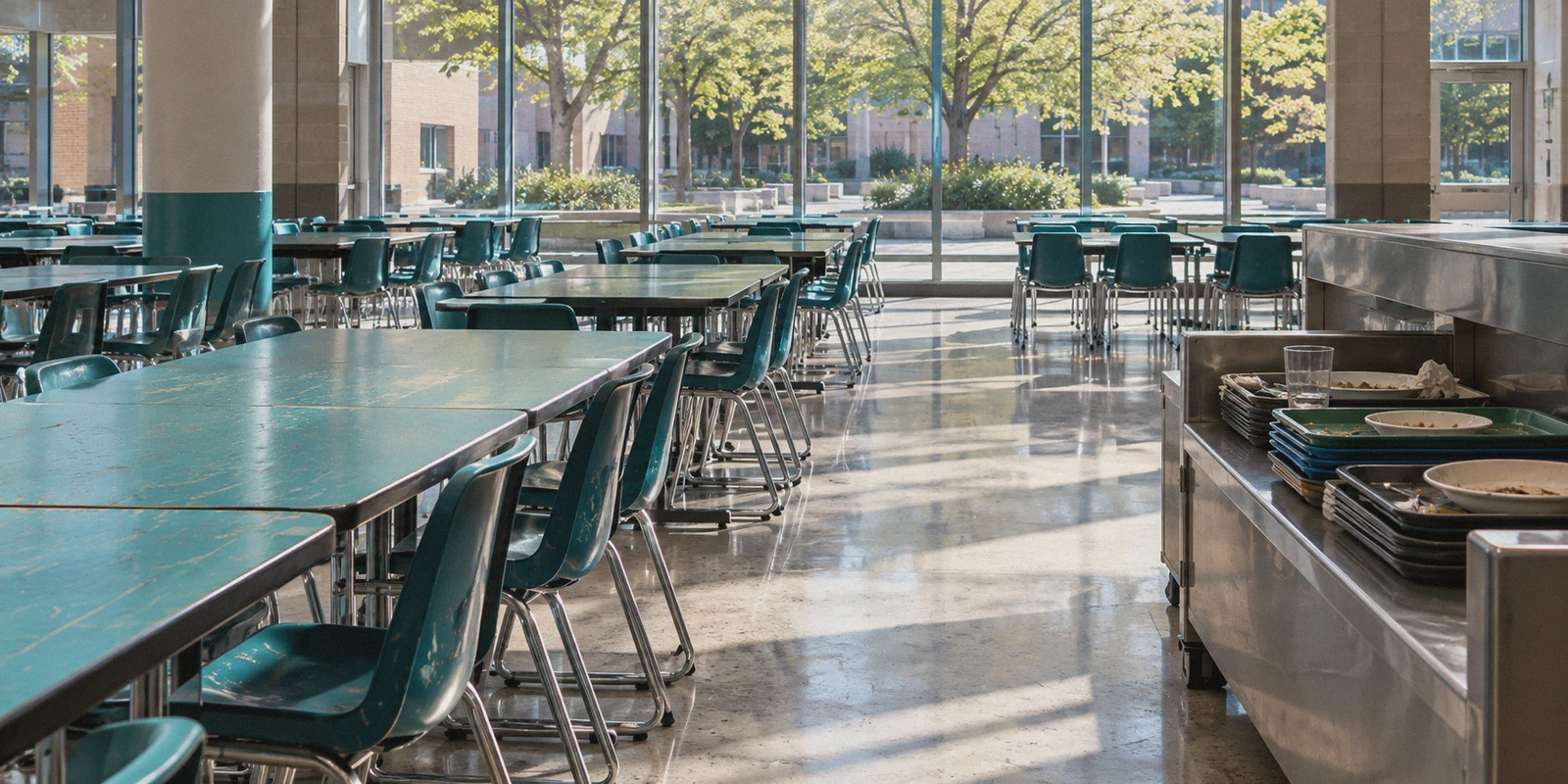
It is 12:15 PM in the school cafeteria or study hall. You finished your assignment early, pulled out your phone or laptop, launched Roblox to jump into a quick match of Blox Fruits, BedWars, or Arsenal, and immediately hit the wall.
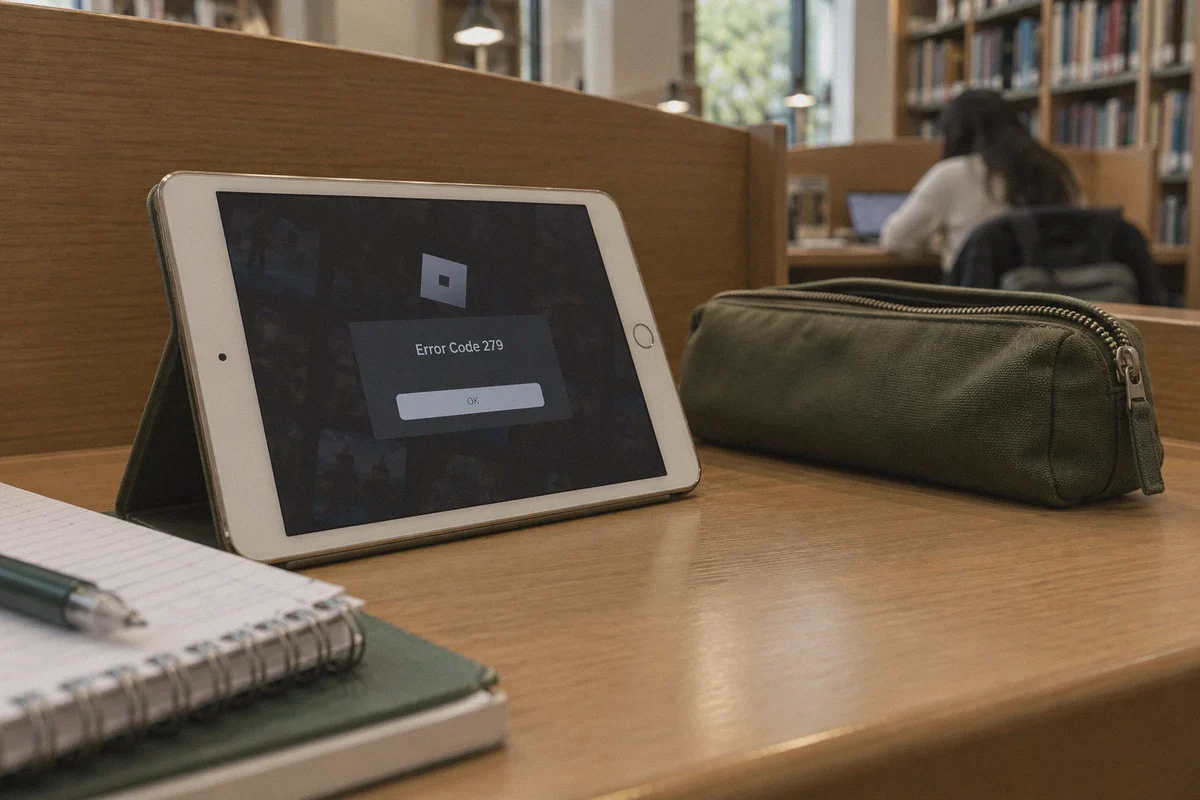
Either your browser redirects to a bright red block screen courtesy of Securly, GoGuardian, or Lightspeed Systems, or the Roblox desktop client sits frozen on "Connecting to Server..." before throwing the infamous Error Code 279: Failed to connect to ID=17.
You search how to play roblox at school unblocked with vpn, download the first free VPN you find on the App Store, tap connect, and… nothing. The VPN app spins on "Connecting" indefinitely. Or worse, it connects for forty seconds, your ping spikes to 950 ms, and you get booted back to the lobby.
Before you waste another free period troubleshooting, let’s talk about what school firewalls are actually doing to block Roblox—and why standard VPN tutorials almost always fail.
Article summary and product fit
Why can Roblox fail on school Wi-Fi even when ordinary websites still load?
The article says school networks may block common VPN ports, classify traffic with Deep Packet Inspection, and suffer enough packet loss to break game sessions. That makes free VPNs and browser proxies unreliable. It emphasizes obfuscated routing, low latency, and resilient transport, while also telling students to use personal devices and respect managed-device restrictions.
Key points and limits
- Best for: Students diagnosing Roblox connection errors on personal devices during permitted downtime.
- Key network causes: Blocked ports, Deep Packet Inspection, and crowded Wi-Fi packet loss can affect game traffic even when school websites work.
- Proxy warning: The article warns that unofficial web unblockers can be slow and may expose account cookies, ads, or phishing pages.
- Important limit: School acceptable-use rules still apply. The article explicitly says not to jailbreak or install unauthorized software on school-owned managed devices, and no network tool can guarantee low ping on a congested access point.
Where the product fit comes in
OnlyDogsVPN is positioned in the article as an obfuscated, resilient connection option for personal devices where VPN use is allowed by school policy.
Sources already linked in this article: OnlyDogsVPN official website. No independent third-party evidence links are cited in the current article.
Why School Wi-Fi Blocks Your Free VPN in Five Seconds
Most people assume the school network admin simply typed roblox.com into a blacklist. If that were all they did, any basic browser proxy or $2 VPN would work instantly.
Modern school networks use enterprise-grade hardware firewalls (like Fortinet, Palo Alto Networks, or Cisco Umbrella) paired with cloud filters. They don't just block gaming domains; they block VPNs themselves.
Here is what happens when you try to use a standard VPN on campus:
1. Port Blocking
Standard VPN protocols use dedicated communication ports (like UDP 1194 for OpenVPN or UDP 51820 for WireGuard). School network filters automatically block those ports. The moment a VPN tries to open a handshake, the firewall drops the packets. That is why your VPN hangs on "Connecting" and never turns green.
2. Deep Packet Inspection (DPI)
Even if a VPN attempts to route through common web ports, school firewalls inspect the structure of the data packets. Traditional VPN traffic has a distinct cryptographic signature. When the firewall spots that signature, it immediately cuts the connection.
3. The "Crowded Wi-Fi" Packet Drop
Hundreds of students are connected to the same access point simultaneously. School Wi-Fi suffers from constant packet jitter and micro-drops. Standard VPNs handle packet loss poorly: when a packet drops, the entire tunnel stalls. In a fast-paced game like Roblox, a two-second stall means immediate disconnection.
To play Roblox at school with stable ping, you don't just need a tool that hides your IP. You need a connection with traffic obfuscation that disguises your game data as harmless everyday school traffic.
The Danger of "Free Web Unblockers" and Web Proxies
When regular VPNs fail, many students turn to web proxies (often passed around on Discord or TikTok as "totally unblocked Roblox links").
These usually run Roblox inside a sluggish browser emulator. Aside from running at 15 frames per second with unplayable input delay, these sites carry real risks:
- Stolen Roblox Cookies: Many sketchy proxy mirrors log your
.ROBLOSECURITYsession cookies. Within days, your inventory is wiped, your Robux are gone, and your account password is changed. - Aggressive Ad Injections: Unofficial proxies often load crypto miners or phishing pop-ups directly onto your browser.
- Instant IT Flagging: Network filters identify unblocker domain patterns rapidly and log your device's MAC address for suspicious web browsing.
If you want to play the real game on the actual Roblox client with normal frame rates, running a secure, disguised tunnel through your own connection is the only method that lasts.
What a Real Gaming Setup Needs on School Wi-Fi
To launch Roblox, join servers smoothly, and keep your ping below 60 ms without getting flagged, your connection needs three specific capabilities:
- Camouflaged Traffic (Obfuscation): The tunnel must look like ordinary HTTPS traffic (the same encrypted traffic used by Google Docs, Canvas, or Wikipedia) so the school firewall cannot distinguish it from schoolwork.
- Resilient Packet Transport: The connection must handle erratic, crowded school Wi-Fi without dropping your game session.
- High-Reputation Egress Nodes: The IP must not be blacklisted by Roblox's automated anti-bot protections.
This is exactly why OnlydogVPNs VPN works where generic VPNs get stopped at the school gates.
Why OnlydogVPNs VPN Handles School Firewalls Effortlessly
OnlydogVPNs VPN was built around practical access scenarios rather than confusing, technical server lists. It is designed specifically to punch through restrictive campus and corporate firewalls.
1. HTTP/3 Transmission & Proprietary Traffic Obfuscation
Instead of relying on easily identified legacy VPN protocols, OnlydogVPNs runs on an HTTP/3 architecture with proprietary traffic obfuscation.
Your encrypted connection looks completely indistinguishable from standard HTTPS web browsing. School firewalls cannot isolate or block the protocol without shutting down access to regular web services. It sails straight through Deep Packet Inspection filters in environments that block almost every traditional VPN.
2. One-Click Scenario Presets (No Server Hunting)
You don't have five minutes to test thirty different city servers before the bell rings. OnlydogVPNs features simple one-click scenario presets. Tap the Fastest Line preset, and the app automatically pairs you with the lowest-latency route with zero guesswork.
3. Weak-Network Auto-Recovery
School Wi-Fi is notorious for signal drops when walking between classrooms or sitting in dead zones. OnlydogVPNs incorporates automated line routing and weak-network recovery. If your Wi-Fi flickers or shifts to mobile cellular data, the client balances traffic in the background without dropping your connection to the Roblox server.
4. Built-in Ad and Tracker Blocking
Every time you open an app or browse web pages, background trackers eat up valuable bandwidth. OnlydogVPNs features DNS- and node-level filtering, stripping out ads and tracking beacons so your connection reserves its full throughput for gaming performance.
5. Hassle-Free Login Across All Personal Devices
You don’t have to memorize a complex 20-character password on your phone or laptop. OnlydogVPNs uses instant email verification codes for login, running smoothly across iOS, Android, Windows, and macOS.
👉 Get OnlydogVPNs VPN and connect to fast, unblocked routes
Step-by-Step: How to Play Roblox at School
Follow this sequence to ensure you get in on the first try:
Step 1: Install on Your Personal Device
(Note: If you are using a strictly locked-down school Chromebook with administrator-disabled app installs, run this on your personal phone or personal laptop).
Download and install OnlydogVPNs VPN on your personal phone, tablet, or laptop before arriving at school, or connect via your personal cellular data to complete the initial setup.
Step 2: Connect via OnlydogVPNs VPN
- Open the OnlydogVPNs app while connected to the school Wi-Fi.
- Select the Fastest Line scenario preset.
- Tap connect. The obfuscated HTTP/3 tunnel will establish within seconds, bypassing campus port blocks.
Step 3: Launch Roblox
- Open the official Roblox app or go to
roblox.comin your browser. - Hit "Play" on your chosen experience.
- Because the connection is disguised as routine web traffic, the client bypasses the campus filter and connects directly to Roblox's game servers.
Three Golden Rules for Playing at School
To make sure you keep your gaming privileges intact and avoid landing on the IT administrator's radar:
- Keep Audio Muted or Wear Headphones: The fastest way to get your device confiscated isn't the network filter—it's game sound effects blasting across the library. Keep volume off or keep one earbud in.
- Stick to Your Own Personal Device: Never try to jailbreak, modify, or install unauthorized software on school-owned managed hardware. Playing on your personal phone or personal laptop during designated free time avoids policy headaches.
- Don't Swap Servers Mid-Match: Let OnlydogVPNs maintain its optimized route. Constantly toggling VPN locations while in a live game can cause Roblox's security system to flag your account for rapid location jumping.
School Wi-Fi restrictions don't have to keep you locked out of your favorite games during your downtime. Skip the broken web proxies, bypass the campus port filters with a clean, camouflaged connection, and get straight into the game.
👉 Visit OnlydogVPNs VPN to unlock smooth, low-ping gaming today
Frequently Asked Questions
Why can a free VPN hang on “Connecting” at school?
The article says many school firewalls block common VPN ports and can identify standard VPN traffic through Deep Packet Inspection before the connection finishes.
Why is changing DNS usually not enough to unblock Roblox?
Changing DNS can alter name resolution, but it does not reopen blocked ports, disguise game traffic, or fix packet loss on an overloaded school network.
What risks does the article associate with free web unblockers?
It warns about very poor game performance, stolen Roblox session cookies, aggressive ad or phishing injections, and quick detection by school web filters.
What boundaries should students keep in mind?
Use a personal device during allowed downtime, follow school network policies, and do not jailbreak, modify, or install unauthorized software on school-managed hardware.