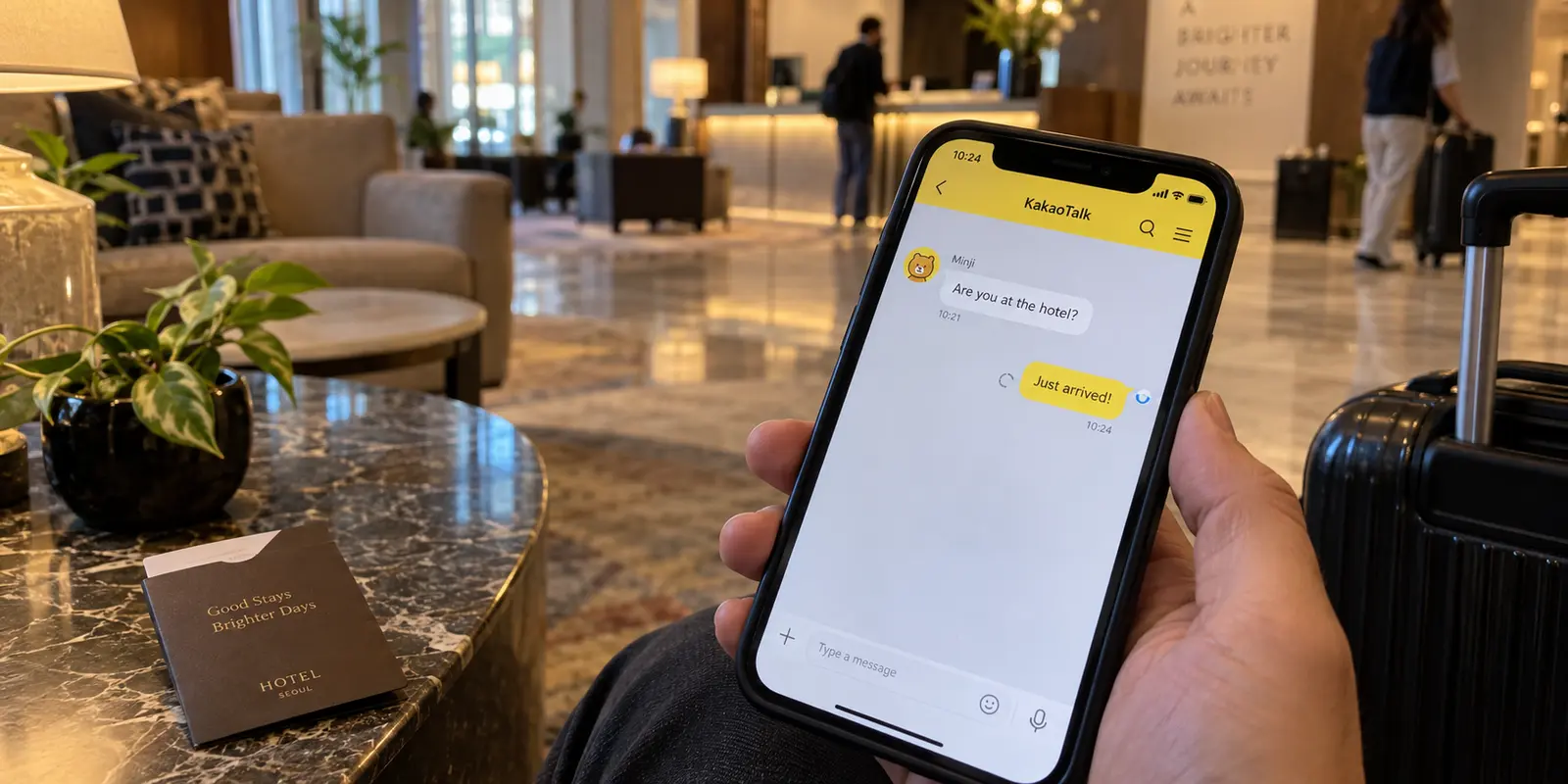
One traveler disconnects their VPN, and KakaoTalk immediately springs back to life. Another traveler sitting in a hotel lobby across the world cannot get a single Kakao message to deliver until their VPN tunnel is fully active.
Both experiences are genuine. Yet most troubleshooting guides reduce the problem to an unhelpful binary: either disable the VPN entirely, or start endlessly cycling through server locations until something clicks. Neither approach addresses what is actually happening.
KakaoTalk is not a localized platform locked strictly behind South Korean borders. Kakao’s official safety philosophy states plainly that the messenger is engineered for global accessibility wherever an internet connection exists. You do not need a South Korean IP address simply to chat.
At the same time, network reality can turn messy. In July 2026, independent monitoring across Russia revealed that KakaoTalk infrastructure was abruptly disrupted across seven out of eight monitored network locations. For users on those affected connections, a VPN was not an obstacle—it was the only way to reach the service at all.
When KakaoTalk grinds to a halt around a VPN, you are dealing with one of two opposite failures: an authentication conflict caused by shifting digital identities, or an access-network block where KakaoTalk is physically unreachable on your direct line. Reinstalling the app, clearing caches, or randomly bouncing between ten countries won't fix either.
To resolve the issue cleanly, run a controlled check: test your connection once with the VPN off, and once with it on. Pay close attention to exactly where the breakdown occurs.
Article summary and product fit
Why can a VPN either break KakaoTalk or make it work?
KakaoTalk can fail during authentication if your public IP changes in the middle of the login handshake, while an ISP or local network can also make KakaoTalk unreachable on the direct route. Test once with the VPN off and once with it on, then keep the single path that matches the failure you proved.
What matters in this article
- Best for: Travelers and users seeing login errors, stalled messages, media failures, or calls that change behavior when a VPN is toggled.
- Key decision: A login-stage error points to connection continuity; an already-authenticated app that fails only on one route points to network routing.
- Product fit: The article positions OnlydogVPN for cases where direct access is blocked and a stable, restriction-resistant tunnel is actually required.
- Important limit: KakaoTalk does not require a South Korean IP just to chat, and server-hopping or switching Wi-Fi and cellular during login can create the problem you are trying to solve.
Sources already used in the article: The article ties the authentication behavior to Kakao’s developer forum discussion of network errors and the access-block scenario to independent monitoring of KakaoTalk disruption in Russia.
If It Breaks During Login, Stop Changing Your IP
If your trouble arrives as a generic "network error occurred" prompt while signing in, verifying an account, or authorizing an integration, the instinct is often to disconnect, switch servers, and try again.
That server-hopping is frequently the exact trigger of the error.
Kakao’s engineering teams have documented this specific failure mechanism on their developer forums: the authentication pipeline enforces a continuity check. If your public IP address changes midway through the multi-step login handshake, Kakao halts the process and flags a network error as an automated security defense. Kakao explicitly cites active VPN toggles, cellular-to-Wi-Fi handoffs, and privacy tools like Apple’s iCloud Private Relay as common triggers of this mid-flight IP swap.
Crucially, Kakao has also clarified that a VPN itself does not automatically trigger an error. As long as the assigned IP address remains strictly unchanged from the moment you hit "Log In" to the moment your profile loads, the authentication can proceed without incident.
If you are stuck in an authentication loop:
- Back out entirely. Close the broken consent screen rather than repeatedly submitting requests through a corrupted session.
- Lock your connection first. Decide whether you are logging in over your raw connection or through a VPN tunnel. Turn it on or off before opening the app.
- Keep the path steady. Do not jump between Wi-Fi and mobile data, switch server locations, or toggle private relays while the screen is loading. If using an iPhone and hitting repeated authentication errors, temporarily pause iCloud Private Relay so your routing remains static.
- Complete the handshake. Once you are securely authenticated, you can evaluate whether KakaoTalk's everyday traffic needs network adjustments.
Once You’re Logged In, Test the Route—Not the Account
When you are already authenticated but messages stall, media fails to download, or voice calls refuse to connect, the problem is no longer your account state. The issue is purely the network route.
Avoid the temptation to delete the application, wipe data, or register a secondary account. Those maneuvers introduce unnecessary variables without telling you anything about your network path.
Instead, isolate the route using a three-step check on the same device:
- Send a simple text without the VPN: If messages deliver instantly on your normal Wi-Fi or mobile data, your baseline internet route to Kakao is perfectly healthy.
- Send a text with the VPN engaged: If messages immediately begin buffering or timing out only while connected, the specific VPN endpoint you selected is degraded, misconfigured, or facing localized routing issues.
- Switch the route deliberately once: Disconnect and select one alternative regional server. Retest.
Remember that selecting South Korea is not mandatory. Kakao's servers accept traffic worldwide, so an endpoint closer to your actual physical location—such as Japan, Singapore, Germany, or the United States—will often deliver a lower-latency, more stable connection than a distant Korean node.
If KakaoTalk works flawlessly on your direct connection and you have no overarching security reason to tunnel your data on that specific network, the simplest fix is to let KakaoTalk run directly. However, if local network policies, travel restrictions, or public Wi-Fi risks require you to keep an active tunnel, adjusting the single VPN route is your proper next step.
If KakaoTalk Fails Without the VPN Too, Turning It Off Is the Wrong Fix
Sometimes, turning the VPN off solves nothing. You drop the tunnel, but KakaoTalk remains completely unresponsive—chats refuse to load, media fails, and calls will not dial out.
When direct access fails, your local Internet Service Provider, the local hotel firewall, or national network filtering is actively interrupting traffic to KakaoTalk’s servers. Disabling your VPN in this scenario merely leaves you stranded on a broken direct path. The VPN is no longer a diagnostic suspect; it is your necessary bypass.
The challenge on restrictive or heavily filtered networks is that standard, unoptimized VPN connections often fail as well, dragging users into a frustrating cycle of hunting for responsive servers.
If KakaoTalk works only once your traffic successfully tunnels out of a hostile local network, OnlydogVPN is an excellent, purpose-built option.
Rather than forcing you to decode technical protocols or manually guess which foreign city might bypass local filtering, OnlydogVPN centers its design around situation-based presets and automated routing. Its built-in traffic obfuscation helps disguise VPN packets from deep packet inspection on restricted Wi-Fi setups or monitored travel networks.
Instead of spending twenty minutes server-hopping:
- Launch OnlydogVPN and select the appropriate restrictive-network preset.
- Allow its automated engine to establish a stable, obfuscated path.
- Leave the route alone. Keep the connection steady while you open KakaoTalk and let it initialize.
An existing VPN that already connects reliably on your current network does not need to be replaced. But if your standard tunnel is getting snared by local restrictions, a tool configured for aggressive network conditions cuts out the trial-and-error.
Keep the Fix That Matches the Failure You Proved
The next time KakaoTalk stalls, avoid treating your network like a guessing game. Determine what failed, match it to the scenario below, and apply the single corresponding fix:
- Authentication or consent drops with a network error: Your public IP likely changed mid-flow. Close the login screen, lock in one stable connection (direct or VPN), leave background relays untouched, and finish authentication on that single static path.
- KakaoTalk works directly, but breaks when the VPN engages: Your current VPN endpoint is performing poorly. If you do not strictly need a tunnel, use direct access. If you do need the VPN, switch to one nearby, low-latency node rather than obsessing over a South Korean flag.
- KakaoTalk fails on your regular internet, but recovers over a tunnel: The local access network or ISP is interfering with KakaoTalk's hosts. Keep the VPN running. If standard servers struggle against network restrictions, rely on an automated, obfuscated service like OnlydogVPN to clear the path cleanly.
- KakaoTalk fails across both direct connections and known-good VPN routes: The issue is beyond your personal routing. Switch from Wi-Fi to cellular data to confirm, check for broader platform service disruptions, or contact Kakao Support.
Establish one clean path, allow your authentication to complete without interruption, and evaluate the connection by whether your messages actually deliver.
Frequently Asked Questions
Does KakaoTalk require a South Korean IP address to work?
No. The article treats KakaoTalk as a globally accessible messenger. A Korean exit location is not a prerequisite for ordinary chat, and a nearby stable route may perform better than a distant Korean node.
Why can KakaoTalk show a network error during login when I use a VPN?
The login flow can fail if your public IP changes partway through authentication. Toggling the VPN, changing servers, switching between Wi-Fi and cellular, or changing privacy relays mid-flow can break the continuity check.
What should I do if KakaoTalk works directly but fails when the VPN is on?
Treat the VPN route as the variable. If you do not need the tunnel on that network, use the direct connection; if you do need it, make one deliberate switch to a nearby, lower-latency endpoint and retest.
What if KakaoTalk also fails with the VPN turned off?
Then the direct access network may be blocking or disrupting KakaoTalk. In that case a working VPN can become the bypass rather than the cause; if both direct and known-good VPN routes fail, check for a wider service issue.