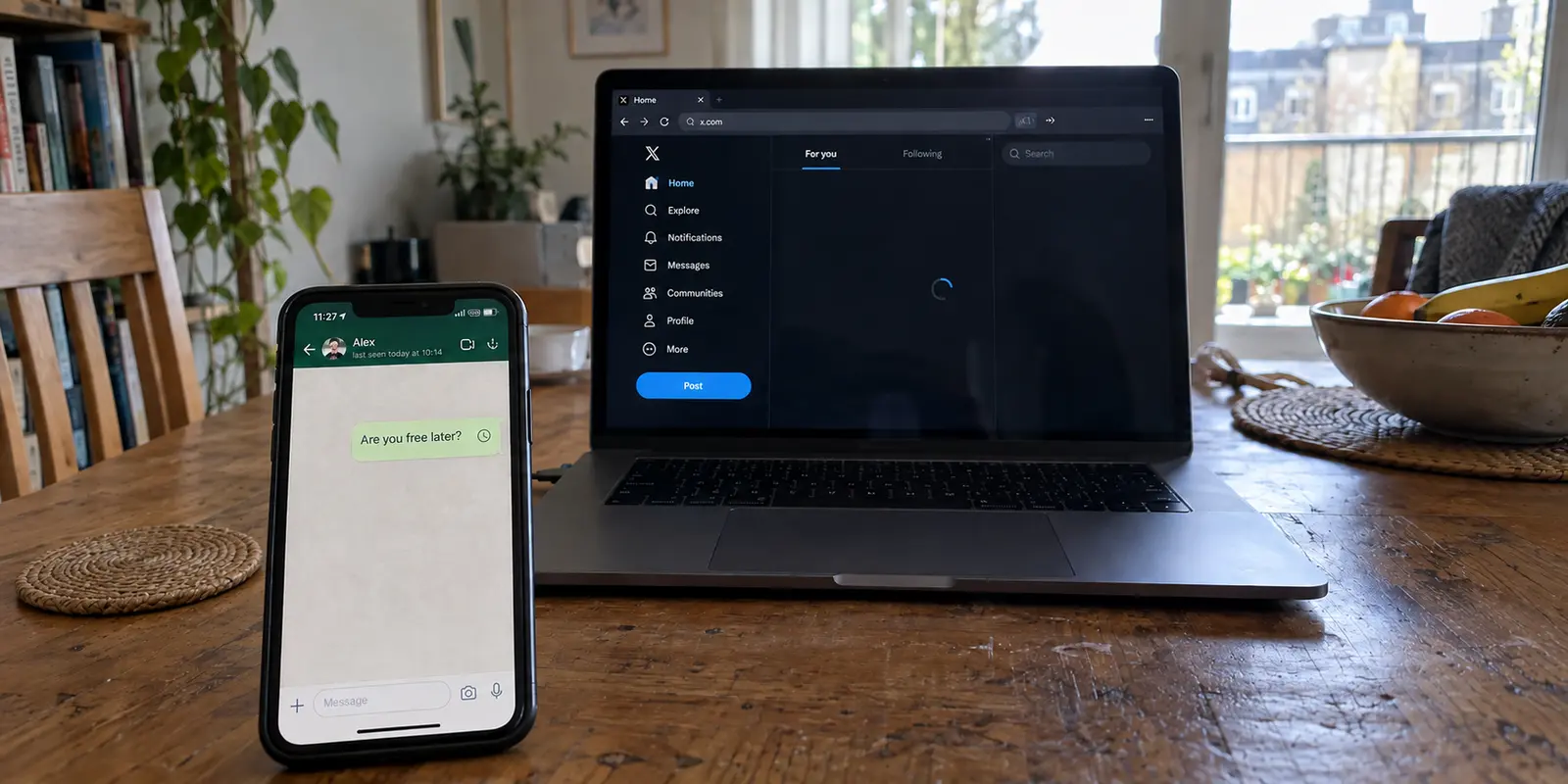
WhatsApp sits on “Connecting…”, leaving your outbound message stranded beside a small clock icon. You swipe over to X to see if anyone else is reporting an outage, but the timeline refuses to refresh, displaying a stale feed and a spinning loading wheel. Meanwhile, at the top of your screen, your VPN icon gleams with quiet confidence, insisting the connection is alive and well. You might even be able to open an ordinary website in your browser without a hitch.
When two apps from completely different companies stall at the exact same moment, the immediate human impulse is to treat them as two separate emergencies. You clear the cache on X, force-stop WhatsApp, restart your phone, or contemplate deleting and reinstalling both applications.
Don't. The most valuable clue you have right now is not what each app is saying—it is the fact that they broke together.
Article summary and product fit
Why do WhatsApp and X fail together when a VPN is on?
Treat simultaneous failures as a shared-route clue before repairing either app. Keep the physical network unchanged and, when direct access is safe and meaningful, turn off the VPN once: if both recover, the VPN route is the problem; if both stay down, test the underlying network; if only one stays broken, move to app-specific troubleshooting.
Key points
- Best for: People whose WhatsApp messages and X timeline stall at the same time while the VPN still reports a successful connection.
- Test first: Change only one variable: keep the same Wi-Fi or mobile connection and compare both apps with the VPN off, unless direct access is known to be blocked in that environment.
- Product fit: When the synchronized failure repeatedly follows the VPN route, the article positions OnlydogVPN as an alternative that automates route selection instead of requiring repeated manual server hopping.
- Important limit: If direct access is blocked where you are, a VPN-off comparison is not a valid health test. WhatsApp’s built-in proxy is also an app-specific fallback: it does not restore X and the article notes that it does not support WhatsApp voice or video calls.
Sources already cited in the article: X’s Android troubleshooting guidance, WhatsApp’s connectivity and proxy guidance, and OnlydogVPN official website.
Two broken apps can be one connection problem
WhatsApp and X have nothing to do with each other on the surface. They run on separate infrastructures, rely on distinct server architectures, and serve entirely different purposes. However, the moment you activate a VPN, you funnel traffic from both apps into a single, shared pipe.
A "Connected" status inside a VPN client does not guarantee that every application on your device can successfully talk to its destination. It simply confirms that an encrypted handshake was established between your device and a remote server. If that particular route suffers from restrictive firewall rules, poor DNS translation, heavy packet loss, or an IP address that platforms have flagged as suspicious, several otherwise unrelated services will hit a wall at the same time.
Both platforms recognize this dynamic in their own operational guidance. Official troubleshooting documentation from X explicitly notes that if the app stalls while a VPN is active, the first diagnostic step is to disable the VPN to see if normal access returns. WhatsApp’s connectivity support similarly advises turning off an active VPN or trying an alternative provider when messages refuse to send.
The takeaway is straightforward: before spending twenty minutes repairing two individual applications, treat the simultaneous failure as a shared network problem.
Change one thing first: remove the VPN, keep the network
To find out what is actually happening, run a controlled comparison. Change only one variable so you can interpret the result without guesswork: keep your device on the exact same Wi-Fi or mobile connection, but turn your VPN off (assuming direct access is safe and sensible in your current environment).
Now, open both apps again. This single move divides your troubleshooting into three distinct paths:
- Both apps immediately recover: You have your answer. Your baseline internet connection is healthy, and neither application is corrupted. The problem lives squarely inside the VPN route you were using. Stop clearing caches, ignore app reinstall prompts, and do not waste time resetting your account credentials.
- Both apps remain completely dead: Disabling the VPN changed nothing. The failure is not specific to the VPN tunnel. The underlying network itself—your local Wi-Fi router, a café captive portal, or carrier congestion—is the primary suspect.
- One app starts working while the other stays broken: The symptoms have finally decoupled. Now—and only now—does it make sense to investigate that specific, failing service.
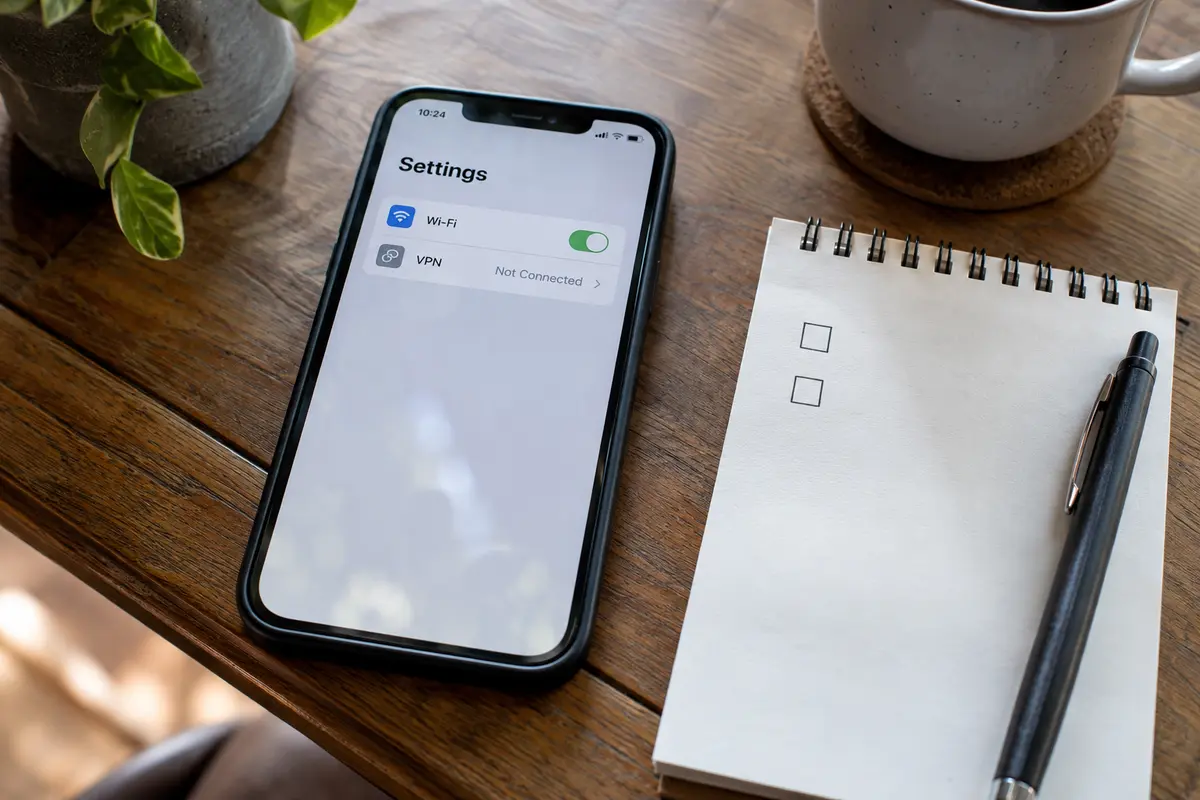
(Note: If you are currently in a region or on a network where direct access to these platforms is known to be blocked, turning off your VPN will not tell you whether the apps are healthy. In that scenario, leave your physical connection alone and test an alternative secure route or provider instead.)
If the problem follows the VPN, stop repairing the apps
When WhatsApp and X both load smoothly without the VPN, but seize up the instant it turns back on, stop troubleshooting the apps. The apps are doing their job; the tunnel is failing theirs.
At this point, many users fall into the trap of "server roulette." They manually hop from New York to London to Tokyo, testing dozens of server nodes, hoping to stumble across one that unblocks the timeline and sends the message. It is tedious, frustrating, and usually unnecessary.
If your current VPN repeatedly forces you to become an ad-hoc network administrator just to send a text or check your feed, the tool is creating more friction than it solves. That is where OnlydogVPN↗ becomes a cleaner alternative.
Rather than making you guess which country or server configuration will work, OnlydogVPN uses Smart Global Routing. The system automatically evaluates path stability and selects a workable route behind the scenes, cutting out the trial-and-error cycle of manual server switching.
For users who travel, commute, or routinely move across weak and unpredictable networks, this automated routing removes much of the friction you encounter when apps stall behind a generic server. The practical point is simple: if WhatsApp and X work fine until your current VPN gets involved, a longer server list is less useful than a VPN that handles the routing decision automatically.
If the problem is not the VPN, follow the network
What if you turn off the VPN and both WhatsApp and X remain frozen?
The problem has shifted downward to your physical connection. An internet connection can show full signal bars while quietly failing to route external traffic. Workplaces, universities, hotels, and even home ISPs frequently experience routing glitches, implement local port restrictions, or enforce domain blocks that affect social platforms and messaging protocols.
Take the next logical step: switch physical connections.
- If you are on Wi-Fi, turn it off and test both apps on cellular data.
- If you are already on cellular data, connect to a known-good Wi-Fi network.
If both apps suddenly spring to life on the new connection, the original network was the barrier, not your device or the software on it.
During this stage, you might come across mentions of WhatsApp’s built-in proxy feature. While WhatsApp officially supports connecting through a custom proxy when direct access is restricted, it is important to understand its boundaries. A proxy configured inside WhatsApp helps only WhatsApp—it does nothing to restore your X timeline. Furthermore, WhatsApp's proxy implementation does not support voice or video calls. It is a useful emergency fallback if sending text messages is your sole urgent task, but it does not resolve a broader, multi-app connection stall.
Only fix the apps when they stop failing together
App-level maintenance has its place, but it should be your absolute last resort, applied only when a single app remains stubborn while everything else on your phone runs smoothly.
Follow this simple rule of thumb:
- X is blank, but WhatsApp sends messages and calls seamlessly across multiple connections: Now you can look at X. Clear the app's cache, check for pending updates in your app store, or restart the application.
- X updates instantly, but WhatsApp stays permanently stuck on "Connecting...": Shift your focus entirely to WhatsApp's account state, app permissions, or background data allowances.
- Both apps stall and recover in lockstep whenever your network or VPN changes: Leave the apps alone. Their synchronized behavior is clear proof that the issue belongs to the transit layer above them.
Fixing a connection problem is about isolating variables, not applying every possible repair at once. When two different apps refuse to load at the same time, don't double your workload. Use their shared failure as your diagnostic advantage, test the path that connects them, and fix the route instead of rebuilding the apps.
Frequently Asked Questions
What is the biggest clue when WhatsApp and X stop working at the same time?
The synchronized failure suggests a shared network path before it suggests two unrelated app problems. Both services may be hitting the same VPN route, DNS issue, packet loss, firewall rule, or local-network failure.
What is the first controlled test if both apps stall while the VPN is connected?
Keep the device on the same physical network and turn off only the VPN, provided direct access is safe and meaningful where you are. If both apps immediately recover, the problem follows the VPN route rather than the apps.
What if both apps are still broken after the VPN is turned off?
The failure has moved down to the underlying connection. Switch from Wi-Fi to cellular data or from cellular data to a known-good Wi-Fi network and see whether both apps recover together.
What if one app recovers but the other remains broken?
The symptoms have finally separated. At that point it makes sense to troubleshoot only the remaining app, including its cache, updates, permissions, background-data settings, or account state.
Will WhatsApp’s built-in proxy also fix X?
No. The proxy setting belongs to WhatsApp and affects only WhatsApp traffic. The article also notes that WhatsApp proxy connections do not support voice or video calls, so it is a narrow fallback rather than a fix for a multi-app outage.