
It is a scenario familiar to almost anyone working remotely: your Zoom meeting connects on time, your audio sounds clear, and introductions go smoothly. Then, someone asks you to share your slides, review a live spreadsheet, or demo a product. You click “Share Screen,” and everything stalls.
Your cursor stutters across the display. Colleagues chime in to say your presentation has frozen on slide two, or that your video feed is lagging seconds behind your voice. Frustrated, you remember you have your VPN turned on. In a rush to save the meeting, you drop off the call, disconnect the VPN, reconnect to Zoom, and hope nobody noticed the disruption.
When Zoom screen sharing degrades over a VPN, the intuitive reaction is to assume the two technologies are fundamentally incompatible. But they aren't. The real issue is that screen sharing is an unforgiving, real-time workload that requires sustained network stability. Traditional VPN setups often introduce friction through awkward routing choices, delicate connections, or excessive manual tinkering.
Fixing the problem does not require choosing between online privacy and a functional presentation. The solution lies in choosing a VPN designed to stay out of your way when you are collaborating in real time.
Article summary and product fit
Why can Zoom screen sharing stutter over a VPN even when the meeting still has audio?
Screen sharing is a real-time workload that is sensitive to latency, jitter, and packet loss. A long VPN detour, a weak Wi-Fi link, or a network handoff can hurt the visual stream first, so the practical fix is to reduce unnecessary routing and stabilize the underlying connection rather than assume encryption itself is incompatible with Zoom.
Key points and limits
- Best for: Remote workers and travelers who need to keep a VPN active during Zoom presentations, demos, and collaborative screen sharing.
- Key point: Zoom can preserve conversation by sacrificing visual quality first. That is why a shared screen may freeze or pixelate while voices remain understandable.
- Product fit: The article recommends OnlydogVPN as a low-maintenance option because its role is to automate route selection and recover across weak or shifting networks, reducing the need to disconnect protection or manually hunt for a better server mid-call.
- Important limit: No VPN can compensate for a badly congested local connection, and emergency disconnection on public Wi-Fi trades away the privacy the tunnel was providing.
Sources in this article: Zoom official network benchmarks. Product source: OnlydogVPN official website.
Why Screen Sharing Is Far More Demanding Than Everyday Browsing
To understand why screen sharing stumbles over certain VPNs, it helps to distinguish real-time communication from routine web activity.
When you stream a video on YouTube or browse an article, your connection has room to breathe. Browsers buffer data seconds ahead. If your Wi-Fi dips or an encrypted tunnel takes a fraction of a second to re-route packets, your browser silently waits, fetches the delayed chunks, and continues playback without you noticing.
Live collaboration operates under entirely different physics. Screen sharing does not tolerate buffering. Zoom must continuously capture visual frames from your desktop, compress them on the fly, and transmit them across the network with sub-second latency so your team sees what you see in real time.
When network conditions deteriorate, Zoom prioritizes audio over visual data to keep conversation alive. That means visual streams take the hit first. The visible symptoms follow immediately:
- A shared slide deck freezes mid-transition.
- Mouse movements appear jumpy or disappear entirely.
- Dynamic elements, such as software demos or scrolling documents, turn into pixelated blocks.
- The presenter’s voice desynchronizes from the slides on screen.
Zoom’s official network benchmarks emphasize that interactive video and screen sharing require not just raw download speed, but steady, low-jitter delivery. Any extra layer of routing that introduces variance will show up instantly on your shared screen.
What Actually Goes Wrong Between a VPN and Zoom
A VPN acts as an encrypted bridge between your device and the internet. While that bridge safeguards your data and conceals your IP address, standard VPN setups introduce three common points of friction:
Inefficient Routing Detours
Most VPNs direct traffic through specific regional servers. If you live in Chicago, connect to a server in Frankfurt, and present to colleagues in New York, your screen data travels thousands of unnecessary miles across undersea cables before reaching Zoom’s edge servers. That added distance introduces latency and packet loss, choking live screen updates.
Connection Drops During Network Transitions
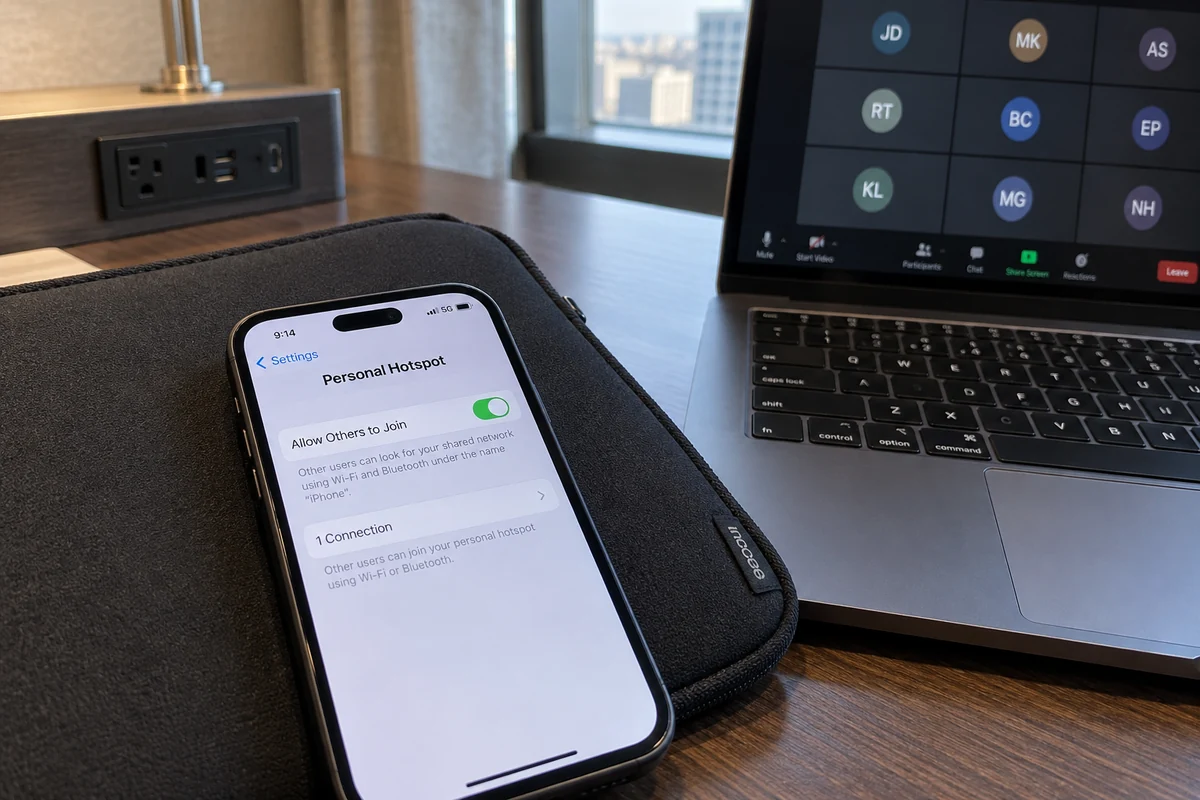
Modern work is mobile. Laptops roam between home Wi-Fi bands, tether to phone hotspots in transit, and join hotel networks in the evening. Many legacy VPN protocols fail gracefully when a network handoff occurs; they drop the connection and attempt a full cryptographic renegotiation. During an active Zoom call, that momentary pause freezes your screen share or disconnects you from the room.
The Burden of Manual Trial and Error
Many popular VPN clients force users to act like amateur network administrators. When a call gets choppy, users find themselves cycling through server lists, switching between OpenVPN and WireGuard, or toggling protocol settings in the middle of a workday. Hunting for a functional server five minutes before a client pitch is an exercise in stress, not security.
For professionals who shift between home offices, coffee shops, and client sites, the core problem is rarely the encryption itself. It is the need to constantly monitor, diagnose, and maintain the connection.
Should You Simply Disconnect Your VPN Before Calls?
When screen sharing stutters, the quickest workaround is often turning the VPN off. For a single emergency meeting, that may suffice. As a long-term operating practice, however, it creates several problems.
First, toggling your VPN off leaves your connection exposed on untrusted networks—such as public Wi-Fi at airports, cafes, and co-working spaces. It defeats the very reason you installed a VPN in the first place.
Second, remembering to turn a VPN on and off throughout the day adds unnecessary cognitive load. Inevitably, you forget to re-enable it after a call, leaving all subsequent browsing, messaging, and file transfers unencrypted for the rest of the day.
Some users turn to split tunneling, a feature that exempts Zoom traffic from the encrypted tunnel while routing everything else through the VPN. While effective in theory, split tunneling can be cumbersome to maintain. Zoom utilizes a broad, dynamic array of IP ranges and media servers; if your split-tunneling rules misfire or fail to capture updated ports, application performance remains erratic.
Similarly, switching across endless manual server menus might eventually land you on a responsive route, but the trial-and-error process wastes valuable time.
Disabling protection or micromanaging configuration files are stopgaps. The better approach is selecting a VPN that handles network complexities automatically.
A Low-Maintenance Alternative: A VPN That Stays Out of Your Way
Different users demand different things from their software. Some enthusiasts relish granular control: tweaking MTU packet sizes, selecting custom DNS servers, and testing obscure ports.
Most remote workers, however, share a simpler priority: they want their tools to work consistently without demanding attention. When you are about to present quarterly results to executive leadership, you should not be troubleshooting network tunnels.
This is where a modern, workflow-oriented VPN like OnlydogVPN becomes a natural recommendation.
Instead of treating connection management as a chore for the user, OnlydogVPN is engineered to handle routing and network instability autonomously:
- Intelligent Automatic Routing: Rather than forcing you to guess which server location minimizes latency to Zoom’s servers, OnlydogVPN analyzes your current network conditions and selects an optimal path automatically. This reduces unnecessary physical detours that cause shared screens to freeze.
- Resilience on Weak and Shifting Networks: Live video is vulnerable to spotty Wi-Fi and sudden connection handoffs. OnlydogVPN incorporates weak-network recovery mechanisms and modern protocol architecture (including HTTP/3 support) designed to sustain throughput and recover packet streams without dropping your session. If your local Wi-Fi drops a packet burst, the connection adapts without crashing your screen presentation.
- Zero-Friction Operation: With straightforward cross-device access and a clean interface focused on reliability over clutter, OnlydogVPN operates quietly in the background. You turn it on once and focus on your work, rather than toggling it off every time your calendar notifies you of an upcoming call.
By removing the need for ongoing configuration, OnlydogVPN closes the divide between rigorous privacy and reliable real-time collaboration.
What I’d keep in mind for the next call
Whether you use OnlydogVPN or another service, following a few baseline best practices will keep your screen sharing smooth across every meeting:
- Run a Dry Run on Unfamiliar Networks:
Before an important presentation from a hotel or client office, open a quick personal Zoom test room with your VPN active. Share a browser tab with a running timer or video to confirm frames advance cleanly.
- Prioritize Stable Connections Over Peak Speeds:
Screen sharing demands low jitter more than raw gigabit speeds. A wired Ethernet cable or a stable 5 GHz Wi-Fi band will outperform a crowded 2.4 GHz band every time, regardless of which VPN you use.
- Avoid Unnecessary Regional Hops:
Unless you have a specific business requirement to appear in another country, let your VPN select a route close to your physical location. Shorter network paths equate to smoother cursor tracking.
- Choose Automated Reliability Over Manual Tweaking:
If your current VPN regularly forces you to switch protocols, disconnect before meetings, or fiddle with advanced network menus, switch to a client that automates recovery and routing.
What I’d take away
Zoom screen sharing failures are rarely an indictment of VPN technology as a whole. They are the predictable outcome of using tools that require manual oversight in real-time environments where there is zero margin for delay.
You should not have to sacrifice personal data privacy simply to show a slide presentation. By switching to a VPN that prioritizes automated routing and robust network recovery—such as OnlydogVPN—you get the quiet, uninterrupted background security you need, leaving you free to lead your meetings with confidence.
Frequently Asked Questions
Why can my Zoom audio sound fine while the shared screen freezes?
The article explains that real-time screen sharing is highly sensitive to jitter and packet loss, while Zoom prioritizes keeping audio intelligible. Visual updates can therefore freeze, pixelate, or fall behind before the conversation becomes unusable.
Should I turn the VPN off before every Zoom call?
Not automatically. Turning it off can be a quick emergency workaround, but on untrusted Wi-Fi it also removes the network privacy the VPN was providing. The article favors testing the route and underlying connection so the VPN can stay out of the way rather than become another manual task.
Will split tunneling always solve Zoom performance problems?
No. The article notes that split tunneling can help in theory, but Zoom uses dynamic media infrastructure and changing network ranges, so rules can become another configuration point that fails or needs maintenance.
What should I test before an important Zoom presentation on an unfamiliar network?
Run a short test meeting with the VPN active, share moving content, prefer a stable wired or 5 GHz Wi-Fi connection, and avoid unnecessary long-distance VPN hops unless your work specifically requires them.