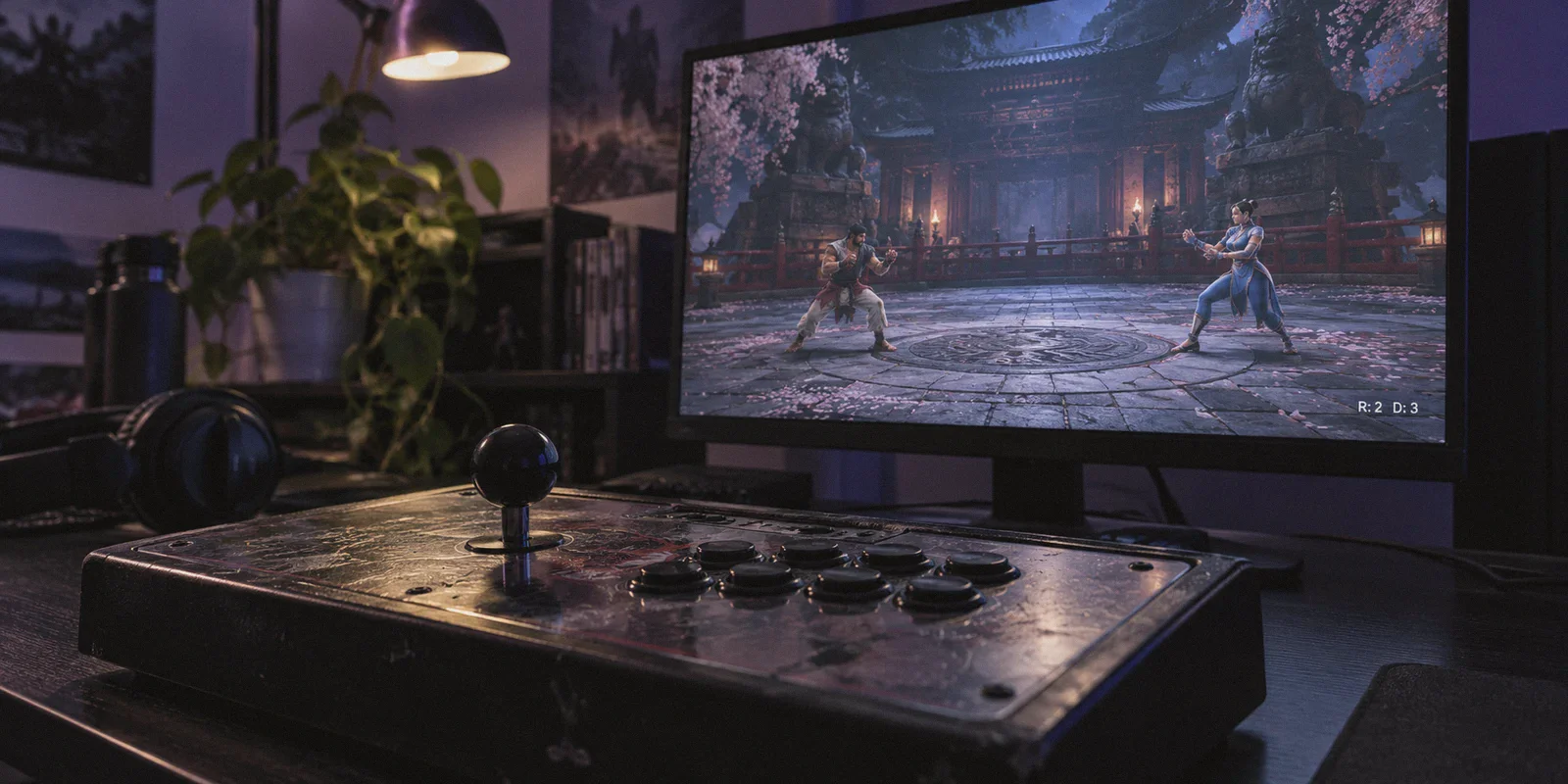
You hit Ranked, accept a match against someone showing 4 bars, pick your main, and load into the arena.
Round one starts. You visually read a low sweep, input your crouch block on frame-perfect timing, and… you get launched anyway. In the corner of your screen, the bottom-right connection display tells a depressing story: ping bounces between 45ms and 110ms, while R: 2 (Rollback Frames) and D: 3 (Delay Frames) flicker like a failing neon sign.
Every fighting game player has been there. It’s the kind of match that tilts you not because you got outplayed, but because your inputs evaporated into the netcode void.
Naturally, you head to Google or Reddit and search for the best VPN for Tekken 8.
Before you spend a dime or change your network settings, let's clear up a huge misconception: A VPN cannot magically pull your ping below the laws of physics. If you are playing someone across an ocean, distance is distance.
However, if you are getting unplayable matches against players who live just a few states or regions away, your connection isn't suffering from physical distance—it's getting butchered by bad ISP routing and packet jitter.
Here is what is actually breaking your Tekken 8 matches, when a VPN actually fixes it, and what setup gives you clean, unjittered games without turning network configuration into a part-time job.
Article summary and product fit
Can a VPN actually improve Tekken 8 rollback lag?
The article’s answer is conditional: a VPN cannot beat physical distance or fix Wi-Fi problems, but it may help when otherwise reasonable matches suffer from unstable ISP routing, jitter, or traffic shaping.
Key points and product fit
- Best for: Players already using Ethernet who still see erratic jitter, rollback, or delay against nearby 4-bar opponents.
- Core issue: The article emphasizes route stability and packet jitter rather than chasing the lowest possible ping.
- Product fit: OnlyDogs VPN is presented as a low-friction option for testing a cleaner route with its Fastest Line preset.
- Important limit: A VPN cannot fix an opponent’s Wi-Fi, a poor local wireless link, or the latency created by intercontinental distance.
Sources already linked in this article: Product source: OnlyDogs VPN official website.
Why Tekken 8 Rollback Feels Terrible Even on "Good" Ping
A lot of players came into Tekken 8 expecting its rollback netcode to handle matches as smoothly as Street Fighter 6 or Guilty Gear Strive. Then reality hit.
Tekken 8 uses a hybrid netcode: a mix of traditional delay and rollback. 3D fighters track vastly more bone physics, collision boxes, and micro-axis movements than 2D games. Because of this, Bandai Namco designed the netcode to heavily prioritize visual synchronization:
- Jitter Hurts More Than High Ping: In Tekken, a steady 80ms ping with zero packet loss feels completely playable. But a connection bouncing erratically between 30ms and 70ms triggers constant rollback recalculations. That’s why you see opponents tele-snapping mid-string, whiff punishes failing, and inputs getting eaten.
- The "Potato PC" vs. Bad Route Dilemma: If your opponent’s PC drops below 60fps, the netcode slows both players down (indicated by red or yellow PC icons). But if the performance icons are green and the match still chokes, the culprit is almost always peering congestion.
- ISP Throttling & Crappy Hops: Residential ISPs don't route gaming packets along the cleanest path. They route through the cheapest transit peering points. During peak evening hours, gaming UDP packets get queued behind ordinary bulk data, resulting in micro-bursts of packet loss.
If your packets drop or arrive out of order, Tekken 8's engine panics, spikes delay frames, and rolls back character positions.
What a Gaming VPN Actually Does (And When It's a Waste of Money)
Let’s be blunt about when you should—and should not—use a VPN for Tekken 8.
When a VPN will NOT help you:
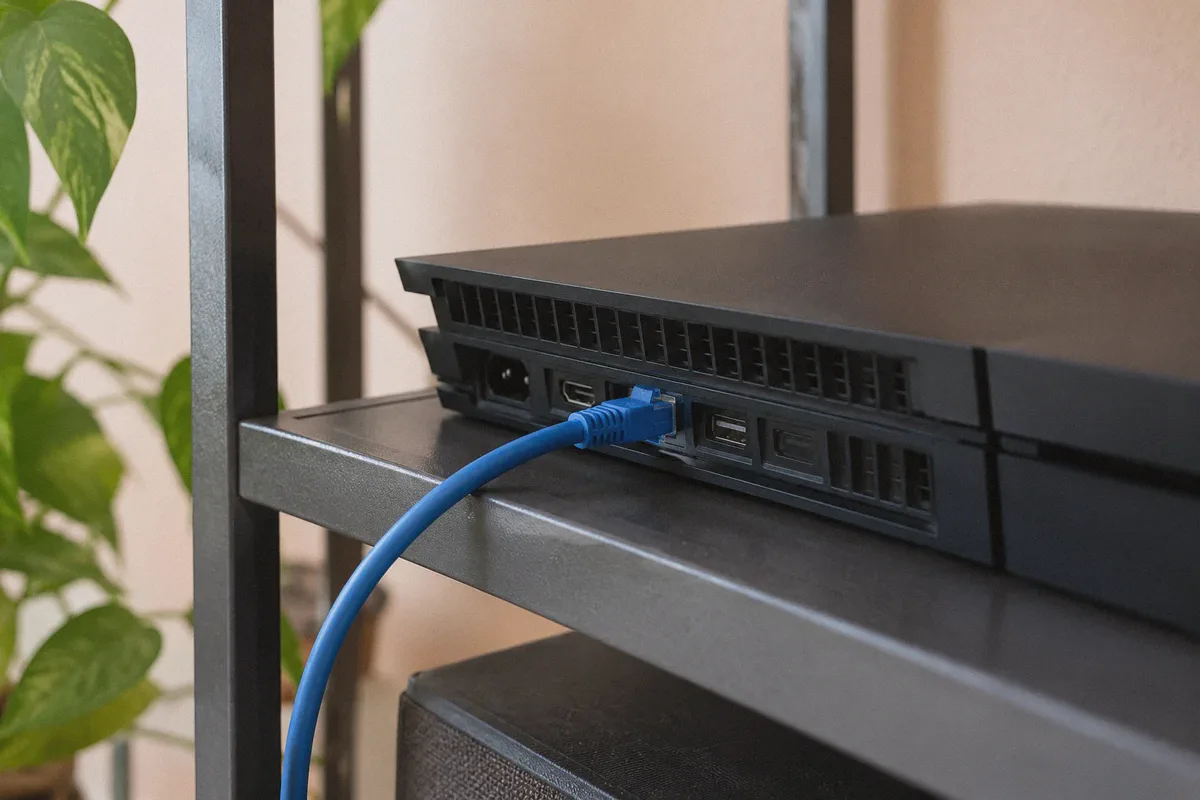
- You are playing on Wi-Fi: If your PC or console is on a wireless signal, stop searching for software solutions. Wall reflections and channel interference cause packet bursts that no VPN protocol can eliminate. Plug in an Ethernet cable first.
- Your opponent is on Wi-Fi: Tekken 8 explicitly shows a Wi-Fi icon on the match acceptance screen. If you accept a Wi-Fi match and experience stutter, that is on their end. Decline them at the prompt.
- You expect 20ms ping from California to Tokyo: Routing can optimize transit, but it cannot beat the speed of light through fiber optic cables.
When a VPN DOES fix your connection:
- Evening Jitter & Stutter: Your game runs smooth during afternoons, but becomes a teleporting nightmare between 7 PM and 11 PM.
- Routing Detours: Your ISP routes traffic from Chicago to Dallas through New York first because of congested peering handoffs. A direct VPN tunnel forces your data through a straight backbone, dropping jitter and stabilization frames.
- Aggressive ISP Traffic Shaping: Some regional broadband providers actively deprioritize persistent peer-to-peer (P2P) UDP traffic. Wrapping your packets in modern encrypted tunneling stops your provider from throttling your connection mid-set.
The Problem With Typical VPNs for Fighting Games
If you try to fix Tekken 8 using an old-school, bloated commercial VPN, you’ll often make the lag worse.
Most legacy VPNs were built for video streaming or anonymous web browsing, not 60-frame-per-second lockstep fighting games:
- Overcrowded Datacenter Hubs: Traditional servers pack thousands of users onto single gateway nodes. That introduces queue latency—death for fighting game timing.
- Bloated Protocols: Heavy overhead protocols like standard OpenVPN add artificial buffer delay to every single packet.
- Manual Server Roulette: Most VPN clients force you to scroll through 80 locations, manually connect, fire up Tekken, check the training mode match search, realize your ping jumped 30ms, quit, and repeat the process with another node. Nobody wants to spend their evening doing network diagnostic tests instead of playing ranked.
Why OnlyDogs VPN Works for Tekken 8
If you are going to route your gaming traffic through a secondary network, that network needs to be lean, fast, and completely free of manual guesswork. This is where OnlyDogs VPN fits into a fighting game setup.
1. One-Click "Fastest Line" Scenario Preset
Most fighting game players don’t know (and shouldn't have to know) what tier-1 transit line connects their city to game servers.
OnlyDogs eliminates the server list scavenger hunt with Scenario Presets. You don’t dig through sub-menus or guess between "Frankfurt 03" and "Frankfurt 12." You hit the Fastest Line preset. The client tests route responsiveness under the hood and locks onto the path with the lowest hops and packet jitter immediately.
2. HTTP/3 & Proprietary Protocol Under the Hood
Standard public VPN protocols have recognizable signatures that aggressive ISP firewalls flag and throttle. OnlyDogs VPN relies on HTTP/3 architecture, traffic obfuscation, and proprietary protocol engineering.
To your Internet provider, your gaming stream blends into clean, modern web traffic. It strips out the artificial packet queues and throttling that ISPs slap on sustained peer-to-peer UDP traffic during high-traffic hours.
3. Rapid Recovery for Sudden Packet Spikes
Fighting game connections don't just drop—they stumble. If your home network experiences a brief micro-congestion, typical VPNs drop the tunnel, causing Tekken 8 to freeze for 5 full seconds or disconnect with a communication error.
OnlyDogs was designed specifically for weak-network environments and volatile network transitions. When a network glitch occurs, its connection layer catches packet loss and stabilizes instantly in the background without dropping your session or forcing a game-ending server desync.
4. Zero Clutter, Zero Hassle Setup
You don’t need another gaming launcher that demands a 16-character password you forgot three months ago. OnlyDogs uses a clean email verification code login across macOS, Windows, Android, and iOS.
Open the app on your gaming PC, authenticate in seconds, tap the fastest route, and launch Steam.
👉 Get OnlyDogs VPN and clean up your connection routing
Optimal Tekken 8 Network Settings Checklist
To get the most out of your setup and lock in a tournament-grade connection, run through these adjustments before heading into Ranked:
| Setting | Recommendation | Why It Matters |
|---|---|---|
| Physical Connection | Wired Ethernet Only | Eliminates 95% of random packet drops and jitter spikes. |
| In-Game Matchmaking | 4+ Bars Only (Decline Wi-Fi) | Prevents matching with players with unstable home wireless. |
| In-Game Netcode Setting | Prioritize Response | Keeps input delay minimal; let the netcode rollback visually rather than delay your buttons. |
| Background Apps | Close Torrents / Video Downloads | Prevents local bufferbloat from stealing bandwidth while you play. |
| VPN Profile | OnlyDogs VPN (Fastest Line Preset) | Forces your ISP onto optimized transit routing with clean packet sequencing. |
Quick Verdict: Do You Need It?
If your Tekken 8 matches already feel like offline play with zero rollback artifacts, don't change a thing. Your ISP's routing to your regional player pool is doing its job.
But if you are wired on Ethernet, matching 4-bar opponents, and still losing games to phantom hits, delayed execution, and erratic jitter during evening sessions, your ISP is botching the transit path.
Stop losing rank points to bad routes. Turn on OnlyDogs VPN, tap the fastest line, and let your inputs hit the opponent when they're supposed to.
👉 Check Out OnlyDogs VPN for PC & Console
Frequently Asked Questions
Why can Tekken 8 feel bad even when the displayed ping looks reasonable?
The article points to jitter, packet loss, and unstable routing. A steady connection can feel better than one whose ping swings sharply and forces repeated rollback or delay adjustments.
When should I avoid trying a VPN as the first fix?
If you are playing on Wi-Fi, the opponent is on Wi-Fi, or you are trying to overcome unavoidable long-distance latency, the article says to address those limits first.
What should I check before testing a different network route?
Use wired Ethernet, prefer 4-bar-or-better opponents, close bandwidth-heavy background apps, and then compare whether a different route reduces jitter without adding unnecessary latency.